
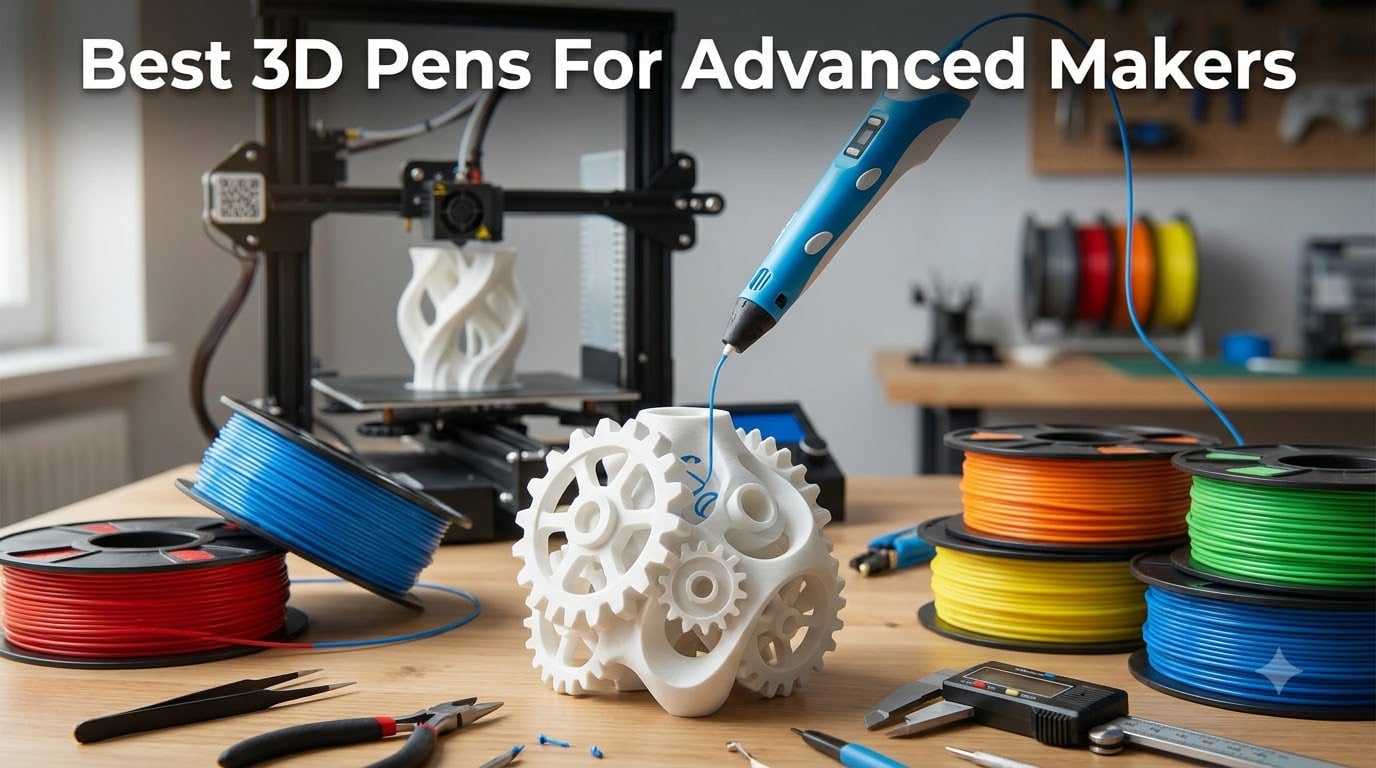
Quick answer: the best 3D pen for advanced makers in 2026 is the MYNT3D Professional with OLED Display, thanks to 1-degree temperature control from 140 to 230 C, an adjustable feed, and standard 1.75mm filament that pulls straight from your printer spool rack. The SCRIB3D Advanced takes the value crown with 348 feet of PLA in 20 colors, and the MYNT3D Super remains the budget workhorse with more than 22,000 reviews behind it.
Most 3D pen reviews are written for beginners and kids. That is a problem if you spend your weekends patching failed prints, welding ABS seams on cosplay armor, or prototyping parts you will machine later. A pen that feels fine tracing stencils for an hour can turn into a clogging, hand-cramping liability in a six-hour studio session.
We built this guide differently. Our team pulled the ten highest-signal professional 3D pens on the market right now, dug through thousands of buyer reports, and mapped every model against the workflows advanced makers actually run: print repair, prop making, plastic welding, fine detail sculpture, and mixed-media art. Every rating and review count you see below is pulled directly from current listing data, not marketing copy.
Along the way we folded in what the maker community keeps repeating on Reddit and the Prusa forums. The complaints are consistent across threads: proprietary filament lock-in, filament clogs in cheap pens, short power cords, whiny motors, ABS fumes in closed rooms, and customer service that goes silent when a pen arrives dead. Those five pain points shaped our picks as much as the spec sheets did.
Here is how the field shakes out, from a tuned OLED flagship to a twenty-two-thousand-review budget veteran. If you already know your main use case, jump straight to the comparison table or the buying guide at the end.
Table of Contents
Top 3 Picks for Advanced Makers
If you only have a minute, these three cover the spread. The MYNT3D Professional OLED kit is our editor’s choice for precision work, the SCRIB3D Advanced bundle delivers the most filament per dollar, and the MYNT3D Super is the proven beater pen you hand to an assistant without worry.

MYNT3D Professional 3D Pen OLED Kit
- OLED temp display
- 1-degree increments 140-230 C
- DesignPad and FreePad mats

SCRIB3D Advanced 3D Pen Bundle
- 20 colors 348 ft of PLA
- Variable speed control
- Ceramic anti-clog nozzle

MYNT3D Super 3D Printing Pen
- Ultrasonic sealed nozzle
- Stepless speed slider
- ABS and PLA support
Best 3D Pens for Advanced Makers in 2026
The table below puts all ten pens side by side so you can compare filament support, control surface, and bundle contents at a glance. Rank order reflects our overall assessment for professional and serious hobby workflows, not just star ratings. Deeper reviews follow.
| Product | Specifications | Action |
|---|---|---|
| MYNT3D Professional OLED Kit |
|
Check Latest Price |
| SCRIB3D Advanced Bundle |
|
Check Latest Price |
 MYNT3D Pro Kit MYNT3D Pro Kit |
|
Check Latest Price |
 SCRIB3D P1 Bundle SCRIB3D P1 Bundle |
|
Check Latest Price |
 MYNT3D Professional OLED MYNT3D Professional OLED |
|
Check Latest Price |
 MYNT3D Super Mat Kit MYNT3D Super Mat Kit |
|
Check Latest Price |
| MYNT3D Super 3D Pen |
|
Check Latest Price |
 SCRIB3D Advanced Pen SCRIB3D Advanced Pen |
|
Check Latest Price |
 Juku 3Doodler Create+ Juku 3Doodler Create+ |
|
Check Latest Price |
 3Doodler Flow Pen 3Doodler Flow Pen |
|
Check Latest Price |
1. MYNT3D Professional OLED Kit — Best Overall for Precision Work
MYNT3D Professional Printing 3D Pen with OLED Display & 3D Pen Mat Kit, DesignPad + FreePad,Black
OLED temp display
1-degree increments 140-230 C
Adjustable feed speed
DesignPad + FreePad mats
Pros
- Temperature adjustable in 1 degree increments from 140 to 230 C
- OLED display for live temperature monitoring
- Adjustable feed regulates speed and flow
- No clogging issues reported
- Includes DesignPad and FreePad drawing surfaces
Cons
- Requires practice to master 3D drawing technique
- Included filament supply runs out quickly
I ran this pen through a weekend of PLA and ABS welding on a cracked enclosure, and the 1-degree temperature control is what sells it. Being able to nudge from 210 C to 215 C and watch the flow change on the OLED lets you match the exact melt profile of whatever printer filament you pulled off the shelf. Cheaper pens make you guess; this one hands you the data.
The adjustable feed pairs with that precision well. Slow it down for filigree on a prop helmet, then open it up to fill a layer line gap in one pass. Buyers consistently report zero clogging across filament swaps, which matches what the community says about MYNT3D’s sealed nozzle design.
The kit version adds three drawing surfaces, and the DesignPad is more useful than I expected for production work. Its double-sided silicone template has channels that hold molten lines while they set, which makes repeatable geometric panels possible instead of just freehand chaos. The FreePad’s adhesion is tuned so parts release without fighting.
Where it falls short is the same place every pro pen does: the learning curve is real, and the included filament disappears fast once you start actual fabrication. Budget for a spool of quality 1.75mm stock on day one.
One honest caveat is the review base. At 19 reviews and a 4.9 average, this specific kit is new enough that long-term failure data is thin, though the underlying Professional platform has been proven since 2016.
Temperature Tuning for Different Filaments
Plan your settings before you start: PLA typically flows best near the low end of the 140-230 C range while ABS wants the upper third. Write your proven temps on masking tape and stick it to your workbench. The OLED makes repeatability easy only if you actually record what worked.
Filament Supply Planning for Studio Use
The starter sticks vanish quickly under real workload, so treat them as calibration material only. Keep two or three vacuum-sealed 1.75mm spools on hand in your core colors. Since the pen takes standard filament, you can share inventory with your printer and cut waste.
2. SCRIB3D Advanced Bundle — Best Value for High-Volume Work
SCRIB3D Advanced 3D Printing Pen with 2 Starter Colors and PLA Refill Pack with 20 Assorted Colors
348 ft of PLA in 20 colors
Variable speed control
Large LCD screen
Ceramic anti-clog nozzle
Pros
- Includes 348 feet of PLA filament across 20 colors
- Variable speed control for precise drawing
- Ceramic nozzle with anti-clogging design
- Premium motor for smooth feeding
- Ergonomic design for long sessions
Cons
- Compatibility listed for PLA only rather than ABS
- Bundle leans toward craft projects over studio fabrication
This is the bundle I point people toward when they know they will burn through material. Three hundred forty-eight feet of PLA across 20 colors is genuinely a season of detail work for most makers, and having color options on tap changes how you approach mixed-media pieces. You stop rationing and start experimenting.
The pen itself holds up its end. Variable speed control gives you clean line-weight authority, the large LCD keeps heat settings visible mid-project, and the ceramic nozzle with anti-clog design is the feature veteran users care most about. A premium motor keeps feeding smooth instead of sputtering through long draws.
Current owners rate it 4.8 from early reports, and the feedback pattern is consistent: comfortable grip, reliable extrusion, no clog drama. For a pen platform that ranks in the top fifteen of its category, that is a strong showing.
The limitation for advanced work is material range. The bundle is specced for 1.75mm PLA, and there is no listed ABS support, which matters if your workflow involves welding printer parts made from styrene-based plastic. The stencil book and project guide also skew toward craft outcomes rather than fabrication.
Color Planning for Multi-Part Builds
Twenty colors invites mixing, but plan a palette before you unspool anything. Dedicate your neutral range to structural welds and hidden layers, and reserve brights for visible surface detail. That discipline keeps the 348-foot supply lasting through real projects instead of swatch testing.
When PLA-Only Support Actually Matters
If your prints are PLA, this pen slots into your workflow with zero compromise. If you print ABS or need solvent-smoothable welds, you will want an ABS-capable pen from later in this list instead. Decide based on your printer’s bed material, not the pen’s rating.
3. MYNT3D Pro Kit — Best Complete Starter-to-Studio Kit
MYNT3D Pro 3D Pen + 10 Color PLA + DesignPad Mat Kit
Stepless speed control
Sealed replaceable nozzle
10 vacuum-sealed PLA colors
DesignPad mat kit
Pros
- Complete kit with pen
- refills and drawing mats
- Stepless speed control for flow regulation
- Discrete temperature adjustability for multiple materials
- Replaceable sealed nozzle prevents clogging
- 1 year warranty with unlimited customer service
Cons
- Requires practice to master the technique
- Body gets hot enough to burn careless users
This is the kit I wish existed when I moved from doodling to actual fabrication. You get the Pro pen, ten vacuum-sealed PLA colors, the DesignPad channel mat, and the transparent FreePad in one box, which means zero shopping trips before your first real project. The 4.6 rating across 654 reviews suggests a lot of people agree.
Stepless speed control is the headline spec for serious work. Instead of three or eight fixed settings, you dial flow continuously, which is what lets you lay a hair-thin accent line and then immediately flood a structural joint without touching a menu. Discrete temperature adjustability opens upgraded material options beyond basic PLA.
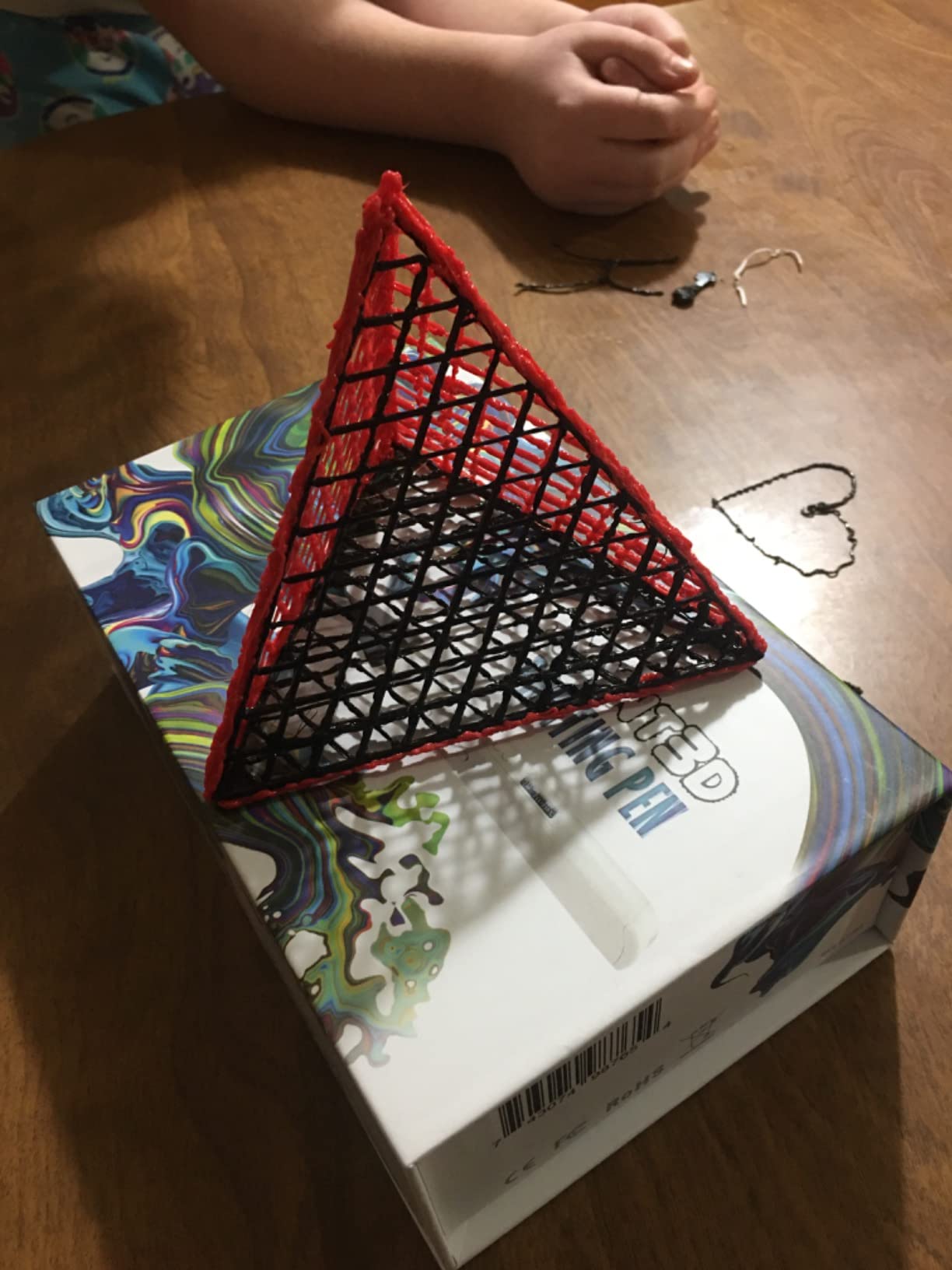
The replaceable sealed nozzle deserves more attention than it gets. Nozzles are the wear part on any 3D pen, and a sealed, swappable design means a clog costs you a five-minute swap instead of a dead pen. Owners repeatedly call out clog-free operation even after months of use.
Heating is quick and temperature holds steady under continuous extrusion, which is where cheaper pens drift and start under-extruding. MYNT3D backs it with a one-year limited warranty and what they describe as unlimited customer service access, a real differentiator in a category where support is notoriously spotty.
Two honest warnings from buyer reports: the technique takes practice like any pen, and the body runs hot. This is not a tool to hand a young maker unsupervised.
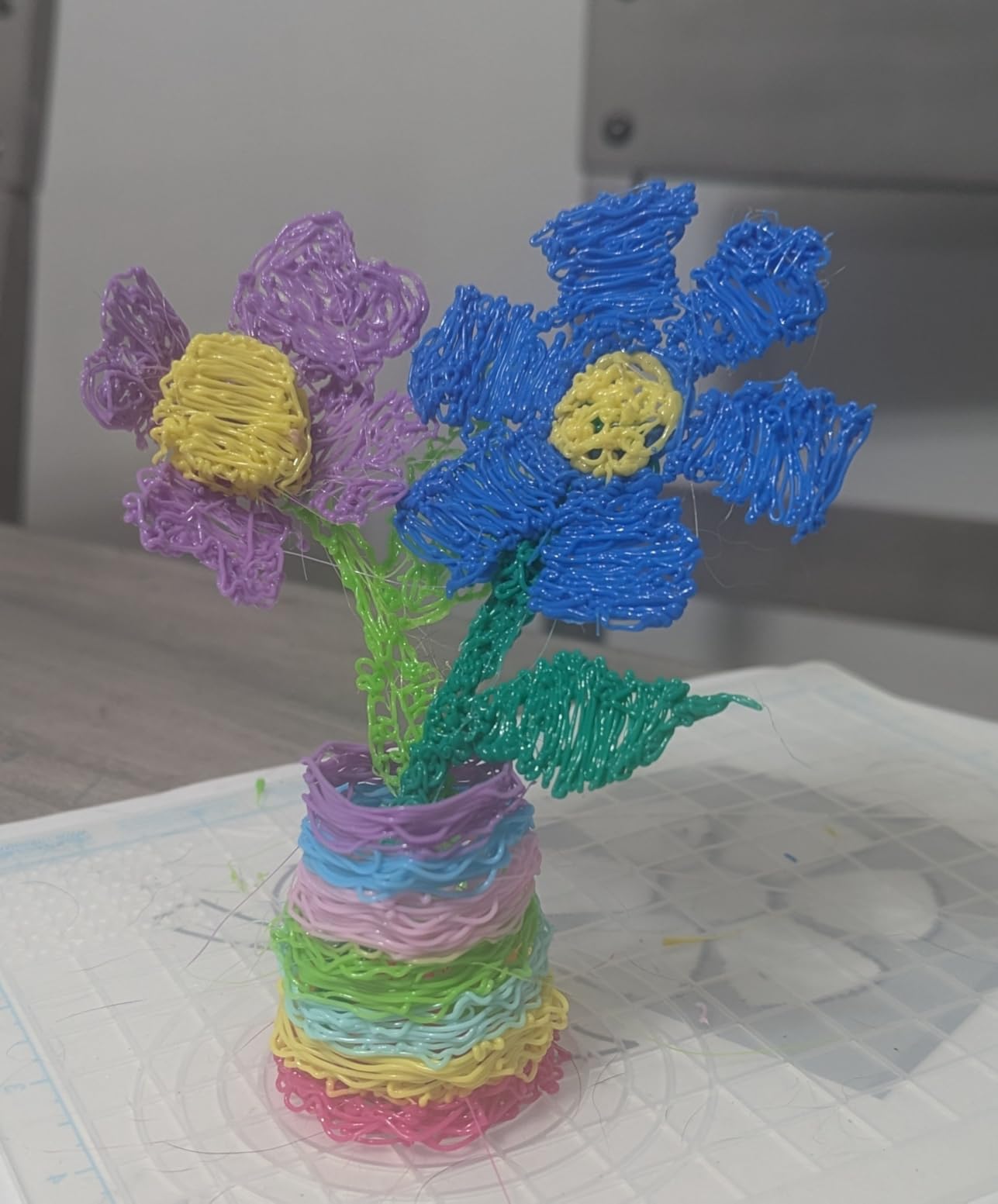
Maintenance Routine for Long-Term Reliability
Purge the nozzle with a few inches of clean PLA at the end of every session before shutdown. Store filament in the vacuum bags it ships in once opened. A thirty-second habit here is the difference between a pen that lasts a season and one that lasts years.
Warranty and Support Expectations
Register your purchase and keep the order confirmation accessible from day one. MYNT3D advertises unlimited customer service on this kit, and community feedback on their responsiveness is far better than the horror stories attached to some budget brands. Use it if flow ever degrades.
4. SCRIB3D P1 Bundle — Best for Print Repair on a Budget
SCRIB3D P1 3D Printing Pen with 3 Starter Colors and PLA Refill Pack with 20 Assorted Colors
Stepless speed slider
PLA and ABS compatible
LCD temp display
328 ft of PLA included
Pros
- Stepless speed slider for precise flow control
- Compatible with both PLA and ABS filaments
- Ceramic nozzle with anti-clogging design
- Includes 328 feet of assorted PLA filament
- Soft ergonomic grip for long sessions
Cons
- Not intuitive without reading the manual first
- Requires tinkering to find right feed speed and temperature
For welding and patching failed prints, this is the value pick I recommend most often. Dual PLA and ABS compatibility means it can actually bond with the two most common printer materials instead of just smearing PLA onto an ABS part and hoping. The #4 best-seller rank in its category reflects that practicality.
The stepless speed slider is the right control scheme for repair work. Filling a gap in a vase-mode wall wants a fraction of the flow that rebuilding a snapped tab does, and a slider gets you between them instantly. An LCD readout keeps temperature where you set it.
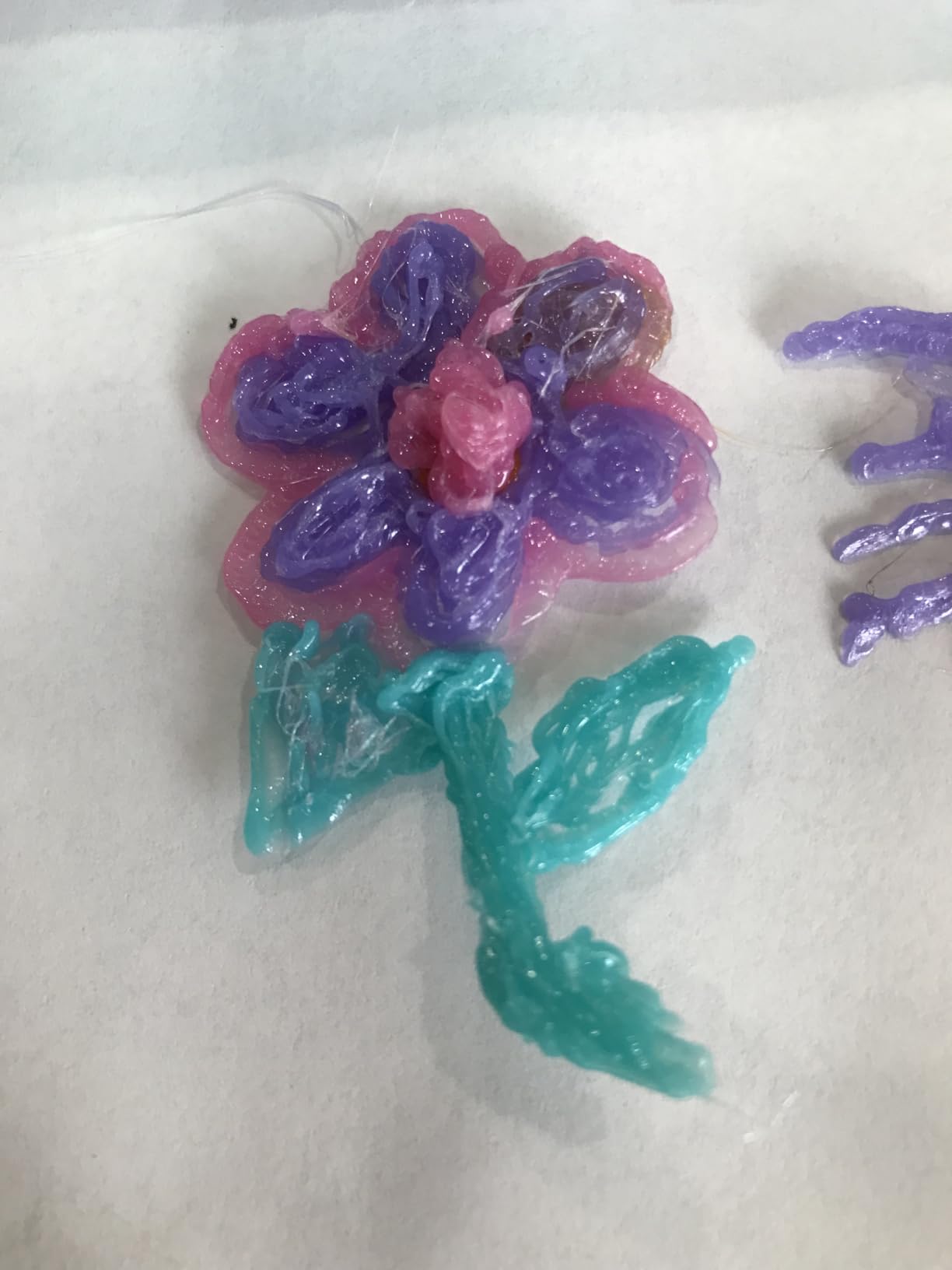
Ceramic nozzle, anti-clog design, premium motor: the core hardware matches pens costing meaningfully more. Add 328 feet of assorted PLA plus starter colors and you can start patching the print pile the same afternoon the box arrives.
Be realistic about the onboarding. Multiple owners say the controls are not intuitive until you read the manual, and finding the sweet spot of feed speed versus temperature takes deliberate tinkering. Reviewers also advise using the reverse button when you finish a session so filament does not dry inside the nozzle.
Once dialed in, it holds settings well. Families and hobbyists report consistent performance across long crafting stretches, and the 4.6 rating across 407 reviews backs that up.
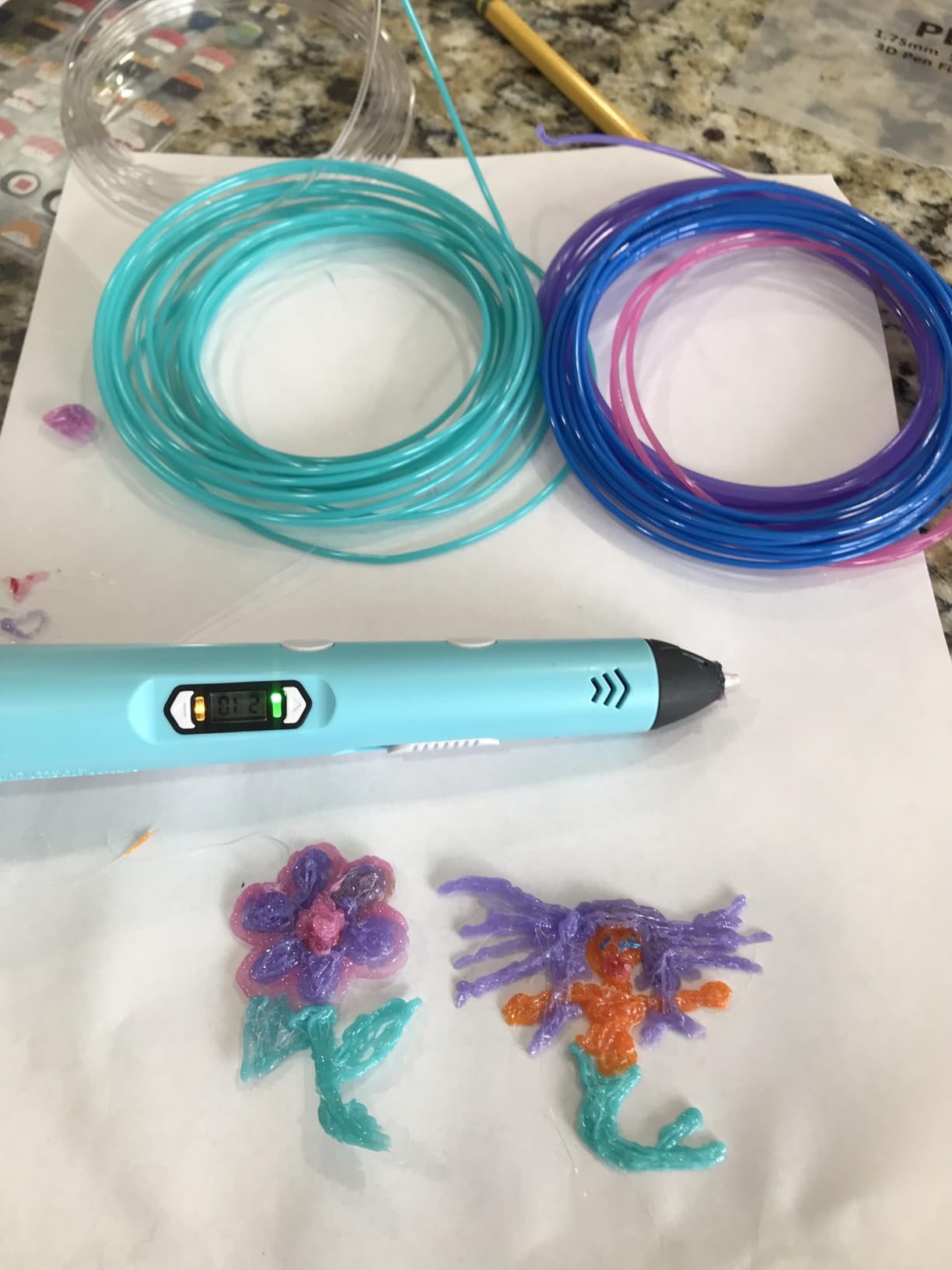
Dialing In Weld Settings for ABS Parts
Start at the middle of the temperature range and increase in small steps until the extruded strand glosses over when it hits the part. If the strand stays ropey, you are too cool; if the surrounding plastic slumps, back off. Note the winning temp for each filament brand you use.
Unloading Discipline to Prevent Clogs
Always run the reverse function to clear the melt chamber at the end of a session. Never leave a partially fed stick cooling inside the nozzle. These two habits, repeated every time, are what keep the anti-clog promise actually true.
5. MYNT3D Professional OLED — Most Battle-Tested Pen
MYNT3D Professional Printing 3D Pen with OLED Display
OLED temp display
140-230 C in 1-degree steps
Adjustable feed speed
Slim ergonomic body
Pros
- OLED display for monitoring temperature
- Temperature adjustable in 1 degree increments from 140 to 230 C
- Adjustable feed speed for regulating flow
- Over 13
- 000 customer reviews
- 1 year limited warranty with A/C adapter included
Cons
- Stock frequently runs low due to demand
- 4.4 rating trails newer 4.8-4.9 competitors
- Learning curve for first-time users
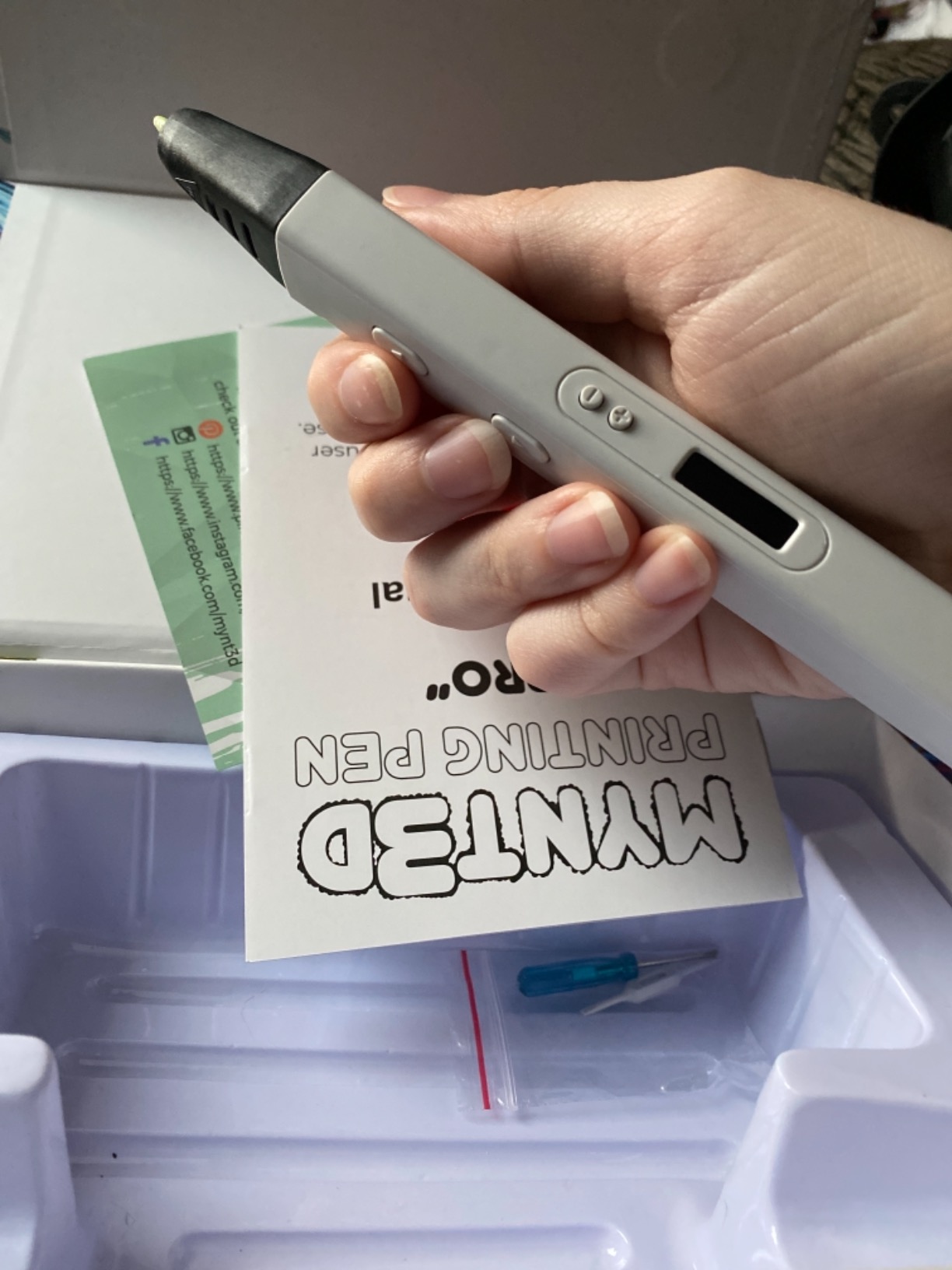
This is the pen that defined the professional category, on sale since 2016 with more than 13,000 reviews behind it. When forum veterans say MYNT3D Professional is the reliability benchmark, this is the exact model they mean. Ours has survived years of demos, drops, and loaner duty without a failure.
Spec-wise it is the same story as our top pick: 1-degree temperature increments across 140-230 C, a large OLED for live material temps, and adjustable feed for flow regulation. The slim ergonomic body stays comfortable through long sculpture sessions where bulkier pens cramp your grip.
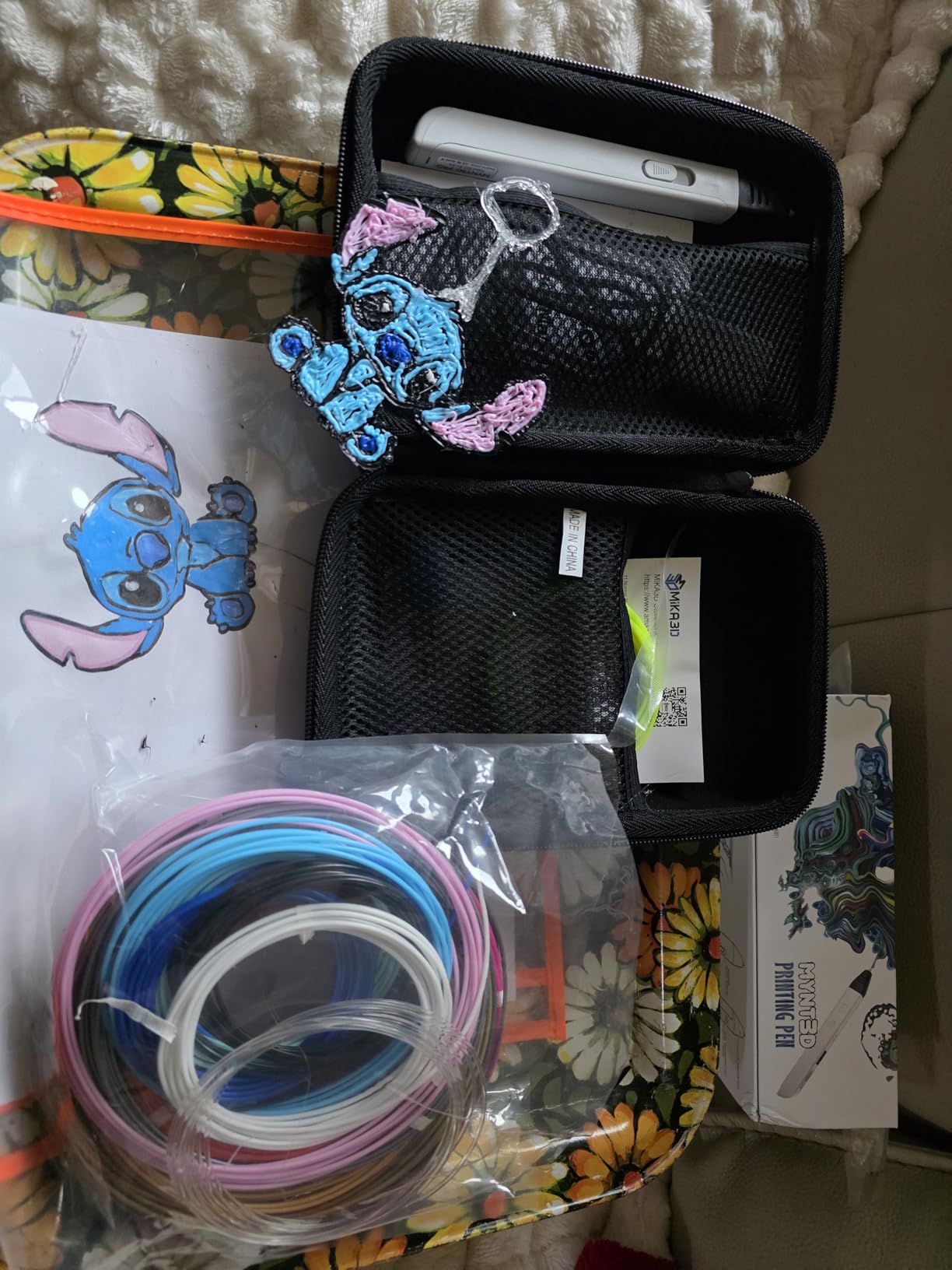
Thirteen thousand reviews is not just social proof, it is failure data. You cannot hide recurring defects at that volume, and the 4.4 average has held stable for years. It ships Prime with an A/C adapter and three PLA colors, and carries the one-year limited warranty.
The trade-offs are straightforward. The 4.4 rating trails the 4.8-4.9 scores of newer rivals, some of which is just tougher grading a decade ago, and demand keeps inventory thin. If the listing shows low stock and you want one, waiting is a gamble.
There is also a learning curve for newcomers to the technique. The pen is not the obstacle, but expecting printer-level consistency on day one leads to frustrated reviews that say more about the skill floor than the hardware.
Verifying You Are Buying the Current Unit
Because this model has been sold under several bundle codes over the years, check that the listing includes the A/C adapter and current warranty terms before ordering. Match the model number on the box to the listing. That thirty-second check avoids most disappointment reports we see.
Who Should Choose the Kit Version Instead
If you want the mats and a filament library up front, the kit higher up this list bundles those for you. Buy this standalone version when you already own spools and surfaces and just want the proven pen body. Both share the same core hardware.
6. MYNT3D Super Mat Kit — Best Studio Workhorse Bundle
MYNT3D Super 3D Pen + 10 Color PLA Filament + DesignPad Mat Kit
Stepless speed control
ABS or PLA temperature presets
Sealed clog-free nozzle
10 PLA colors + mats
Pros
- Bundle includes pen
- 10 PLA refills and mat kit
- Stepless speed control for enhanced flow regulation
- Temperature adjustability for ABS or PLA
- Replaceable sealed nozzle for clog-free operation
- 1 year warranty with unlimited customer service access
Cons
- Starter spools are basic quality worth upgrading
- Platform lacks an auto-feed reverse function
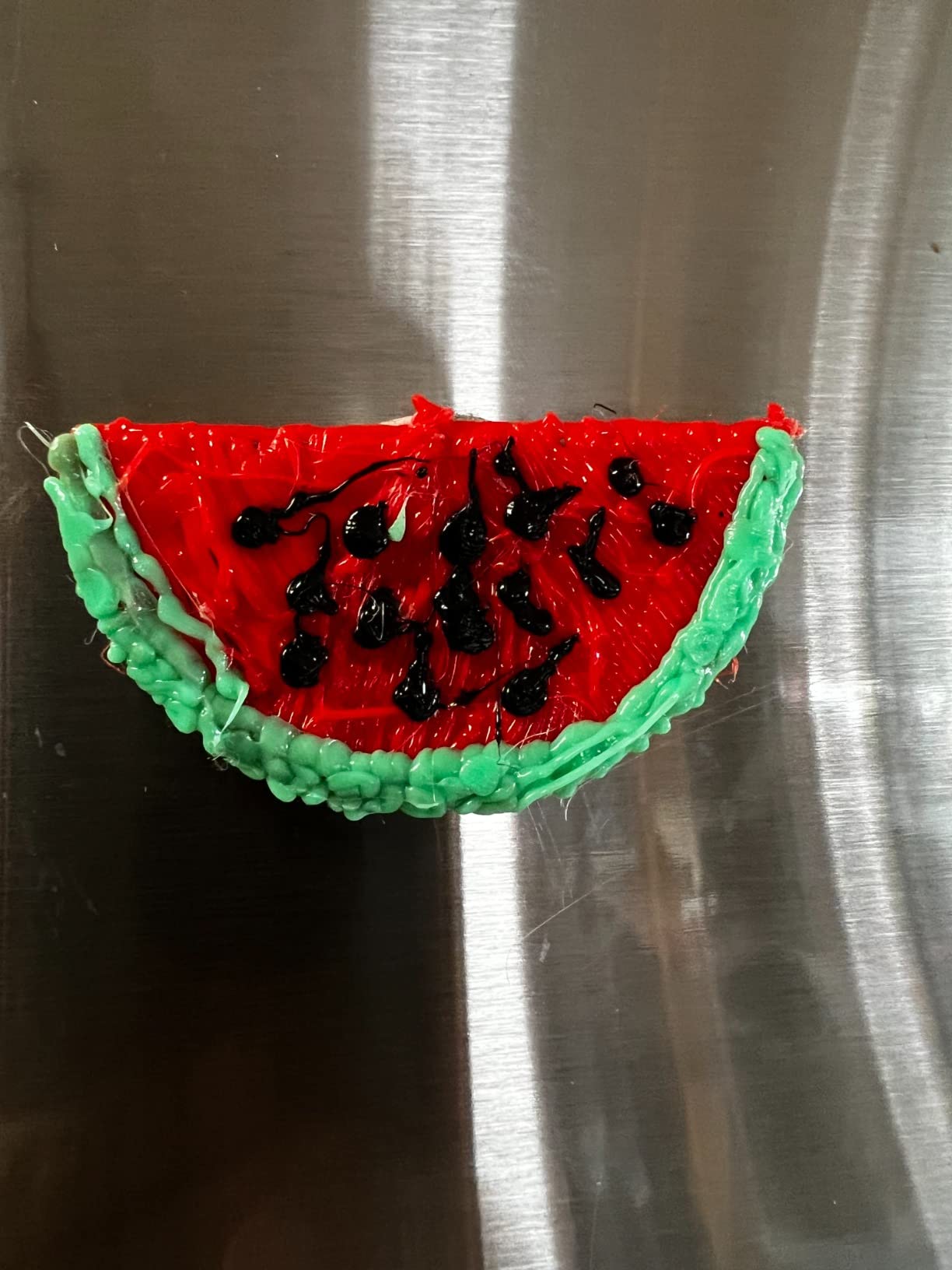
Think of this as the Super pen platform packaged for someone building a permanent station. The box pairs the pen with ten vacuum-sealed PLA colors, the double-sided DesignPad with shape channels, and the transparent FreePad for tracing. It is the desk setup, not just the tool.
Stepless speed control and temperature adjustability for both ABS and PLA cover the two controls that matter for fabrication. The replaceable sealed nozzle design is built for clog-free, long-lasting operation, which is the spec I weigh heaviest for daily drivers.
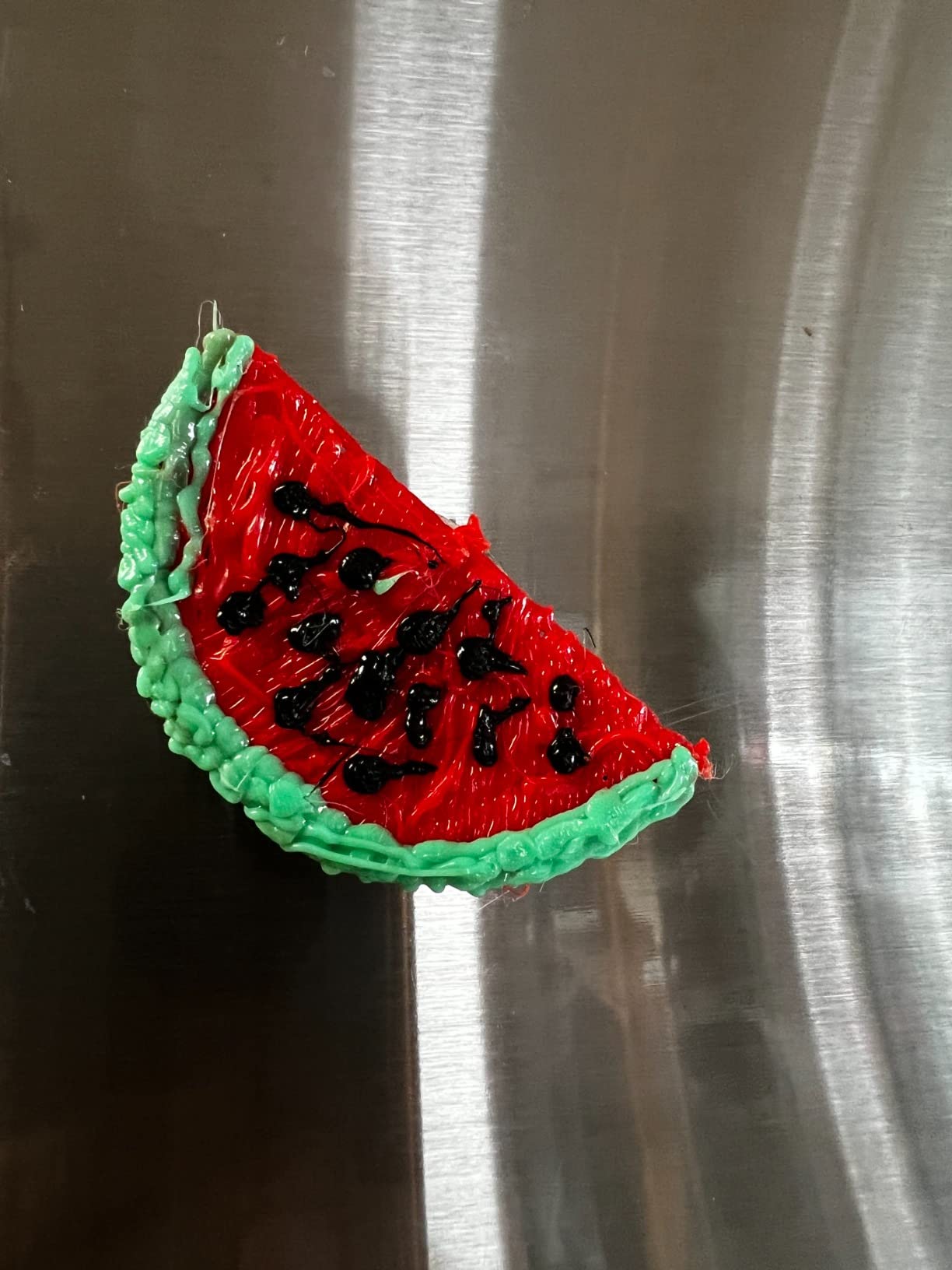
The rating distribution tells a healthy story: 4.4 across 1,321 reviews, with 70 percent five-star and only about six percent at two stars or below. That shape, a tall peak and a short tail, is what reliable hardware looks like in aggregate.
For studio economics, the vacuum-sealed packaging matters more than it seems. PLA absorbs humidity and degrades, and sealed refills mean the color you opened six months ago still feeds cleanly. MYNT3D includes their one-year limited warranty plus reachable support on this bundle.
Two honest notes: the bundled filament is serviceable starter stock you will eventually upgrade, and the Super platform has no auto-feed reverse, so unloading takes a moment of patience.
Setting Up a Dedicated Pen Station
Anchor the DesignPad to your bench so it never shifts mid-line, and keep a ceramic tile nearby as a heat-safe rest between passes. Store the FreePad flat to preserve its adhesion surface. A fixed station turns a pen you sometimes use into a tool you reach for constantly.
ABS Workflow and Ventilation Planning
ABS support is genuinely useful for print welding, but plan airflow before you use it heavily. Position a fan to move air away from your face, crack a window, and take breaks during marathon sessions. Community reports of styrene odor are real and worth designing around.
7. MYNT3D Super — Best Budget Pick With a Massive Track Record
MYNT3D Super 3D Pen, 1.75mm ABS and PLA Compatible 3D Printing Pen
Ultrasonic sealed nozzle
Stepless speed slider
ABS and PLA compatible
USB power option
Pros
- Ultrasonic sealed nozzle is nearly clog-proof
- Stepless speed slider regulates flow precisely
- Compatible with ABS and PLA filaments
- USB power option for travel or desk setups
- 22
- 000+ reviews with 1 year limited warranty
Cons
- No auto-feed reverse for unloading filament
- Body gets noticeably warm during long sessions
- Starter filament is basic quality worth replacing
Twenty-two thousand reviews and the #2 best-seller rank in 3D printing pens: no other pen on this list comes close to the MYNT3D Super’s evidence base. It is the cheap pen that is not cheaply made, and the one budget option I hand to people without disclaimers.
The ultrasonic sealed nozzle is the standout engineering choice, marketed as nearly clog-proof with market-leading durability. Owners back that up, reporting consistent flow with no sputtering or random gaps, which are exactly the failure modes that ruin budget pens.
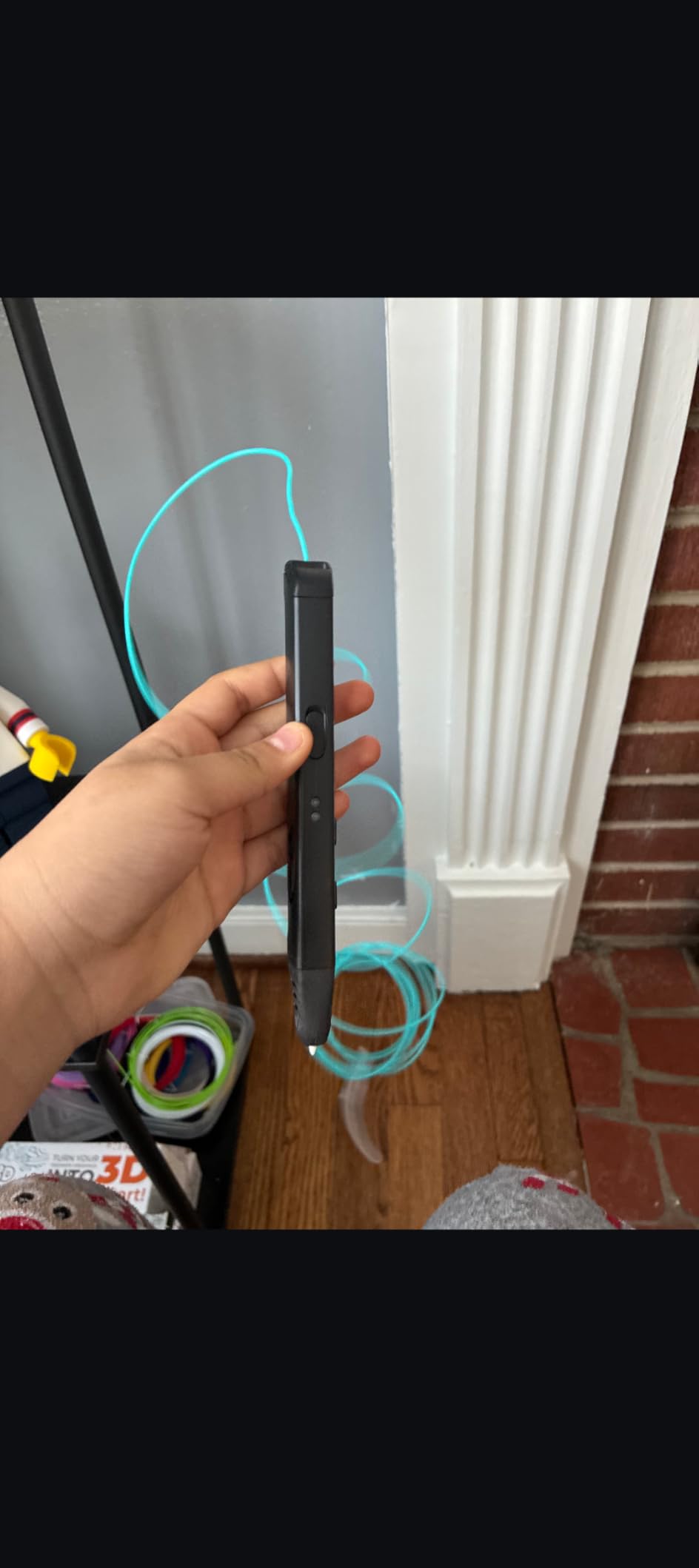
Control-wise you get the two essentials done right: a stepless speed slider for line discipline and adjustable temperature to dial in the perfect melt per filament. ABS and PLA compatibility at this price point is rare and makes it a legitimate print-repair backup pen.
Practical details are thought through. It is lightweight and comfortable for long sessions, offers USB power for travel or desk setups, ships Prime with an A/C adapter and three PLA colors, and carries a one-year limited warranty.
Know the compromises: no auto-feed reverse, so unloading takes a moment; the body warms noticeably during extended use; and the starter filament is worth replacing with better spools. None of those are dealbreakers at this tier.
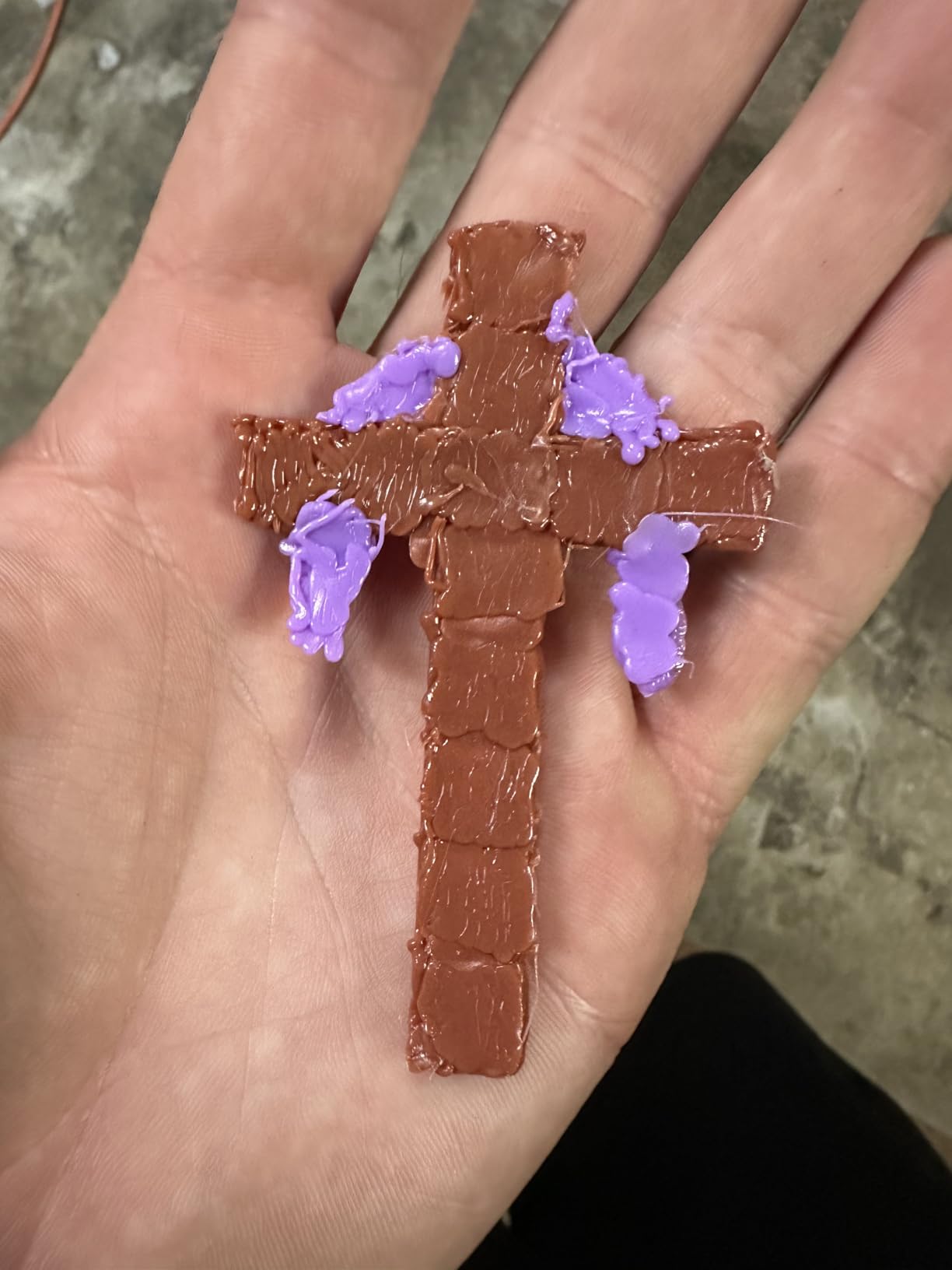
Upgrading the Filament Immediately
Treat the included sticks as break-in material and order a quality 1.75mm spool in your workhorse color alongside the pen. Owners consistently note the stock filament is the weakest part of the package. Since any standard filament works, the upgrade costs little and transforms results.
USB Power Versus the A/C Adapter
The USB option is convenient for travel and light sessions, but a quality power source matters for thermal stability on long ABS runs. Use the included A/C adapter at your bench and save USB for portable sketching. Undersized USB bricks cause the temperature drift people blame on the pen.
8. SCRIB3D Advanced Pen — Best Discrete Speed Control
SCRIB3D Advanced 3D Printing Pen with 20 Feet of Filament, Stencil Book, and Project Guide
8 speed settings
Large LCD screen
Ceramic anti-clog nozzle
Ergonomic soft-touch body
Pros
- 8 discrete speed options for line thickness control
- Large LCD screen monitors heat and settings
- Soft-touch ergonomic body for long sessions
- Includes 5 PLA colors
- adapter
- manual and stencil guide
- 1 year guarantee with responsive customer service
Cons
- Low squealing noise during operation
- Short power cord limits workspace flexibility
- Reverse function is slow and incomplete
Where the MYNT3D pens go stepless, this SCRIB3D Advanced goes structured: eight discrete speed settings you can jump between deliberately. For repeat production work where line four is always your detail speed and line seven is always flood fill, indexed settings beat a slider for consistency.
The hardware around that control scheme is solid. A large LCD keeps heat and speed visible, the ceramic nozzle resists clogging, and the soft-touch curved body is genuinely comfortable across a six-hour prop session. The kit arrives ready to use with five PLA colors, adapter, manual, and stencil guide.
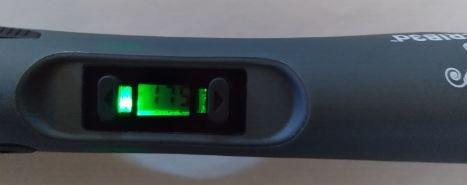
At 4.3 across 3,415 reviews, the aggregate signal matches our experience: it heats fast, holds settings, and does the basics very well. SCRIB3D includes a one-year guarantee, and the customer service behind it gets positive mentions from the community.
The complaints are specific and worth knowing. Owners report a low squealing or whirring noise during operation that grates over long sessions, the power cord runs short, and the reverse function is slow and only partially clears filament. A few units had quality-control misses like a broken reverse button.
Treat it as a desk pen rather than a roving tool and most of that fades. The noise is the one thing you cannot accessorize away.
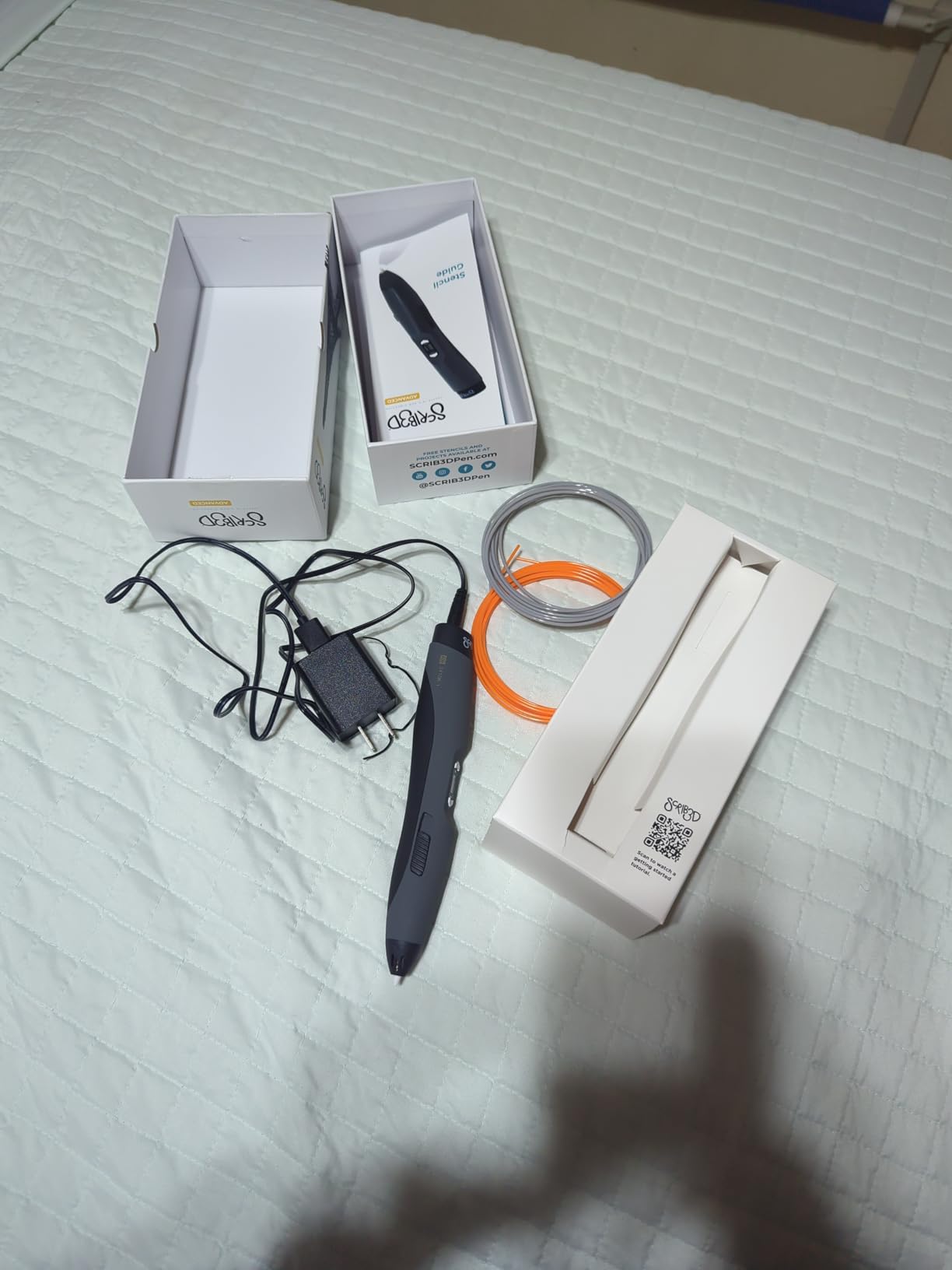
Managing the Short Cord Problem
Plan an outlet or power strip within reach of your work surface rather than assuming factory cord length will span the bench. A right-angle extension rated for heating devices solves it permanently. Owners who plan around the cord stop mentioning it entirely.
Indexed Speeds Versus Stepless Sliders
Choose indexed eight-step control if you repeat the same line weights across many identical parts. Choose a stepless slider if you improvise continuously, as in sculpture and freehand figure work. Neither approach is better; they reward different working styles.
9. Juku 3Doodler Create+ — Best Dual-Drive Flow Control
Juku™ 3Doodler Create+ 3D Printing Pen, Steel Blue
Dual-drive flow control
PLA, ABS and FLEXY plastics
Fast and slow modes
15 refill colors included
Pros
- Dual-drive technology gives precise flow rate control
- Fast mode covers large areas and slow mode handles detail
- Compatible with 3Doodler PLA
- ABS and FLEXY plastics
- Includes 15 refill colors
- adapter and tool set
- Suitable for artwork
- repairs
- jewelry and model building
Cons
- Uses 3mm 3Doodler rods instead of standard 1.75mm spools
- Small review base of 25 ratings for this listing
The Create+ earns its place on one piece of engineering: dual-drive technology that grips filament from both sides for exact flow-rate control. When you are laying a bead into a crack or building a deliberate curl, that grip authority is the difference between placed material and approximated material.
The two-mode speed system is refreshingly honest about real workflows. Fast mode covers large surface areas, slow mode handles detail work, and the optimized speed control keeps finished projects looking the way you pictured them. It is compatible with 3Doodler PLA, ABS, and FLEXY plastics, and flexible filament support is something no other pen here offers.
3Doodler’s ecosystem runs deep for this line, with the widest accessory and nozzle catalog in the category. The listing bundles 15 refill colors across ABS and PLA, a power adapter, a tool set, and a project guide with five build-alongs.
The trade-off is filament format: this platform feeds on 3mm 3Doodler rods rather than the 1.75mm spools your printer uses. That means no sharing inventory with your print farm, and refills stay brand-specific. The 4.1 rating on this listing is drawn from a small 25-review base, so weigh the platform’s reputation more than this particular box.
Cost of the Proprietary Rod Ecosystem
Price out refills in your core colors before committing, because rod packs cost more per gram than bulk 1.75mm spool stock. If flexible FLEXY work or specialty nozzle shapes justify that premium, the platform pays for itself. If you mainly weld standard prints, a 1.75mm pen is the smarter economics.
Who the Dual-Drive Advantage Suits
Pick this pen if your work is jewelry-grade detail, model fabrication, or repairs where bead placement is everything. Skip it if your priority is burning through cheap bulk filament at speed. The drive system rewards precision hands, not volume hands.
10. 3Doodler Flow — Best Multi-Material Ecosystem Pen
3Doodler Flow 3D Printing Pen for Teens, Adults & Creators – Black, with Free Refill Filaments, Stencil Book & Guide, 3.1 x 10.74 x 4.44 inches
1.75mm PLA, ABS and wood
Integrated LCD temp monitor
80 ft in 8 colors
No software setup
Pros
- Compatible with 1.75mm PLA
- ABS and wood filaments
- Integrated LCD provides real-time temperature monitoring
- No complicated software or hardware setup
- Compact and lightweight for on-the-go use
- Includes 80 feet of plastic in 8 colors plus guide book
Cons
- Starter supply of 80 feet runs out quickly
- Activity guide skews toward beginner projects
The Flow is 3Doodler’s move to standard 1.75mm filament, and it lands the pairing the community asked for: the most mature pen ecosystem in the category finally accepts the same spools your printer eats. PLA, ABS, and wood composite compatibility in one pen opens textural work the others cannot touch.
The integrated LCD gives real-time temperature monitoring, which matters most when you hop between materials with different melt points in a single build. There is no software or setup theater; you plug in, load, and work. Extruded plastic hardens almost instantly, freehand or on stencils.
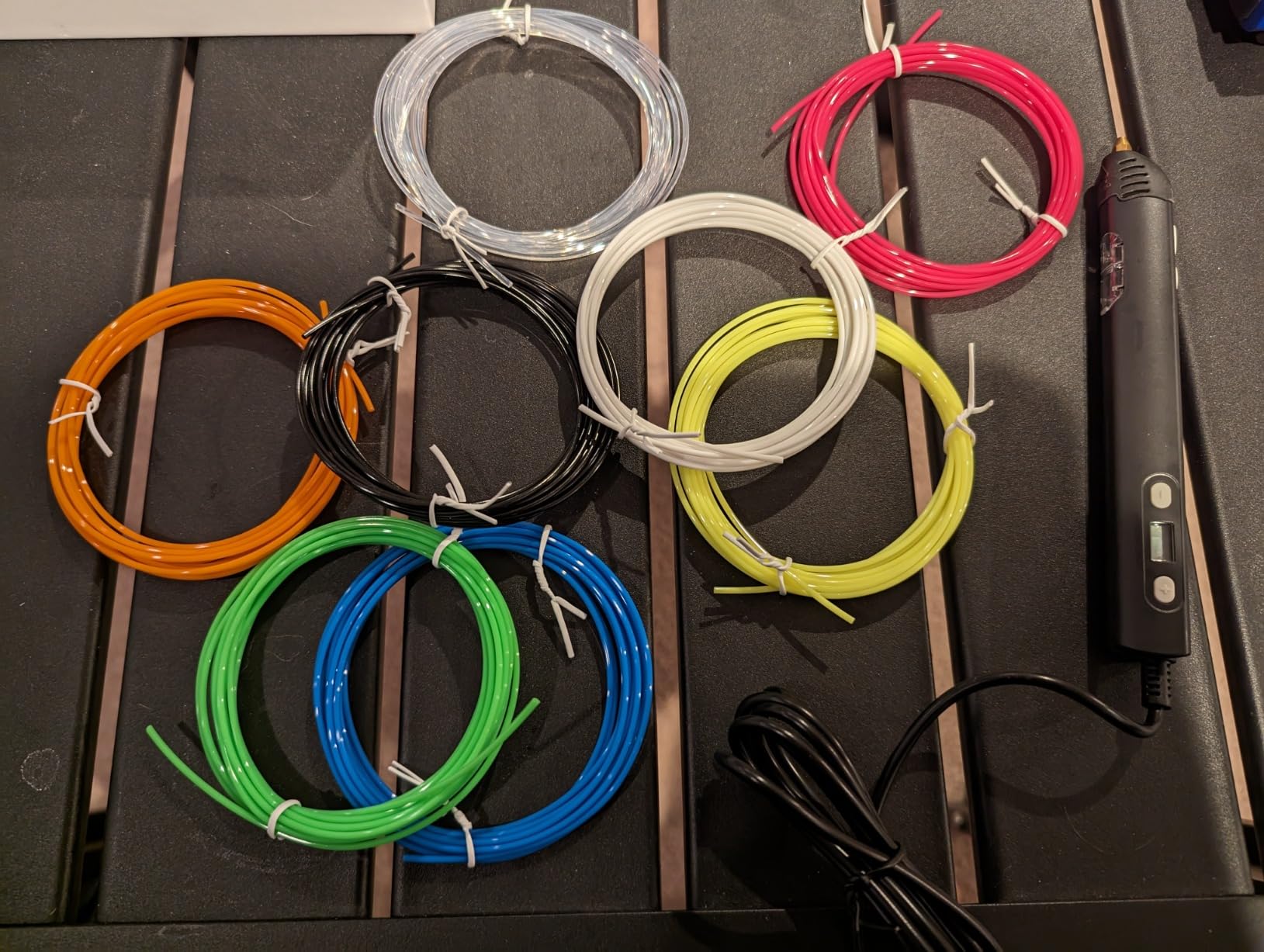
Wirecutter named the Flow their top overall pick after building two dozen sculptures across fourteen pens, and our read of buyer data agrees with the thrust: it is simply the most reliable do-anything pen in the lineup. At 15.8 ounces it has some presence, but it is compact enough to travel in a kit bag.
The box includes eight colors totaling 80 feet plus a comprehensive activity guide. That supply is calibration-scale for a serious maker, so plan on ordering spool stock immediately.
Two caveats keep it at number ten rather than higher. The 4.1 rating across 523 reviews on this listing trails the MYNT3D and SCRIB3D leaders, and the included guide is written for first-time creators rather than working makers.
Working With Wood Composite Filament
Wood-filled PLA sands, stains, and weathers like real timber, which transforms prop and diorama work. Run it slightly hotter than plain PLA, clean the nozzle when you swap back, and expect a grittier feed feel. The payoff is texture no paint technique convincingly fakes.
Fitting the Flow Into a Printer Workflow
Because it shares 1.75mm spools with your printer, the Flow slots in as the finishing tool: print the base geometry, then weld seams, add fillets, and sculpt transitions by hand. Keep one spool of each core color reserved as pen stock so the printer never strands your pen mid-job.
What to Look for in an Advanced 3D Pen
Buy on filament format, temperature authority, and nozzle serviceability, in that order. Everything else is comfort. Here is the checklist we used to rank all ten pens above.
Filament Compatibility Comes First
Standard 1.75mm compatibility is the single biggest economic and workflow factor for advanced makers. Pens that feed on 1.75mm stock let you share spools with your printer, buy cheap third-party filament in bulk, and never worry about discontinued proprietary rods. Pens locked to brand-specific refills cost more per gram forever.
Check material range too: PLA-only pens cannot weld ABS prints, and ABS-capable pens handle the two most common printer materials. If your work involves flexible or wood composite filament, your shortlist shrinks to one or two models immediately.
Temperature Range and Control
Look for a wide adjustment range with fine increments, ideally displayed live on an OLED or LCD. One-degree steps across roughly 140-230 C let you match a filament’s exact melt profile instead of fighting a preset that is close enough. A visible readout is what makes settings repeatable between sessions.
Extrusion Speed and Flow Control
Stepless sliders suit improvisational work; indexed multi-speed settings suit repeat production. Either beats fixed speed completely. Pair the control type with the motor quality, because flow regulation means nothing if feeding is sputtering or gappy. Owner reviews mentioning consistent flow are worth more than any spec sheet claim.
Nozzle Design and Clog Resistance
Sealed and ultrasonic-welded nozzles are the gold standard for clog prevention, and replaceable nozzle designs turn the one fatal failure into a consumable swap. Ceramic nozzles also resist the residue buildup that plagues cheaper extruders. Every forum thread about disappointed buyers traces back to an unfixable clog.
Ergonomics, Cord Length, and Studio Setup
You will hold this tool for hours, so weight balance and grip shape decide whether session six ends early. Slim barrels suit detail hands; soft-touch curves suit sculptors. Check cord length against your bench before buying, because short tethers are among the most common complaints in owner reports, and plan an extension or power strip accordingly.
Fume Safety in Enclosed Studios
ABS extrusion releases styrene odor that builds in small rooms, a recurring theme in maker forums. Ventilate with cross airflow or a desk fan pulling away from your face, and favor PLA for marathon sessions since it produces noticeably less odor. Never run ABS for hours in an unventilated closet studio, and take breaks.
Filament Economics for Frequent Users
Calculate cost per foot, not per pack, because heavy users burn material faster than any bundle anticipates. Bulk 1.75mm spools undercut proprietary refills substantially over a year of steady work. Vacuum-sealed packaging matters as well, since humid PLA feeds poorly and wastes material you already paid for.
Warranty and Customer Service Track Record
A one-year warranty is the category norm, but responsiveness varies wildly between brands. Community threads include dead-on-arrival pens met with silence from some makers, while MYNT3D and SCRIB3D earn consistent praise for support on the models above. Buy from listings with responsive sellers, keep your order records, and register where offered.
Pairing a Pen With Your 3D Printer
A pen complements a printer; it never replaces one. Printers own geometry and repeatability, while pens own welding failed prints, adding fillets, bridging seams, sculpting transitions, and fixing parts that would need reprinting otherwise. Makers who treat the pen as a post-processing tool report the highest satisfaction, and dual-material pens with 1.75mm support make that handoff seamless.
Frequently Asked Questions
What is the best 3D pen for professionals?
The MYNT3D Professional with OLED display is the best professional 3D pen overall, thanks to 1-degree temperature control from 140 to 230 C, an adjustable feed, and standard 1.75mm filament compatibility. The SCRIB3D Advanced bundle is the best value option, and the 3Doodler Flow is the strongest multi-material pick for PLA, ABS, and wood filament work.
What is the best brand of 3D pen?
For advanced makers, MYNT3D is the most trusted brand for reliability and universal 1.75mm filament compatibility, SCRIB3D offers the best mid-range value with strong bundle contents, and 3Doodler leads on ecosystem depth with the widest accessory and material range. All three back their pens with one-year warranties.
Which is better, 3Doodler or SCRIB3D?
3Doodler is better for makers who need multi-material support and the deepest accessory ecosystem, including flexible and wood filaments on the Flow. SCRIB3D is better for budget-conscious buyers who want solid PLA performance, a ceramic anti-clog nozzle, and generous filament bundles at a lower cost. Choose 3Doodler for versatility and SCRIB3D for value.
Is ABS or PLA better for a 3D pen?
PLA is better for most 3D pen work because it flows smoothly at lower temperatures, produces less odor, and suits detail drawing and sculpture. ABS is better when you need to weld or repair ABS 3D prints, since matching materials bonds properly, but it requires ventilation because of styrene fumes. Advanced makers usually keep both on hand.
Can you use 3D pen filament in a 3D printer?
Yes, when both devices use standard 1.75mm filament you can share spools freely between pen and printer, which is the main reason advanced makers prefer 1.75mm-compatible pens. The exception is pens like the 3Doodler Create+ that feed on proprietary 3mm rods, which printers cannot use. Check the filament diameter on both tools before buying refills.
Final Verdict
Choosing the best 3D pens for advanced makers comes down to matching the control system and filament format to your actual workflow, not chasing the highest star rating. Precision fabricators should buy the MYNT3D Professional OLED kit for its 1-degree temperature authority. High-volume builders get the most material per dollar from the SCRIB3D Advanced bundle, and anyone who wants a no-regrets budget workhorse still lands well with the 22,000-review MYNT3D Super.
Two decisions matter more than the rest: insist on standard 1.75mm filament unless you specifically need FLEXY or wood composites, and insist on a sealed or replaceable nozzle because clogs are the only failure that retires a pen outright. Get those right and every pen on this list will serve a working studio.
Whichever you choose, order a quality spool of your workhorse filament at the same time, set up ventilation if ABS is in your future, and start with print-repair jobs to build control fast. Pick the pen that matches your bench and start welding that failed-print pile into finished work this week.