
A dash cam is worth it for commuters because your route is predictable, which means the same rear-enders, the same blind spots and the same parking bay come back every single day. The camera records continuously, the accelerometer locks the clip the moment it senses an impact, and parking mode keeps watching the car while you are at work. If someone reverses into you in the lot or fails to yield at the junction, you have video rather than a memory contest.
The honest downside is that a dash cam is one more thing to install, one more cable to hide, and one more microSD card to format every month or two. A cheap unit will also give you footage that looks fine in daylight and turns into unreadable mush the moment you pull into an unlit street. Those are real costs, and the cheapest cameras under the entry tier are widely reported as useless outside bright conditions.
Everything below is aimed at one job: driving to and from work, day after day. That changes what matters. Reliability over resolution, night visibility over headline 4K, and a capacitor over a lithium battery if your car sits in a hot parking structure all afternoon. I compared these ten units on their published specifications and owner feedback, focusing on the four things a commuter actually lives with: image quality after dark, parking mode behaviour, cable routing, and card health.
If you also drive for a living, our guide to the best dash cams for rideshare drivers covers cabin monitoring and cabin-facing channels in more depth.
Table of Contents
Top 3 Dash Cam Picks for Commuters

Best Dash Cams for Commuters in 2026
All ten cameras below record to a microSD card in looping segments, lock incident clips through a G-sensor and support some form of parking mode. The differences that matter for a daily drive are resolution on the rear channel, whether a supercapacitor replaces the lithium battery, and whether a hardwire kit is included or sold separately.
| Product | Specifications | Action |
|---|---|---|
 ROVE R2-4K Dual ROVE R2-4K Dual |
|
Check Latest Price |
 VIOFO A229 Plus VIOFO A229 Plus |
|
Check Latest Price |
 REDTIGER F7NP 4K REDTIGER F7NP 4K |
|
Check Latest Price |
| WOLFBOX G840S Mirror Dash Cam |
|
Check Latest Price |
 IIWEY N6 360 Degree IIWEY N6 360 Degree |
|
Check Latest Price |
 REDTIGER F17 4K 3CH REDTIGER F17 4K 3CH |
|
Check Latest Price |
 Affver A4 Affver A4 |
|
Check Latest Price |
 E-YEEGER S60 E-YEEGER S60 |
|
Check Latest Price |
 Neideso N300 360 Degree Neideso N300 360 Degree |
|
Check Latest Price |
 navycrest Q7 navycrest Q7 |
|
Check Latest Price |
1. ROVE R2-4K Dual: Best Dash Cam Overall for Commuters
ROVE R2-4K Dual Dash Cam Front and Rear, STARVIS 2 Sensor, Free 128GB Card
2.5K front upscaled to 4K plus 1080P rear
Sony STARVIS 2 IMX675 at F1.5
Dual-band WiFi, GPS, 128GB card
Pros
- Highest rated camera in this group at 4.5 stars across more than 14000 ratings
- Sharp low-light front footage with plate readability
- Three separate 24/7 parking modes to choose from
- Dual-band 5.8GHz and 2.4GHz WiFi for very fast phone transfers
- Supercapacitor and built-in thermal protection
Cons
- Front 4K is upscaled from native 2.5K rather than true 4K capture
- Rear camera is limited to 1080P
- Parking mode needs a hardwire kit bought separately
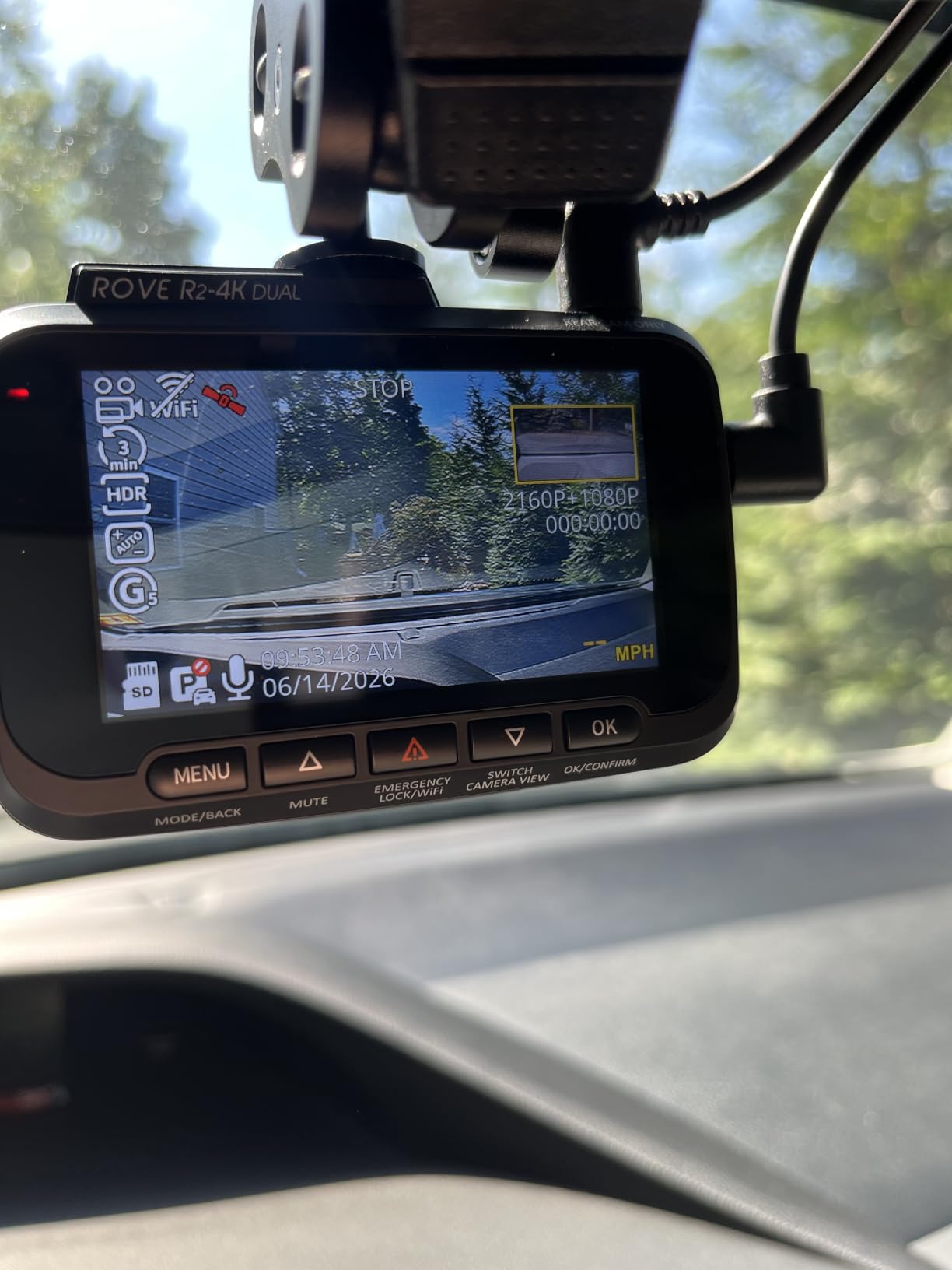
The ROVE R2-4K DUAL is the camera I would put in a commuter car first. It carries a Sony STARVIS 2 IMX675 sensor with an F1.5 aperture, and that pairing is what separates readable plates from a grey smear when you are driving home on an unlit suburban road. The 3-inch IPS screen shows live speed and compass data, so you can confirm GPS lock while you are still parked.
Its dual-band radio is the quiet advantage over most rivals at this level. Owners pull clips at up to 20MB/s, which means a 3-minute front-and-rear file lands on a phone in seconds rather than a coffee break. For someone who pulls a clip after every near miss, that speed is worth more than another thousand pixels.
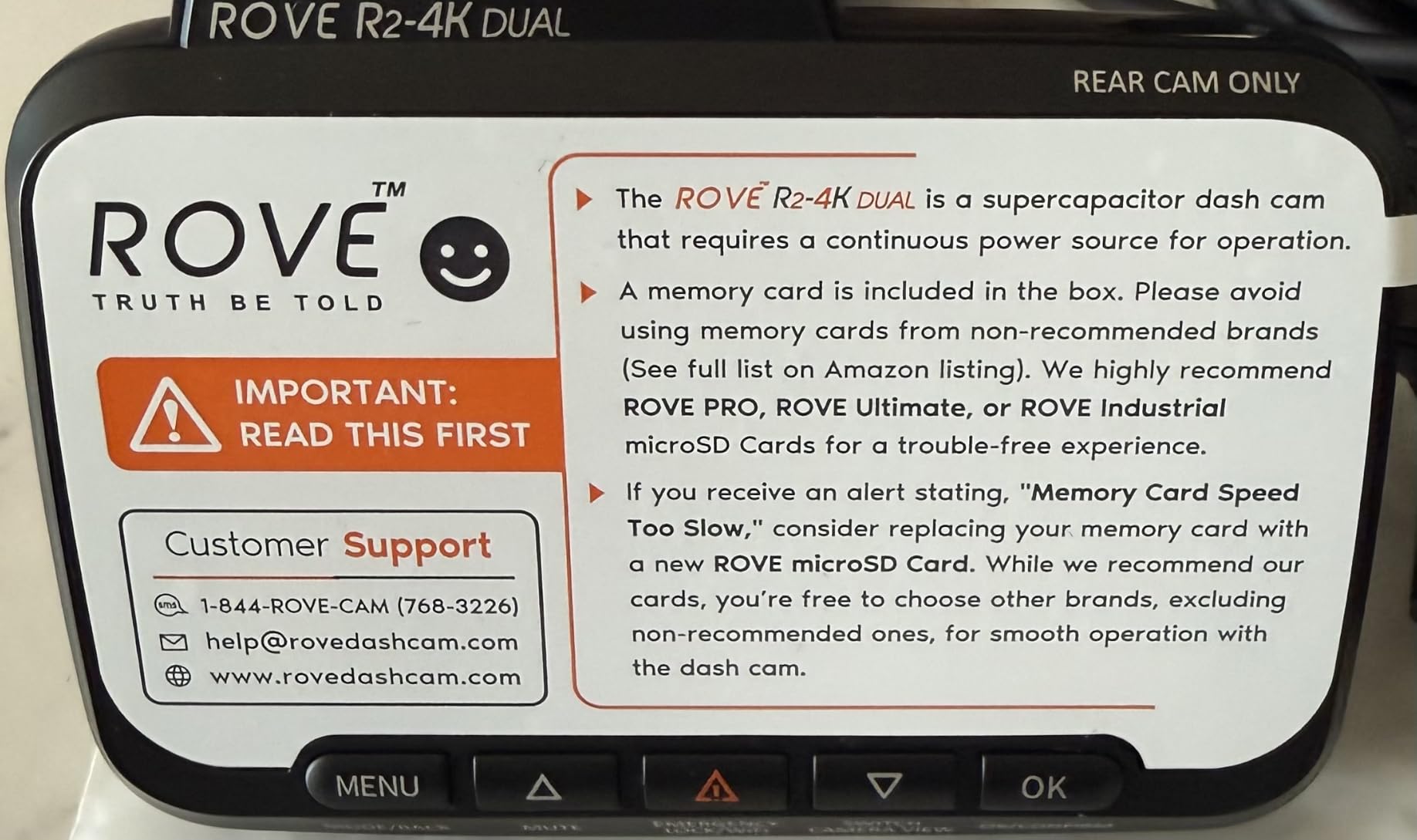
Three parking modes are offered, and you pick between them rather than getting one compromise setting. Time-lapse at 1fps records the whole parked scene, motion detection triggers on movement in frame, and collision detection wakes on an impact. That choice matters because a car parked in an open lot generates constant small motion events, and a motion-only setting will fill your card with footage of moving branches.
The one qualification is honest and matters if you care about fine detail. The front channel records native 2.5K and upscales to the 4K label on the box, so a 4K screenshot at full resolution is softer than a true 4K sensor would give you. For plate capture at normal following distance, the STARVIS 2 sensor does the heavy lifting and the difference is small.
Is it worth the extra cost over a plain 1080P front-and-rear set
For a commute where you spend real time on unlit roads, yes. The jump from a small sensor to STARVIS 2 at F1.5 is the difference between identifying a car and identifying a person in that car. On bright motorway stretches, a cheaper 1080P front and rear pair is perfectly adequate.
Storage headroom is another reason. This unit accepts microSD cards up to 1TB, which is more than double what most rivals allow, and a 128GB card is already in the box. For a long highway commute that adds up to days of footage before loop recording starts overwriting.
Which commute is it wrong for
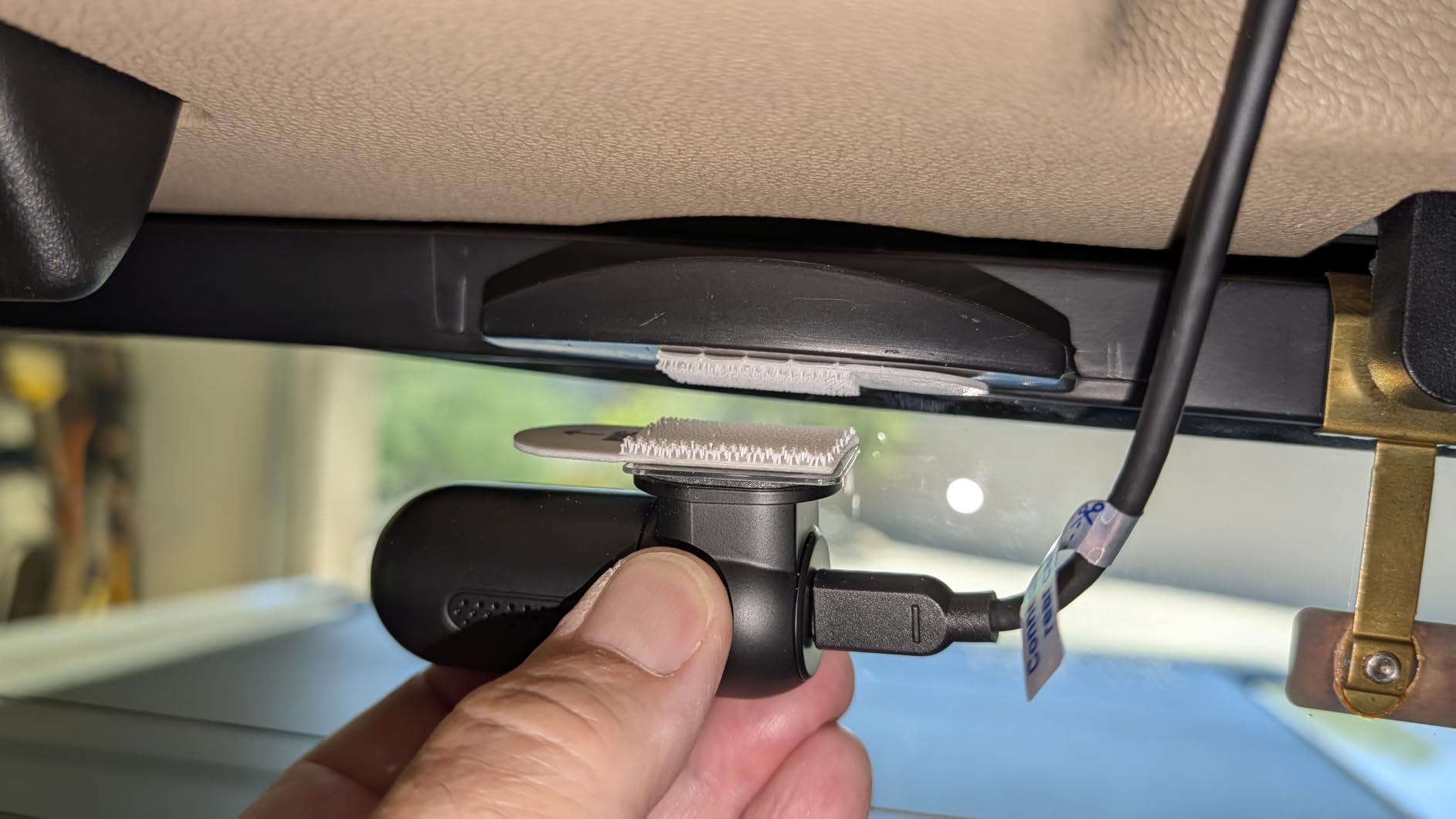
Skip it if you need a rear camera that matches the front in sharpness, or if you refuse to install a hardwire kit. Parking mode on this model does nothing until the kit is fitted, and leaving a 12V socket powered overnight to fake it will flatten a car battery over a few weeks. The power cable also needs proper routing down the A-pillar to avoid the airbag seam.
Wide-angle distortion is worth knowing about too. Both cameras are fairly wide, so the 170-degree-style field of view makes a following car look closer than it is. Insurers and police understand this, but it can be unsettling the first time you watch a replay.
2. VIOFO A229 Plus: Best 2K Dash Cam for Night Commuting
VIOFO A229 Plus Dash Cam Front and Rear, 2K Dual STARVIS 2 Sensors & HDR
2K 1440P front and 2K 1440P rear
Two Sony STARVIS 2 IMX675 sensors
HDR active on both channels
Pros
- Only camera here recording genuine 2K on both front and rear channels
- Dual STARVIS 2 sensors give the strongest low-light and plate capture in this group
- HDR on both channels holds detail under oncoming headlights
- Quad-mode GPS with accurate speed
- location and time stamps
- Buffered parking mode records 15 seconds before the impact and 30 after
Cons
- No microSD card included so a high-endurance card must be bought separately
- HK4 hardwire cable sold separately for parking mode
- VIOFO app interface is dated and occasionally slow
- Two similarly named VIOFO apps exist in the store
The VIOFO A229 Plus is the enthusiast pick, and the reason is simple. It is the only camera in this group that records true 1440P on the rear channel, and it puts a STARVIS 2 sensor behind both lenses. For a commuter whose worst fear is a dark road at 11pm, matching quality front and rear removes a compromise you would otherwise live with every night.
HDR runs on both channels, which is where most dual-camera sets fall down. On a two-lane road with oncoming headlights, HDR is what keeps the near lane’s lane markings from disappearing into white bloom. Combined with voice commands for locking a clip or taking a photo, it means you can protect an important moment without fumbling with buttons at a traffic light.
Parking mode is the most thoughtfully built of the group. The buffered event mode records 15 seconds before the impact and 30 seconds after, so a driver who brakes hard and gets rear-ended does not lose the moment of contact. Time-lapse and low-bitrate modes are there as alternatives. One owner reported using this camera’s footage to settle an insurance claim after being rear-ended, which is the single most useful outcome any of these products can produce.
Note the trade on frame rate. If you enable HDR, the front channel drops out of 1440P at 60fps. That is a fair exchange for night clarity, but it does mean you cannot have high frame rate and HDR together.
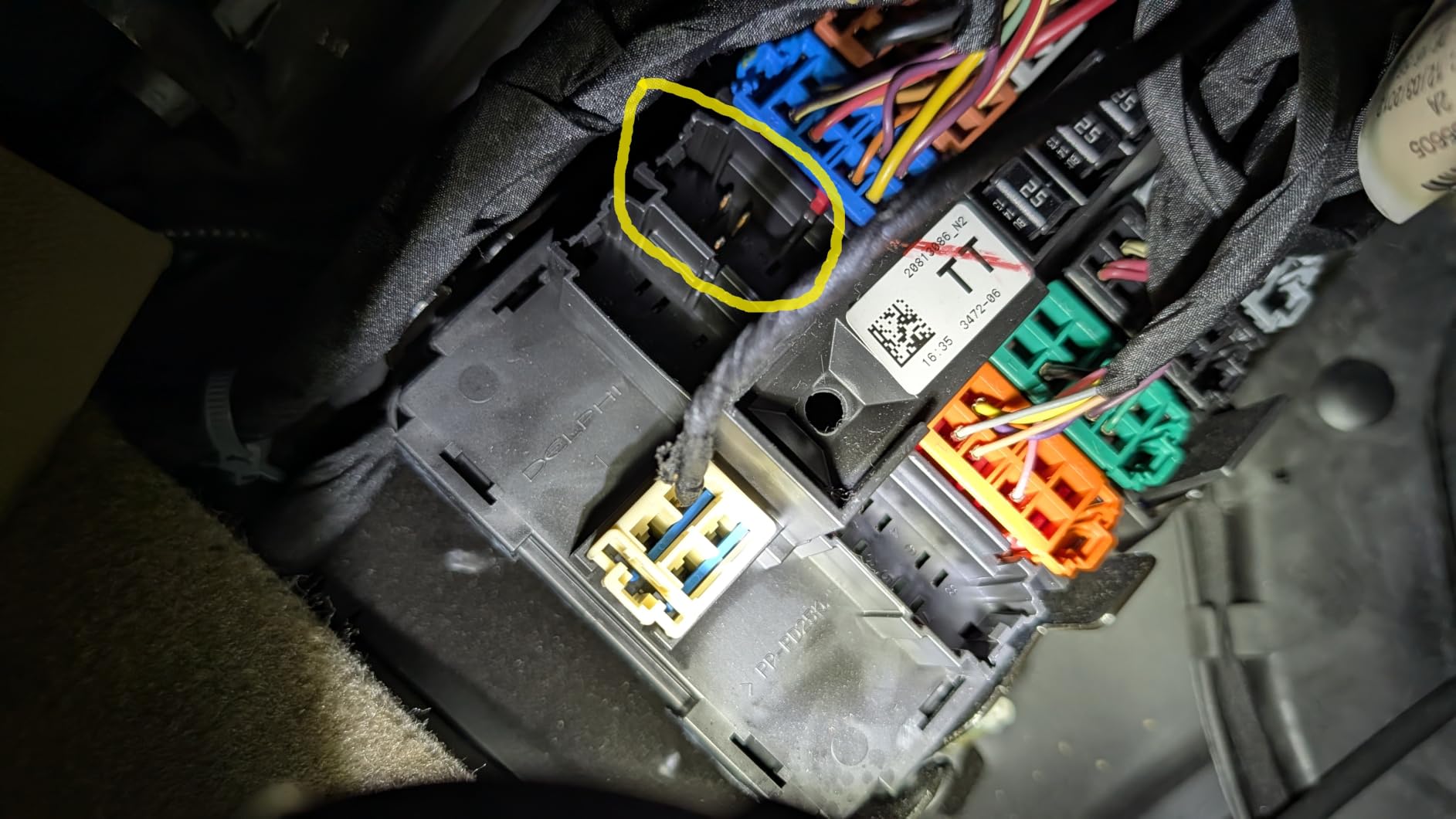
What you need to buy alongside it
A high-endurance microSD card. VIOFO does not include one, and their own cards are specified for their own write patterns. The camera supports up to 512GB, so you can go large, but the card itself should be endurance-rated rather than a cheap high-speed card that looks identical on the shelf.
You also need the HK4 hardwire cable for parking mode. Budget for both items before you buy, because they are part of the working system rather than optional extras. Owners do report occasional slow-card prompts even with supported cards, so check the card in the first week rather than assuming it is fine.
Who should pass on this one
If you want a screen you can navigate, this is not it. The 2.4-inch display is small by modern standards and the app interface lags behind newer competitors, with clips that do not always appear on first attempt. Riders who never pull footage out will be happy; if you review incidents weekly, the friction is real.
GPS stamping is also a double-edged feature. Speed and coordinate overlays strengthen an insurance claim, and some professional drivers deliberately avoid them because the same data can be read against them. Know your local position before you enable it.
3. REDTIGER F7NP 4K: Best Value Dash Cam for Everyday Driving
REDTIGER F7NP 4K Dash Cam Front Rear, STARVIS 2 Sensor, Free Card Included
4K front plus 1080P rear
Sony STARVIS 2 with F1.5 aperture and 6-layer lens
Built-in GPS and 5.8GHz WiFi
Pros
- Most reviewed camera in this group with more than 25000 ratings
- Includes a 128GB memory card so it records out of the box
- 170 degree front field of view covers wide intersections
- Supercapacitor design suited to hot climates and long parking hours
- Built-in GPS stamps route
- speed and location
Cons
- Rear camera records at 1080P rather than 4K
- Parking mode requires a separate hardwire kit
- On-screen display and buttons shake noticeably on rough roads
- Rear cable takes real effort to hide cleanly
The REDTIGER F7NP is the one most commuters will end up with, because it solves the whole problem in a single box. The 128GB memory card is in the packaging, the GPS is built into the suction mount rather than a separate puck, and the rear camera cable plus five cable clips are all included. There is nothing else to buy before the first drive.
Image quality is genuinely good for the money. A Sony STARVIS 2 sensor at F1.5 with a six-layer lens handles dusk and streetlit roads well, and the 170-degree field of view is wide enough to catch a cyclist on your blind side at a junction. Owners consistently call out the night performance as the stand-out feature, which is not always the case in this bracket.
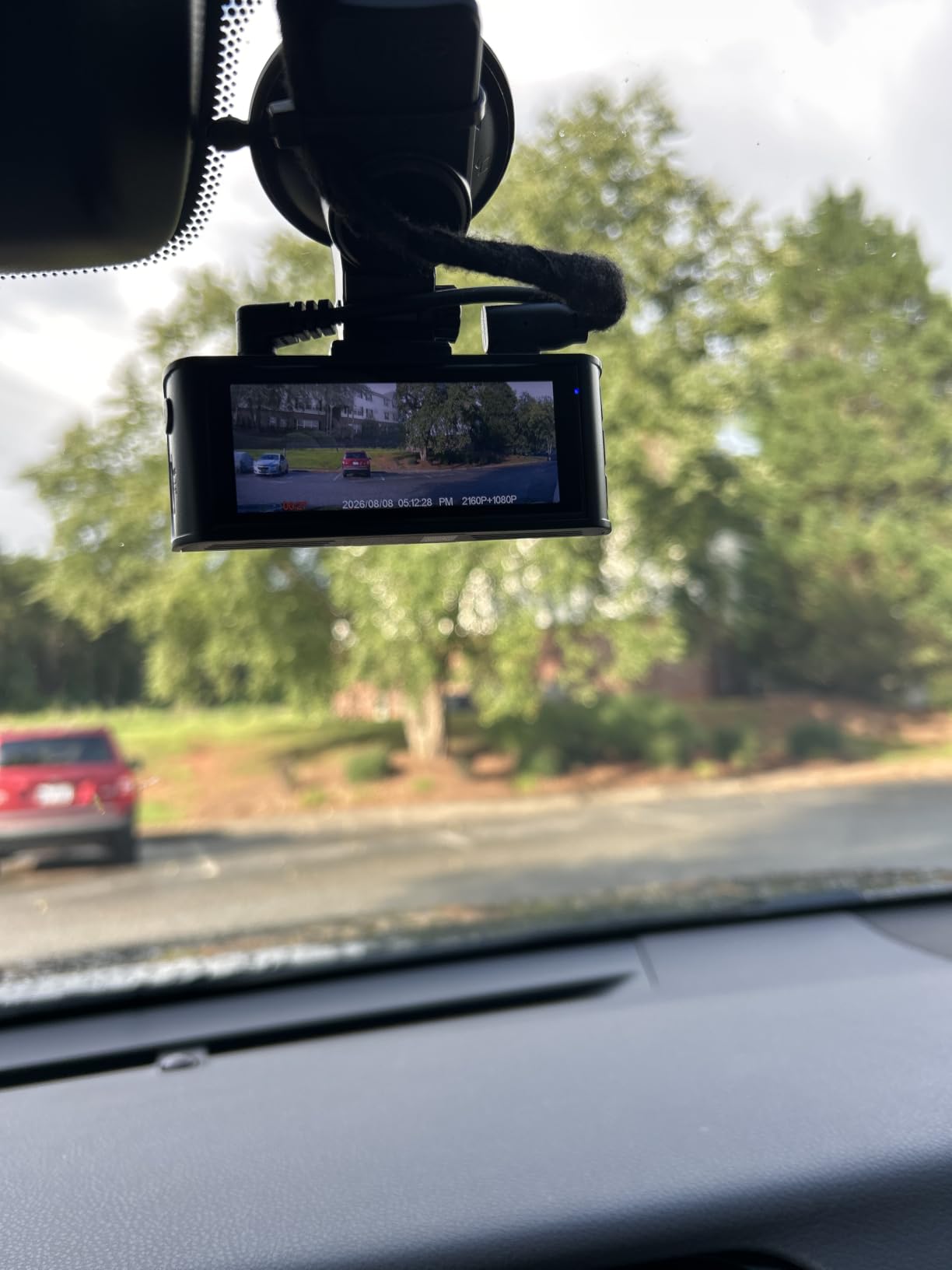
The supercapacitor is the part that quietly matters most if your commute includes a hot parking garage. There is no lithium battery in the housing to swell or degrade in a parked car, and capacitor-based units have become the default recommendation among people who hardwire for parking mode. That single design choice removes the most common long-term failure.
Parking mode runs in time-lapse or G-sensor triggered form once a hardwire kit is fitted. Until then, the unit runs happily from the 12V socket and records on the drive, so you can install it now and add parking protection later without replacing the camera.
How it behaves on a rough commute route
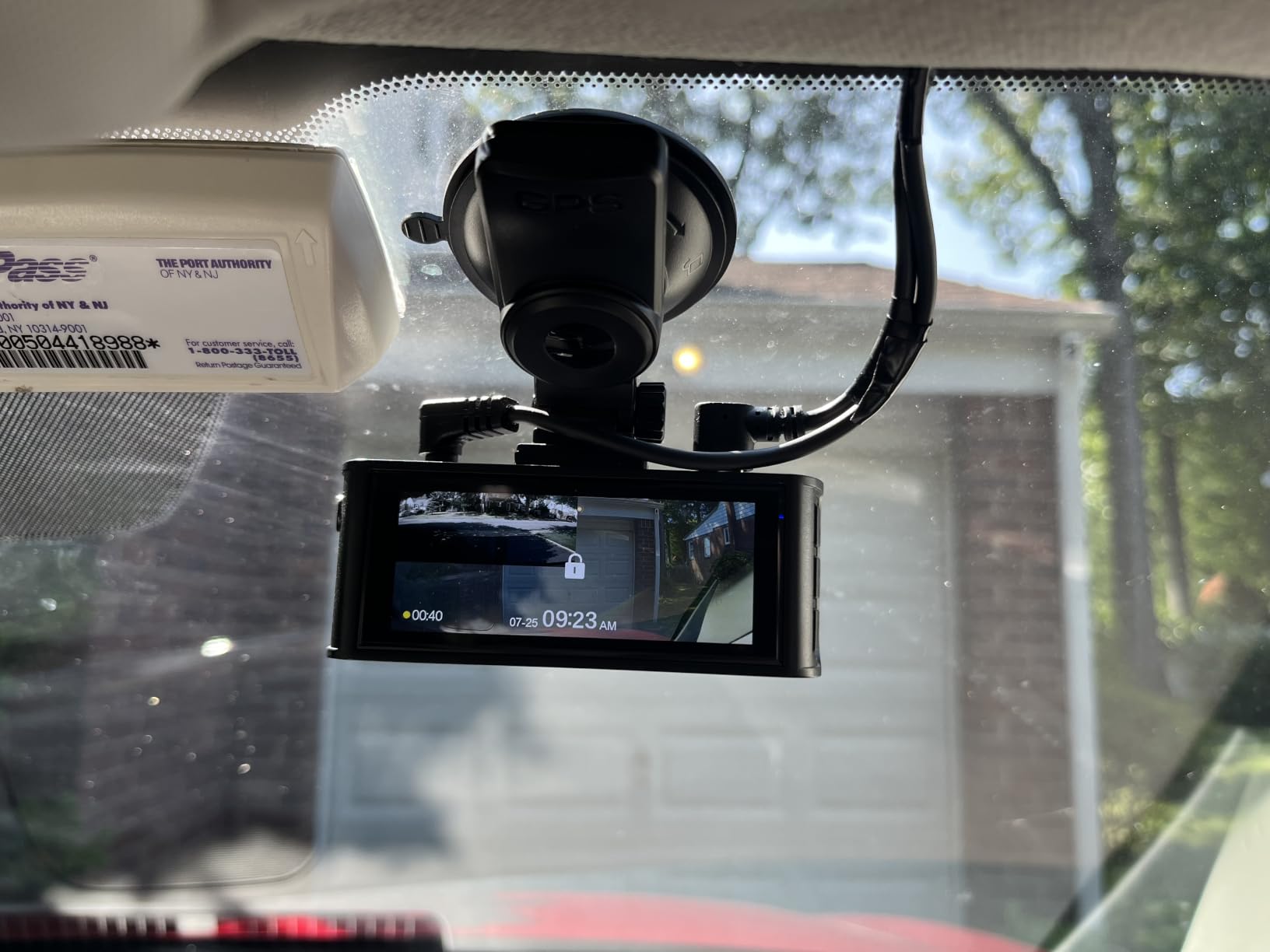
This is the F7NP’s most common complaint and it is worth planning around. The 3.16-inch display and the physical buttons pick up vibration on badly surfaced roads or speed bumps, which can make the screen shimmer in footage captured through the windscreen. The recording itself stays sharp, so if you drive on poor surfaces regularly, check a night clip before you settle on a mounting position.
The 170-degree front angle also stretches the edges of the frame, so parked cars at the roadside look further away than they are. Expect to adjust the angle downward a little so the bonnet sits in the lower third of the frame and you keep useful coverage of the road rather than sky.
What it is not good at
The rear camera is 1080P only. If your main worry is a vehicle reversing into your bumper in an unlit car park, the rear image will be noticeably softer than the front, and you may struggle to read a plate at night. For a rear-end collision on a lit road, it is adequate.
Cabin coverage does not exist here. If you carry passengers regularly or share the vehicle, an interior channel is the feature you are missing. In that case, look at the three-channel models further down this list.
4. WOLFBOX G840S: Best Mirror-Style Dash Cam for Parking Visibility
WOLFBOX G840S 12″ 4K Mirror Dash Cam Backup Camera with 32GB Card and GPS
4K UHD front plus 1080P rear
12-inch curved touch display
External GPS antenna with speed and route
Pros
- Very sharp 12-inch display that effectively replaces the factory mirror
- 170 degree front and 140 degree rear coverage cuts blind spots
- Split-screen front and rear view with reversing guide lines
- Rear camera doubles as a parking camera for tight bays
- Strap mounting fits over the existing mirror with no drilling
Cons
- Rear camera suffers heavy flare at night on unlit roads
- 12-inch width can clash with sun visors in some vehicles
- Power button is loose and vibrates on rough roads
- App playback controls are confusing and files can be duplicated
The WOLFBOX G840S takes a completely different approach. It is a rearview mirror you strap over the one already in your car, and the 12-inch curved screen is bright and sharp enough that many owners stop noticing they are using a camera at all. For a commuter who wants one clean object behind the glass rather than a small box and its display, the form factor is genuinely appealing.
What makes it a commuter favourite is the rear camera. It feeds a split-screen view with adjustable reversing guide lines, so the same cable that records a rear collision also shows you the kerb and the pillar while you slot into a space. That dual purpose is not common, and it saves adding a separate parking camera.
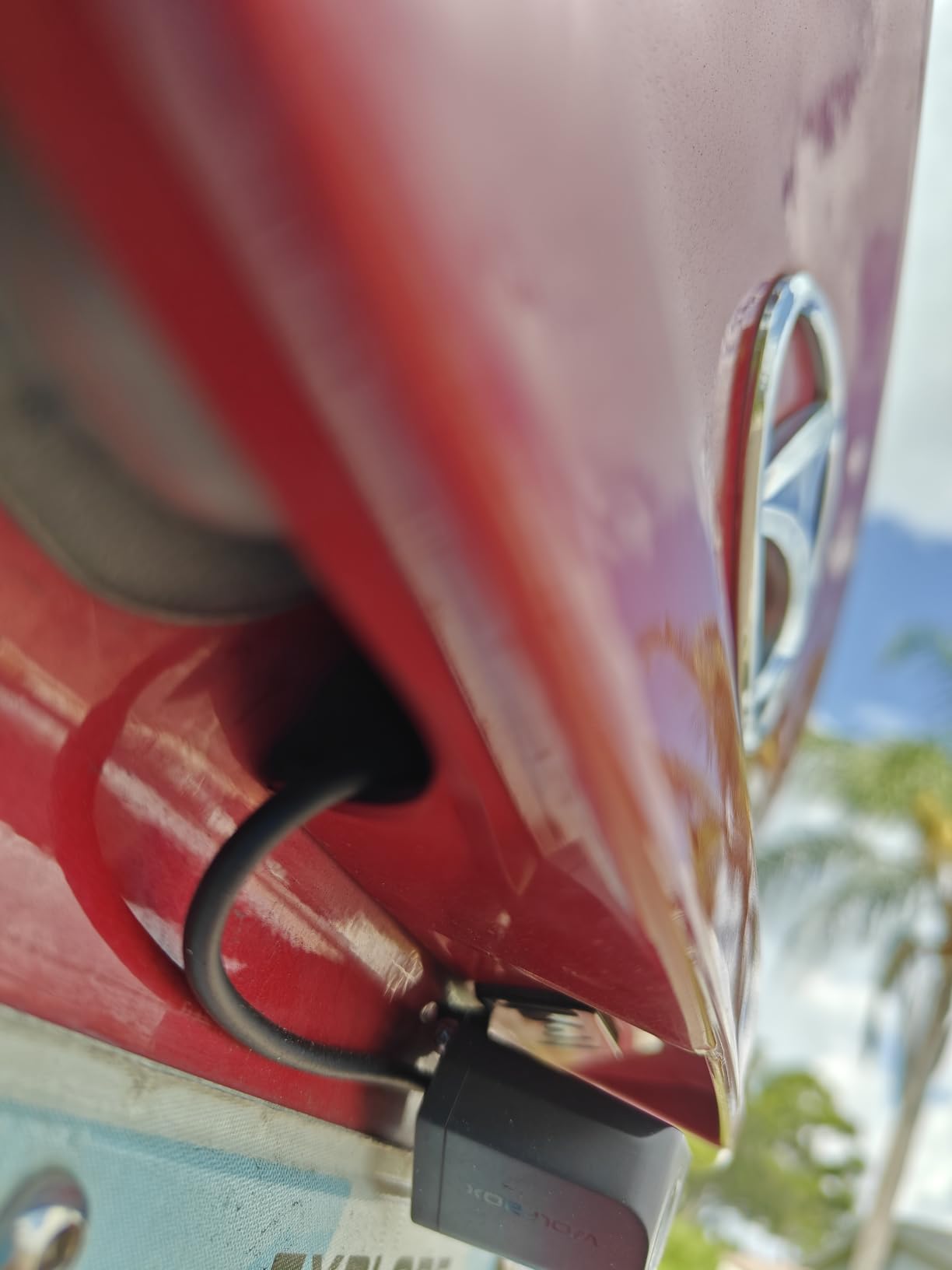
Specification-wise it is competitive. The front channel records 2160p through a 170-degree lens, an external GPS antenna handles the speed and route stamping, and a 32GB card is included in the box. WDR and HDR are supported, and a supercapacitor handles the heat of a parked car.
Night behaviour is the split personality. The front view is good, but the rear camera flares badly on roads without street lighting, which is exactly the condition where you would most want rear coverage. If your commute home involves unlit suburban stretches, test the rear image before committing.
Is the mirror form factor right for your car
Measure first. A 12-inch screen is roughly 1.5 times the viewing area of a standard mirror, and on some vehicles the top edge fouls a sun visor when flipped down. Owners of smaller cabins report this more often. If your visors are tight, a conventional compact unit behind the mirror is the safer buy.
Mounting itself is quick. Rubber straps wrap over the existing mirror, so there is no adhesive on the glass and nothing to remove at resale. The included crowbar and trim tool make the A-pillar cable run manageable for anyone comfortable with basic interior trim.
Where it will frustrate you
The app. Owners describe duplicate file locations, laggy playback and video files that cannot be fast-forwarded or rewound inside the player. If your workflow is pull a clip, trim it, send it to an insurer, that friction adds up quickly and a simpler unit will serve you better.
The loose power button is a smaller issue but an irritating one. It transmits vibration into the internal microphones, so rough roads produce rattling on the audio track. On a commute with poor surfaces, that noise can make the sound less useful in a dispute.
5. IIWEY N6: Best 360 Degree Dash Cam for Full Coverage
IIWEY N6 360° Dash Cam 4 Channel, Free 128GB Card, 8 IR Lights Night Vision
Four channels recording 2K front plus 1080P rear and sides
170 degree front and rear lenses, 150 degree sides
8 IR LEDs for interior night vision
Pros
- Only four-channel 360 degree coverage option in this lineup
- Swivel side cameras can face doors
- quarters or the cabin
- 8 IR LEDs give usable interior night footage
- Firm suction mount with a compact and unobtrusive footprint
- 128GB card included and fast WiFi downloads
Cons
- SD card reportedly needs frequent reformatting
- Date and time stamps can drift out of sync after a reformatting
- Side cameras attach with electrostatic film that can loosen and slide
- No suction cup included for the main unit so placement is tricky
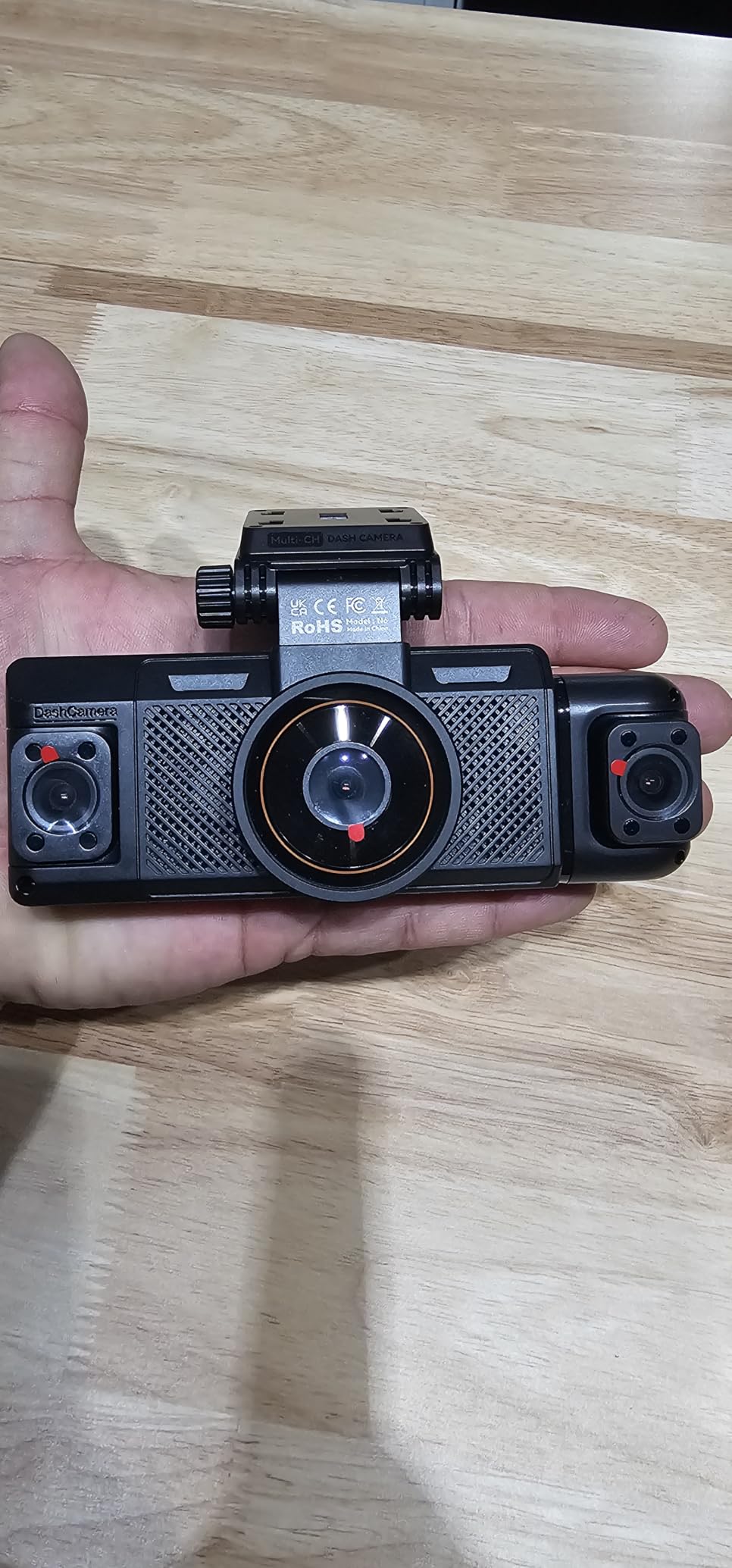
The IIWEY N6 records four channels at once: a 2K front, a 1080P rear and two swiveling side cameras covering 150 degrees each. Nothing else in this list gives you that, and for a commuter who parks between other vehicles or wants to see who approaches from either side at a junction, the side channels are the reason to buy it.
Those side cameras are adjustable, which sounds minor and is not. Point one at a door, one at the passenger quarter, and you have continuous coverage of the blind spots created by the pillars beside your own car. The 8 infrared LEDs light the cabin at night, which is what makes the interior view usable rather than a black rectangle.
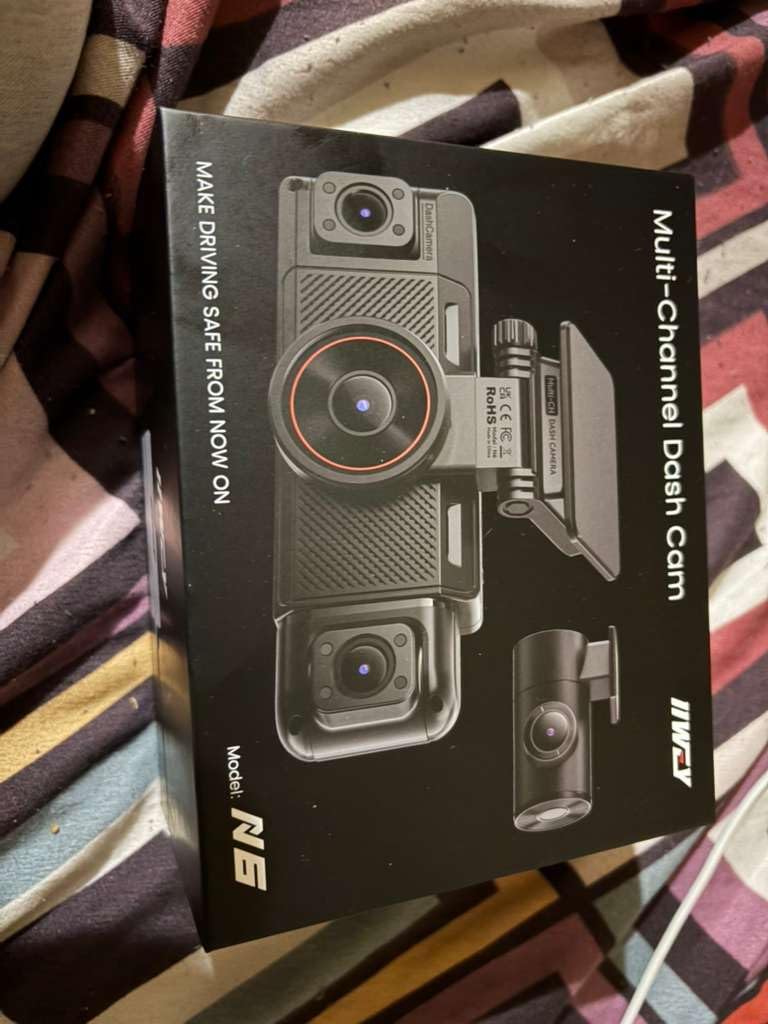
Parking surveillance runs for up to 48 hours in time-lapse at 1, 3 or 5fps, or in impact-detection mode, once a hardwire kit is added. Built-in GPS logs speed and route for playback in the app or a PC viewer. A supercapacitor handles the heat, and the wired design means there is no internal battery to degrade in a parked car.
WiFi 6 on the 5.8GHz band moves files at roughly 20MB/s, so even a multi-channel clip pulls down quickly. The menu structure is deliberately shallow with no deep settings tree, which is refreshing after some of the more complex apps in this category.
What four channels cost you in practice
Storage pressure and card maintenance. Four simultaneous streams write far more data than a front-and-rear pair, so a 128GB card fills faster and holds fewer hours. That makes regular formatting more important rather than less, and the recurring reports about this card needing frequent reformatting are the single most common complaint we saw.
Timestamp drift is the related risk. If the camera resets the card and the clock does not come back correctly, footage becomes far weaker evidence because you cannot say when it was recorded. Set the time and time zone immediately after any format, and check it again after firmware updates.
Who should choose a front-and-rear pair instead
If your priority is plate readability at night, four channels spread your sensor budget thin. The front is 2K here, while some two-channel rivals record 2K front and rear with better low-light sensors behind each. Four channels answer a coverage question; two good channels answer a clarity question. Decide which problem you actually have.
Installation is also heavier. Four cameras means four mounting points and a cable run for the rear, and the side units rely on electrostatic film that owners report can loosen and slide over time. Budget more time for tidying than you would with a single front unit.
6. REDTIGER F17: Best 3-Channel Dash Cam for Cabin Monitoring
REDTIGER F17 4K 3CH Dash Cam, STARVIS 2 Sensor HDR, 64GB Card, 5.8GHz WiFi
4K front plus 1080P rear plus 1080P interior
Sony STARVIS 2 IMX675 with HDR and WDR
Built-in GPS, 64GB card, 18-month warranty
Pros
- Only camera here recording front
- rear and interior simultaneously
- Genuine 4K front capture with a STARVIS 2 sensor
- Adjustable G-sensor sensitivity so it does not lock clips on every bump
- Screensaver function kills the display at night without stopping recording
- Rigid adhesive front mount that does not wobble
Cons
- WiFi defaults to off after every power-up and must be re-enabled each time
- App pairing is cumbersome and may need phone Bluetooth turned off
- Interior IR night vision is usable but not best in class
- Setup instructions are thin on time zone and daylight saving settings
The REDTIGER F17 is the one to consider if your commute regularly includes passengers. It is the only camera in this roundup that records a true three-channel feed at once: 4K through a STARVIS 2 sensor in front, 1080P out the back, and 1080P inside the cabin. That interior channel is the difference between footage of a damaged bumper and footage of who was in the car.
The wide cabin angle is unusually generous at 160 degrees, with 155 degrees at the rear and 150 degrees at the front. On a standard commute that coverage means you can see both rear doors and most of the back seat, which is exactly the frame you need for a disputed interaction or a young passenger.
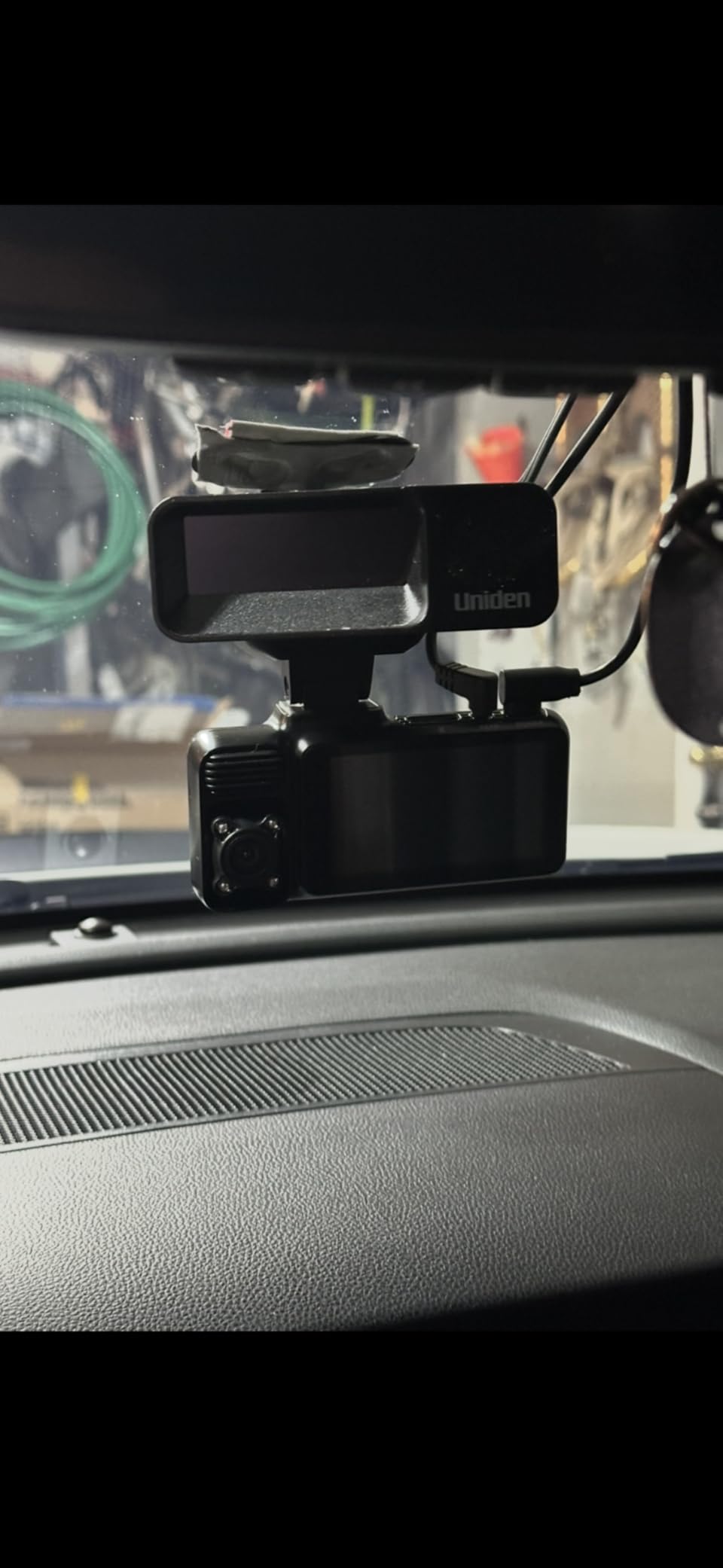
Two details show real attention to daily use. The G-sensor sensitivity is adjustable, so you can stop the camera locking a clip on every expansion joint or speed bump and filling your Event folder with nothing. The screensaver function switches the display off at night while recording continues, which stops a glowing screen in your peripheral vision.
The adhesive mount is rigid where suction cups are not, and vibration in the picture is minimal even on patchy surfaces. A 64GB card is included, time-lapse and collision-detection parking modes are available with a hardwire kit, and the supercapacitor build tolerates temperature extremes.
How to deal with the software quirks
Plan two minutes at the start of every drive to reconnect the app. WiFi defaults to off each time the unit powers up, and the pairing sequence can need your phone Bluetooth switched off. Neither is a dealbreaker, but if you expected to pull a clip while standing in a car park, expect a pause first.
There are two isolated reliability reports worth knowing about: one owner traced random shutdowns to a loose 12V plug, and another had a unit repeatedly auto-format the card and delete incident footage. Both are single reports rather than patterns, but they are the two failure modes that would hurt most. Check your plug seating and back up anything important within a day of an incident.
Which commuters should skip it
If you drive alone on a fixed route with no passengers, the interior channel records the same empty cabin every day. That third stream costs you storage capacity and heat for footage you will never need. A two-channel unit puts the sensor budget where you are actually looking, which is out of the windscreen.
Also consider the recording modes. You can run full 4K front with the rear only, or drop to 2.5K across more channels. Pick 4K front plus 1080P rear if the cabin view matters least, which is the right trade for most drivers.
7. Affver A4: Best Dash Cam with a Large Readable Screen
Affver 4K+2.5K Dash Cam Front and Rear, Built-in 5G WiFi 6 GPS Dual Dashcam
4K 30fps front plus 2.5K 25fps rear
160 degree front and 155 degree rear lenses
5GHz WiFi 6 transfers at up to 10MB/s
Pros
- 4K front plus 2.5K rear resolution
- unusual at this price point
- WiFi 6 transfers around 10MB/s beat most rivals
- 64GB card included so it records immediately
- Large 3.59-inch IPS screen with a clear interface
- Built-in GPS with route playback on a desktop player
Cons
- Parking mode needs a hardwire kit and the 12V socket must be unplugged overnight otherwise
- Professional hardwire installation can add substantial cost
- Some wiring needed tacking down at the rear
- Rear camera records at 25fps against the front 30fps
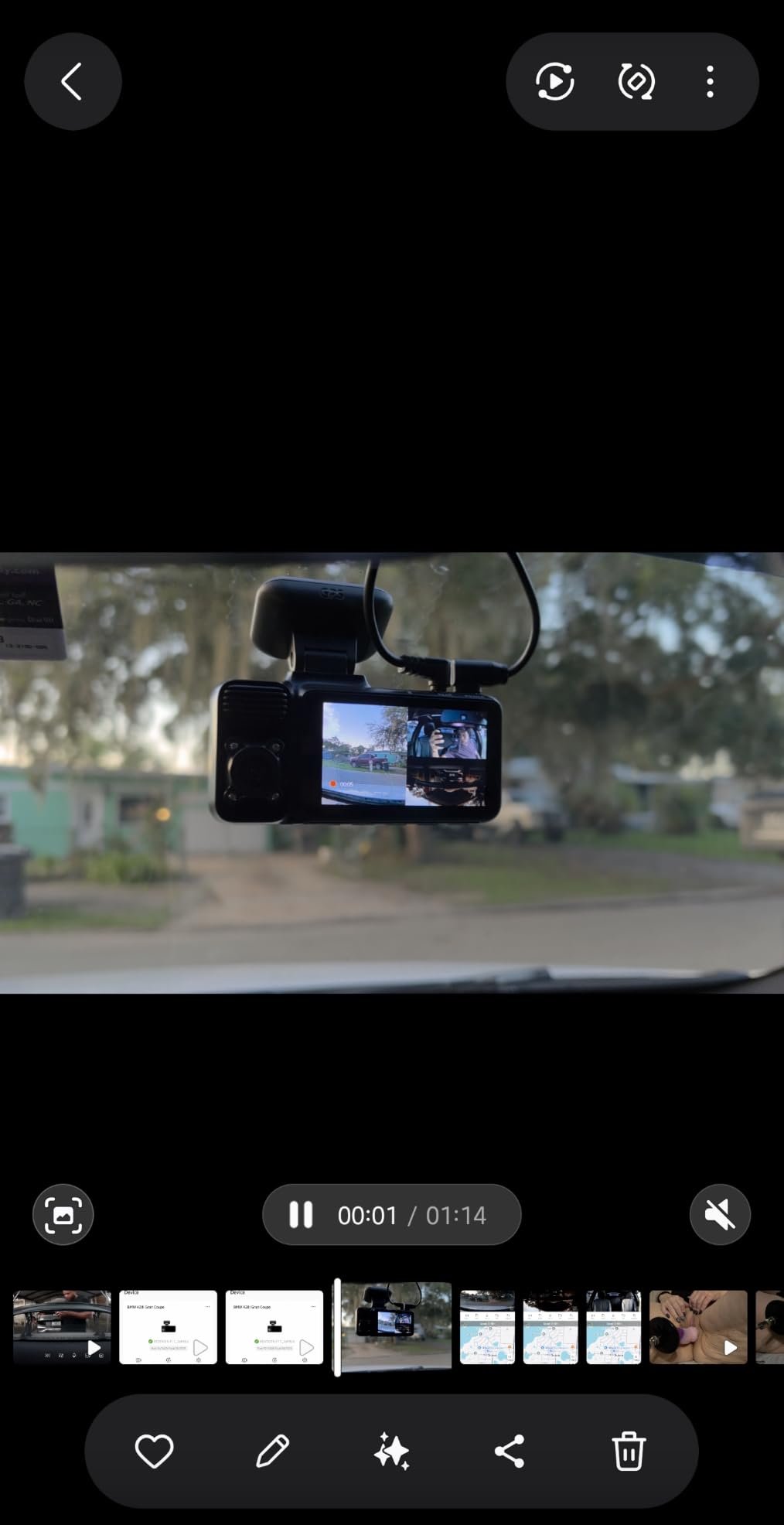
The Affver A4 solves a problem most compact cameras create: a screen too small to frame properly or to navigate comfortably. At 3.59 inches it is the largest display in this roundup, and owners single out the interface as clear and readable. If you regularly check framing or adjust settings in a car park, that size is a real practical gain.
The resolution split is unusual and useful. You get genuine 4K at 30fps on the front channel and 2.5K at 25fps on the rear, which is sharper behind you than most dual sets manage. For a rear-end collision where the other vehicle’s plate is the only detail that matters, that rear resolution is genuinely useful rather than decorative.
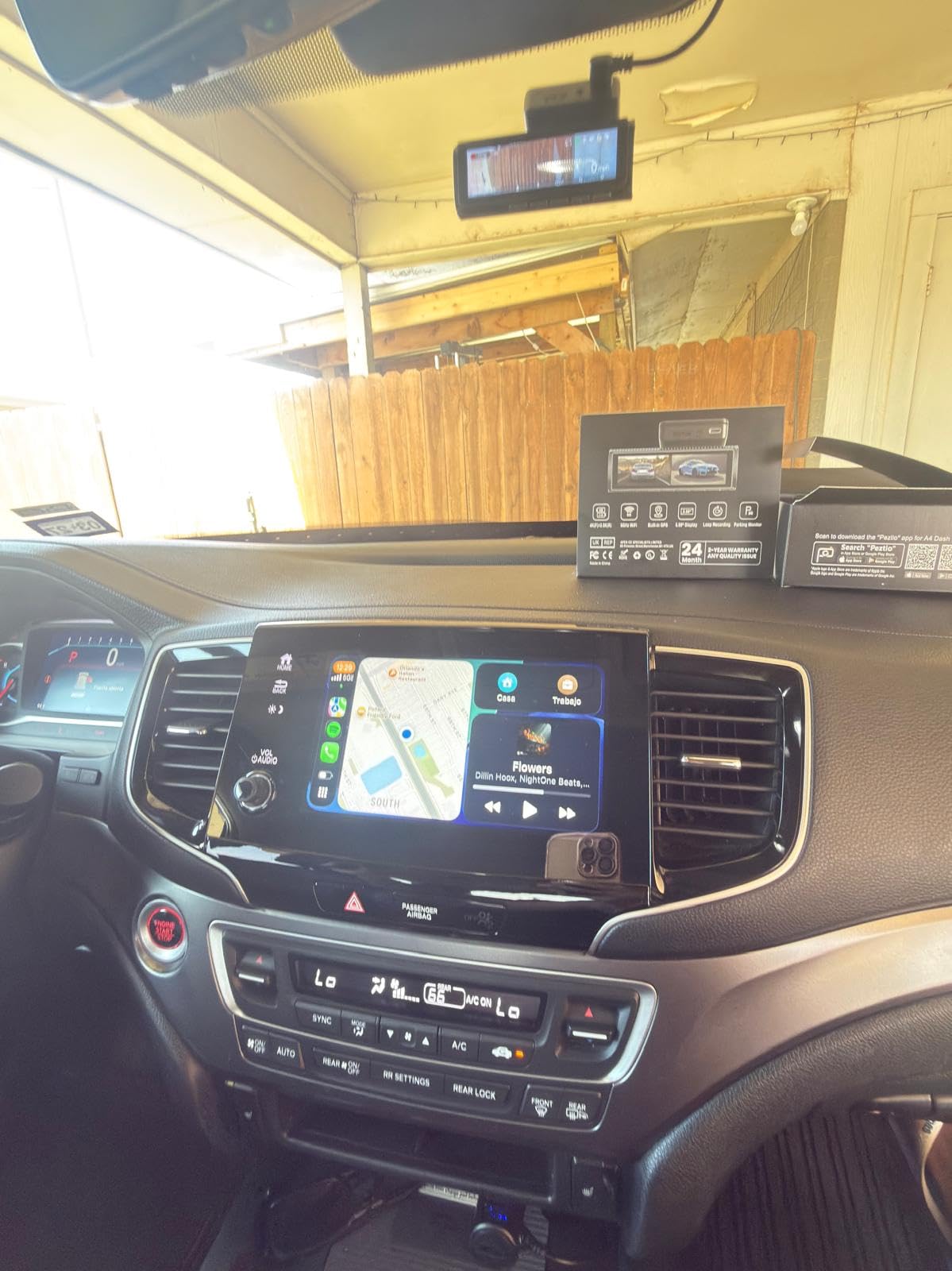
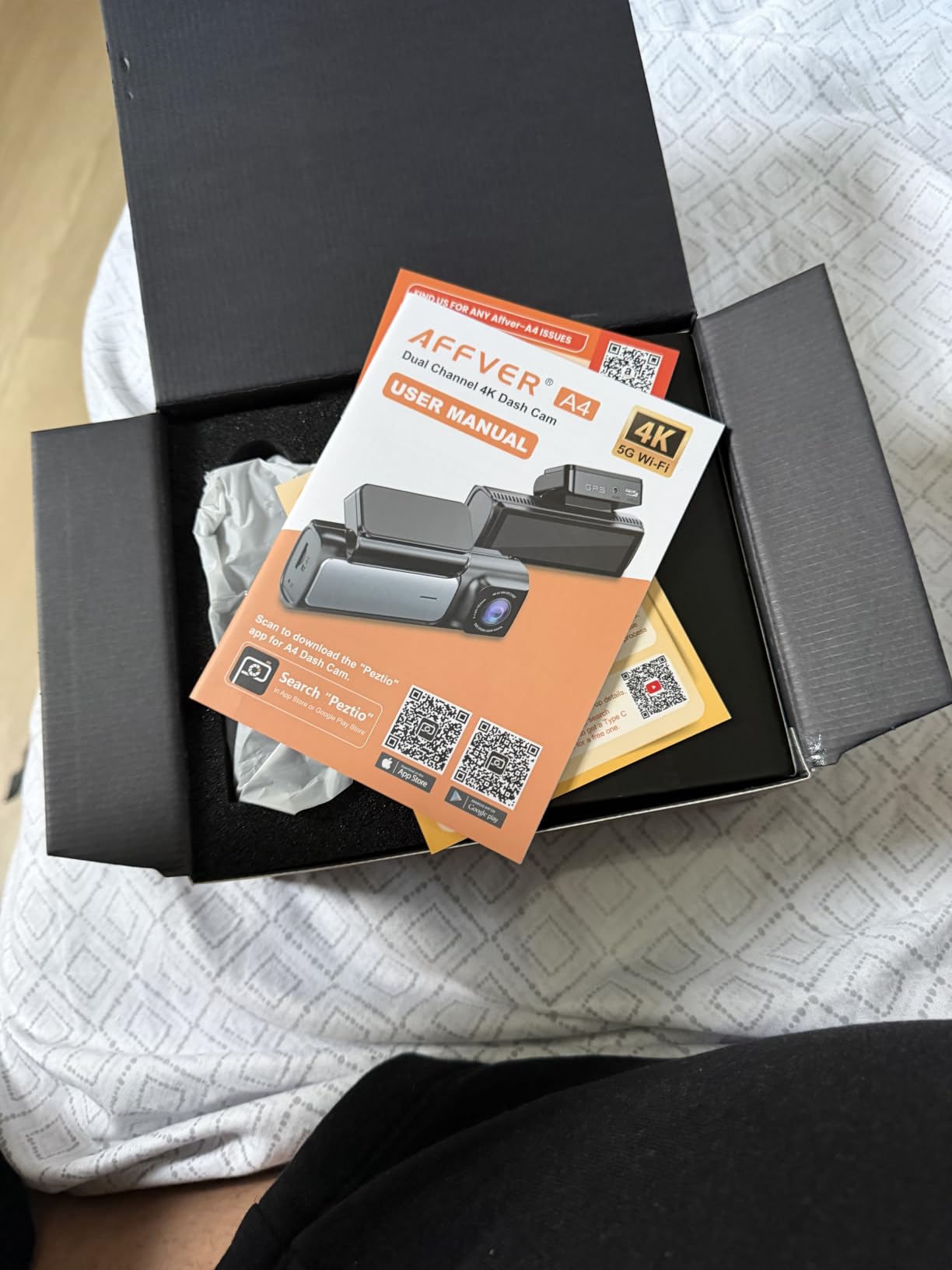
Other details are well judged. The F1.5 aperture with a six-layer lens lifts light intake substantially, WDR handles the transition into a tunnel or underpass, and 5GHz WiFi 6 pushes files at about 10MB/s. A 64GB card sits in the box, and the car charger includes a spare USB port so you can charge a phone while the camera records.
The long rear cable is worth flagging for larger vehicles. It reaches the back window of crew-cab trucks without an extension, which is one of the few reasons a commuter with a large work vehicle would pick this over a shorter-cabled rival. Installation is widely reported at about 20 minutes.
The parking mode catch you need to plan for
Parking mode on this camera depends entirely on a hardwire kit, and the kit is not included. Owners are clear about the consequence: leaving the 12V adapter plugged in overnight with parking mode active will drain the vehicle battery. If you do not want a professional installation, the honest routine is to unplug the adapter every night, and at that point parking mode is doing nothing.
So decide early. If you park on a street overnight and want hit-and-run coverage, budget for the hardwire kit and a proper install. If you park in a lit, monitored lot and only want driving footage, the 12V socket is fine and the parking feature can be ignored.
Where the specification sheet is vague
The warranty is described inconsistently, with one year in some places and 24 months in others. That is a documentation problem rather than a hardware one, but it is worth confirming in writing before you rely on a replacement claim.
Also note the rear frame rate. At 25fps it is smooth enough for evidence but lower than the front channel, so the two halves of a dual-camera recording will not be perfectly matched in motion. If you are matching a rear plate against a moving car, use the front and rear timestamps rather than assuming frame alignment.
8. E-YEEGER S60: Best Budget Front and Rear Dash Cam
Dash Cam Front and Rear for Cars, 2.5K+1080P Dual Camera with 2″ Screen
2.5K front plus 1080P rear
170 degree wide lens at F1.8 aperture
Starlight night vision with WDR and HDR
Pros
- Entry pricing for a genuine front and rear dual camera
- 2.5K front footage is sharp enough to read plates
- Compact 2-inch body that does not block the driver's view
- 360 degree suction mount holds firmly including in hot weather
- USB-C power means existing cables can be reused
Cons
- SD card not included so you must buy one before first use
- Suction cup can lose adhesion and let the unit fly off in an impact
- Rear camera sits awkwardly on a sloped rear window and can show car interior
- App transfers are slow and require removing the SD card
The E-YEEGER S60 is the straightforward answer for a commuter who wants front and rear coverage without spending serious money. It records 2.5K in front through a 170-degree lens with an F1.8 aperture and pairs it with a 1080P rear camera. That is a real dual camera rather than a front unit marketed as a kit.
Daylight footage is sharp enough to read plates, and the starlight sensor with WDR and HDR holds up reasonably well under streetlights and coming out of tunnels. The 2-inch screen is small, but the body is compact enough that it hides behind the rearview mirror without costing you forward visibility.
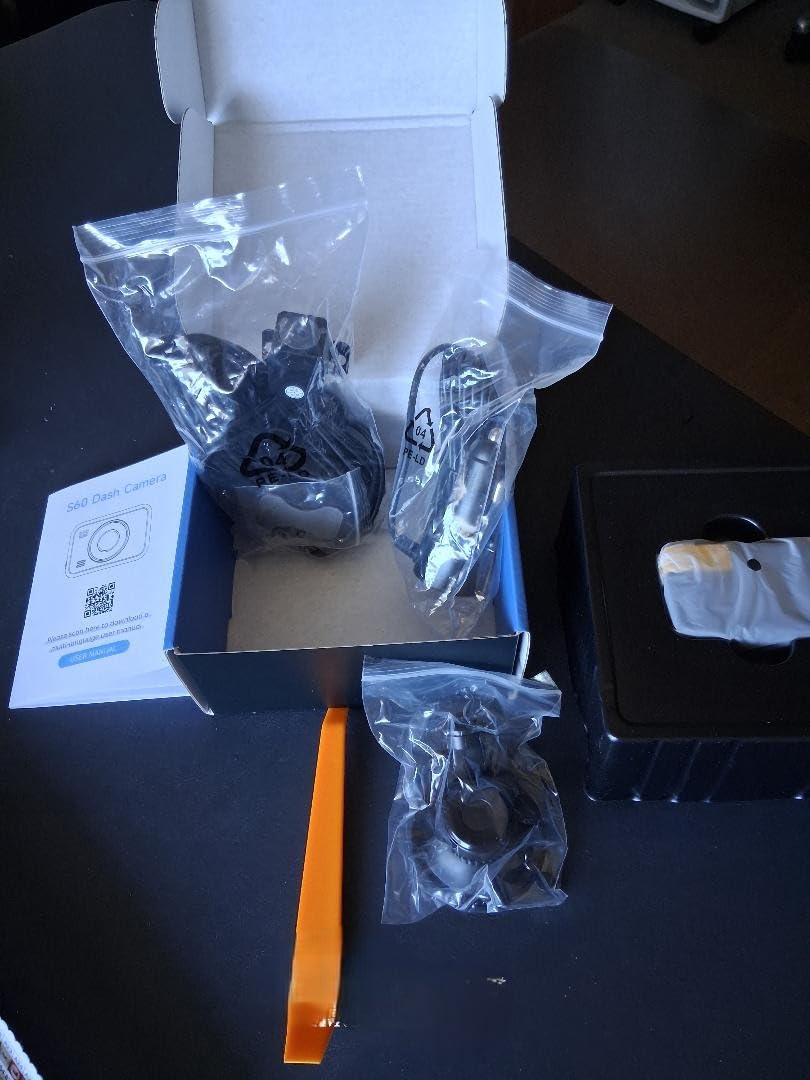
USB-C power input is a quietly good feature. If you already run USB-C cables through the car for a phone, you can reuse one, which makes tidying the cable run much simpler than the proprietary leads most budget units ship with.
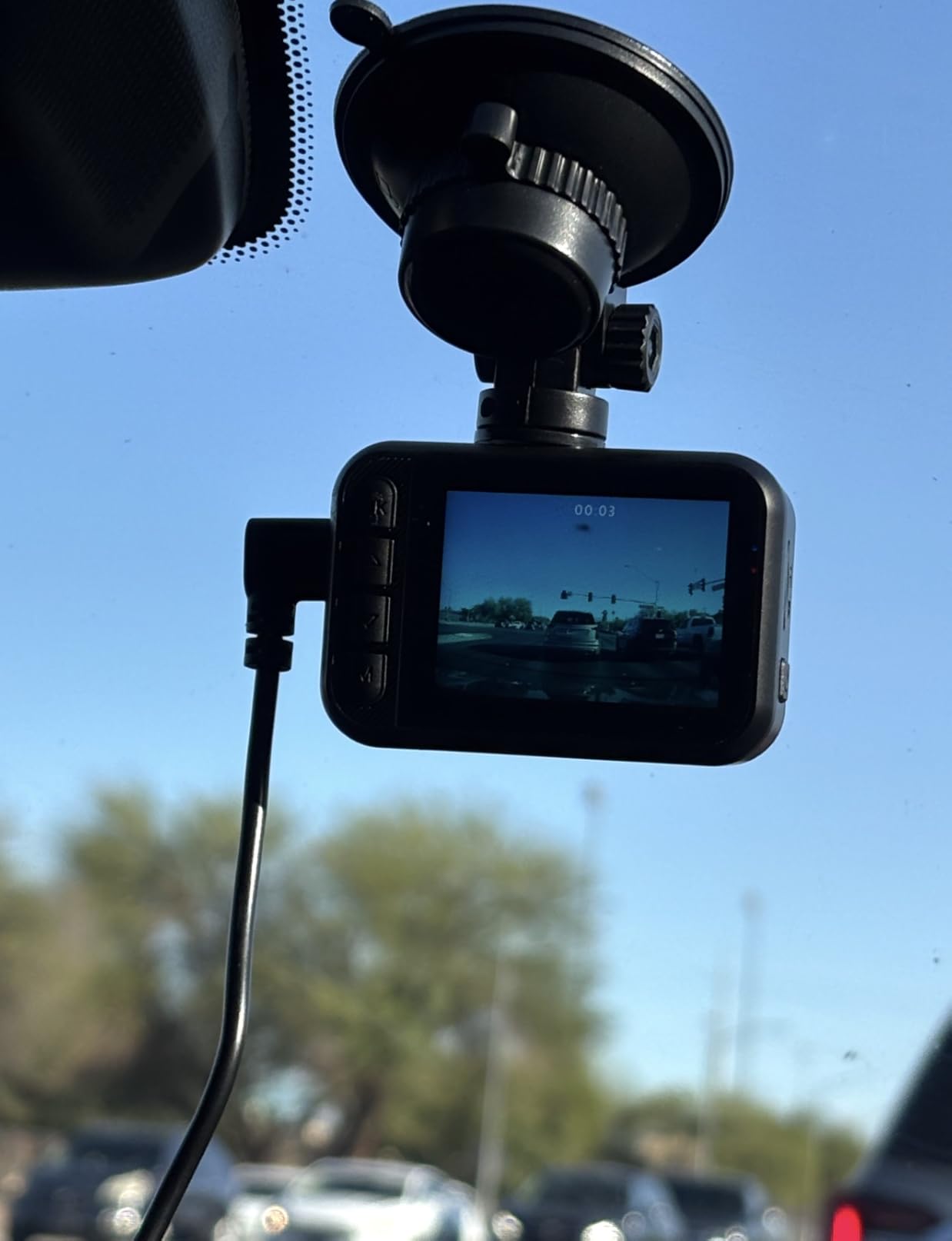
The mounting hardware is a 360-degree suction cup that rotates for angle adjustment, and owners report it holds in heat better than cheaper suction cups. The warranty adds a 45-day refund window on top of the one-year replacement service, which is unusual in this bracket.
The two things to fix before you rely on it
Buy an endurance-rated microSD card first. None is included, and this is the single most common reason new dash cam owners find their first recordings unusable. Format it in the camera rather than on a computer, so the file structure matches what the unit expects.
Then consider the mount seriously, because this is the most serious complaint in the reviews. At least one multi-unit owner reported cameras detaching during a near collision and losing the footage at exactly the moment it was needed. The adhesive mount can also peel after a couple of months of sun and cold cycling. Check the mount at the start of every drive for the first few weeks.
Where the compromises bite
The rear camera is awkward on a sloped rear windscreen and can pick up your own interior rather than the road behind. On a fastback or a hatchback with a raked screen, test the angle in the car park before you fix the cable run. App transfers are slow and, on some versions, require physically removing the card, which is exactly the workflow you do not want after an incident.
There is no internal battery, so hardwiring straight to the vehicle battery without a proper kit with voltage cutoff will drain it. If parking mode matters to you, treat the hardwire kit as part of the purchase rather than an optional extra.
9. Neideso N300: Best 360 Degree Dash Cam with Flexible Channel Modes
Neideso 360° Dash Cam Front and Rear Inside, 4 Channel Dash Camera for Car
Four channels with two adjustable side cameras
Three resolution modes from 4K to 2K per channel
24-hour parking mode with radar detection
Pros
- Four channels with adjustable side cameras at a lower price than most 360 degree rivals
- Three resolution modes let you trade channels against quality
- 128GB card pre-installed in the box and ready to use
- Smooth 1080p playback rather than choppy footage
- Generous 19.6ft rear camera cable
Cons
- G-sensor is very sensitive and locks clips on ordinary corrugated road surfaces
- Watching video in the app stops recording while playback occurs
- App video loading is slow at times up to 20 seconds
- Dashboard screen peels in direct summer sun
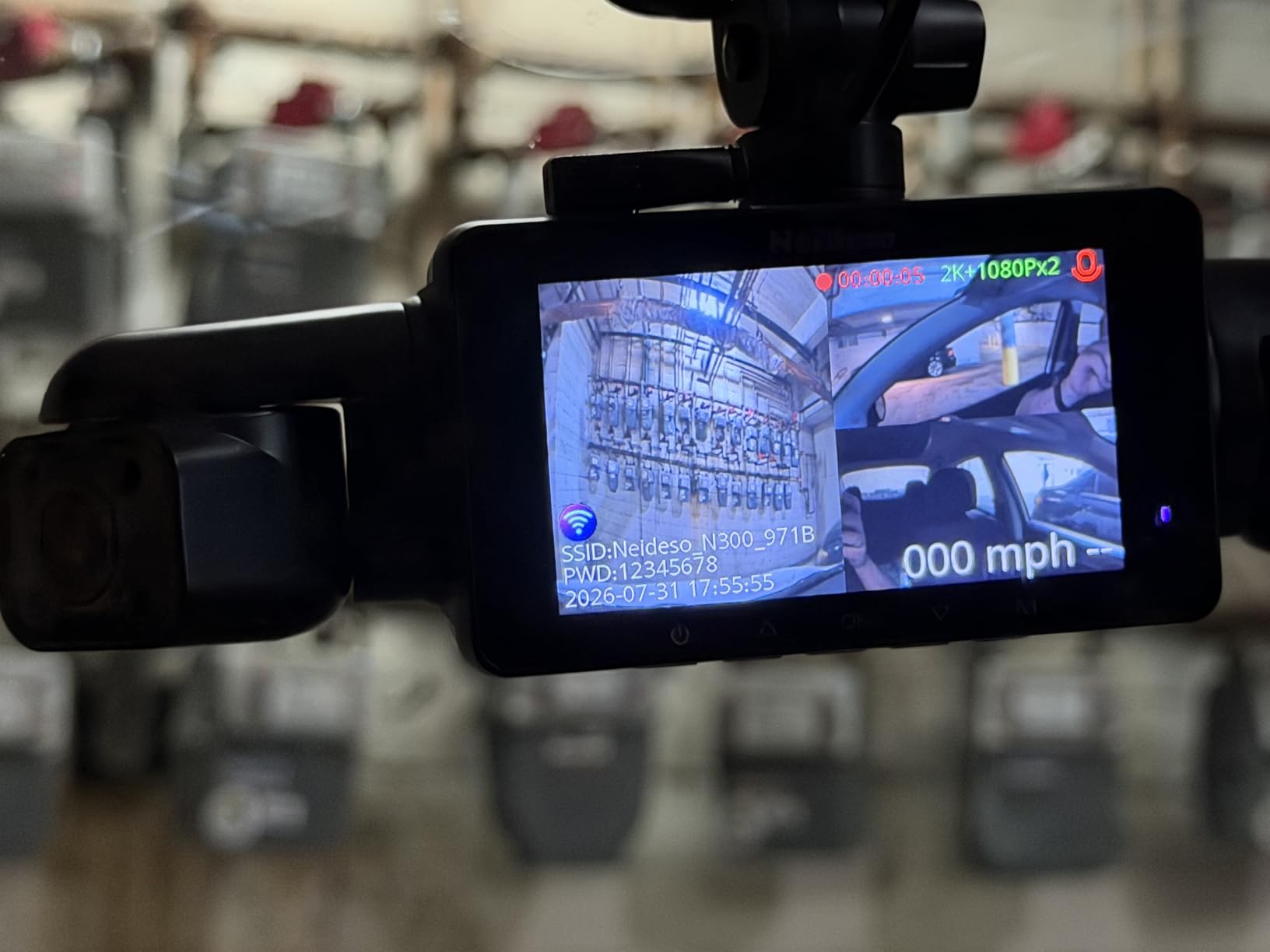
The Neideso N300 gives you four channels and, unusually, a choice about how to spend them. You can run 4K front plus 1080P rear, add a third interior channel, or run four channels at 2K. That flexibility matters for a commuter who drives alone on weekdays and carries passengers at the weekend, because you are not locked into one fixed configuration.
Night Vision 3.0 uses 8 infrared LEDs plus WDR, and the specification explicitly targets headlight overexposure, which is the exact failure that makes night footage useless in a claim. GPS logs location, speed, route and time, and the route draws on a map inside the app.
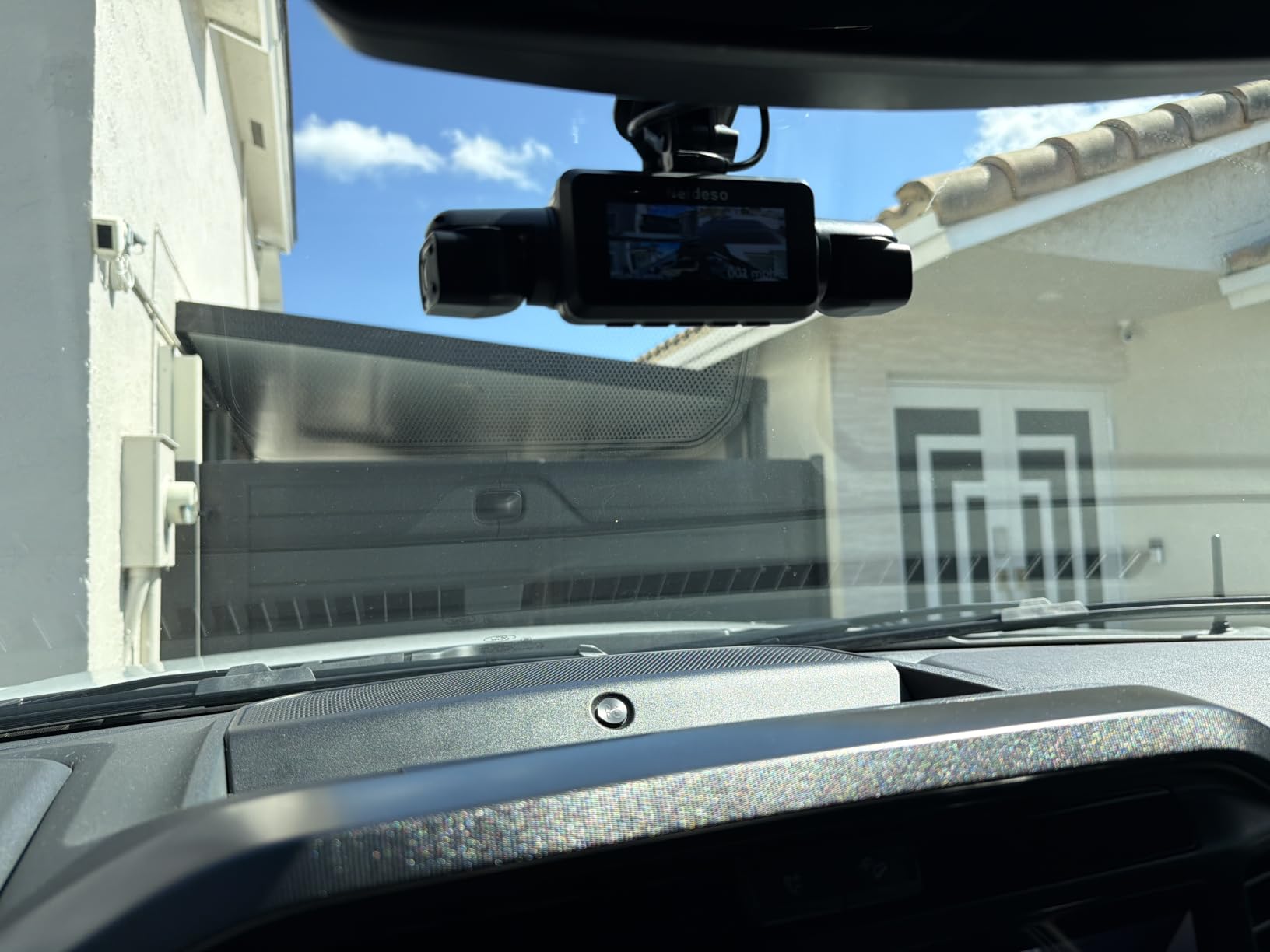
Parking mode includes a radar trigger rather than only a motion sensor, covering roughly three to four metres around the car. Radar is far less trigger-happy than video motion detection, so it records what is actually approaching instead of every passing pedestrian detected across a wide field. Loop recording runs in three-minute segments with the oldest file overwritten.
The 128GB card arrives already inserted in the unit, so the box goes from unwrapped to recording without a trip to find a card. Voice control handles taking a photo, starting a video and toggling audio or the screen.
Tuning the G-sensor before you need it
This camera’s G-sensor is on the sensitive side, and it locks clips on ordinary corrugated road surfaces. On a commute with rough tarmac that quickly fills the Event folder with clips you will never watch, which in turn eats the card’s usable hours. Turn the sensitivity down a step or two and re-test on your actual route.
The app behaviour is the bigger everyday annoyance. Playing video in the app stops recording while it happens, so you cannot review a clip and record at the same time. Loading can take up to 20 seconds for a clip. Neither is a dealbreaker, but plan to review footage while parked rather than at a junction.
Which commuters should look elsewhere
If your route is smooth and you mostly need clarity in front, the four-channel layout spreads your resolution thin and you pay storage for side views you never examine. A two-channel unit with better sensors behind each lens serves that driver better.
Also note the screen can peel in direct summer sun, which matters if your car sits outdoors in a warm climate with no shade. The unit also runs warm by design because of its capacitor-based power supply, so give it clearance rather than pressing it flat against the glass.
10. navycrest Q7: Best Discreet Dash Cam for a Clean Windscreen
Navycrest 4K Dash Cam Front and Rear, Built-in 5G WiFi, Dash Camera for Cars 4K Front and 1080P Rear, Dashcams for Cars Loop Recording, Gravity Sensor, 24-Hours Parking Mode, SD Card NOT Included
4K front plus 1080P rear dual channel
Sony sensor with 6-glass lens and WDR
5G WiFi at up to 8MB/s with app control
Pros
- Smallest and most discreet body in the group so it never shades your view
- Entry pricing for 4K front plus 1080P rear dual recording
- SONY sensor and 6-glass lens give reasonable day and night clarity
- 5G WiFi is roughly four times faster than 2.4GHz for transfers
- Gravity sensor locks collision clips so they survive loop overwrites
Cons
- SD card not included so an extra purchase is needed before use
- Storage support tops out at 256GB which is lower than most rivals
- 5G WiFi transfers at about 8MB/s trail newer WiFi 6 models
- 1.5-inch screen is less useful for menus and framing
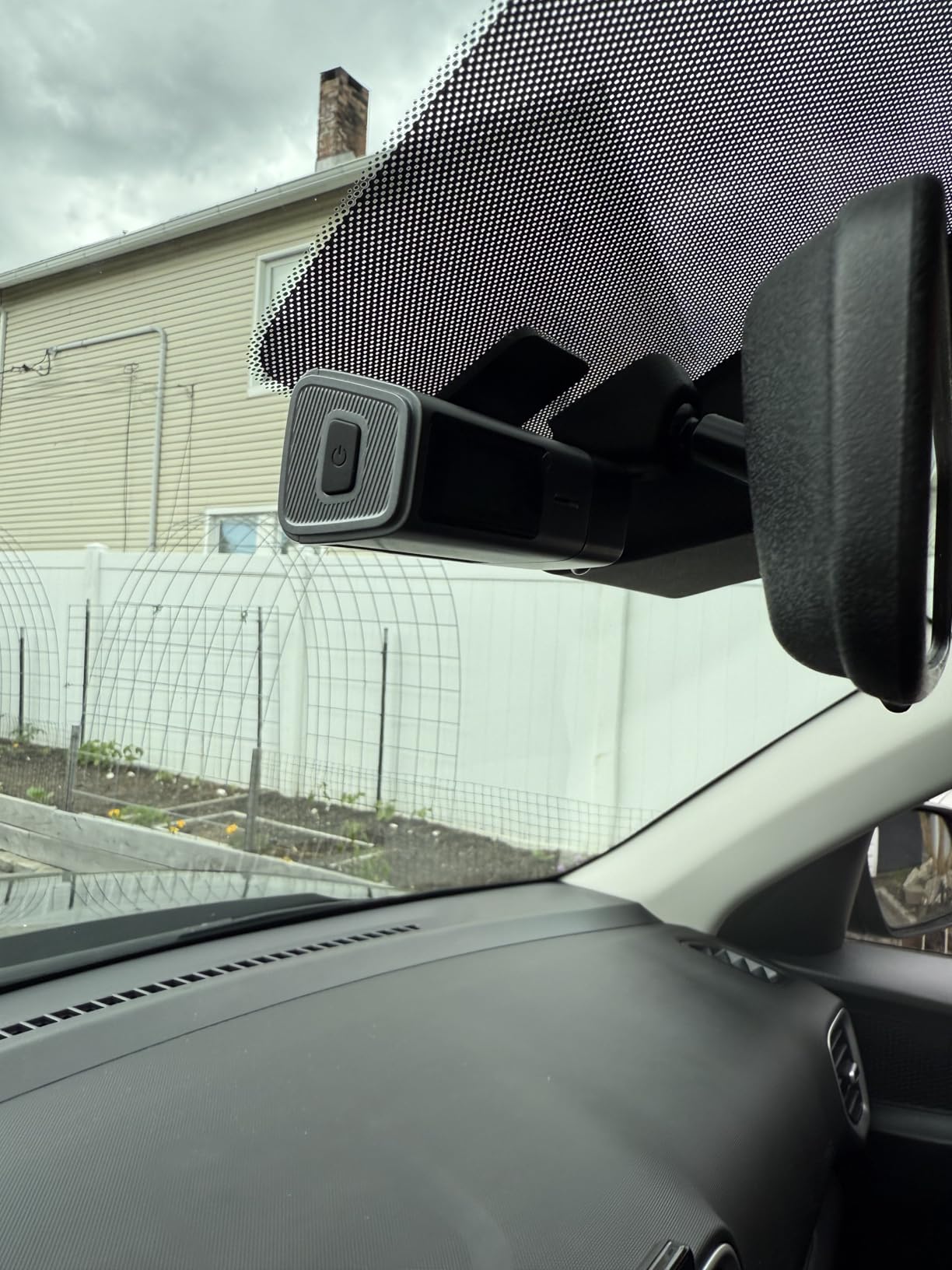
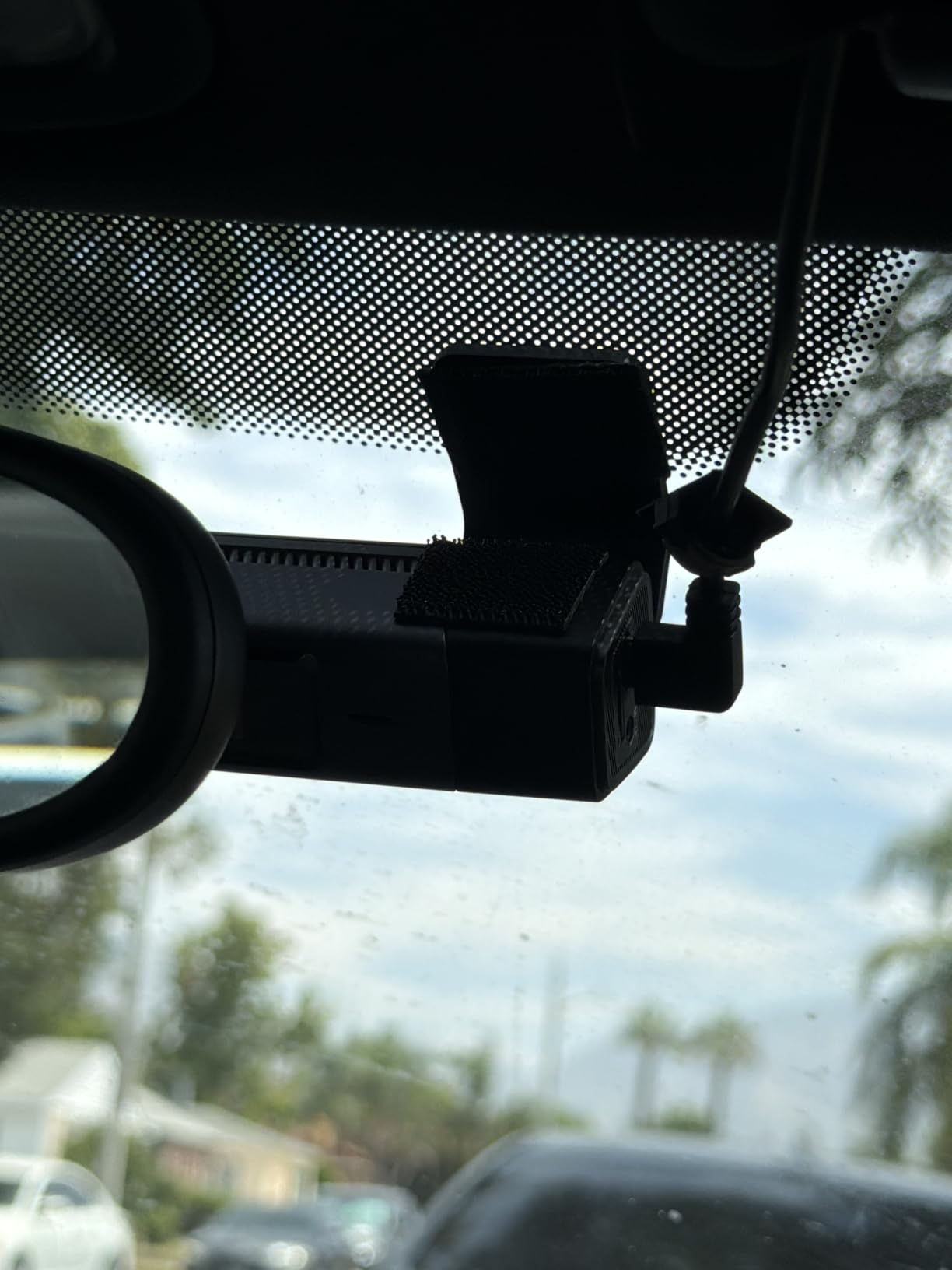
The navycrest Q7 exists to solve a problem the other cameras here treat as secondary: keeping the windscreen clear. At roughly one inch by two inches by three inches, it is the smallest unit in the group and it mounts high enough to sit behind the rearview mirror without entering your sightline. For drivers who worry about clutter or an obstructed view, that is the deciding factor.
Behind the small body the specification is respectable. A SONY sensor with a 6-glass lens and WDR handles low light adequately, the front channel records 4K and the rear records 1080P, and a three-axis gravity sensor locks incident clips so loop recording cannot overwrite them.
The 5G WiFi module is a genuine step up from the older 2.4GHz parts at this price, moving files at up to 8MB/s. That is still slower than the WiFi 6 models above, but it is fast enough to pull a clip on a phone before you leave the car park. App control covers live view, settings, basic editing and sharing.
A wiring tool is included, which helps on cars with tight headliner trim. The one-year warranty comes with round-the-clock technical support, and owners report responsive service.
What to buy before the first drive
A microSD card. This is the most common complaint in the reviews and it will frustrate anyone who opens the box expecting to record immediately. The listing states storage expands up to 256GB at Class 10 and U3 speed, so buy a card in that range rather than a larger one the camera cannot address.
That 256GB ceiling is the other limitation worth weighing. On a long commute it means more frequent overwriting of older footage, and less buffer between formatting sessions. If you want several days of history before anything is lost, this is the wrong size of card.
Where it falls short
The 1.5-inch screen is the practical limit of this design. It is enough to confirm the camera is recording and to check an angle roughly, but not enough to navigate a menu comfortably. If you are the sort of driver who adjusts settings regularly, that friction adds up.
Parking mode with collision detection or time-lapse needs a hardwire kit that is not included, so budget for that separately. And with a 4.1 star average across more than 2,300 ratings, it is the lowest-rated camera in this roundup, mostly because of the missing card and the transfer speed ceiling. If you need strong night performance, one of the STARVIS 2 models is the better buy.
What to look for when you buy a dash cam for commuting
Night visibility matters more than resolution
Night is where most commuter dash cams earn or lose their keep, and the sensor matters more than the resolution number on the box. A Sony STARVIS 2 sensor with a wide aperture such as F1.5 collects more light per pixel than a small-sensor camera with a nominally higher resolution. That is why a 2.5K camera with STARVIS 2 usually beats a 4K camera with a basic CMOS sensor after dark.
HDR and WDR balance bright headlights against a dark road. HDR is the more capable of the two and merges several exposures into one frame; WDR is a simpler software tone adjustment. If your commute crosses unlit roads, oncoming traffic and tunnels in the same week, look for HDR and a good aperture before you look at megapixels.
Answering the common question directly: a 2K camera is not automatically better than a 4K camera, and vice versa. A 4K sensor with a small aperture and no HDR will produce a sharper image in daylight and a worse one at night. Match the sensor generation and aperture to your route before you match the resolution.
Parking mode, hardwiring and the battery drain question
Yes, dash cam parking mode can drain a car battery. A camera left on a live 12V socket draws small but continuous current, and lead-acid car batteries are not designed for that kind of shallow cycling. Over a working week left parked, that is enough to leave a car unable to start on Monday morning.
The fix is a hardwire kit with a voltage cutoff that cuts power before the battery drops below a safe level. The kit is included with some cameras and sold separately with most of them on this list. Once hardwired, parking mode is the strongest argument for owning a dash cam at all, because it catches the parking-lot hit-and-run that no amount of driving footage would have recorded.
Should you turn parking mode on? If you park on a street, in an unmarked bay or in a shared lot, yes, and you should budget for the hardwire kit. If you park in a lit garage with cameras and a gated entrance, driving footage alone is enough and you can leave the socket approach alone, remembering to unplug the adapter if you keep parking mode active.
One more heat-related detail matters for summer commuters. Prefer a capacitor-based unit over one with a built-in lithium battery. Lithium cells in a car parked in full sun degrade fast and, in the worst case, swell. Every camera with a supercapacitor on this list avoids that failure mode entirely.
Choosing channels for a daily drive
Front only is enough if your main concern is liability for what happens ahead of you and your parking is secure. Front and rear is the practical default for a commuter, because rear-end collisions and reversing impacts are the two most common incidents on a fixed urban route. A three-channel or four-channel setup adds a cabin or side view, which matters if you carry passengers, drive for work, or park between other vehicles.
More channels are not automatically better. Each additional stream writes more data, generates more heat, and divides your storage across views you may never review. Two well-equipped channels usually beat four mediocre ones for the commuter who wants readable plates.
SD cards, formatting and card health
Card failure is the most common real-world dash cam problem, and the symptom is always the same: the camera powers on, the light is steady, and the files are corrupt, black or missing. Endurance-rated cards exist because dash cams rewrite the same blocks continuously, which wears out ordinary high-speed cards designed for large sequential writes.
Format the card in the camera itself at least monthly, and after any firmware update or reset. Formatting on a computer can leave a file structure the camera struggles to write cleanly. Check the time and time zone after every format, because a camera that loses its clock produces footage you cannot date, and undated footage is far weaker evidence.
Capacity should match your commute. Two channels recording continuously at high resolution will fill a 256GB card faster than most people expect on a two-hour round trip. Loop recording protects only recent footage, so back up anything important to a computer or phone the same day rather than trusting the loop to keep it.
Mounting, cables and the airbag seam
Mount high and central if your dash cam has a screen, or behind the rearview mirror if it does not. Low and off-centre placement catches more bonnet and fewer useful road pixels. Keep the lens inside the area where tint rules permit it, since a dark film over the camera is a common reason footage looks grey.
Never route a cable across the A-pillar in front of the side airbag. The correct path is down the headliner edge, behind the pillar trim, then along the door seal, which is why a trim removal tool in the box is worth having. A rear camera cable needs the same treatment along the opposite side and across the headliner.
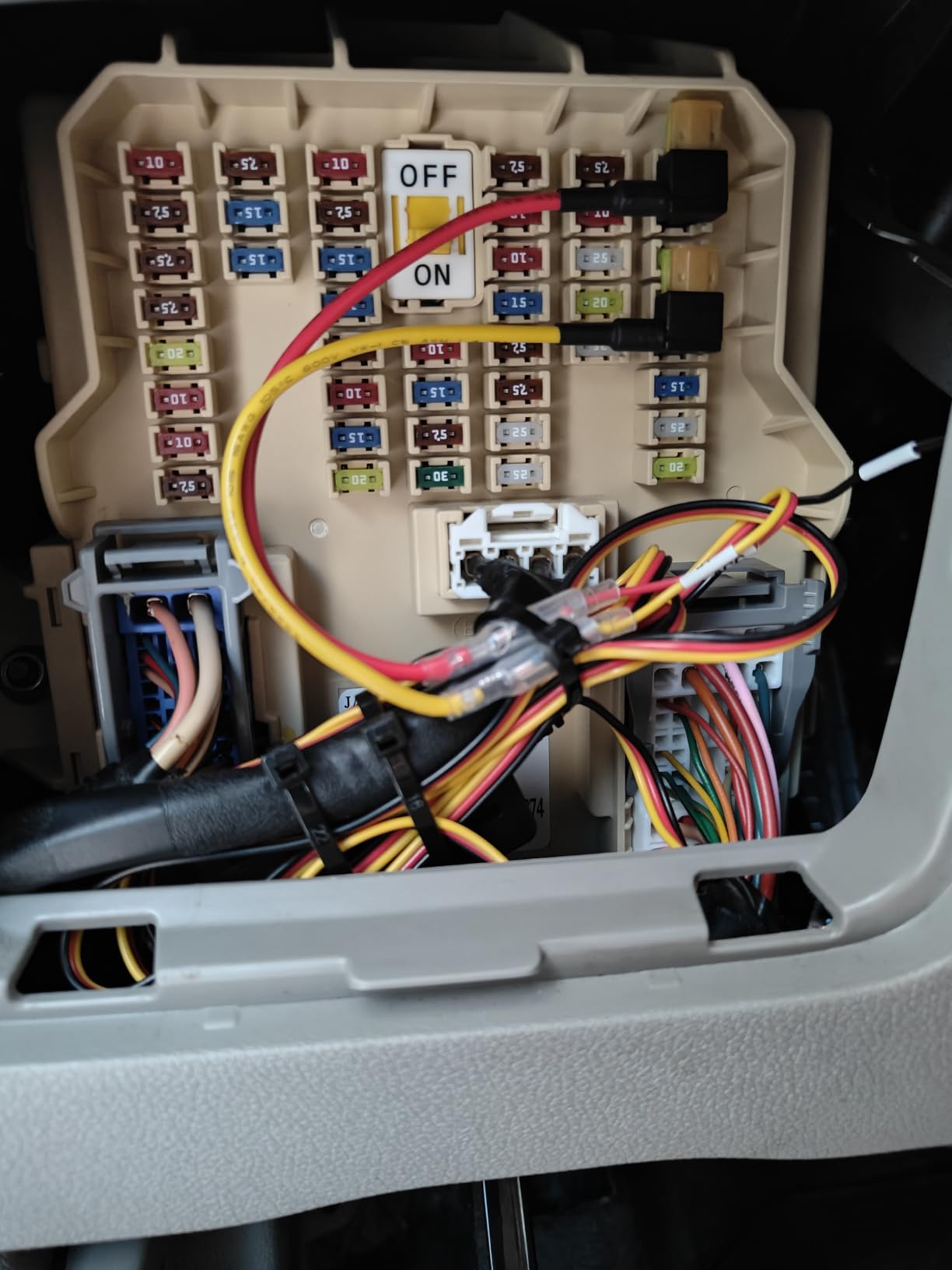
On mount security, adhesive mounts survive vibration and heat better than suction cups, which is why they are standard on the units with interior channels. Suction cups are easier to reposition for different drivers. Whichever you choose, check it every few weeks in the first few months, because a mount that lets go during an impact loses the footage at the moment you needed it. The same attention applies to what else you carry on that journey; our guide to bulletproof backpacks for commuters covers the other end of the security question.
Insurance, audio and the five mistakes worth avoiding
On insurance, a dash cam rarely changes your premium but it regularly changes the outcome of a claim. Insurers and police accept video evidence in most jurisdictions, and continuous footage showing an unexpected stop is the kind of proof that settles a disputed rear-end collision quickly. One owner in this group used their camera’s footage to win a claim after being rear-ended.
Audio is the legal grey area. A number of US states require consent from all parties before recording a conversation, and in-car audio captures people who have not agreed to it. Check your state’s position before enabling microphone recording. Several cameras here let you mute audio at the hardware level, which is the simplest way to stay out of that discussion.
The five mistakes we see most often:
1. Buying an SD card that is not endurance rated, or reusing a card formatted for a phone.
2. Enabling parking mode from the 12V socket and never unplugging it, which drains the vehicle battery.
3. Routing the power cable across the A-pillar instead of behind the trim and the airbag seam.
4. Leaving the default G-sensor sensitivity, so every speed bump locks a clip and fills the Event folder.
5. Waiting weeks to check that recordings are actually saving, by which point the loop may already have overwritten the incident.
And in the first ten minutes after a collision, do the same things in the same order: stop safely, check everyone, call emergency services, photograph the scene, then press the lock button or note the time so you can find the clip later. Back the file up to a phone or computer straight away rather than trusting the card to survive the rest of the week.
Frequently Asked Questions
What is the downside of a dashcam?
The main downsides are installation effort, cable routing and microSD card maintenance. A card that is not endurance rated or that is not formatted regularly is the most common cause of corrupt or missing files. Cheap cameras also produce unusable night footage, and parking mode left on a 12V socket can drain the vehicle battery without a hardwire kit that has a voltage cutoff.
Does your insurance go down if you have a dash cam?
A dash cam usually does not change your premium, because insurers price on driver history, claims and vehicle data rather than on cameras. What it changes is the outcome of a claim. Continuous, timestamped footage showing an unexpected stop or an obstructed junction is the kind of evidence that resolves a disputed accident quickly, and some owners in this roundup have used exactly that footage to settle a claim.
Should I turn on parking mode on my dash cam?
Turn it on if you park on a street, in an unmarked bay or in a shared lot, because parking mode is what records a hit-and-run while you are at work. Turn it off if you park in a lit, gated garage with cameras, where driving footage alone is enough. Either way, parking mode should be hardwired with a kit that cuts power at a set voltage, not left running from the 12V socket.
Does dash cam parking mode drain battery?
It can. A camera drawing small continuous current from a 12V socket will, over several parked nights in a working week, flatten a car battery. The solution is a hardwire kit with a voltage cutoff that cuts recording before the battery drops too low. Choosing a capacitor-based model with no internal lithium battery also avoids heat damage during long parked periods.
How much should I pay for a decent dash cam?
Spending guides which features you get. Entry-level models give you a 1080P to 2.5K front camera with a small sensor, which is fine for daytime driving. Mid-range adds a STARVIS sensor for night visibility, a rear camera, built-in GPS and faster WiFi transfers. Premium adds true 2K on both channels, HDR on both channels, buffered parking mode and larger storage support. For a night commute, spend in the middle or upper tier rather than the entry tier.
Which dash cam is best for using parking mode?
The models on this list with the most considered parking implementations are the ROVE R2-4K Dual, with three selectable modes including motion and collision detection, and the VIOFO A229 Plus, whose buffered event mode records 15 seconds before an impact and 30 seconds after. Both use a supercapacitor and both need a hardwire kit bought separately, which is the part most people overlook.
What is the best camera for road trips?
For long drives, storage capacity and endurance matter more than resolution. A high-endurance microSD card of 256GB or larger, formatted in the camera, holds far more hours than a small card, and a unit that accepts a larger card gives you more buffer before loop recording overwrites anything. GPS stamping with route and speed is also more useful on a long trip than on a fixed commute, because it places you on the map after the fact.
Final Verdict
The ROVE R2-4K Dual is our pick as the best dash cam for commuters because it combines a Sony STARVIS 2 sensor, three genuine parking modes and the fastest transfers in the group with a rating of 4.5 stars across more than 14,000 ratings. If your commute is almost entirely at night, the VIOFO A229 Plus is the stronger buy because it records true 2K on both channels with HDR active on each.
Whichever you choose, the details that decide whether a dash cam helps you are boring: a high-endurance microSD card formatted in the camera, cable routing behind the airbag seam, and a hardwire kit with a voltage cutoff if you want parking mode. Get those right and the best dash cams for commuters earn their place on the glass within the first week.
Before you commit, it is worth reading how the same decisions play out for other kinds of driver. Our best backpacks for daily commuters covers the gear side of the same journey, and if you are swapping out your whole setup the best e-bikes for commuters guide covers the last mile.