
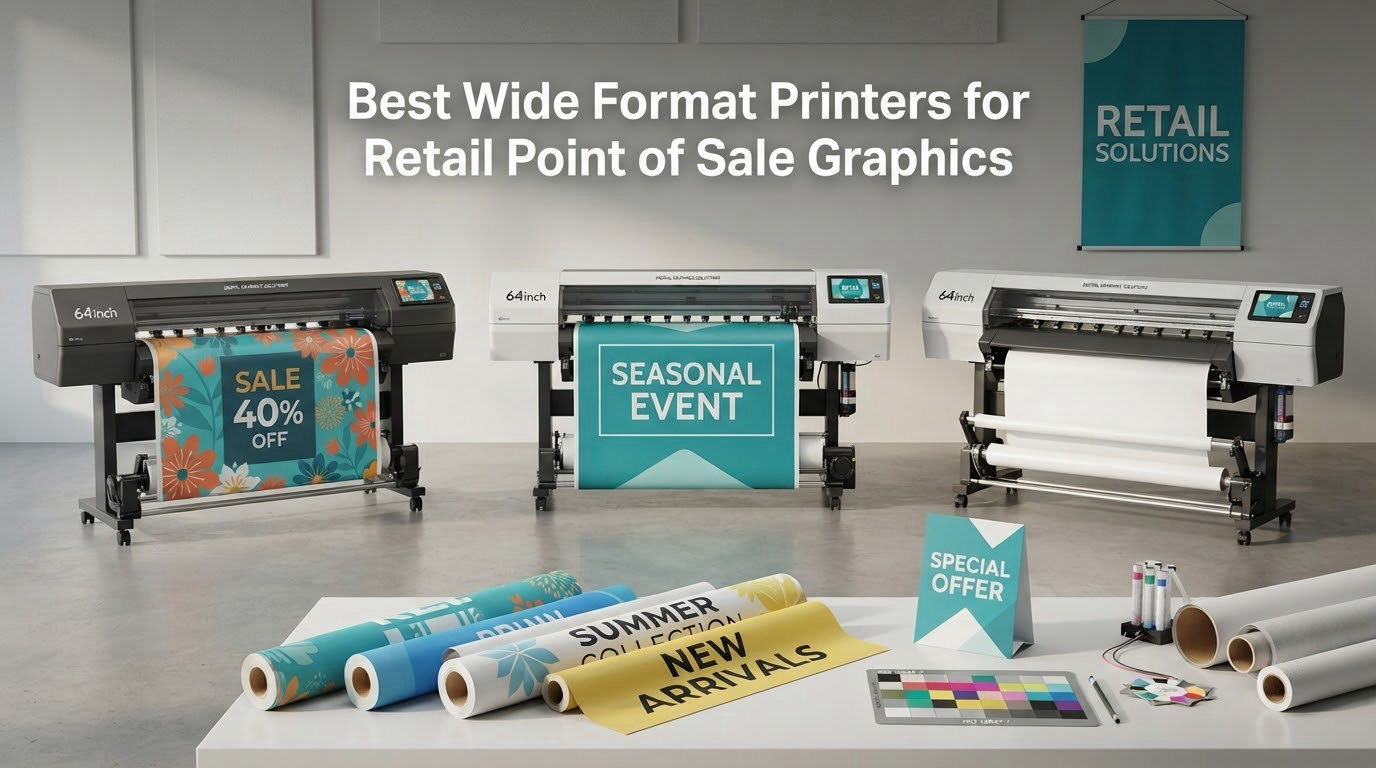
The most expensive part of a retail campaign is rarely the ink. It is the calendar. A seasonal window set has to be designed, approved, printed, delivered to fourteen stores, and installed before the promotion starts, and every hand-off in that chain adds a day you do not control.
That is the situation behind almost every question we get from store owners, visual merchandisers and small sign shops. They are not trying to become printers. They are trying to stop losing weekends to a supplier queue for things they already know how to design: counter cards, shelf talkers, A-frame inserts, window decals, roll-up banners and event backdrops.
This roundup covers the best wide format printers for retail point of sale graphics available to a small or mid-sized operation, and it is written around one question: which machine produces the store graphics you actually need, at a running cost you can repeat every season without flinching.
First, some terminology. POS means point of sale, the hardware where a transaction happens, and the printer inside a POS machine is almost always a small thermal receipt printer. It has nothing to do with this article. What you are buying is a POP printer, or point-of-purchase printer, which makes the graphics that surround that transaction: the window vinyl, the promotional poster, the price card, the banner above the queue.
We assembled these eight from published specification data and owner review patterns, then filtered them by a simple retail test: can the machine output a standard store deliverable, does the ink chemistry survive where the graphic goes, and does the per-print cost stay sane when you repeat it across a chain. We deliberately left out solvent and UV LED production machines that need a dedicated room, ventilation and a trained operator, because those are sign shop purchases rather than retail purchases. If your work moves to fabric, coated panels or hard substrates, our guide to wide format sublimation printers for shops covers that branch.
Read on for the top three, the full comparison, eight individual verdicts, and a buying guide built around retail deliverable sizes and the real cost of a finished sign.
Table of Contents
Top 3 Picks for Retail Point of Sale Graphics in 2026
Three machines stand apart once you weight the specs against what a store actually needs. The ET-15000 wins on running cost and duty cycle, the HP T210 wins on reaching true roll-fed wide format affordably, and the Canon PRO 2100 wins on output quality per unit of ink.

Epson EcoTank ET-15000
- Refillable EcoTank ink tanks
- 13 x 19 sheet output
- Auto duplex printing
- Scan copy and fax

HP DesignJet T210
- 24-inch roll media
- Automatic horizontal cutter
- 2400 x 1200 dpi output
- HP Click auto-nesting

Canon PRO 2100 24
- 12-ink LUCIA PRO pigment system
- Chroma Optimizer for smooth gradients
- Integrated roll system and rotary cutter
All 8 Wide Format Printers Compared in 2026
The table below is the full field. Note the split: three are sheet-fed desktop all-in-ones, two are roll plotters that cut to length, and three are professional roll machines aimed at photo, exhibit and fabric work.
| Product | Specifications | Action |
|---|---|---|
| Epson EcoTank ET-15000 |
|
Check Latest Price |
| HP DesignJet T210 |
|
Check Latest Price |
| Canon PRO 2100 24 |
|
Check Latest Price |
 Epson EcoTank Photo ET-8550 Epson EcoTank Photo ET-8550 |
|
Check Latest Price |
 Epson Artisan 1430 Epson Artisan 1430 |
|
Check Latest Price |
 HP DesignJet T630 HP DesignJet T630 |
|
Check Latest Price |
 Canon imagePROGRAF PRO-4100 Canon imagePROGRAF PRO-4100 |
|
Check Latest Price |
 Epson SureColor F570 Sublimation Epson SureColor F570 Sublimation |
|
Check Latest Price |
1. Epson EcoTank ET-15000: the best wide format printer for repeatable seasonal runs
Epson EcoTank ET-15000 Wireless All-in-One Wide-Format Supertank Printer
13 x 19 sheet output
4800 x 2400 dpi
33,000-page monthly duty cycle
Refillable EcoTank ink
Pros
- Very low ink cost per page from refillable tanks
- Auto duplex plus 250-sheet capacity suits daily business volume
- Handles canvas cardstock and printable specialty media
- Scans copies and faxes in the same chassis
- Easy setup with reliable Wi-Fi pairing
Cons
- 13x19 and 11x17 sheets load in the rear manual feed rather than a dedicated tray
- Manual duplex above 8.5 x 11 inches
- Some owners report recurring paper jams and media selection errors
This is the machine we keep coming back to for a small retail operation, and the reason is economic rather than glamorous. Cartridge-based wide format printing punishes you every time you reprint a campaign, and seasonal retail means reprinting the same artwork several times a year. The ET-15000 prints from refillable tanks, so the second, third and fourth version of a seasonal window set costs ink, not hardware.
It is also an all-in-one, which matters more in a back office than it sounds. Scanning, copying and printing in one chassis means one device on a counter instead of three. Auto duplex and a 250-sheet capacity across two trays mean a stack of hang tags or price cards can print without babysitting.
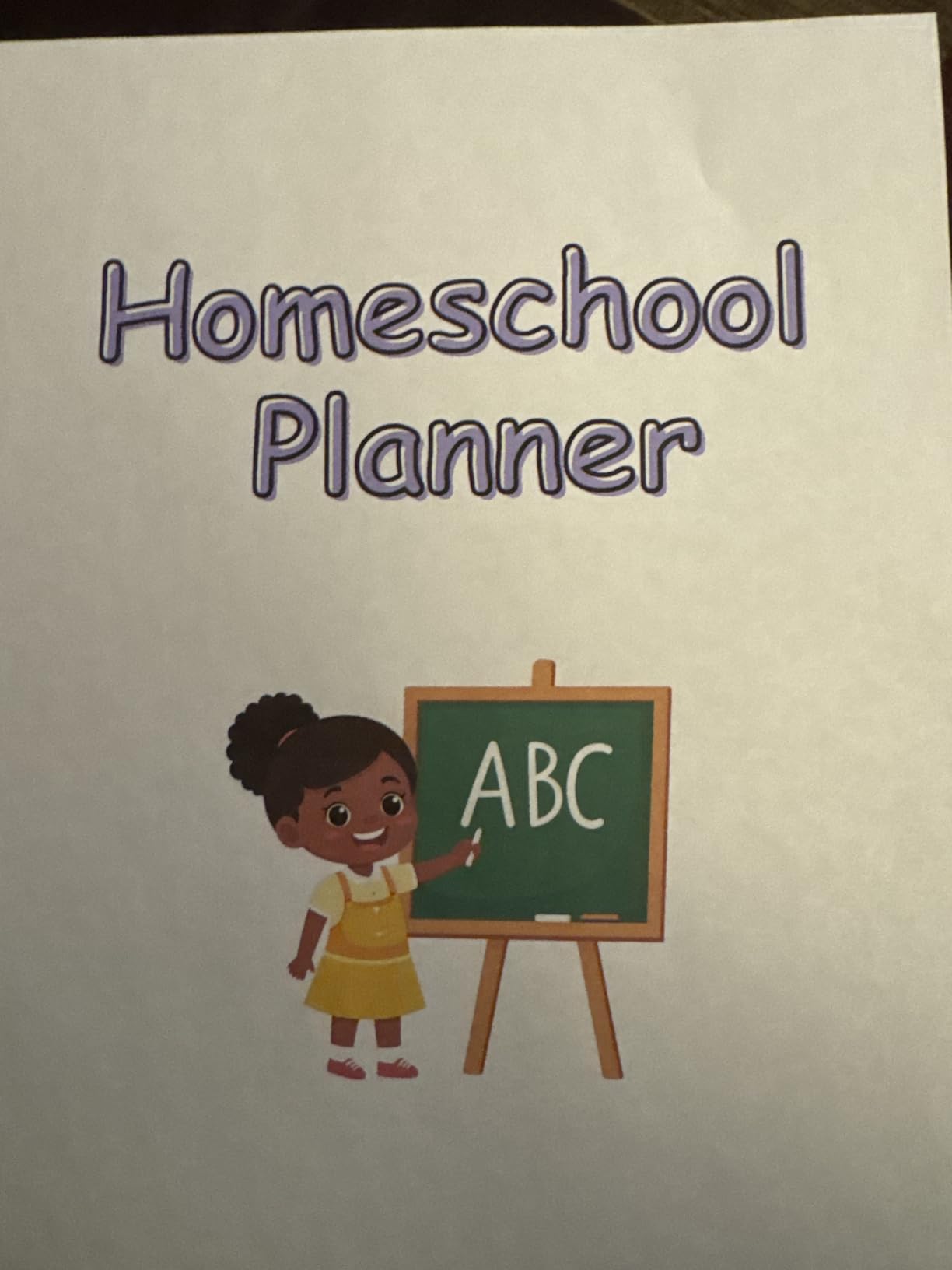
Owners consistently report low running cost and reliable wireless setup, and the review base is large enough that the pattern is meaningful rather than anecdotal. Specialty media is another strength: canvas and cardstock go through this machine, which covers textured panels and thicker hang tags that photo paper alone cannot handle.
The honest limitation is paper handling at large sizes. Sheets above 8.5 x 11 inches feed through the rear manual tray, and duplexing above letter size is manual. For a marketing coordinator printing batches of identical 13×19 posters, that is an extra step each time. It is manageable, but it is not automatic.
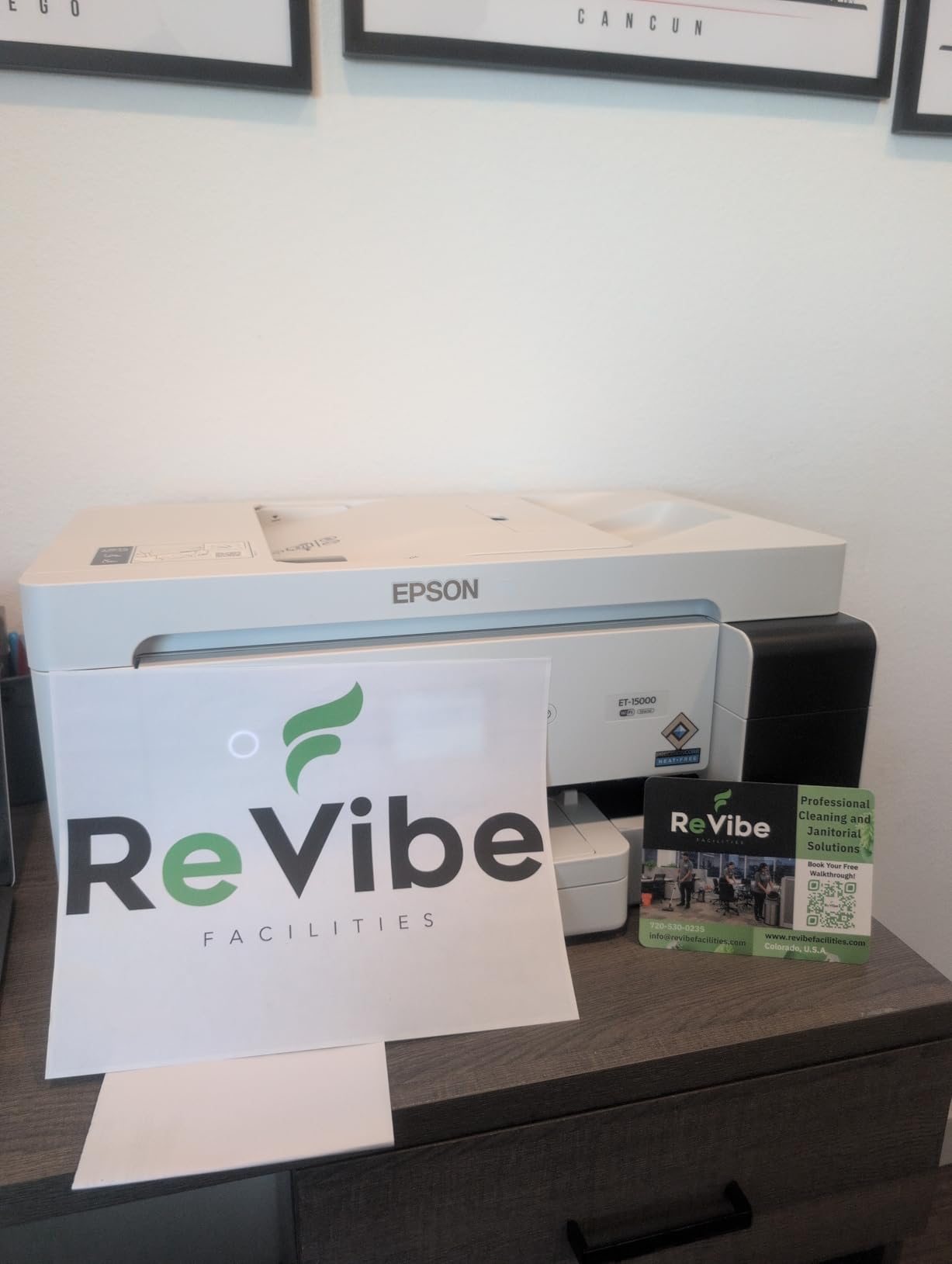
What this machine handles well in a store
Counter cards, shelf talkers, hang tags, seasonal in-store posters and window-adjacent pieces on paper or light board. At 13 x 19 inches it covers the poster size most chains standardize on, and the tanks mean a 200-piece run does not punish you.
It is also the right pick if your team prints other things, because the scan, copy and fax functions absorb everyday office work that would otherwise need a second device.
Where it will disappoint you
If your graphics are permanent vinyl window decals that have to survive rain and repeated cleaning, water-based ink on a paper or coated surface is the wrong chemistry. This machine is an indoor graphic and office production tool, not an outdoor signage engine.
Buy it for indoor POS/POP work and high-volume everyday documents. Do not buy it expecting banner production.
2. HP DesignJet T210: the best value way to reach true 24-inch roll format
HP DesignJet T210 Large Format 24-inch Plotter Printer, for Easy CAD & Poster Prints (8AG32D)
24-inch roll and 13x19 sheet media
2400 x 1200 dpi
Automatic horizontal cutter
Wi-Fi, USB and Gigabit Ethernet
Pros
- 24-inch roll capacity at an entry price point
- Automatic horizontal cutter trims finished graphics to length
- Sharp line and text quality for signage posters and plans
- Quick setup including wireless connection
- Uses noticeably less ink for routine maintenance
Cons
- Accepts only HP OEM cartridges which many local shops do not carry
- Printhead replacement is costly outside the warranty window
- Switching from roll to sheet can mean feeding one sheet at a time
- A jam can trigger repeated retries and waste media
Every other entry machine here prints sheets. This one prints rolls up to 24 inches wide and cuts them to length automatically, which is the single feature that separates a wide format printer from an oversized office printer. For yard signs, A-frame panels and short-run banner work, that is the difference between a usable tool and a frustrating one.
Output quality is 2400 x 1200 dpi in both color and black and white, and owners report crisp text and line work, which is what signage legibility depends on. It pushes roughly 59 A1/D prints per hour after a first-page time of about 45 seconds, so a stack of window panels clears well inside a working day.
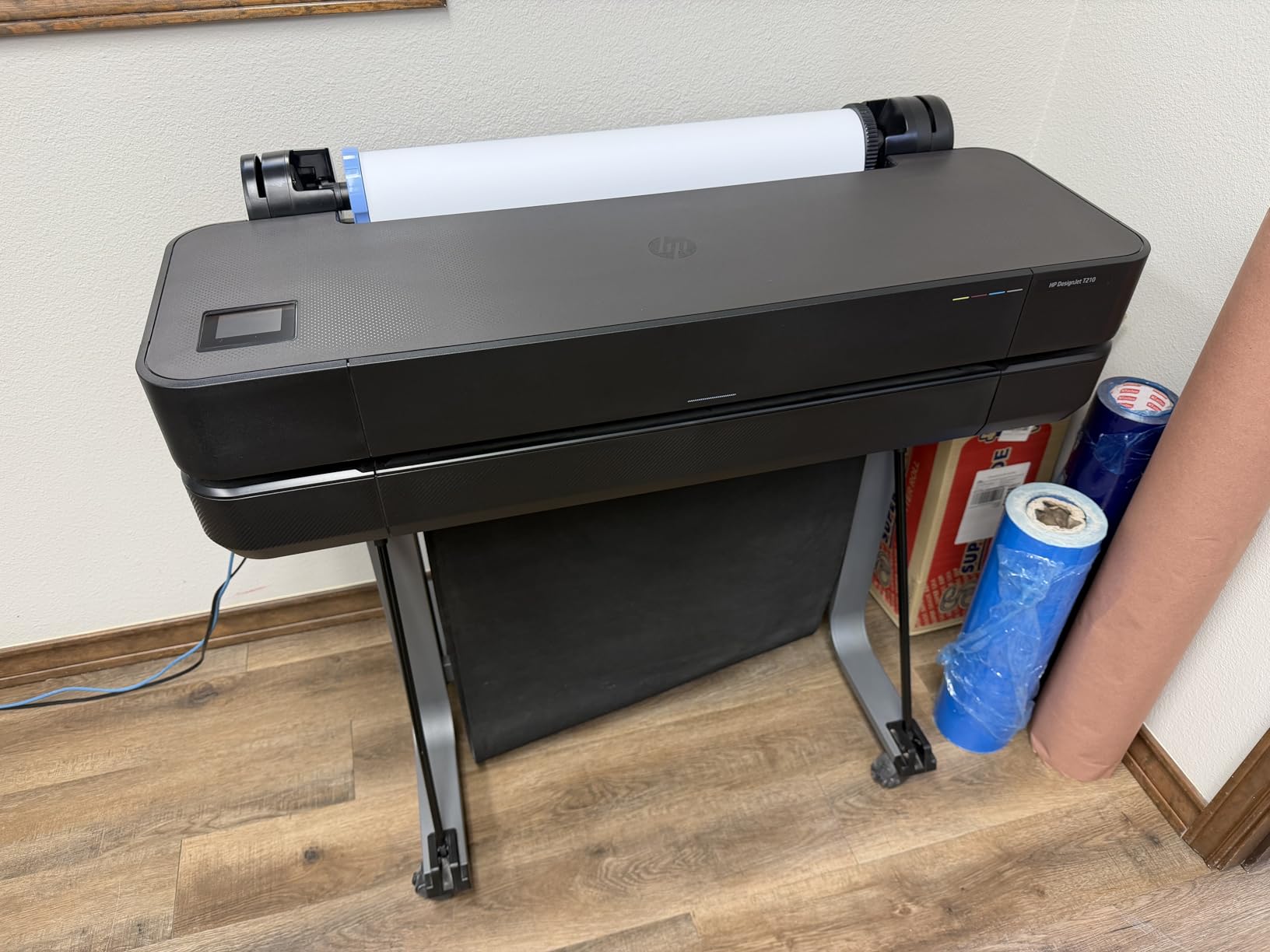
HP Click handles nesting and PDF error checking before the job reaches the plotters, which quietly prevents a lot of wasted media in a multi-store workflow where you place several small graphics on one sheet. The included touchscreen lets an operator check ink levels without opening a driver.
There is one systemic annoyance. The machine accepts only HP OEM ink cartridges, and local retailers frequently do not carry them, so planning matters. Third-party cartridges exist, and they are cheaper, but they are outside the manufacturer’s support.
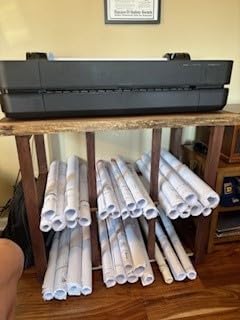
When this plotter earns its place
When your graphics are cut-to-length panels, yard signs and sidewalk boards rather than full-bleed photographic images. The horizontal cutter means a 24 by 36 panel is one job, not three separate trimmed pieces.
It also serves mixed retail work, because it takes both rolls and 13×19 sheets, so a team can print a technical drawing and a promotional poster on the same device.
What to watch before you commit
Printheads are consumables, not warranty-covered components, and replacement outside the warranty window is a real cost on any plotter. Ask an authorized dealer about printhead terms in writing before you sign.
Owners on r/LargeFormatPrinting describe mixed experiences with HP DesignJet plotter ownership generally, so treat a local dealer conversation as part of the purchase rather than an afterthought.
3. Canon PRO 2100 24: the best for photo-led retail displays
CANON PRO 2100 24 WIDE, FORMAT FINE ART PRINTER
24 x 59 inch maximum media size
12-ink LUCIA PRO pigment system
Rotary cutter and roll system included
One-year on-site warranty
Pros
- Exceptional color accuracy and deep blacks out of the box
- Chroma Optimizer delivers smooth gallery-grade gradients
- Multifunction roll system and rotary cutter included
- Long roll runs reduce media changeovers
- On-screen operator interface guides setup and roll changes
Cons
- Ink refill cost is high and only starter cartridges are included
- Learning curve for the layout software and color settings
- USB-only connectivity with no built-in wireless
If your store windows feature photography rather than typography, this is where image quality earns its keep. The 12-ink LUCIA PRO system adds a Chroma Optimizer ink that keeps skin tones and smooth gradients clean, which is precisely where a four-ink machine shows its limits on a large sheet. Owners rate its color accuracy and black density very highly.
It handles media up to 24 x 59 inches using the included Multifunction Roll System RU-23 with Roll Holder Set RH2-29, and a Rotary Cutter CT-07 comes in the box. That combination means a boutique can produce a long hanging banner in one continuous piece without a second trimming step.
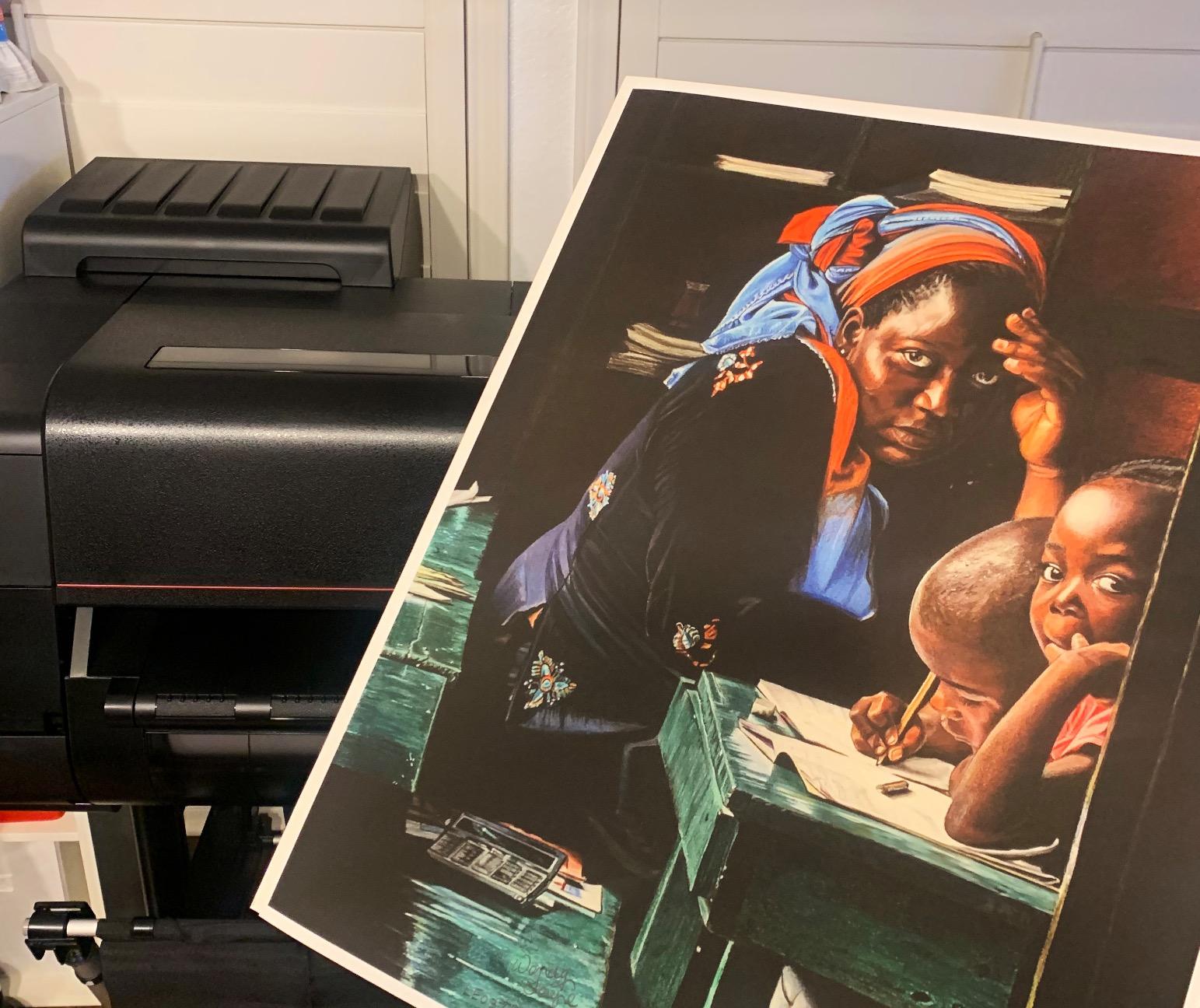
Owners rate the color quality and black density very highly, and the on-screen interface walks a new operator through startup, software and paper roll changes, which shortens the learning period considerably. It also prints from Photoshop and similar applications without a separate RIP, so a designer can go from file to finished panel directly.
The purchase comes with a one-year on-site warranty from Canon through an authorized reseller, which matters on a machine of this size. Be aware of the running cost, though. Ink is expensive and the box includes starter-sized cartridges only, so model your refill spend carefully before committing to volume work.
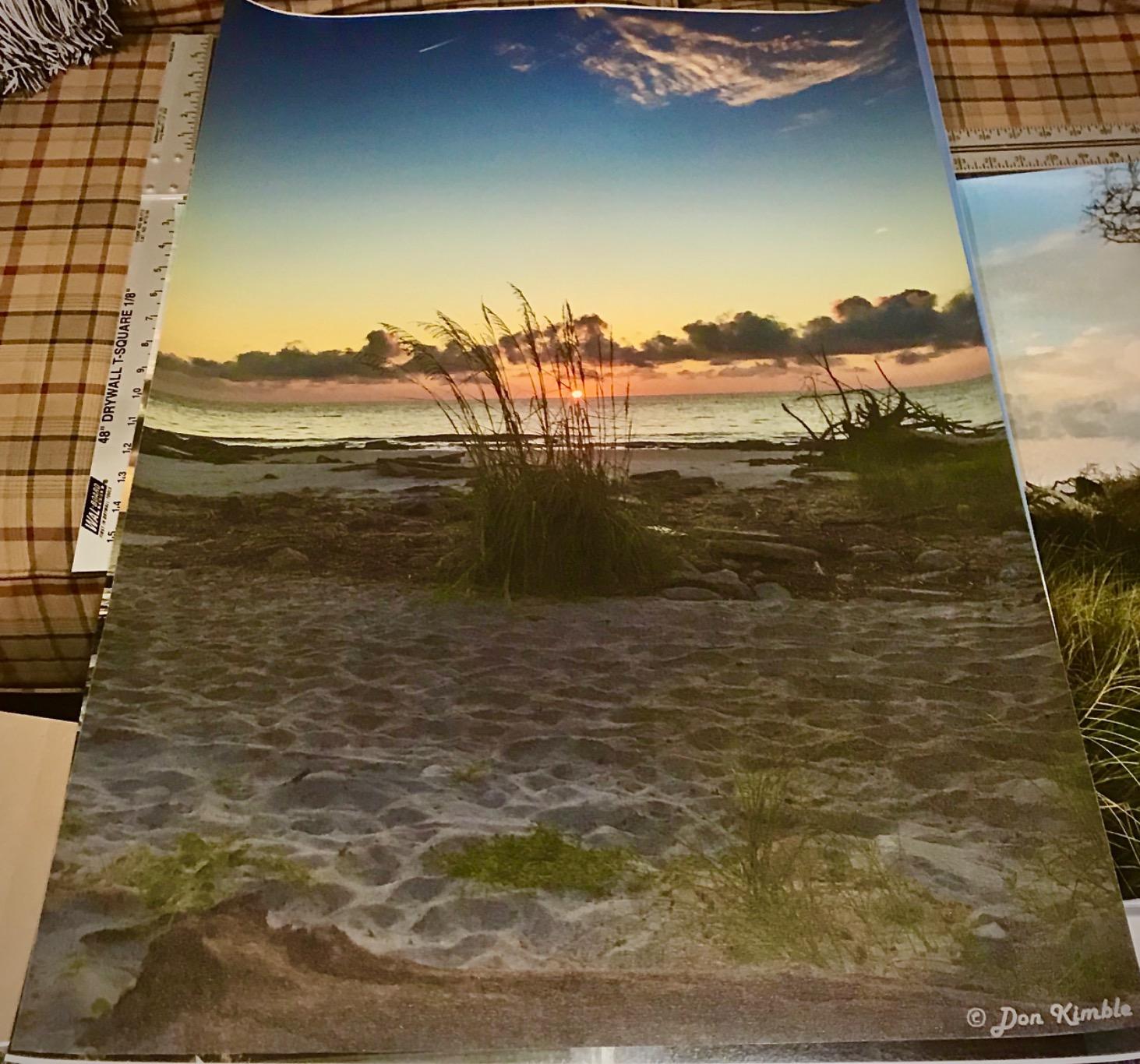
Where this printer earns the premium
Life-size lifestyle photography, framed store prints, gallery-style product panels and any graphic where skin tones or deep blacks are visible from close range. Fewer ink channels means visible transitions; this machine does not have that problem at 24 inches wide.
It is also a good fit for a small studio that produces a few very high-visibility pieces rather than hundreds of routine cards.
Where it costs more than it needs to
For flat typography, price cards and seasonal posters, this machine is overkill. A tank-based all-in-one produces those at a fraction of the ink cost, and the difference accumulates across a year of campaigns.
The USB-only connection also means no wireless job submission, so in a store with a shared design workstation you will be sending files by cable or through a wired network.
4. Epson EcoTank Photo ET-8550: the best for 13×19 posters on a tight ink budget
Epson EcoTank Photo ET-8550 Wireless Wide-Format All-in-One Tank Printer
13 x 19 inch borderless output
Claria ET Premium 6-color dye tanks
Up to 6,200 color pages from a full tank set
100-sheet capacity
Pros
- Cartridge-free tanks keep per-page ink cost very low
- Photo gloss quality is consistently praised by owners
- Print scan and copy with auto duplex in one chassis
- Quiet operation and a stable build
- Wireless printing from phones tablets and desktops
Cons
- Automatic tray selection is unreliable so tray choice is often manual
- Known tray 1 spring fault that throws false out-of-paper errors
- Flatbed scanner cannot take 11x17 originals and has no document feeder
- Dye inks are not archival and plain-paper text looks slightly soft
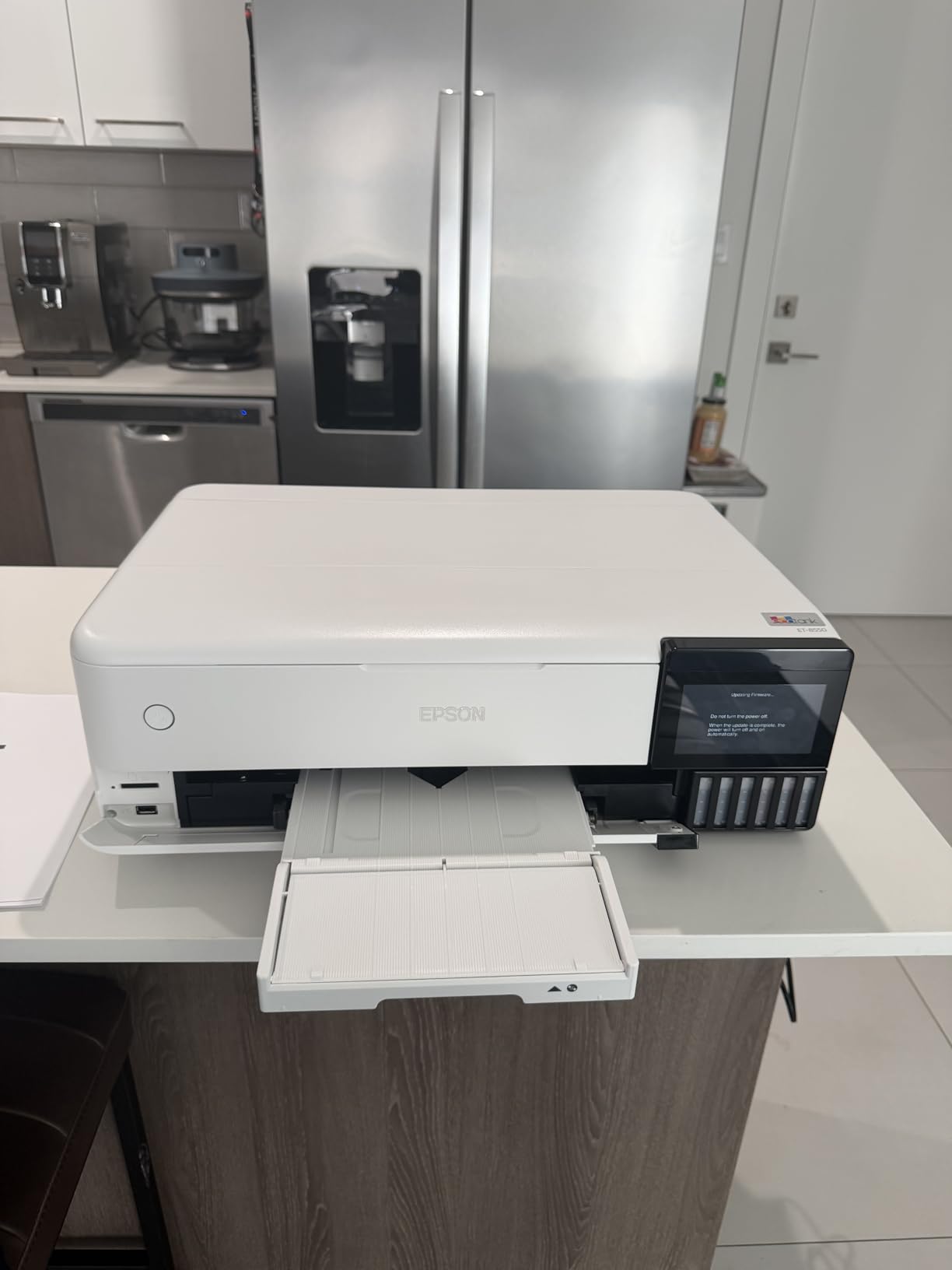
This machine exists to solve a specific retail problem: producing good-looking 13×19 posters repeatedly without cartridge economics. The Claria ET Premium six-color dye system runs from refillable tanks, and Epson claims roughly four cents for a 4×6 photo against roughly forty cents with cartridges. Multiply that across a campaign of seasonal posters and the difference is the entire argument for this machine.
Photo quality is the other strength. Owners consistently describe the gloss output as among the finest they have seen from a desktop-class machine, and that matters for in-store lifestyle posters where the print is the display.
A full set of tanks covers up to 6,200 color pages, and up to two years of ink ship in the box depending on use. For an operation that prints hard for a few weeks each quarter and then goes quiet, that matters: you are not watching cartridges age on a shelf.
Auto duplex, a 100-sheet capacity and a flatbed scanner round out an all-in-one package. Wireless printing means a floor manager can proof a design from a tablet without touching the machine.
What to print on this machine
13×19 borderless promotional posters, framed product prints, seasonal campaign sheets and photo-driven in-store signage on coated or glossy photo media. Among the 13×19 machines here, it pairs the lowest ink cost per sheet with the strongest photo output.
It also works for internal documents thanks to auto duplex, so a marketing coordinator can keep a single device on the desk.
What could go wrong
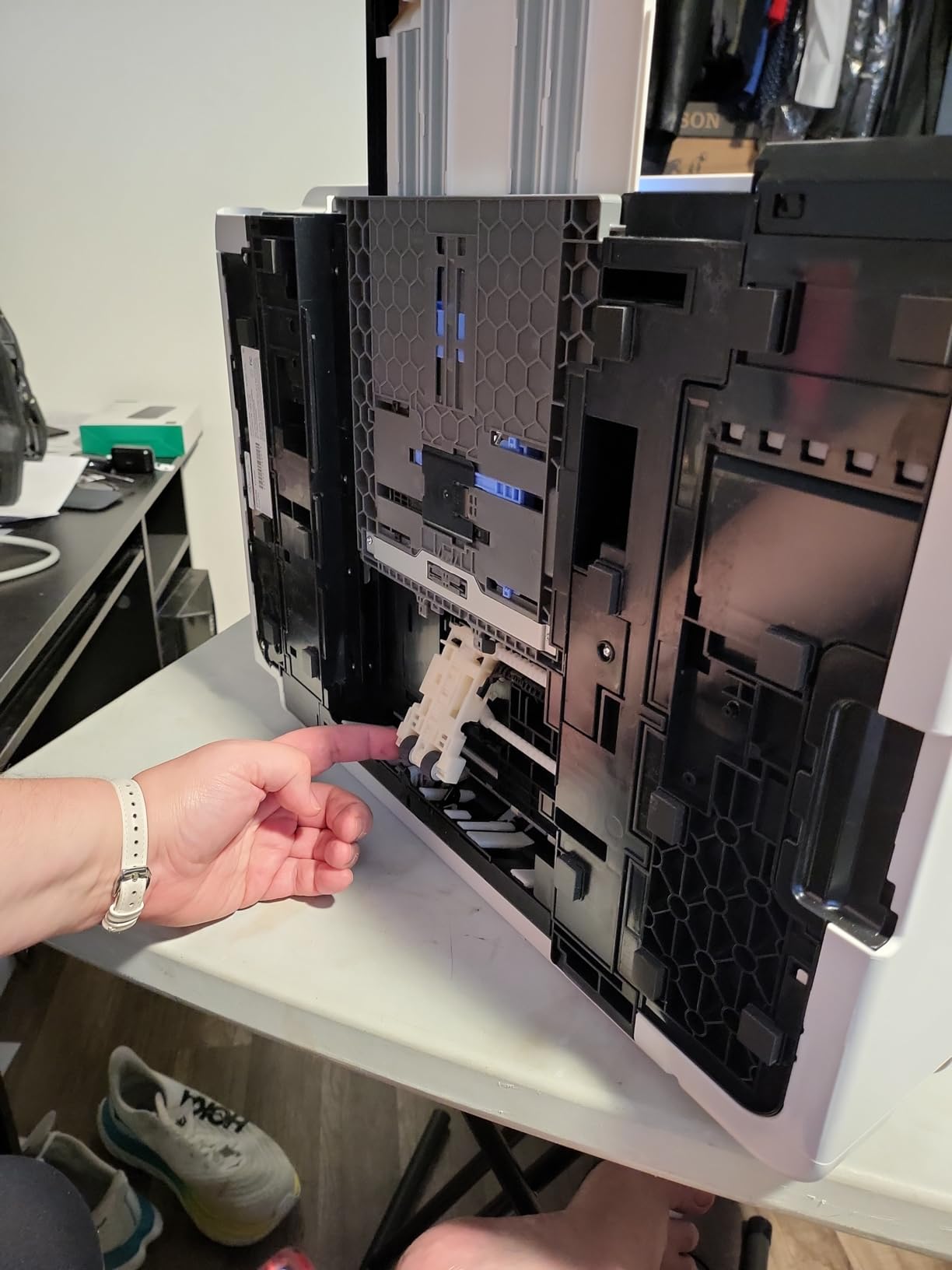
Two hardware issues come up often enough to mention. Automatic tray selection is unreliable, so you will often need to pick the tray by hand, and there is a known tray 1 spring fault that triggers false out-of-paper or jam errors and is fixable with replacement springs.
Be clear about the ink type. Dye inks are not archival, plain-paper text output is slightly soft rather than crisp, and the prints are not waterproof. For permanent window graphics, choose a machine built for that job.
5. Epson Artisan 1430: the best for desk-side proofing and 13×19 photo work
Epson Artisan 1430 Wireless Color Wide-Format Inkjet Printer (C11CB53201)
13 x 19 inch borderless output
5760 x 1440 optimized dpi
6-color Claria ink
Wi-Fi with a built-in flatbed scanner
Pros
- Borderless Hi-Def photo output at 13 x 19 in a compact desktop footprint
- Built-in flatbed scanner adds copy and scan functions
- Wireless and mobile printing support
- High 5760 x 1440 optimized resolution
Cons
- Claria cartridges give a high ongoing cost per page
- No duplex printing
- Only 50 sheets of capacity for a 13x19 machine
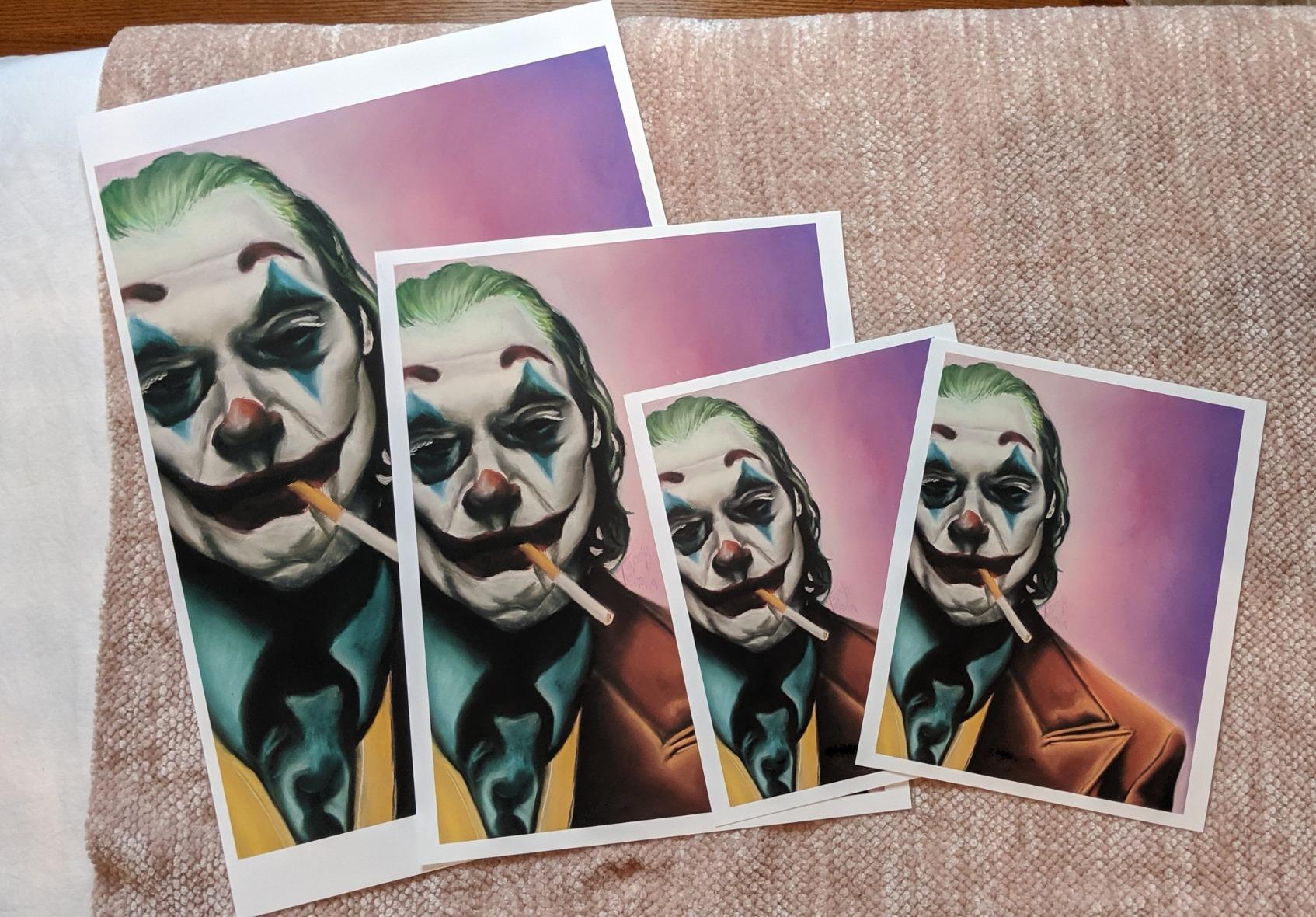
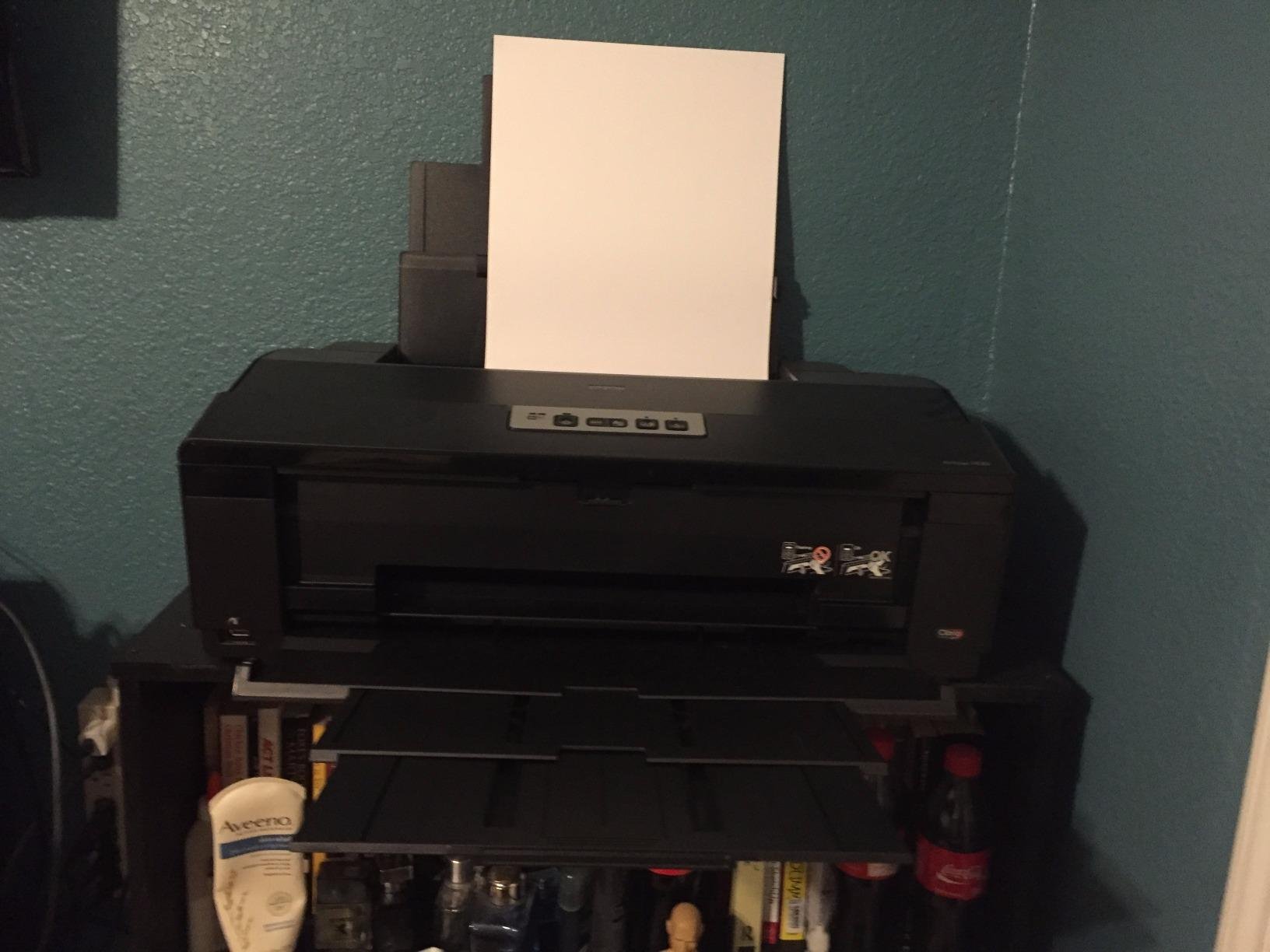
The Artisan 1430 is the simplest way to put a 13×19 borderless printer on a desk, and for a boutique or a single-store owner that is often exactly the requirement. It holds 50 sheets, weighs 35.3 pounds, and prints up to 13 x 19 inches with no roll feed and no cutter.
Resolution is 5760 x 1440 optimized dpi, and that is visible in small text and fine photographic detail. Wireless printing and mobile support mean a designer can send a job from a phone in the same room.
The built-in flatbed scanner is a genuine bonus for a small team. Scanning a supplier sample or a vendor artwork at A4 or letter size and printing it large saves a separate device and a trip to a copy shop.
Color speed is about 2.8 pages per minute, which is slow next to the tank-based machines, and that is fine for poster work where volume is measured in tens rather than hundreds.
Why a small store picks it
Because it fits under a desk, needs no roll handling routine, and prints borderless sheets up to 13×19 for framed prints, seasonal posters and photo-led window cards. The scanner makes it double as an office machine on a tight budget.
It is the lowest-friction entry into borderless large-format printing for an operator who has never used a wide format machine.
Why it is the wrong long-term answer
Ink cost per page is high because it runs on Claria cartridges rather than tanks. Reprinting a campaign five times a year turns that into a running expense that dwarfs the hardware, and the ET-15000 or ET-8550 will cost you less over the same period.
There is also no duplex, only 50 sheets of capacity, and no roll media, so any deliverable wider than 13×19 is simply out of reach.
6. HP DesignJet T630: the best for 36-inch banners and A0 signage
HP DesignJet T630 Large Format 36-inch Plotter Printer, with Auto Sheet Feeder, Media Bin & Stand (5HB11D)
36-inch roll media plus 13x19 sheets
Automatic sheet feeder and media bin
2400 x 1200 dpi output
Automatic sheet and roll switching
Pros
- 36-inch roll width covers full-size banners and A0 and A1 signage
- Automatic sheet feeder media bin and stand make unattended runs easier
- Crisp accurate output for plans renders and posters
- Wireless printing from desktop and mobile
- Compact and quiet for its size
Cons
- Heavy unit at 123 pounds needing dedicated floor space
- HP-only cartridges limit sourcing options
- A minority of owners report printhead failure and unresolved warranty service
A 24-inch plotter stops just short of the deliverables many stores consider standard. This one takes rolls up to 36 inches wide, which is the width that covers a full-size promotional banner, an A0 sheet and most trade show graphics without tiling.
The bundle is unusually complete for this class. An automatic sheet feeder, spindle, media bin, stand and starter cartridges are included, along with automatic sheet and roll switching and an automatic horizontal cutter. That means a team can run a roll job and then a sheet job without manually reconfiguring anything.
Output is 2400 x 1200 dpi with a 30-second first page, and owners praise the crisp, accurate results on plans, renders and posters. Connectivity covers Gigabit Ethernet, USB 2.0 and Wi-Fi, and HP Click adds auto-nesting and error checking.
Two practical notes. The unit weighs 123 pounds and measures 52 inches wide, so it needs its own floor space and a path to get there. And the same HP-only cartridge restriction as the smaller T210 applies, with the same service-channel implications.
What it unlocks for a store
Full-width banners, window graphics at a useful scale, A0 and A1 signage and event panels that a 24-inch machine cannot produce in a single pass. For a shop printing promotional banners every quarter, the width is the reason to step up.
The included feeder and media bin also make higher-volume runs practical without constant operator attention.
What to weigh against it
Cost of ownership rises with size. The footprint is real, and a machine that is moved or knocked risks platen and feed damage in a way a desktop unit will not suffer.
A minority of owners report printhead failure and difficulty resolving warranty service, and printheads are consumables outside the hardware warranty. If your volume is occasional, weigh carefully against outsourcing before committing to a machine this size.
7. Canon imagePROGRAF PRO-4100: the best for 44-inch backdrops and exhibit graphics
Canon imagePROGRAF PRO-4100 11-Color 44″ Large Format Inkjet Printer
44-inch print width
18,432 nozzles on a 12-channel head
Automatic color density calibration
LUCIA PRO pigment ink tanks
Pros
- 44-inch width covers roll-up stands fabric and large backdrops in a single sheet
- Pigment ink tanks in 160ml 330ml and 700ml sizes cut refill frequency
- Integrated Color Density Sensor calibrates output automatically
- Works across Windows and Mac workflows
Cons
- Weighs 345 pounds and is the largest footprint in the selection
- 44-inch media is unnecessary for standard 13x19 in-store signage
- Manual duplex handling only
At 44 inches, this machine crosses out of the in-store signage category and into exhibit and event territory. A step-and-repeat backdrop, a wide fabric banner or a retail trade show wall comes off a single sheet, which is the practical reason to own something this size.
The printhead is the specification to understand. A 1.28-inch wide head with 18,432 nozzles across 12 channels is a serious piece of engineering, and it is what drives smooth output across a 44-inch sheet where banding would otherwise be obvious.
Color consistency is handled automatically. The integrated Color Density Sensor performs calibration on the machine, so a seasonal campaign reprinted in a different month looks like the same campaign instead of drifting. Owners value that when producing the same artwork across many events.
Ink is supplied as 12 individual pigment-based LUCIA PRO tanks in three capacities, and the 700ml option is a sensible choice for high-volume work because it reduces how often someone has to refill.
Where it is genuinely worth it
Trade show backdrops, fabric and textile banners, large exhibit walls and wide in-store installations where a 36-inch machine would leave a visible seam. If your graphics need to read from across a hall, this is the right class.
Automatic calibration is the quiet advantage for teams that repeat artwork for many events rather than producing it once.
Where it is waste
For standard 13×19 and 24×36 in-store signage it is more machine than the job needs, and the 345-pound weight plus a 68.5-inch width mean dedicated space and careful delivery. In a small store, that space usually competes with storage.
Output speed is not the selling point here, with a first page time listed at 149.4 seconds or less. This is a quality and scale machine, not a rush machine.
8. Epson SureColor F570 dye-sublimation bundle: the best for textile and apparel point of purchase
Epson Surecolor F570 24″ Desktop Sublimation Printer, Includes Two Full Ink Sets, User Guide, Sublimation Paper, & Free Remote Install SCF570 (Printer & Stand)
24 inch by 100 foot media
720 x 720 dpi
PrecisionCore MicroTFP printhead
Edge Print Pro with PostScript 3
Pros
- 24-inch dye-sublimation output for fabric and textile POS items
- Nozzle Verification Technology reduces clogging
- Handsles rolls and sheets with a 50-sheet tray and built-in cutter
- Professional layout nesting and color control in Edge Print Pro
Cons
- Large unit at 200 pounds needing dedicated space
- Setup takes about three hours plus roughly two hours of ink charging
- Some owners still report nozzle clogging in humid conditions
- Sublimation workflow needs coated media so it is not a general signage printer
Dye-sublimation is a different process from everything else here. Ink is transferred into the coating of polyester fabric or a coated panel with heat, so the color becomes part of the material rather than a layer sitting on top. That is why it will not crack, peel or scratch the way an inkjet-printed graphic on a rigid surface eventually does.
For a clothing brand, a market stall or a promotional merchandise operation, that durability is the whole point. The bundle includes the SureColor F570, an Epson stand, two full ink sets, sublimation paper, a user guide and remote installation with tech support.
The printhead is a PrecisionCore MicroTFP with Nozzle Verification Technology, which performs nozzle checks and cleaning cycles automatically. Owners moving up from converted desktop printers report noticeably fewer clogs, which is the failure most owners of that category are trying to escape.
Media handling accepts rolls and sheets up to 24 inches wide with a 50-sheet auto-feed tray and a built-in cutter, and the 100-foot roll length means long runs without media changes. Edge Print Pro adds Adobe PostScript 3 and Adobe PDF Print Engine support for professional layout and nesting.
What it should be used for
Textile point-of-purchase items, branded fabric panels, market and event banners on polyester, and coated panel graphics. The T49M inks are specified for polyester fabrics and coated ceramics.
If your retail program includes fabric, this is the only machine in the roundup that handles it natively, and our sublimation printer guide for shops goes deeper on the workflow.
What disqualifies it for most stores
It is a 200-pound dedicated machine that needs real floor space, roughly three hours of setup and about two more hours of ink charging before it is ready. A store that prints four times a year will pay that start-up cost repeatedly.
It is also not a signage printer. Dye-sublimation requires coated substrates and heat, so vinyl, paper and canvas are outside its remit, and some owners still report clogging in humid conditions.
How to Choose a Wide Format Printer for Retail Graphics
Choosing a wide format printer for retail means matching three things: the size of your deliverables, the environment the graphic lives in, and how often you reprint. Get any one of them wrong and the machine becomes an expensive paperweight for months at a time.
Which ink technology matches which retail job?
Water-based pigment and dye ink is for indoor graphics on paper and photo media, where it produces the best color and the lowest cost. Eco-solvent and solvent ink bonds to vinyl and other non-porous surfaces, which is what makes outdoor and window graphics durable. UV LED ink cures instantly and handles rigid substrates such as foam board and acrylic. Dye-sublimation transfers dye into coated fabric or panels, so it will not scratch or peel but requires heat and coated media.
The practical rule: if the graphic lives inside a store on paper or a poster board, use a water-based machine. If it lives on a window, a sidewalk board or a street-facing banner, you need solvent-based ink, and none of the eight machines here is a solvent engine. If it lives on fabric, you need sublimation.
One important warning from practitioners. Forum operators repeatedly caution that consumer-grade machines do not perform well on outdoor signage, because prints fade or degrade within weeks. That matches the specification difference above, and it is the most common expensive mistake new buyers make.
Worth noting alongside flat graphics: if your display plan includes dimensional props rather than printed panels, our guide to large-format 3D printers for cosplay builds covers the other half of that workflow.
What printer width do your retail deliverables actually need?
Match the printer width to the largest finished piece, not to the largest roll you can imagine buying. A-frame sandwich board inserts are usually 18 by 24 inches or 24 by 36 inches, which means a 24-inch roll machine covers them with room to spare.
Window graphics and door decals are commonly 24 by 48 inches or 30 by 60 inches, which pushes you to a 36-inch machine. Yard signs at 24 by 36 inches fit a 24-inch printer, but standard 3 by 5 foot corrugated yard signs need 36 inches. Roll-up banner stands and step-and-repeat backdrops start at 33 inches and 60 inches respectively, so those belong to the 36-inch and 44-inch classes.
A 13×19 sheet printer is a different category entirely. It handles counter cards, shelf talkers, hang tags, framed prints and standard in-store posters, and it will not produce anything wider than 13 inches no matter how good the machine is.
What does a finished retail sign really cost?
Price per page is the wrong unit for signage. Build the cost per finished piece instead, and include four components: the media, the ink consumed by that specific job, the laminate or overlaminate if the graphic needs UV or scratch protection, and the finishing labor for trimming, weeding and mounting.
Run that calculation on one 24 by 36 poster. The media is a fraction of a roll but not nothing. The ink depends heavily on coverage, and a full-bleed photographic poster uses far more than a mostly-white price card. Lamination adds a material cost and a machine pass. Cutting and mounting add labor, and labor is usually the largest line item for a small team.
Now compare that number against the same job produced by an outside sign shop, which adds their setup, their minimum order and their delivery window. Once labor is priced honestly, the crossover point where in-house printing wins is usually lower than most buyers expect, because the supplier’s fixed overhead is the cost you are not paying when you print internally.
At what monthly volume does in-house printing beat outsourcing?
There is no single number, because the answer depends on how much of the workflow you already have. A team that designs in-house, owns a laminator and has someone who can trim and mount will find in-house printing cheaper at fairly modest monthly volumes. A team that outsources design, buys laminate by the metre and sends everything to a printer for finishing needs a much higher volume to justify the machine.
Two practical tests are more useful than a rule of thumb. First, count how many times per year you reprint the same artwork. Retail graphics churn, and a machine that only runs during a four-week seasonal window spends most of its life idle. Second, measure how often a supplier deadline has cost you a campaign.
If the answer to the second question is even twice a year, the printer is justifying itself on speed alone, independent of unit cost.
What do operators say about reliability and maintenance?
Printheads are consumables. They are not covered by the hardware warranty in this category, and replacement is the single largest surprise cost for a first-time buyer. Ask a dealer for printhead terms in writing before you purchase, and ask what a replacement head costs on the specific model.
Second, resist third-party ink. It is cheaper, but it is outside manufacturer support, and it is the most common reason a warranty claim is refused. Dealers consistently advise sticking with genuine consumables.
Third, plan for idle periods. A machine that prints heavily for a few weeks and then sits for months is the hardest duty cycle in this category. Machines with automatic nozzle verification and purge cycles, such as the F570 in this roundup, are better suited to intermittent use than machines that need manual flushing.
Fourth, protect the machine electrically. A surge protector is standard advice in dealer guidance, and a printer is a large, expensive box of electronics that will be near other power-hungry equipment in a stockroom.
Finally, one brand-level caution worth carrying into your research. Operators on r/CommercialPrinting repeatedly single out one well-known solvent printer brand as unreliable and advise others to avoid it. None of the eight machines in this roundup belongs to that family, which is part of why this list is built the way it is.
How do Canon, Epson and HP compare for retail work?
Epson splits into two distinct camps. The EcoTank desktop machines are the economical indoor choice, with refillable tanks and good paper handling, while the SureColor line addresses professional roll and sublimation work. Canon leans toward color accuracy, with 12-ink LUCIA PRO systems and Chroma Optimizer in the PRO models, plus automatic calibration on the PRO-4100. HP occupies the roll-plotter middle, with the T-series covering 24-inch and 36-inch signage output and a cutter built in.
For an indoor retail program, the tank-based Epson machines usually deliver the lowest cost per finished graphic. For photo-led display work, Canon’s 12-ink systems give the most visibly better output. For cut-to-length banners and signage panels, the HP T-series has the most direct feature fit.
Frequently Asked Questions
What kind of printer is used in a POS machine?
A POS machine normally contains a small thermal receipt printer that prints transaction receipts, not store graphics. The device that produces point-of-purchase graphics such as window decals, counter cards, promotional posters and roll-up banners is a wide format printer, which outputs media from 13 by 19 inches up to 24, 36 or 44 inches wide on rolls or sheets.
What kind of printer can be used for signage?
Signage printers come in three main ink types. Solvent and eco-solvent printers use ink that bonds into vinyl, so the graphic survives rain, sun and handling outdoors. UV LED printers cure ink instantly and can print direct onto rigid substrates like foam board and acrylic. Dye-sublimation printers transfer dye into coated fabric or panels with heat, producing graphics that will not scratch or peel.
Which large format printer is the best for printing posters?
For 13×19 indoor posters on a budget, a refillable ink tank all-in-one such as the Epson EcoTank ET-15000 or ET-8550 gives the lowest cost per finished sheet and prints borderless. For photographic posters where image quality matters most, the Canon PRO 2100 24 with its 12-ink LUCIA PRO system produces visibly smoother gradients and deeper blacks at a higher ink cost.
What is the best large format printer for 24×36 prints?
A 24×36 poster needs a 36-inch wide print path, because the finished sheet is wider than a 24-inch roll can carry. A 13×19 sheet printer cannot produce it at all, and a 24-inch roll machine would need the poster split into two panels with a visible seam. The HP DesignJet T630 in this roundup covers 36-inch rolls with an automatic cutter.
Which printer is better, Canon or HP or Epson?
For indoor retail graphics on a tight running cost, Epson EcoTank machines lead because refillable tanks cut per-page ink cost. Canon leads on color accuracy, with 12-ink LUCIA PRO systems and a Chroma Optimizer that smooths gradients in photographic graphics. HP leads on roll-fed signage, with the DesignJet T-series offering 24-inch and 36-inch roll widths and an integrated horizontal cutter.
What printer has the least problems?
Reliability depends far more on duty cycle and ink chemistry than on brand. Machines with automatic nozzle verification and purge cycles, such as the Epson SureColor F570, tolerate intermittent seasonal use better than machines needing manual flushing. The most common problems across this category are paper jams at large sizes, locked-in OEM cartridge supply, and printhead failure, since printheads are consumables not covered by the hardware warranty.
Which Wide Format Printer Should You Buy in 2026?
Start with the Epson EcoTank ET-15000 if you want the lowest running cost on repeated seasonal indoor graphics and you want scanning and copying in the same box. Choose the HP DesignJet T210 if you need genuine roll-fed 24-inch output with an automatic cutter and you want the least expensive route into wide format. Choose the Canon PRO 2100 24 if your windows are photography-led and image quality is the priority.
Step up in width only when a deliverable demands it. The HP DesignJet T630 covers 36-inch banners and A0 sheets, the Canon imagePROGRAF PRO-4100 covers 44-inch backdrops and exhibit walls, and the Epson SureColor F570 covers fabric and coated panels for textile point-of-purchase work.
Whichever you choose, price the finished sign rather than the machine, and buy from an authorized dealer who will put printhead terms in writing. That is our final word on the best wide format printers for retail point of sale graphics in 2026.