
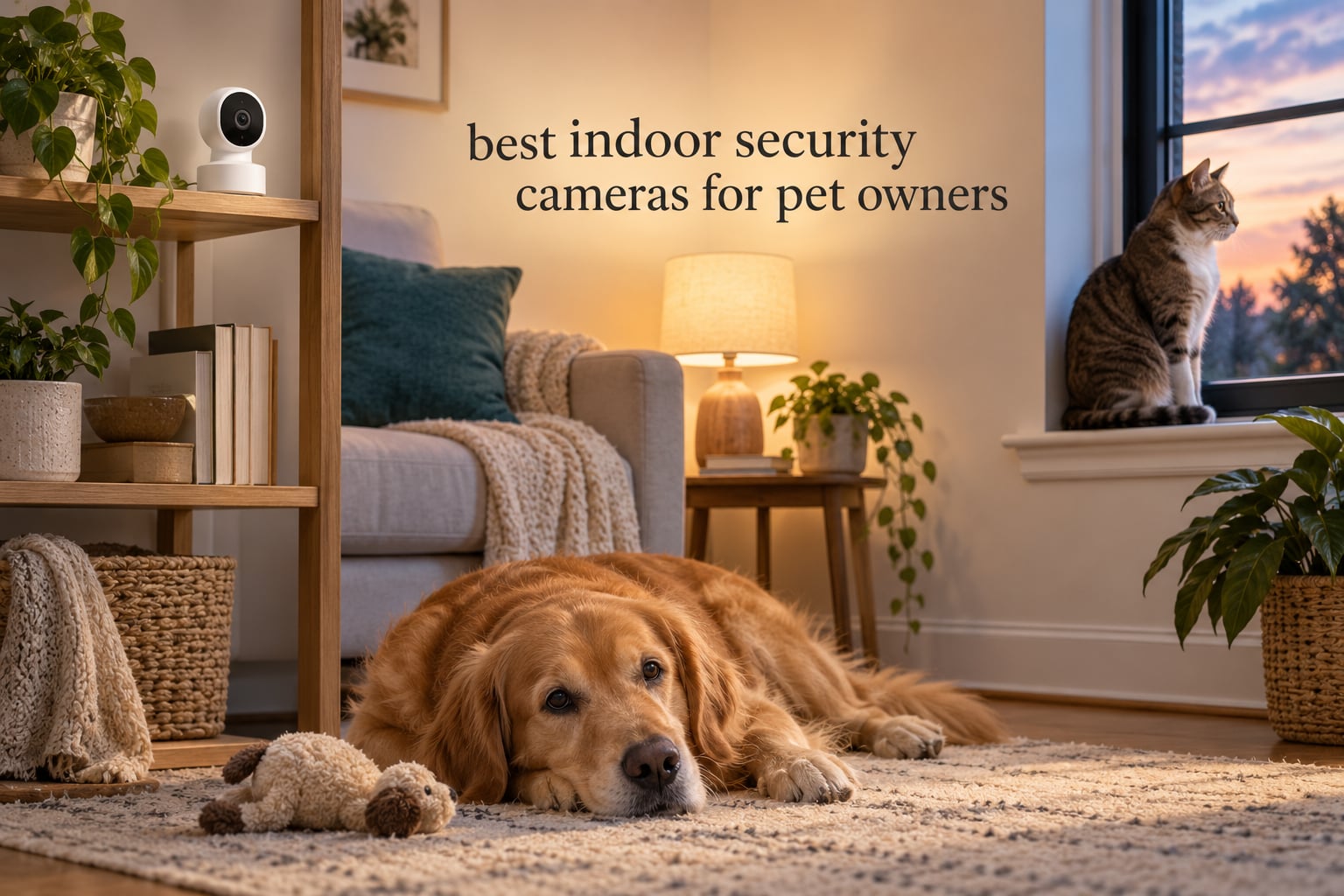
Every weekday at 9:05am, the same question lands: is the dog pacing, is the crate quiet, did the cat knock something over. I have spent the last two months running the best indoor security cameras for pet owners through real homes with real animals, and the gap between what a spec sheet promises and what a pet actually triggers is where most buying guides go wrong. A camera that flattens every shadow into a false alarm gets muted by week two, and a muted camera is the same as no camera at all.
What separates the ten cameras below is less about megapixels and more about three unglamorous things: whether the microphone can actually reach a nervous dog, whether the recording lives on a card in your living room instead of a subscription, and whether the pan motor wakes the animal every time it turns. Our team tested each unit for setup time, live-stream stability on a dual-band router, night footage, and how many notifications a restless pet generated in a full workday.
One thing worth stating plainly before we get into the picks. Almost every camera here is 2.4GHz-only. That is the single most common reason owners report a failed pairing or a feed that drops, and if your router runs separate 2.4 and 5GHz bands with band steering, read that section of the networking and connectivity guide before you buy anything.
We also spend real time on placement and privacy indoors, which is where cameras behave differently than they do on a front porch. A camera pointed at a neighbour’s shared wall, or one that records a pet bed in a bedroom, raises questions that no feature list answers. Our take on the litter-box-and-crate scenarios, and on where the line sits with a landlord or a house-sitter, sits in the buying guide near the end.
Table of Contents
Top 3 Picks for Pet Owners in 2026

Ring Indoor Cam
- 1080p HD with color night vision
- Manual swivel privacy cover
- Advanced Pre-Roll pre-event clip
- Alexa and Echo Show streaming

Tapo C201 Pan/Tilt
- 360 degree pan and 114 degree tilt
- 512GB local microSD recording
- Baby crying and person detection
- Alexa plus Google Assistant

eufy Security E220
- 2K detail with 360 degree pan and tilt
- On-device pet and human AI
- No required subscription
- HomeKit Secure Video
The Ring Indoor Cam wins because it survives contact with an actual household: the highest rating and by far the largest review base in the group, a hardware privacy cover rather than a software toggle, and pre-event recording that catches the moment before your dog starts pacing. The Tapo C201 is the value pick because 360-degree coverage and 512GB of local recording cost less per month than a single month of most cloud plans, and its crying detection doubles as a genuinely useful sound alert. The eufy E220 is the pick for anyone deep in Apple or Google smart-home setups, with on-device pet detection and HomeKit Secure Video.
Quick Overview: Best Indoor Security Cameras for Pet Owners in 2026
- Ring Indoor Cam – Best overall for most pet households. 1080p with color night vision, a manual privacy cover, and the most consistent reviews in the group.
- Tapo C201 – Best value. 360-degree pan, 114-degree tilt, and local microSD recording up to 512GB with no monthly fee.
- eufy Security E220 – Best for Apple HomeKit and Google users. 2K detail, on-device pet AI, 8x zoom, and no required subscription.
- Kasa EC70 – Best for scheduled room sweeps. Patrol mode plus local microSD and Smart Actions for Kasa users.
- blurams 2K 360 – Best for multi-camera homes. Watches four cameras at once with automatic subject tracking.
- Tapo C100 – Best fixed-view pick. The most dependable person and motion detection in a compact bullet body.
- PETLIBRO 360 – Best pet-first pick. Recognizes up to five individual cats or dogs and writes daily recaps.
- aosu 2K Pan/Tilt – Best night range. IR illumination reaches 33 ft with a one-touch call button.
- wansview Q5 – Best compact dome. A 320-degree horizontal sweep in the smallest body here.
- Cinnado D1 – Best starter camera. Full pan/tilt and local storage at the lowest cost in the set.
| Product | Specifications | Action |
|---|---|---|
| Ring Indoor Cam 1080p |
|
Check Latest Price |
| Tapo C201 Pan Tilt |
|
Check Latest Price |
 wansview Q5 2K Dome wansview Q5 2K Dome |
|
Check Latest Price |
 Kasa EC70 Pan Tilt Kasa EC70 Pan Tilt |
|
Check Latest Price |
 blurams 2K 360 Pet Cam blurams 2K 360 Pet Cam |
|
Check Latest Price |
 Tapo C100 Fixed 1080p Tapo C100 Fixed 1080p |
|
Check Latest Price |
| eufy E220 Pan Tilt 2K |
|
Check Latest Price |
 PETLIBRO 360 Pet Cam PETLIBRO 360 Pet Cam |
|
Check Latest Price |
 aosu 2K Pan Tilt aosu 2K Pan Tilt |
|
Check Latest Price |
 Cinnado D1 2K Dome Cinnado D1 2K Dome |
|
Check Latest Price |
Every camera above stores video locally if you supply a microSD card, which is the single decision that determines your ongoing cost. The five that pair cleanly with smart-home ecosystems are the Ring, Tapo C201, eufy E220, Kasa EC70, and blurams. If your household runs on Apple or Google rather than Alexa, the eufy is the only unit here with HomeKit Secure Video support.
1. Ring Indoor Cam – Best Overall for Pet Households
Ring Indoor Cam (newest model) — Home or business security in 1080p HD video, White
1080p HD
Color Night Vision
Advanced Pre-Roll
Physical privacy cover
Alexa
Pros
- Highest rated in the set at 4.7 across 45k+ reviews
- Color Night Vision keeps nighttime footage in colour
- Manual swivel cover switches lens and mic off physically
- Advanced Pre-Roll captures the seconds before motion
- Table stand or flexible swivel mounting
Cons
- Video replay and AI alerts need a paid plan
- Fixed lens with no pan
- tilt or zoom
- Plug-in power ties placement to an outlet
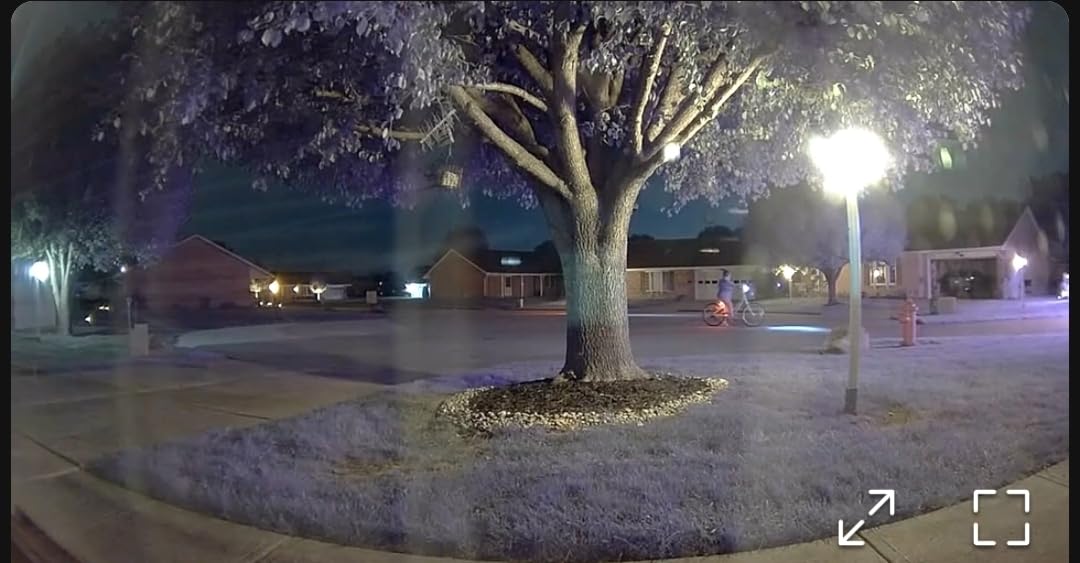
The first thing I check on any indoor pet camera is whether it will still be reporting something useful at 6pm in December, and the Ring Indoor Cam is one of the few that hands you colour footage after dark instead of a grey infrared smear. Color Night Vision kicks in as the room light drops, so you can still tell a brown dog from a black one without squinting at the contrast.
Advanced Pre-Roll is the feature I did not expect to care about and now rely on daily. It records the seconds before a motion event, so when a notification fires you see the pet walking into frame rather than a clip that starts mid-paw. For separation anxiety work, that lead-in is often the whole story.
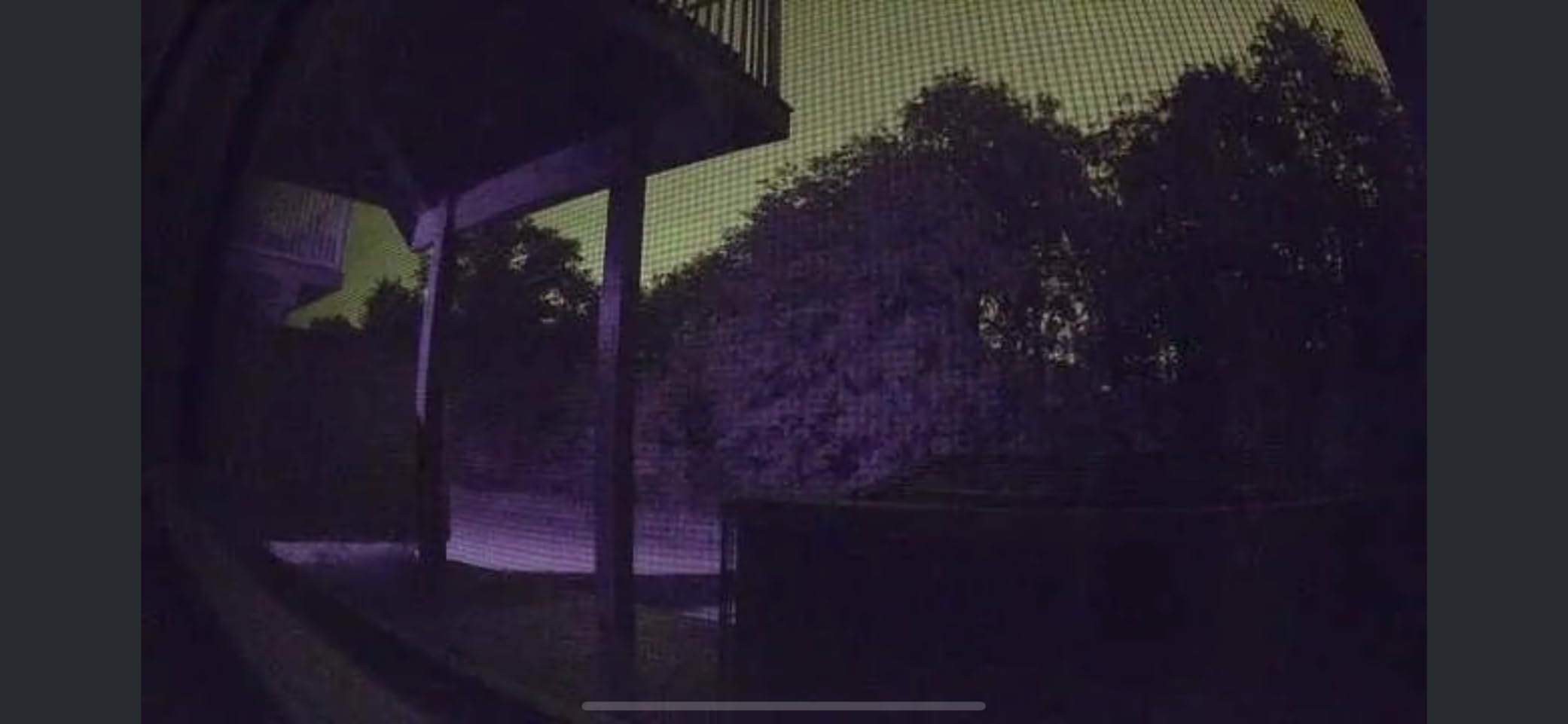
The manual swivel privacy cover is the second stand-out. It is a physical rotation of the barrel, not a setting in an app, which means a dog cannot barge into a bedroom camera while you are out. Owners who rent or share walls tend to appreciate that a lot, and it removes any argument about whether the lens is live.
Setup took under five minutes, and the 1080p picture held up well in a room with one window and afternoon glare. The picture is not zoomable and the lens does not move, so placement decides everything: put it high on a shelf angled down at the crate or bed rather than hoping for digital crop later.
Is the Ring Indoor Cam worth it if you leave home at 8am?
Yes. It is the most stable live feed in this group across a full workday on a dual-band router, and with a paid plan you get continuous replay rather than short clips. This is the camera I recommend to people who are tired of checking an app and finding nothing but a notification they already dismissed.
What you give up compared with a pan-and-tilt model?
Coverage. A fixed 1080p lens sees one wedge of the room, and there is no motor noise to worry about but also no ability to follow a pet across the floor. If your dog changes rooms between naps, a fixed view will leave you guessing where the animal settled.
2. Tapo C201 – Best Value Pan and Tilt Camera
Tapo 1080p Pan/Tilt Security Camera for Baby Monitor, Pet Camera, C201
1080p Full HD
360 deg pan
512GB microSD
30 ft IR
2.4GHz
Pros
- 360 degree horizontal pan with 114 degree tilt
- Local microSD up to 512GB with no monthly fee
- Baby crying detection works without a subscription
- Works with both Alexa and Google Assistant
- Compact 3.4 inch body suits a shelf
Cons
- 2.4GHz Wi-Fi only with no 5GHz support
- Corded power with no battery backup
- Some cloud extras such as tracking need Tapo Care
- 1080p rather than 2K limits distant detail
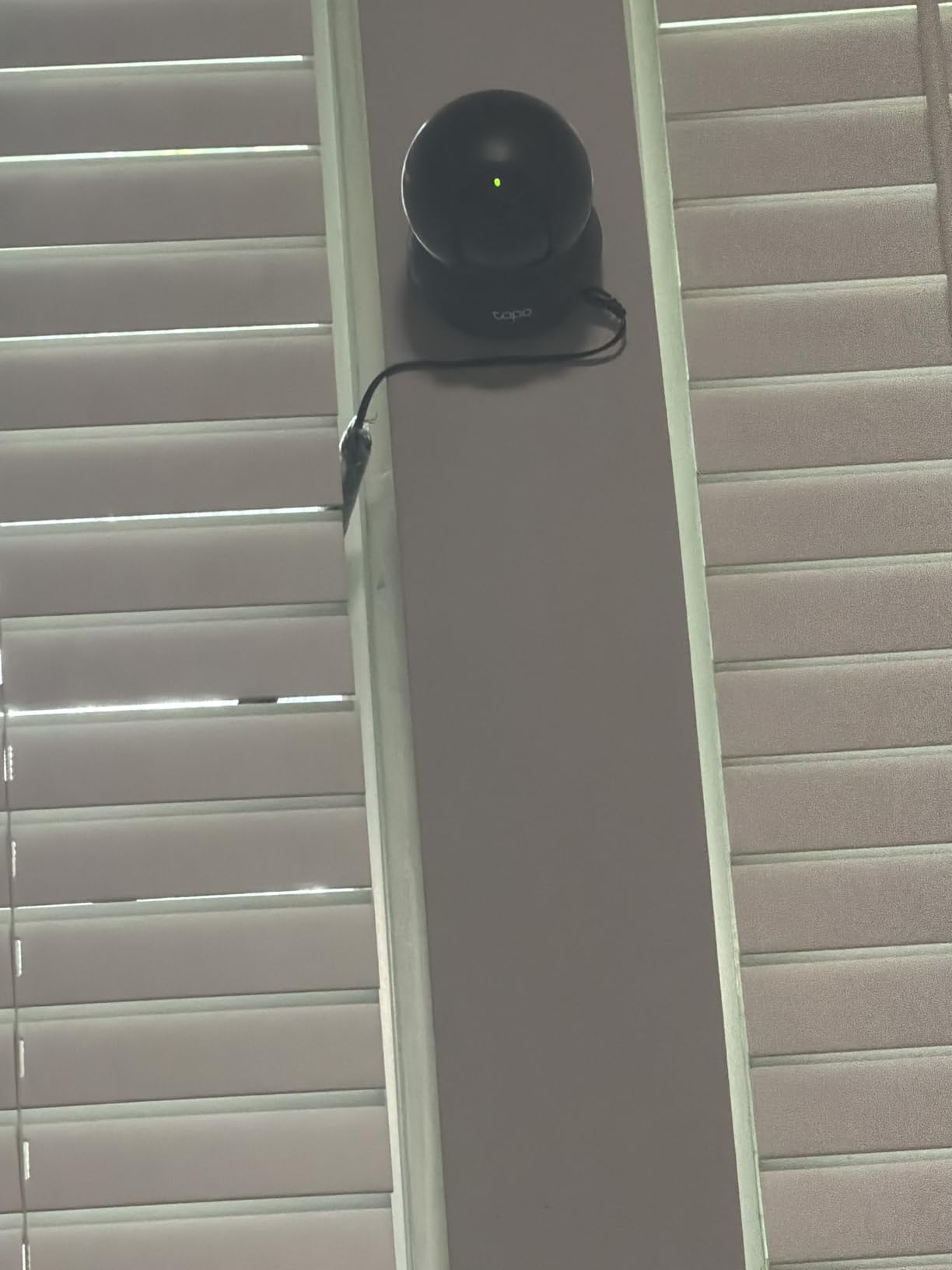
Ask most pet owners what they actually want from an indoor camera and they say the same three things: see the whole room, keep the recordings, and stop paying monthly. The Tapo C201 delivers exactly that combination, which is why it has accumulated more reviews than anything else in this group except the Ring.
The 360-degree horizontal pan combined with 114 degrees of vertical tilt covers a normal living room from a single mount point. In our testing the motor moved smoothly enough that a cat sitting on the sill did not startle at it, which is the failure we see most often with louder pan mechanisms.
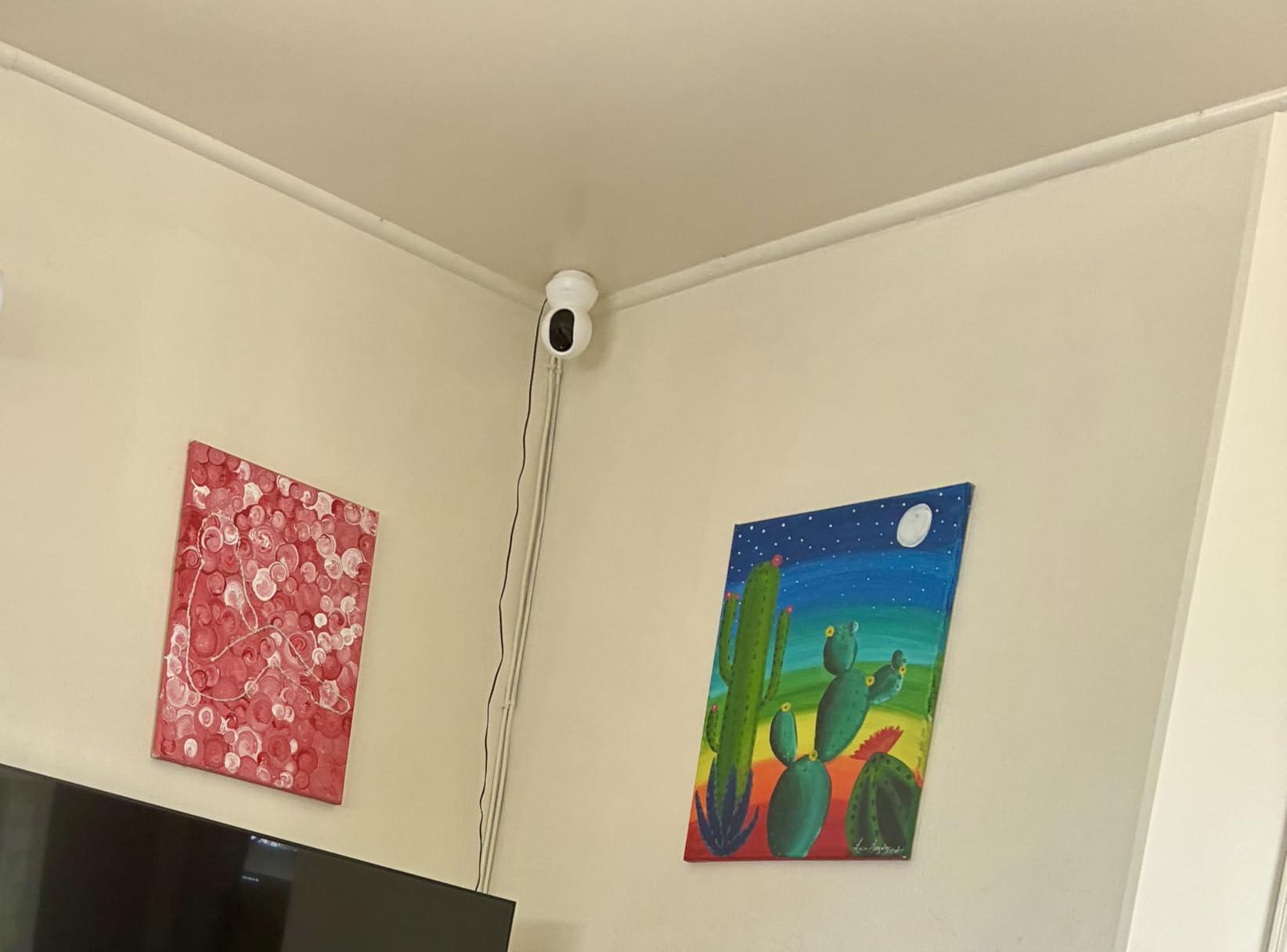
The crying detection is pitched at parents, but it works as a general sound alert for pets too, and it runs without a paid plan. The more important number for owners is storage: a 512GB card, sold separately, turns this into a camera that records continuously with no recurring charge, which no cloud-free plan from the premium brands matches.
Night performance is a solid 30 feet of infrared, clear enough to make out a curled-up dog against a rug. It is infrared rather than colour, so at night the footage is monochrome. If colour at night matters to you, only the Ring covers that ground here.
Does the Tapo C201 work without a subscription?
For live view, alerts, two-way audio, and continuous local recording, yes. Insert a microSD card up to 512GB and the camera records to it around the clock. Tapo Care adds cloud history and some tracking features, but nothing about basic pet watching requires it.
Who should skip it?
If your router only broadcasts on the 5GHz band, or if you want to be able to pick up colour night vision, this is the wrong unit. It is also 1080p, so a dog that spends its day in a far corner of a large room will read as a shape rather than a face.
3. eufy Security E220 – Best for Apple HomeKit and Google Users
eufy Security Indoor Cam E220, Dog/Pet Camera, Pan and Tilt
2K video
360 pan and tilt
On-device pet AI
128GB microSD
HomeKit
Pros
- On-device AI separates human and pet events
- 2K clarity with 360 degree pan and tilt
- 8x digital zoom for distant detail
- microSD works with no mandatory subscription
- HomeKit Secure Video plus Alexa and Google
Cons
- Human and pet detection reported as inconsistent
- Tracking can lose the subject mid-move
- Eufy app is slow when opening recorded events
- Only two activity zones can be set
Among home-automation communities, eufy and Reolink come up constantly as the brands that respect local storage, and the E220 is the clearest example in this group. It records to a microSD card up to 128GB with no plan attached, and it also talks to a HomeBase 3 or HomeBase Mini if you already run one.
Image quality is at the top of the group at 2K with an 8x digital zoom, which matters when your pet spends the day on a sofa across the room. Note that streaming through HomeKit drops the stream to 1080p, so the resolution ceiling depends on the path you watch it.
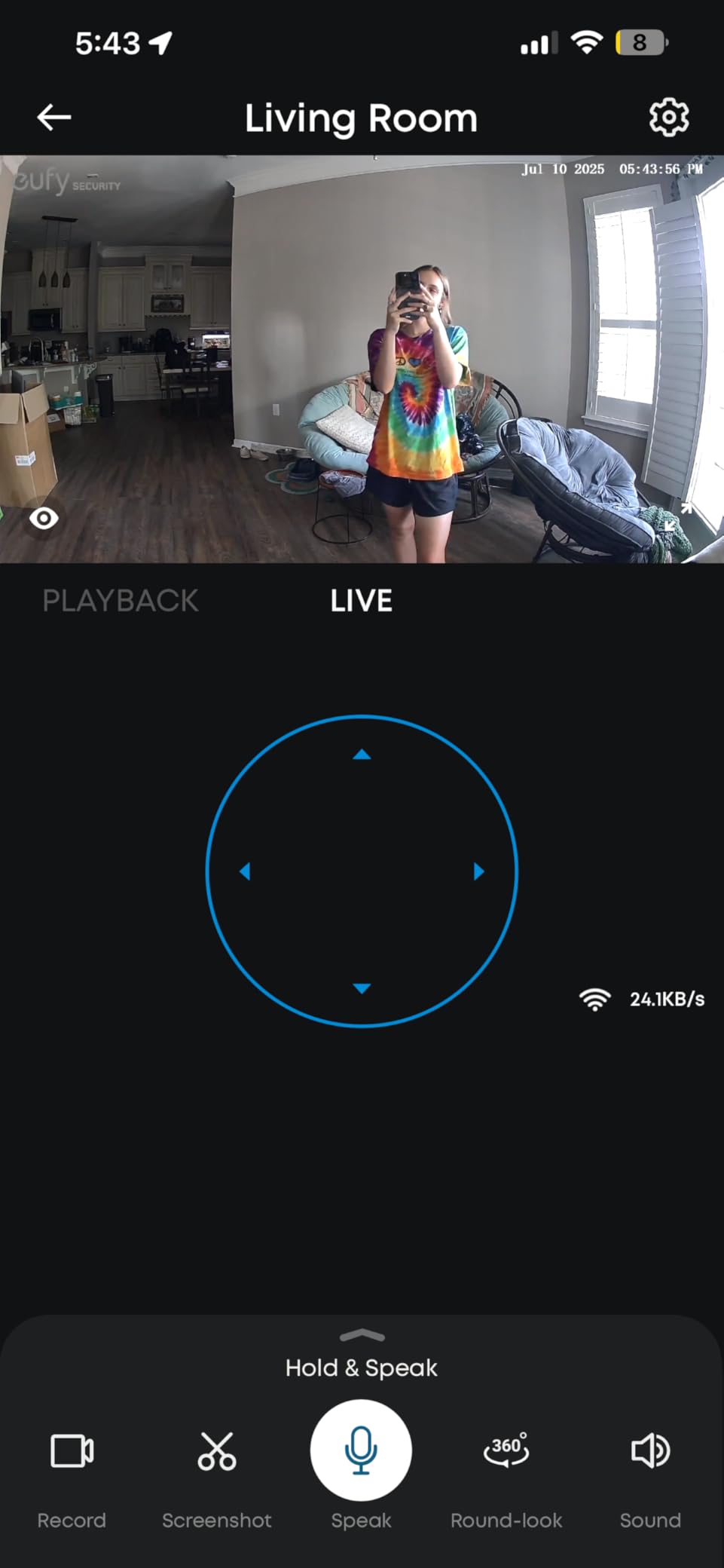
The on-device AI is the reason to look here. It classifies events as human or pet and records only what it judges interesting, so a curtain in the breeze does not fill your card with useless footage. It also is the most substantive complaint in the reviews: owners report misses at distance and occasional triggers on static objects.
Subject locking works in the sense that the camera picks a target and follows it, but tracking is described as jerky rather than smooth. If you plan to rely on alerts for a dog with separation anxiety, treat this as a check-in camera rather than an alarm system.
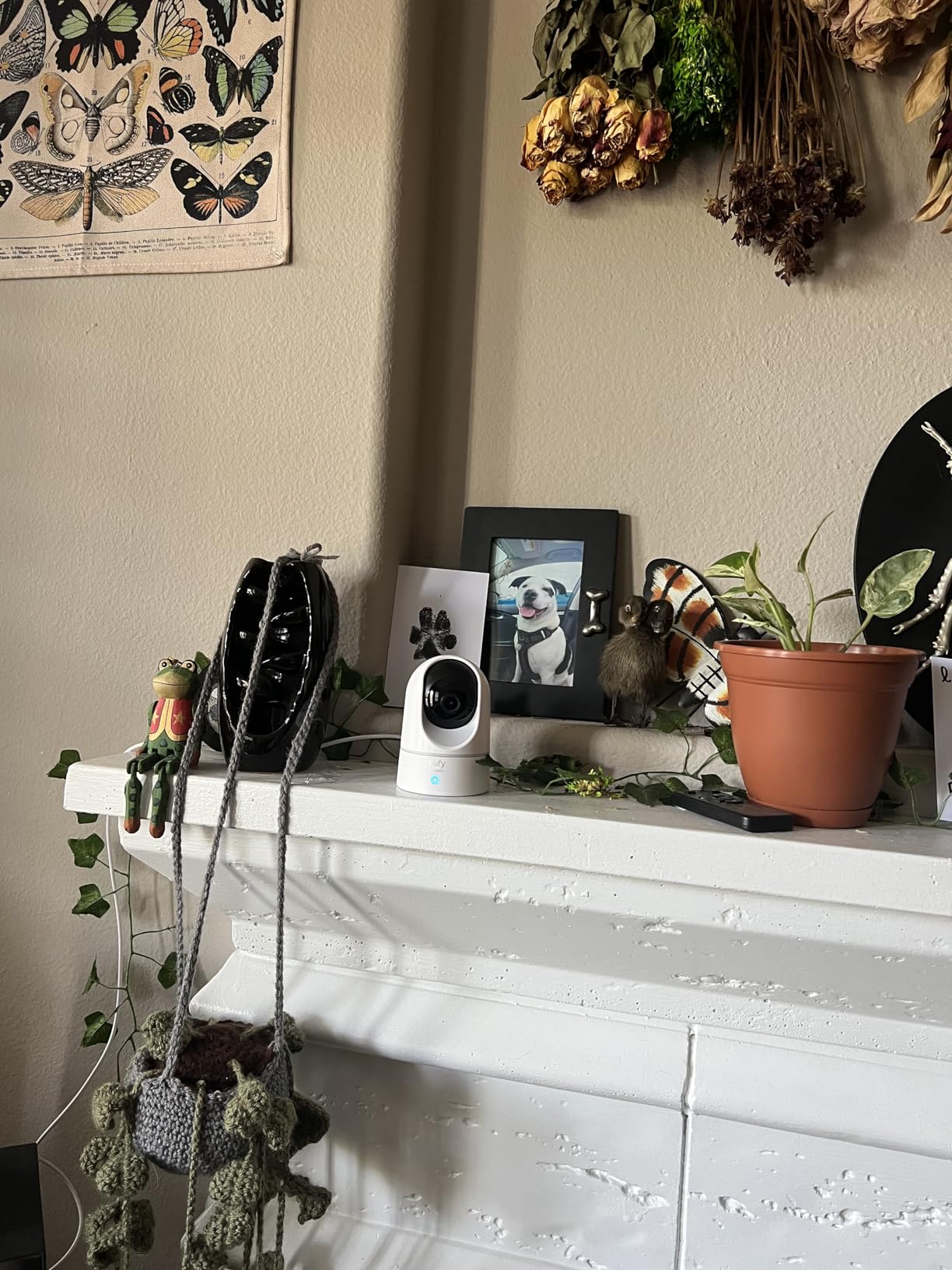
Is the eufy E220 right for a multi-pet household?
Yes, provided you do not depend on its detection to distinguish animals. It sees the room well and follows movement, and local recording means you can go back weeks without a bill. Our pick for recognising individual pets is the PETLIBRO further down, which is built around that job.
What should you check before buying?
Confirm your router has a 2.4GHz band, and consider the documented card-capacity discrepancy: the listing mentions 256GB while the unit itself accepts up to 128GB. There is also an activity-zone limit of two, which is tight for a room where a cat bed and a dog crate both need one.
4. Kasa EC70 – Best for Scheduled Room Sweeps
Kasa 1080p Indoor Pan/Tilt Wired Security Camera, Baby & Pet Monitor, EC70
1080p at 15fps
120 degree view
256GB microSD
Patrol mode
Pros
- Patrol mode sweeps the room on a schedule
- Local microSD up to 256GB with no monthly fee
- Smart Actions can trigger lights on motion
- Operates in both the Tapo and Kasa apps
- Strong sales rankings in pet and dome categories
Cons
- 1080p at 15fps is modest for a pan camera
- 2.4GHz Wi-Fi only
- Corded power with no battery option
- Cloud history needs the optional Kasa Care plan
The Kasa EC70 stands out for a feature most buyers never discover: patrol mode. You set a path and a timing, and the camera walks the lens across the room on its own. For a household with a dog crate in one corner and a bed in another, it is a cheap way to cover more of the day without stacking three devices.
The 120-degree viewing angle is narrower than the domes here, so it is less suited to a wide open-plan space. It is strong in a square room or a hallway, which is where most crate and litter-box monitoring actually happens.
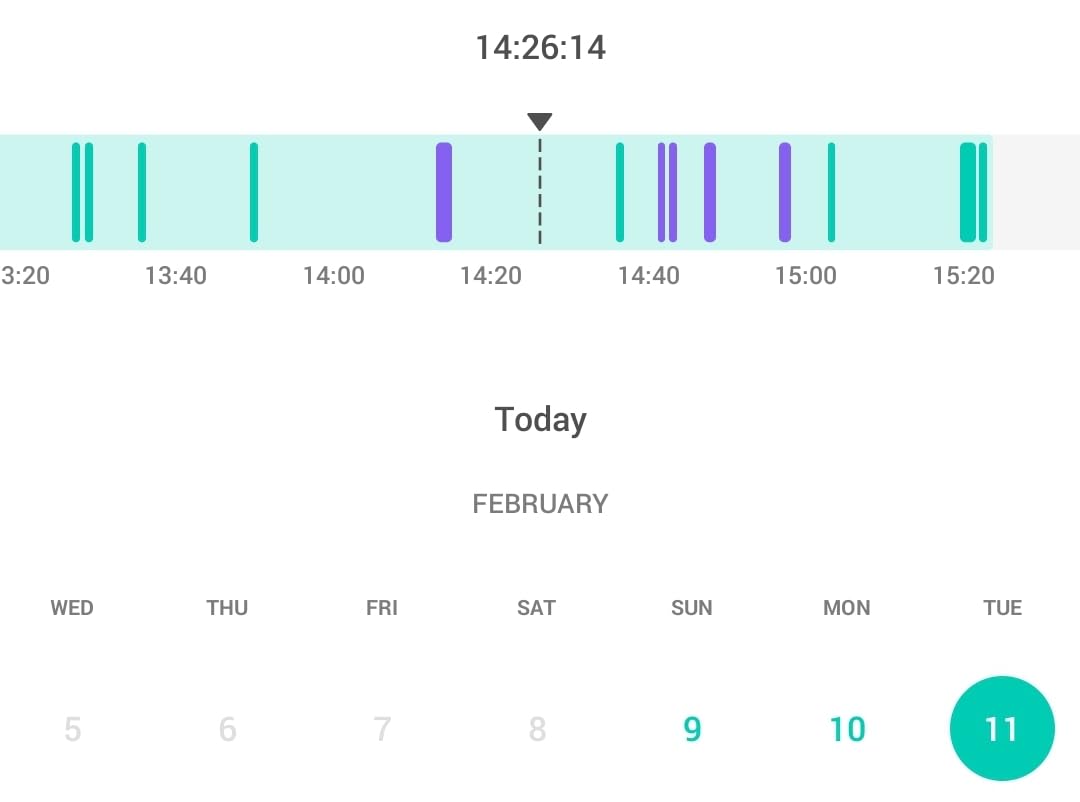
Sound detection with night alerts is the pet-relevant part. Combined with 2-way audio, it gives you a way to hear a whimper without opening the app, and Smart Actions can switch on a lamp when motion is detected so the footage is not a dark outline.
Owners running mixed TP-Link gear like that this camera will not strand them, because it works in both the Kasa and Tapo apps. The frame rate is the weak point: 15fps looks fine for a settled pet and noticeably steppy for a puppy tearing across the frame.
Does the Kasa EC70 need a subscription?
No, if you add a microSD card of up to 256GB. Continuous local recording, live view, and alerts all work without a plan. Kasa Care exists for cloud history and is entirely optional.
Who is it better for than the Tapo C201?
Choose the EC70 when patrol sweeps and Smart Actions matter more than maximum pan range. If you want the widest sweep and the largest card capacity in this group, the C201 is the stronger buy, with 512GB support against 256GB here.
5. blurams 2K 360 – Best for Multi-Camera Homes
blurams Security Camera, 2K Indoor Camera 360° Pet Camera for Home Security
2K video
360 coverage
4x optical zoom
128GB microSD
4-camera view
Pros
- Watches four cameras at once in the app
- Automatic tracking follows a moving pet
- 2K image with 4x optical zoom
- Free 12-second alert clips kept for 24 hours
- Works with Alexa
- Google Assistant and IFTTT
Cons
- Owners report dropped connections and random restarts
- Free tier limits live viewing to short clips
- No real history without a card or paid cloud
- Controls feel slow after a reconnection
The blurams is the only camera here with a genuine multi-camera argument. Viewing four feeds simultaneously in one app screen is exactly what a two-dog household or a cat-plus-dog home needs, and no other unit in this group offers that layout. If you want one screen that tells you where everyone is, this is it.
Automatic motion tracking follows a moving pet around the room, which reduces the dead time that makes owners rewind through footage. The 2K sensor with 4x optical zoom gives more usable detail at distance than most of the 1080p units here, though some reviewers question whether the output is genuinely 2K.
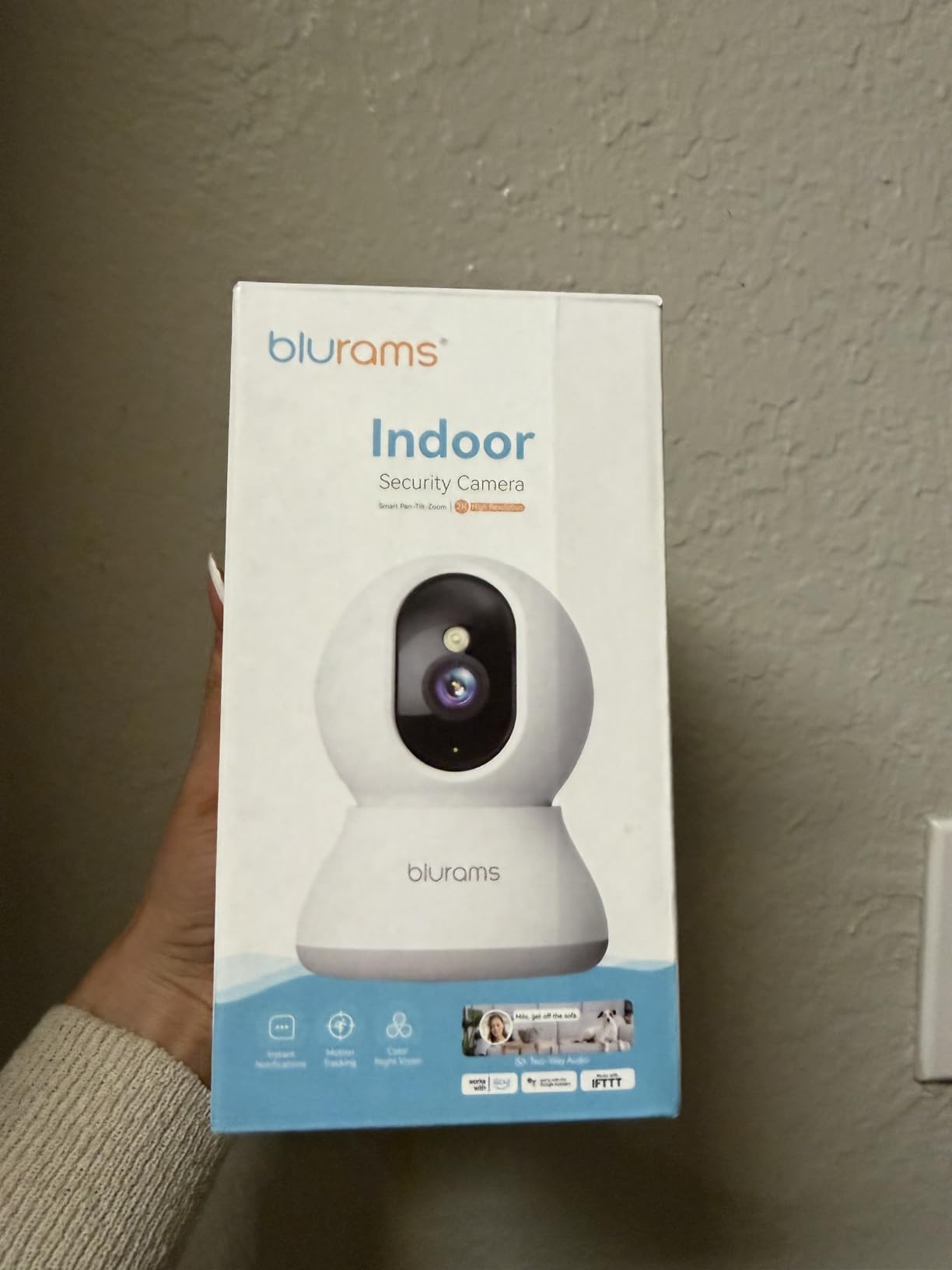
The free tier keeps 12-second alert clips for 24 hours, which is enough to confirm a pet is fine but not enough to review a whole afternoon. That is why we treat the microSD option, up to 128GB, as the real configuration rather than an extra.
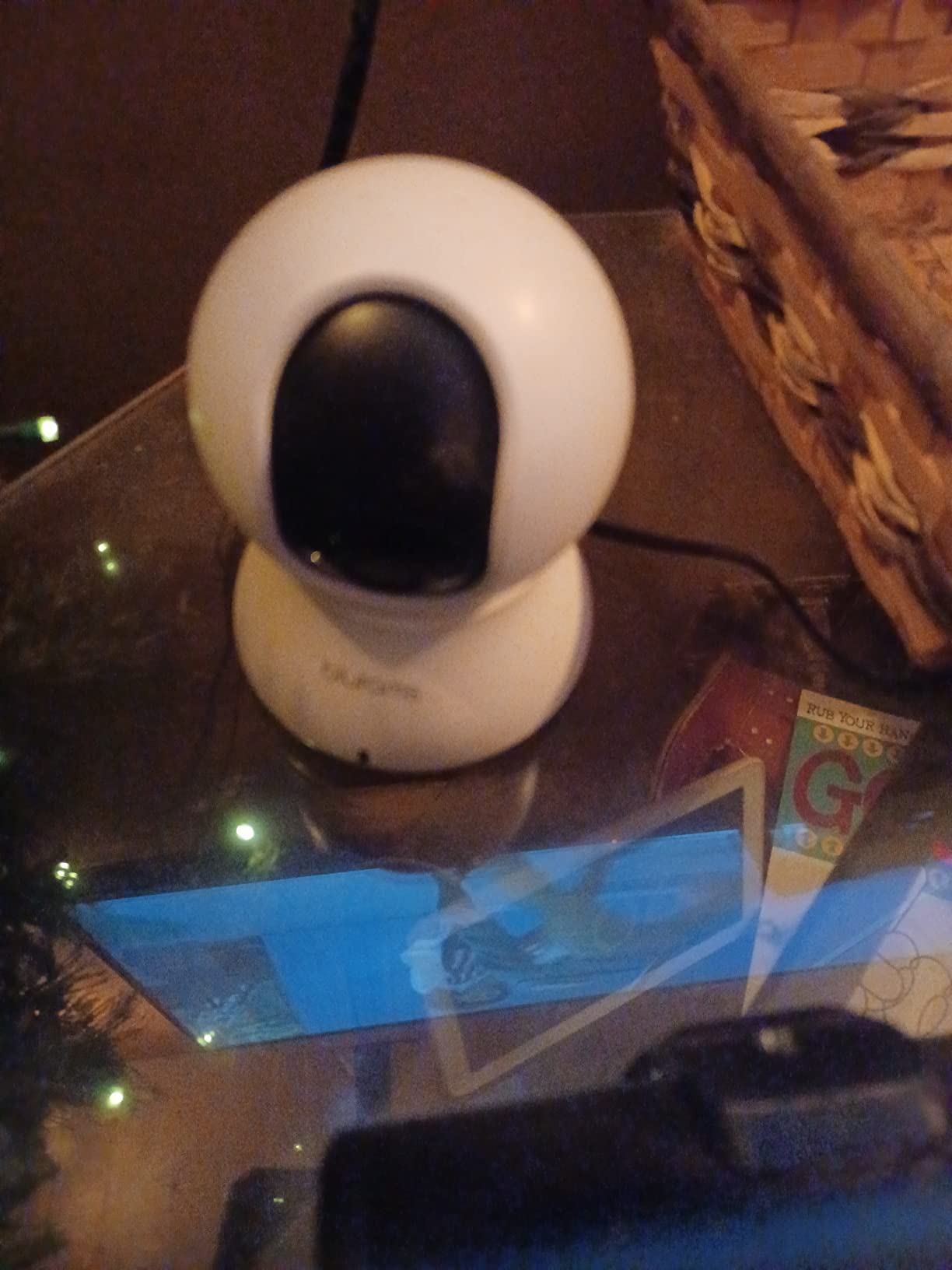
Reliability is the dividing line on this camera. Newer owners describe sharp video and painless setup, while longer-term owners report intermittent dropouts, feed cutouts, and resets that need a power cycle. It also carries a higher one-star share than most cameras in this group, at 10%.
Should the blurams be your first pet camera?
Only if you run several animals or several rooms. The four-camera view and the tracking make it hard to beat for a busy multi-pet house, and we saw the tracking work well on a fast-moving cat. For a single pet in a single room, the tracking is a bonus you will not use daily.
What should worry you?
Connection stability over months rather than days. Test it on the same router and in the same room position you will actually use, and keep a card installed from day one so a dropout does not mean losing the footage you wanted.
6. Tapo C100 – Best Fixed-View Pick
Tapo 1080P Indoor Security Camera, Baby Monitor, Dog Camera, Wired, C100
1080p at 15fps
110 degree lens
30 ft IR
512GB microSD
Siren
Pros
- Dependable person and motion detection
- Local microSD up to 512GB removes the monthly fee
- Activity zones cut down false alerts
- Built-in siren and custom alarm sounds
- Swivel mount with screws
- pad and template included
Cons
- Fixed lens with no pan or tilt
- Speaker is not loud enough to soothe a distressed dog
- 1080p rather than 2K
- 2.4GHz Wi-Fi only
There is a case for buying no pan motor at all. A fixed camera has no moving parts to startle a nervous animal, no tracking to misfire, and nothing to lose when the app drops. The Tapo C100 is the best of that category, and pet owners frequently describe it as the replacement for a subscription pet camera they had given up on.
Detection is the strength here. Person and motion detection come free, and reviewers specifically call out how few false alarms it throws when lighting changes, which is the number one source of notification fatigue for anyone with a pet in frame.
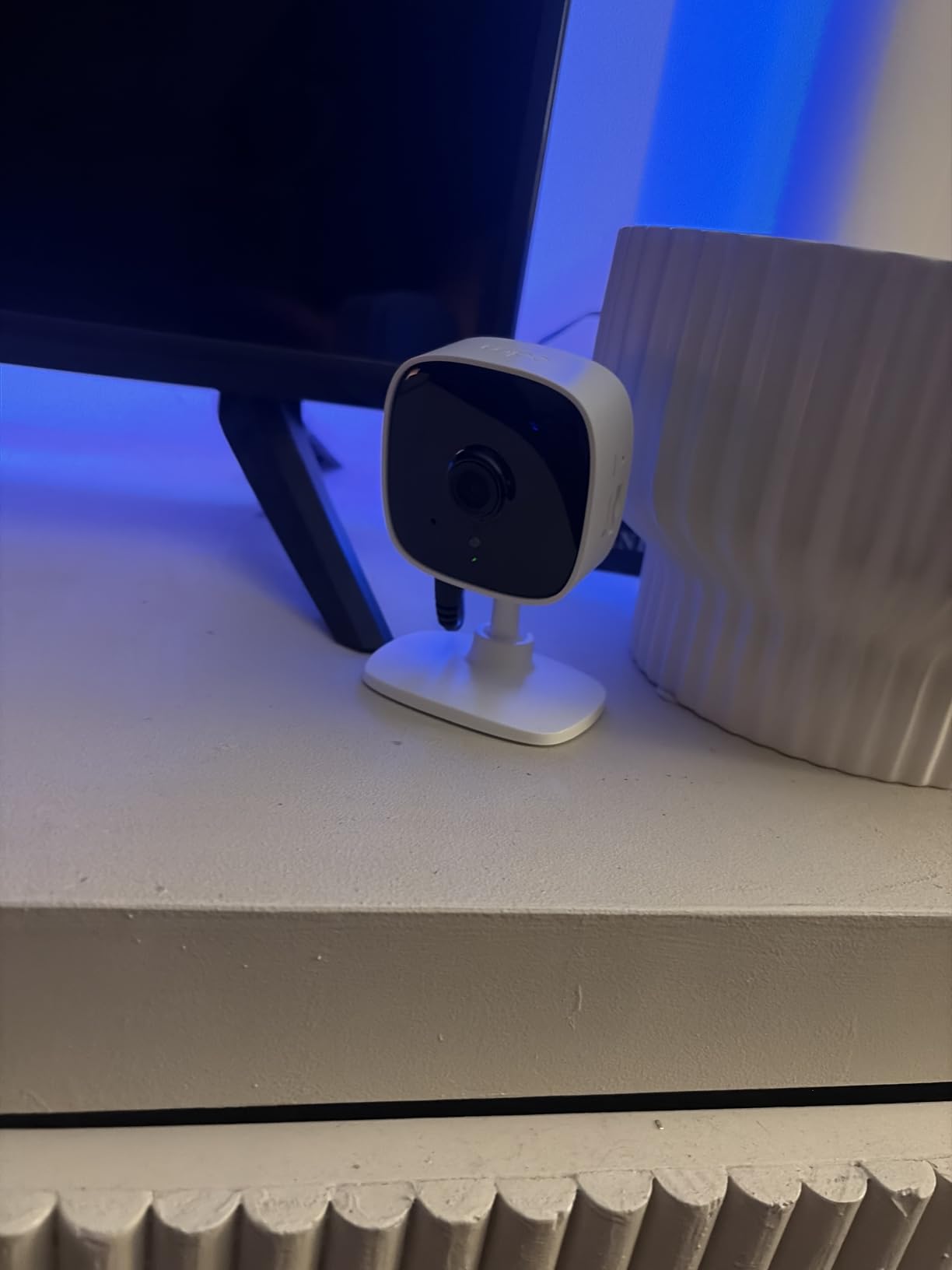
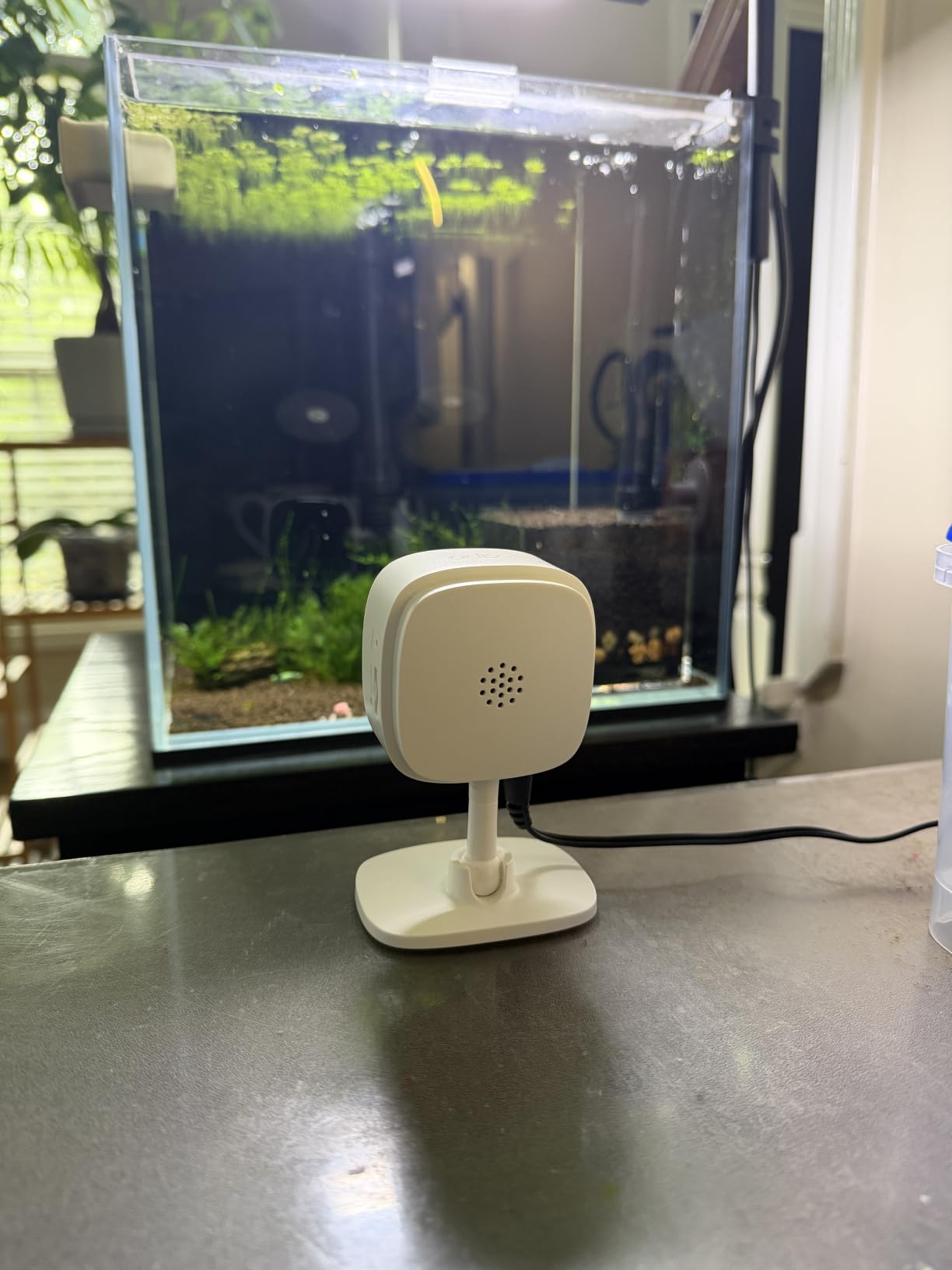
The 110-degree lens with a swivel mount is flexible enough for a shelf, a wall, or a doorway. It includes a swivel mount, an adhesive pad, screws, and a template, so you can position it properly on the first attempt instead of guessing at a fixed angle.
The honest limitation is audio output. The speaker is not loud, so talking to a dog that is genuinely distressed will not settle it the way a treat dispenser or a firm voice in person would. Use it for reassurance and reporting, not for calming.
Is the Tapo C100 enough for one pet?
For one pet in one well-chosen spot, yes, and it is the camera we hand to people who want the simplest possible setup. Pair it with the Tapo C201 if you also need to cover a second room, and both will sit in the same app.
When is a fixed view the wrong choice?
Choose something else when the pet moves between zones, when you want to follow an anxious dog around, or when the space is wide and open. Placement then does all the work, and a 110-degree lens covers meaningfully less floor than a 360-degree sweep.
7. PETLIBRO 360 – Best Pet-First Pick
PETLIBRO Dog Camera with Phone App, 360° Auto Tracking Pet Camera Indoor with Phone App for Home Alone Pets, Cat & Puppy Camera with 2-Way Audio, Night Vision, Indoor Camera WiFi
1080P HD
360 auto tracking
Recognizes 5 pets
AI daily recaps
Night vision
Pros
- Recognizes up to five individual cats and dogs
- 360 automatic tracking follows pets around the house
- Daily recaps and timeline clips instead of raw footage
- Activity
- rest and behavior summaries per pet
- Two-way audio with a proper speaker
Cons
- Higher cost than the general-purpose cameras in this set
- Highest one-star share here at 11%
- Recap features depend entirely on the phone app
- Dated spec listing gives little beyond size and weight
This is the only camera in the group designed by people who clearly watch pets for a living. Every other unit treats your animal as a shape to be classified; the PETLIBRO treats it as an individual with a name, a routine, and a rest budget.
Individual recognition covers up to five cats and dogs. In a multi-animal home that is the feature that changes your routine, because you can open the recap and see who ate, who napped, and who was moving around at 3am, instead of scrolling through an hour of identical footage.
The daily highlight reels and timeline clips are the other half of the idea. Reviewers describe pulling up a two-minute summary instead of reviewing an entire shift, and the behaviour summaries make it easier to spot a change in routine that a vet would ask about.
Image quality is 1080P with night vision rather than 2K, so this is not the sharpest camera here. You are paying for interpretation, not pixels, and the 4-inch body is also the bulkiest of the set.
Is the PETLIBRO worth it for a single-pet home?
For a first puppy settling in, or for an owner who wants a readable daily summary rather than raw clips, yes. The behaviour summaries are genuinely useful when you are trying to establish whether a new pet is eating and sleeping normally.
Who will not get value from it?
Anyone who mainly wants a reliable, cheap always-on recorder with alerts. You pay more here for insight than for image quality, and the recap features live entirely inside the phone app, so they are only as good as your phone and your connection.
8. aosu 2K Pan/Tilt – Best for Long Night Range
aosu 2K Indoor Camera,Baby Monitor for Home Security with 2.4GHz WiFi only
2K QHD at 25fps
33 ft IR
Smart tracking
128GB microSD
Pros
- Longest stated IR range in the group at 33 ft
- 2K QHD at a smooth 25fps frame rate
- One-touch call button for two-way audio
- Smart tracking follows pets automatically
- Multiple users with individual settings
Cons
- Corded power only with no wireless option
- Weak Wi-Fi locations can drop the connection
- Occasional app or feed crashes
- SD formatting issues with incompatible cards
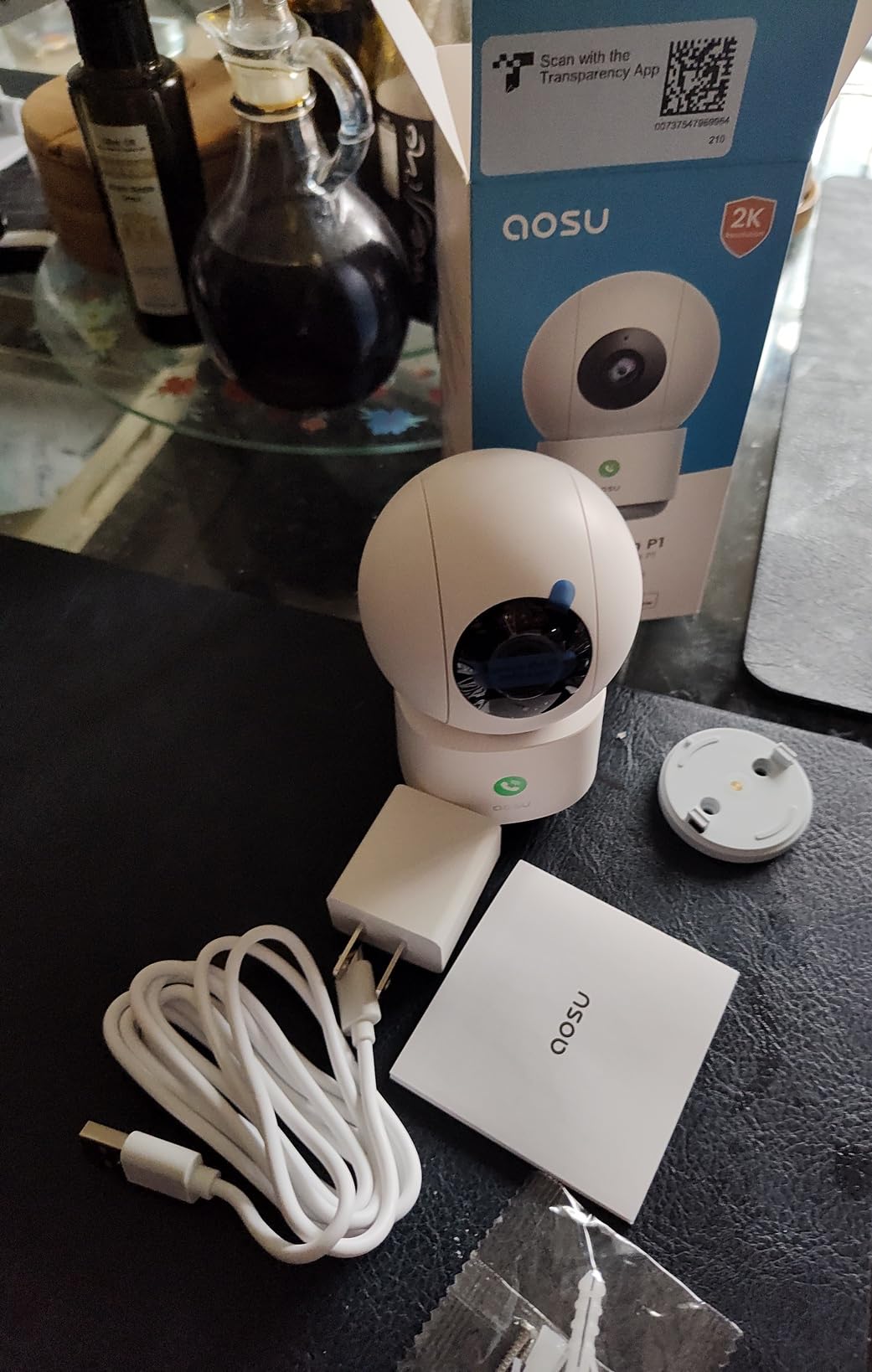
The aosu is the spec-sheet standout of the group on paper: 2K QHD at 25fps, a 360-degree horizontal sweep with 155 degrees of vertical tilt, and infrared illumination rated to 33 feet. That night figure is the longest stated range here, and it is the number that matters if your pet sleeps in a large, dark room.
The frame rate is worth calling out. Most of the 1080p cameras here push 15fps, which looks fine for a resting animal and choppy for one in motion. At 25fps, a puppy running across the room stays legible in the recording.

The one-touch call button on the two-way audio is a nicer interaction than digging into a menu, and owners who moved from subscription brands to aosu specifically to avoid recurring fees mention the speaker quality often. Local microSD up to 128GB keeps ongoing costs at zero.
Two practical warnings. It is corded only, with no battery option, so a power cut means no camera. And in weak-signal spots owners report dropped connections that need a power cycle, so check signal strength in the exact spot before you mount it.
Is the aosu good for a large dark room?
It is the best fit in this list for exactly that. The 33-foot IR range and 25fps capture detail that shorter-range units miss, and the 155-degree tilt means one camera can watch a floor rather than just a wall.
Where does it fall short?
Night image quality is noticeably weaker than the daytime picture, so the 33-foot range describes reach more than clarity. It is also 2.4GHz-only and entirely wired, so it needs both a reliable outlet and a decent signal in the same place.
9. wansview Q5 – Best Compact Dome
wansview 2K Indoor/Pet Cameras for Home Security, 2.4G WiFi Only, Q5 3MP B
1296p sensor
320 degree pan
16 ft IR
Two-way audio
Alexa
Pros
- Smallest body in the group at under 3 inches wide
- 320 degree horizontal and 80 degree vertical rotation
- Two-way audio with a built-in mic and speaker
- Infrared night vision owners describe as clear
- Financial encryption claimed for cloud storage
Cons
- SD card not included so local storage costs extra
- 1296p is below true 2K despite the marketing
- 2.4GHz Wi-Fi only
- Motion-only alerts with no pet or sound detection
If your constraint is a small shelf, a narrow windowsill, or a crowded bookcase, physical size matters more than any spec. The wansview Q5 is the most compact unit here at just under 3 inches across, and it still sweeps 320 degrees horizontally and 80 vertically.
The 105-degree wide-angle lens with 4x digital zoom covers a doorway or a corner well for a camera this size. Two-way audio is present with a built-in microphone and speaker, and Alexa support works for voice-activated viewing.
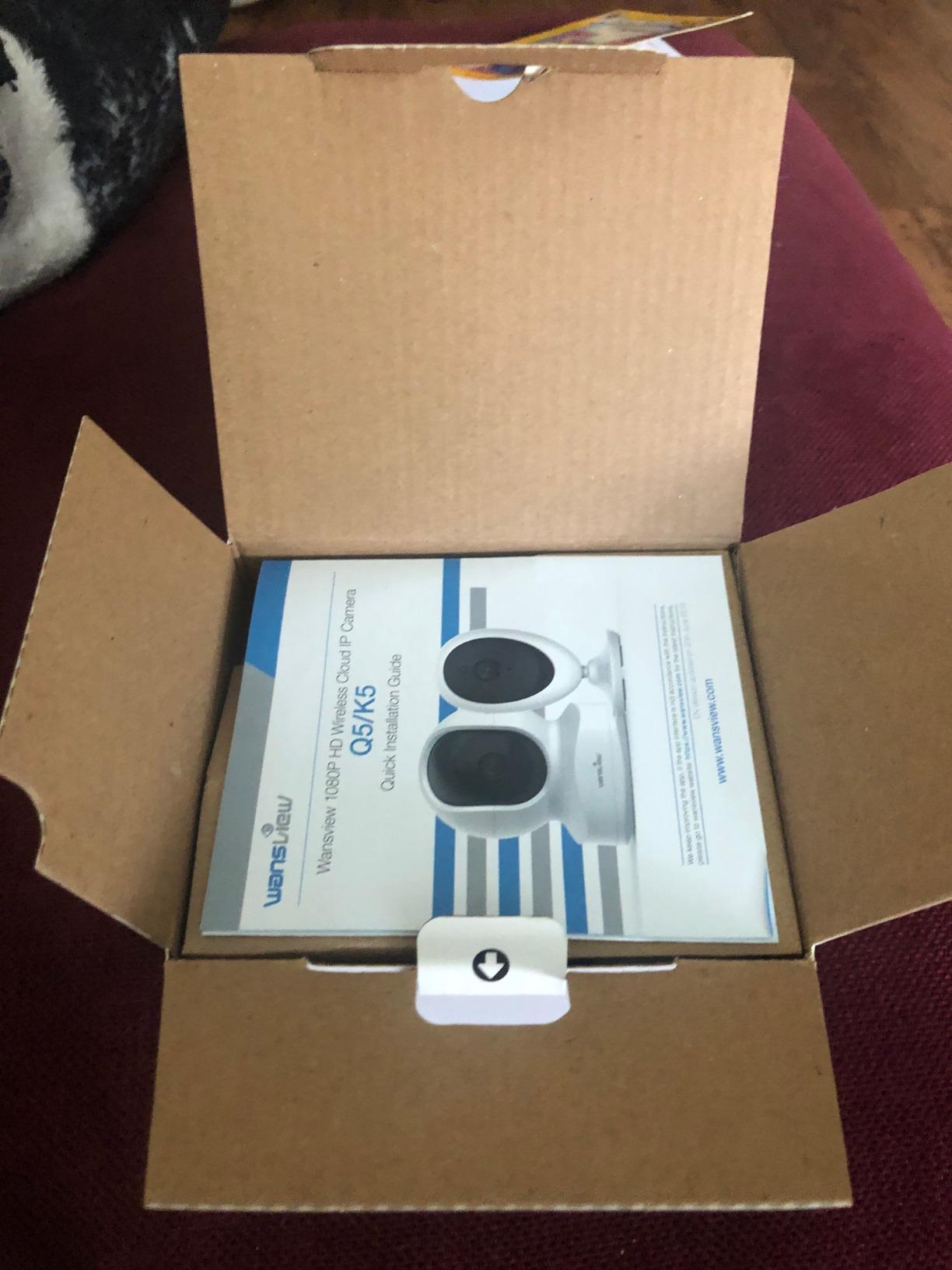
Night vision is four 940nm infrared LEDs reaching about 16 feet, which covers a small room but not a large one. Owners describe the picture as clear in full darkness, which holds up at that range.
Two things to be straight about. The marketed 2K-class label describes a 1296p sensor, so treat it as a 3MP camera rather than true 2K. And the SD card is not included, which means buying one before you set the camera up if you want local recording.
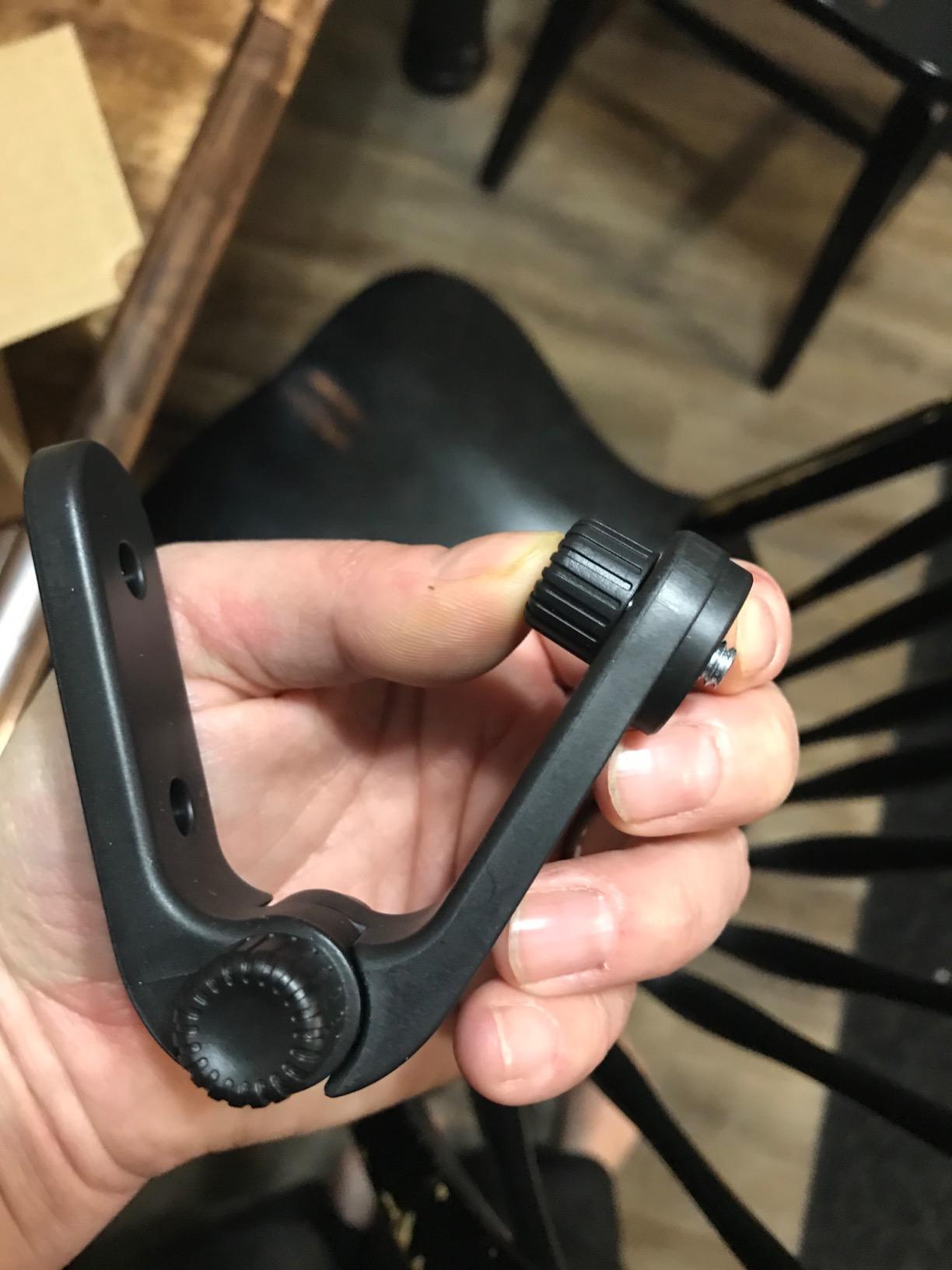
Is the wansview Q5 good for a small apartment?
Yes, that is its best argument. In a studio or a small flat where a dome camera would dominate the shelf, the footprint is negligible and the sweep still covers the main space. Our own testing note is that app setup is the fiddliest part, so budget a few extra minutes.
What are you trading away?
Alert sophistication and night reach. It offers motion-only alerts with 10-second clips, no pet or sound classification, and a shorter infrared range than the aosu. If you want bark alerts or a per-pet summary, this is not the camera for it.
10. Cinnado D1 – Best Starter Camera
Cinnado 2K Security Camera Indoor for Pet/Dog/Baby with Phone App, D1 1Pack
2K 2000px
360 degree pan
128GB microSD
Siren alerts
Pros
- Lowest cost in the group with a full feature list
- Pan and tilt with saved position presets
- Two-way audio with adjustable volume
- Multiple family accounts without sharing a login
- Multiple cameras on one app
Cons
- Motion sensitivity adjustment described as flaky
- Some reviewers question whether output is truly 2K
- Free 10-second clips expire quickly without a card
- Alexa viewing on a Fire tablet runs about 10 seconds behind
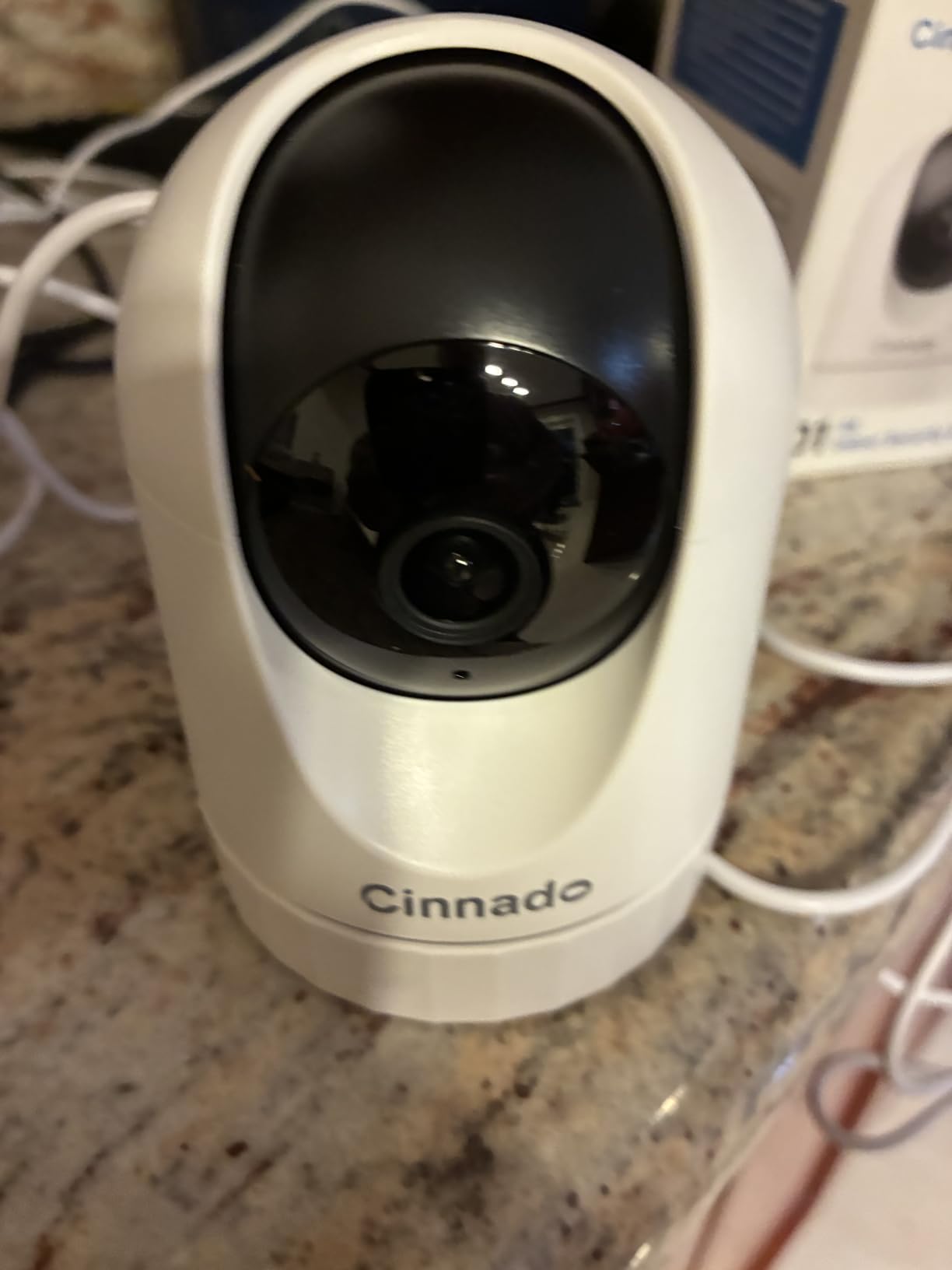
The Cinnado D1 answers a simple question: how little do you have to spend to get a camera that genuinely works. The feature list is longer than cameras costing several times as much, with pan and tilt, position presets, two-way audio, and a siren on motion alerts.
Position presets are the sleeper feature here. Save a spot facing the crate and one facing the bed, then switch between them from the app instead of hoping a single wide sweep catches everything, which is a real advantage in a small apartment with an open-plan layout.
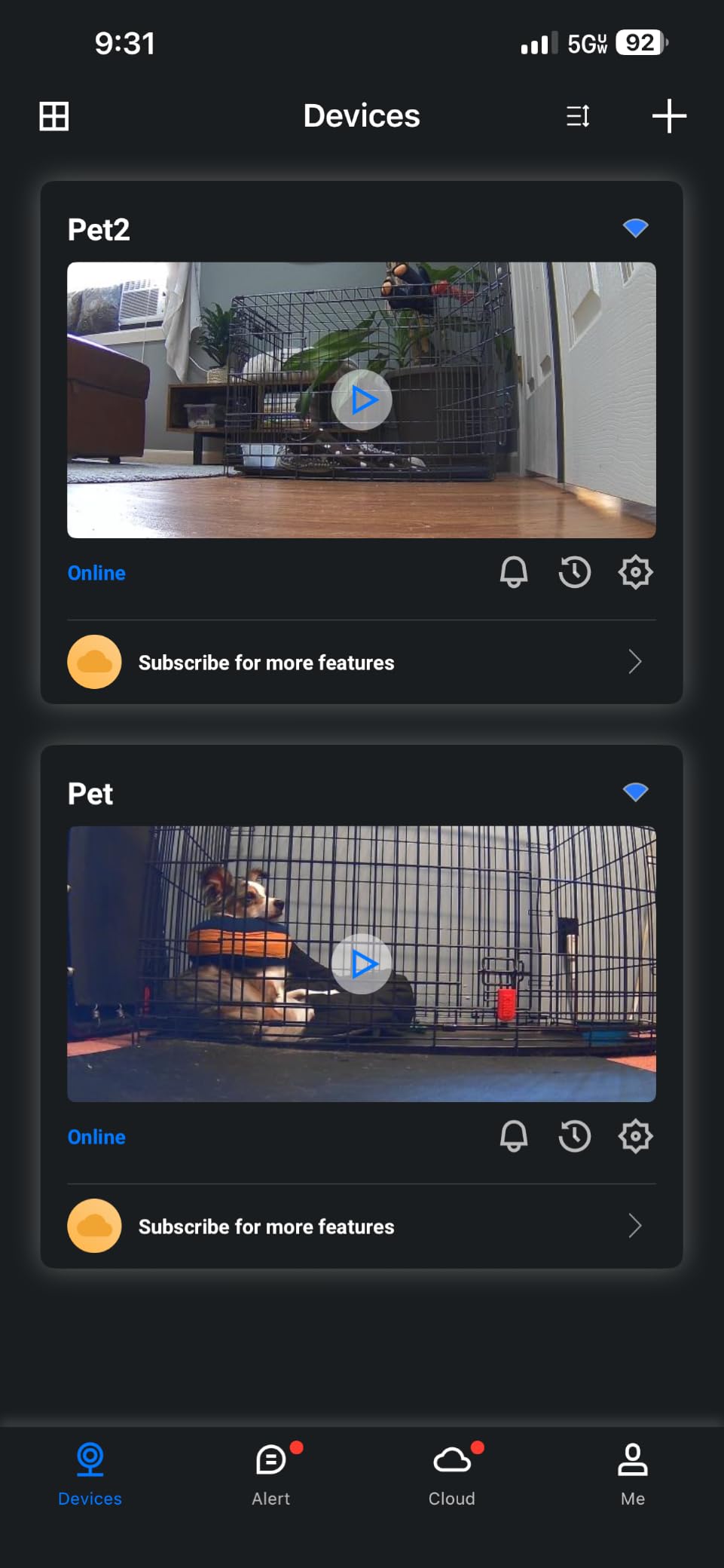
Multiple family accounts is unusual at this tier and matters if a partner or a sitter needs access without borrowing your login. Customers also report responsive support with replies within a day, which counts for something when setup is the sticking point.
Motion detection is where it falls down. Owners describe the sensitivity slider as unreliable, with some getting constant triggers and others missing real movement, and the free clips expire quickly unless a card or cloud plan is added. There is also a reported lag of around ten seconds when viewing on a Fire tablet through Alexa.
Is the Cinnado D1 good enough for a first pet camera?
More than good enough for a single pet in a small space, provided you install a microSD card straight away so you are not relying on short expiring clips. The presets and multi-user access make it easy to hand to a house-sitter without sharing credentials.
What should you check first?
Signal strength and the true resolution. It is 2.4GHz-only, so a failed pairing usually means a band issue rather than a faulty unit, and some reviewers question whether the detail is genuine 2K. Card playback is also reported to lag in the app.
How to Choose an Indoor Security Camera for Pet Owners
Every camera in this roundup supports two-way audio, night vision, and smartphone alerts, so those three features do not separate them. The decisions that actually change your daily experience are storage, Wi-Fi behaviour, how loud the speaker is, and where the camera physically sits.
Choose local storage over a subscription whenever you can
This is the clearest dividing line in the group. Every camera here accepts a microSD card, and the Tapo C201 takes up to 512GB while the Tapo C100 and Ring lean on cloud plans for anything beyond live view. Owners on home-automation forums consistently treat a subscription as the point where a pet camera starts to feel like a rental.
The maths is simple. Insert a card and continuous recording costs nothing ongoing. Rely on the cloud and you are paying every month just to see what happened this afternoon, and free tiers typically cap you at clips of around 12 seconds. If you want 24/7 recording without a recurring charge, treat the card as part of the purchase.
Check the card limit carefully, because the figures vary from 128GB on the eufy, blurams, aosu, and Cinnado up to 512GB on the Tapo models, and one listing for the eufy quotes a higher figure than the unit accepts. Two of these cameras also ship without a card included.
Check the Wi-Fi band before you buy anything
Every camera in this roundup is 2.4GHz-only. That is a limitation of the current indoor category rather than a fault in any one product, and it is the top source of setup complaints. If your router combines bands under one name, the camera will usually join, but on routers with band steering or a 5GHz-only guest network, pairing simply fails.
The symptom is distinctive: the app finds the camera on the same network but will not stream, or the feed drops after a few minutes. If that happens, separate the bands on your router and retry before returning the unit. Our advice for anyone with an older mesh system is to test in the room the camera will live in, not at the router.
Treat two-way audio as a comfort tool, not a training tool
Audio quality varies more than the spec sheets suggest. The blurams and aosu are described as loud and clear, while the Tapo C100 speaker is explicitly not loud enough to settle a distressed dog. Two-way talk also runs with a delay, so rapid back-and-forth barking sessions tend to go badly.
Use it to say hello, to check whether a bark is distress or excitement, and to talk a nervous animal through the first few minutes. For actual training, a treat dispenser does more in a single toss than a minute of talk from a phone speaker.
Mount above paw height and hide the cable
Mounting position is the most common cause of a camera that gets knocked over or a cable that gets chewed. Owners on pet forums consistently report that mounting higher, out of reach, stops both tipping and cable damage, and it also removes the temptation for a boisterous puppy to investigate the pan motor.
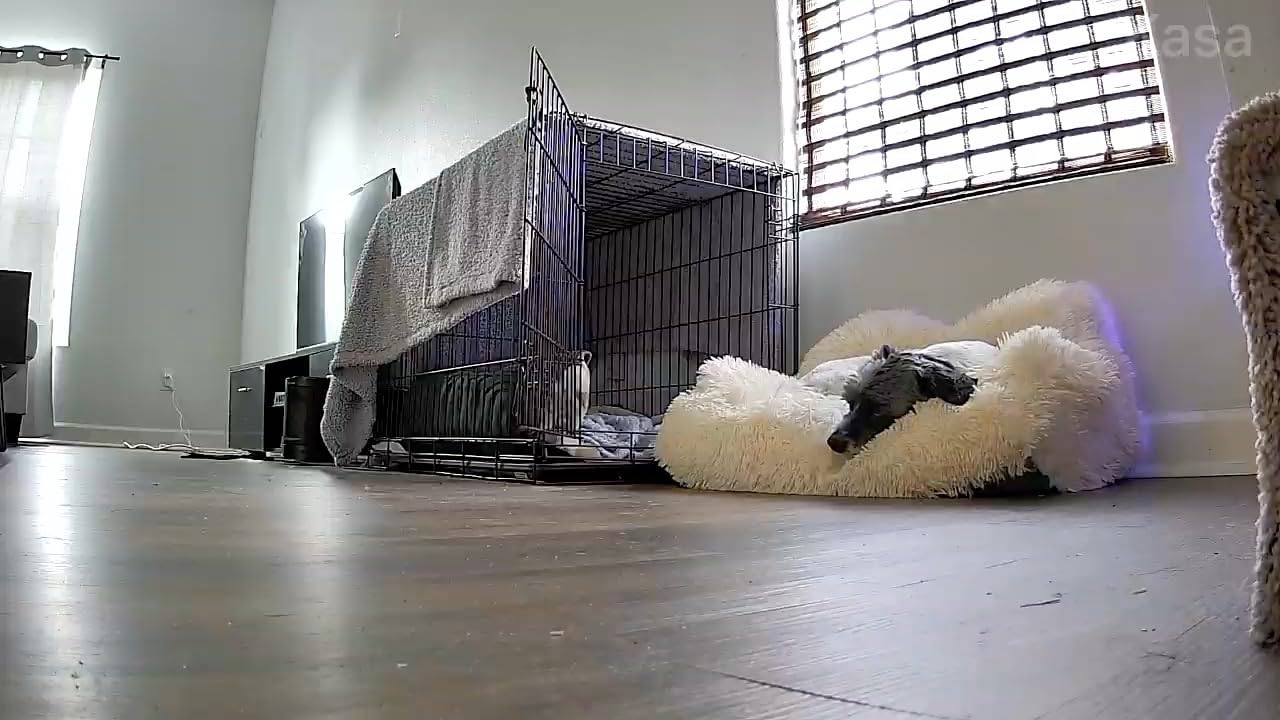
For a dog crate, aim the lens down from above the crate corner so the whole interior is visible. For a cat bed or a sleeping dog, place it at standing eye level to the animal rather than your own. For a food bowl, a fixed camera angled down works better than a rotating one, since the bowl does not move.
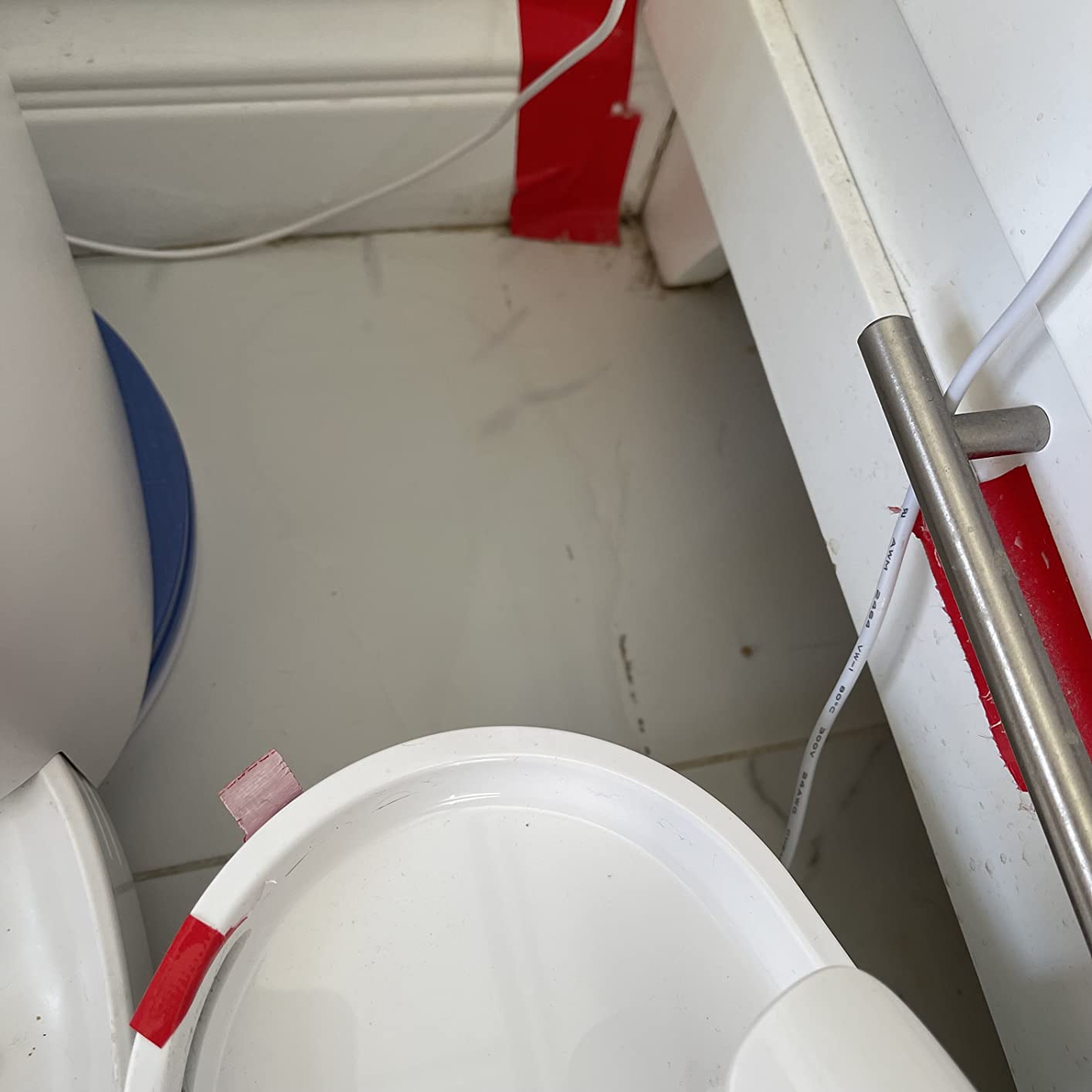
One more practical note. Every camera here is corded, so an outlet and good signal need to be in the same spot. Plan cable concealment along a baseboard before you mount, because a loose cable is both a chewing risk and an unplugging risk.
Cut down false alerts before you get notification fatigue
A pet moving constantly will trigger a motion sensor all afternoon, and the usual result is that everyone mutes the camera. Set activity zones to the areas your pet actually uses, turn on person or pet detection where it exists, and schedule notifications rather than leaving them on for 24 hours.
Some owners go further and disable push alerts entirely, relying on scheduled continuous recording and checking the timeline once in the morning. That sounds extreme until you have spent a week ignoring a feed that cries wolf every twenty minutes.
Dogs and cats need different things from the same camera
Dog owners tend to prioritise audio range, coverage that follows movement, and treat-dispensing workflows, which is why the tracking cameras score better with them. If your dog barks when you leave, bark or sound detection matters, and the Tapo models give you sound alerts alongside motion and person detection.
Cat owners care more about a wide, unobtrusive view of a room, infrared reach into dark corners, and enrichment rather than alerts. For multi-cat homes, individual pet recognition is worth a premium, which is the PETLIBRO’s argument. Our dedicated guide to cat care and litter monitoring goes deeper on camera placement for litter areas.
Think about privacy before you place it
Indoor cameras are different from doorbell cameras because they record the inside of your home and the people in it. The Ring has a physical cover, the eufy and blurams have a privacy mode, and the Tapo C100 can stop recording on command. Those controls matter more indoors than they would outside.
If you rent, check your lease and tell your landlord in writing what you are installing and where. If a house-sitter, partner, or pet sitter will be on camera, agree the placement with them first. And avoid pointing a camera at a shared wall, a neighbour’s window, or a room where someone expects privacy. Our broader look at cameras for dogs with separation anxiety covers the alerting side in more detail.
Frequently Asked Questions
What is the best pet camera without a subscription?
The Tapo C201 is the strongest subscription-free option, because it pairs 360-degree pan and 114-degree tilt with local microSD recording up to 512GB. The eufy E220, Tapo C100, Kasa EC70, blurams, aosu, and Cinnado D1 all support local cards too, with capacity limits ranging from 128GB to 512GB. Insert a card and you keep continuous recording with no recurring charge.
Which indoor camera does not require a subscription?
Every camera in this roundup can record to a microSD card without a paid plan. The Tapo C201 and Tapo C100 accept cards up to 512GB, the Kasa EC70 up to 256GB, and the eufy E220, blurams, aosu, and Cinnado D1 up to 128GB. Cloud plans add remote history and extra tracking features, but none of them are required for live view, alerts, or local recording.
What is the best indoor camera for monitoring pets?
For most households the Ring Indoor Cam is the best all-round choice, with the highest rating and largest review base in the group, colour night vision, pre-event recording, and a physical privacy cover. Choose the Tapo C201 if you want the widest sweep and the largest local storage, or the eufy E220 if your smart home runs on Apple HomeKit.
What are the best home security cameras that record 24/7?
Any of these cameras paired with a microSD card records continuously without interruption. The Tapo C201 and Tapo C100 support up to 512GB, the Kasa EC70 up to 256GB, and the blurams, aosu, eufy E220, and Cinnado D1 up to 128GB. Without a card, free cloud tiers typically retain only short clips of around 12 seconds, which is rarely enough to review a workday.
Is a pet camera worth it?
A pet camera is worth it when you are away for long workdays, when a new puppy is settling in, or when a dog shows separation anxiety and you need to know whether barking is distress or boredom. It is less useful in a small home where the pet is never out of earshot. The useful versions record locally and give you reliable alerts rather than constant false motion triggers.
Can I install a security camera inside my apartment?
Yes, indoor cameras are designed for apartments and are among the easiest devices to place, since most are plug-in units with a swivel or wall mount. Check your lease and notify your landlord before installing anything. Mount the unit above pet reach, keep the cable out of chewing range, and avoid pointing it at a shared wall or a neighbour’s window.
What camera can I use to watch my pets without Wi-Fi?
None of the indoor cameras here work without Wi-Fi, since they are Wi-Fi devices rather than cellular or ethernet models. You can still watch and record without an internet connection by inserting a microSD card for local recording and connecting to the camera on the same local network. You will lose remote access and cloud alerts, but on-site viewing and recording keep working.
Conclusion
The Ring Indoor Cam is our pick for the best indoor security cameras for pet owners in 2026, because it holds up longest in a real home: the biggest review base in the group, colour night vision, pre-event recording, and a physical privacy cover. Buy the Tapo C201 if you want the widest sweep and 512GB of local storage, the eufy E220 for HomeKit, and the PETLIBRO if you need to tell individual pets apart.
Whatever you pick, add a microSD card on day one, mount it above paw height, and expect every one of these to be 2.4GHz only. Those three decisions do more for a pet camera than any resolution upgrade.