
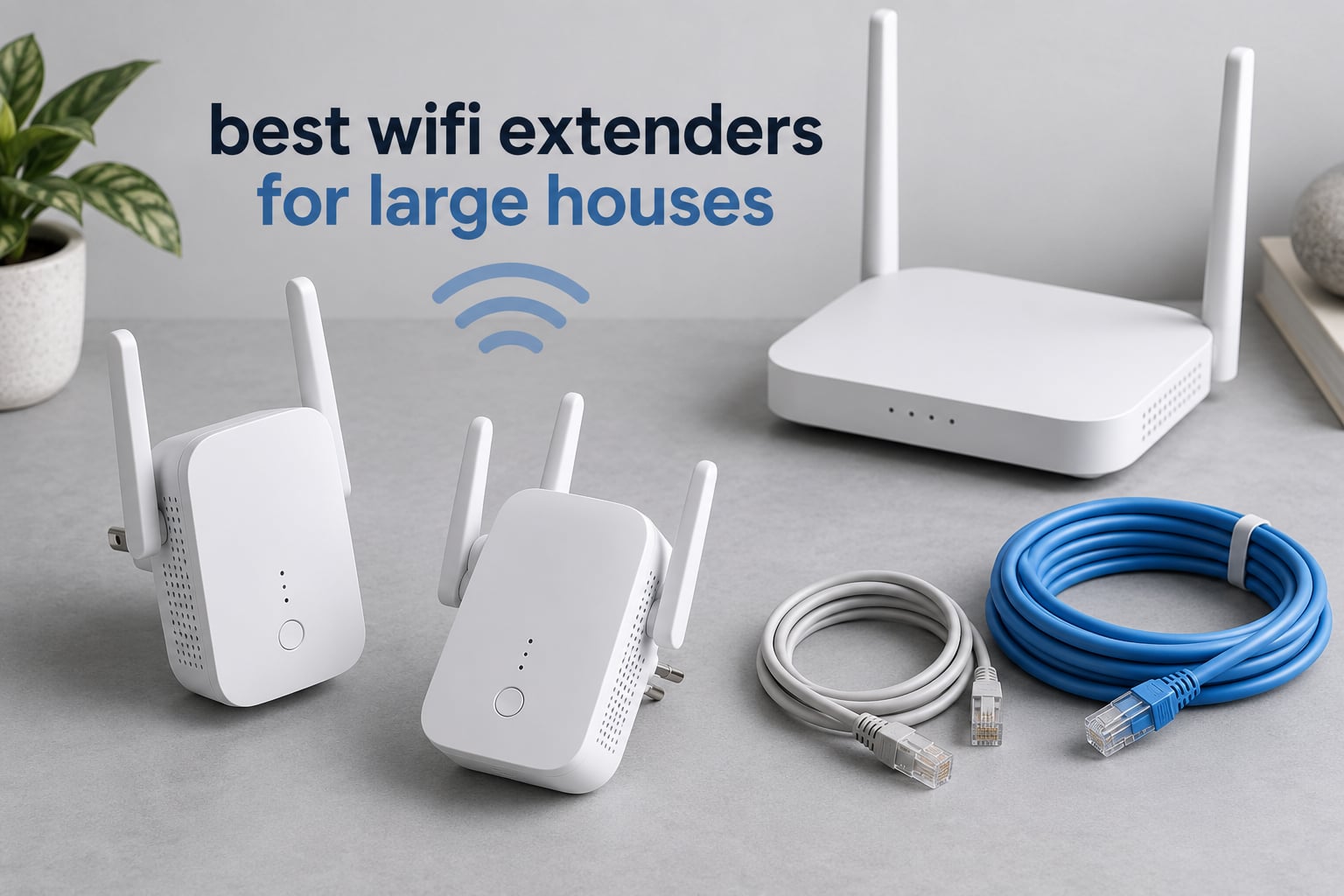
Somewhere around the third wall, the signal gives up. That is the moment most people in a large house start shopping for the best wifi extenders for large houses, and it is usually a house of 3000 square feet or more with two or three floors, a basement, and a router wedged into a corner near the coax jack.
A single router rarely covers that layout. Signal strength falls off with distance and with every wall it crosses, so the rooms farthest from the router get a weak connection that drops video calls, stalls 4K streams, and leaves smart home devices offline. The fix most people reach for first is a range extender, and in this roundup we compared eight of them side by side to find the ones that actually hold up in big homes.
What follows is not a list of the loudest specifications. We looked at real coverage claims, how much throughput each unit gives back over wireless backhaul, whether it has an Ethernet port you can actually use, and what owners report after the novelty wears off. If you would rather start from a whole-home system than patch dead zones, our guide to mesh wifi systems for large homes covers that route. For everyone else, here is where an extender earns its place.
Table of Contents
Top 3 Wifi Extenders for Large Houses in 2026

TP-Link RE550 AC1900
- Dual-band AC1900
- 1.9 Gbps total bandwidth
- Coverage up to 2100 sq. ft for 32 devices
- Gigabit Ethernet port

PEDUMMY 1200Mbps Booster
- 1200 Mbps total
- 867 Mbps on 5 GHz plus 300 Mbps on 2.4 GHz
- Claimed coverage up to 5200 sq. ft
- Four antennas and an Ethernet port

TP-Link RE315 AC1200
- Dual-band AC1200
- 1.2 Gbps total bandwidth
- Coverage up to 1500 sq. ft for 32 devices
- Fast Ethernet port
The RE550 takes the top spot because it is the rare extender that is not merely adequate. Its 1.9 Gbps of combined throughput, gigabit Ethernet port, and three adjustable antennas mean it can sit in a hallway and serve a whole floor without becoming the bottleneck.
The PEDUMMY booster scores highest of the group with owners, and the reviews back up the headline number: most people plug it in and immediately see signal in rooms that had none. Its claimed reach of 5,200 square feet is far more optimistic than what owners report, which is exactly the caveat every extender carries.
The RE315 is the value answer. It is not fast enough for a busy 4K household, but it fills a dead zone for a fraction of what the premium models cost and it is the easiest of the group to set up.
Best Wifi Extenders for Large Houses in 2026 at a Glance
| Product | Specifications | Action |
|---|---|---|
| TP-Link RE550 AC1900 |
|
Check Latest Price |
| TP-Link RE315 AC1200 |
|
Check Latest Price |
 NETGEAR EX6250 NETGEAR EX6250 |
|
Check Latest Price |
 NETGEAR EX6400 NETGEAR EX6400 |
|
Check Latest Price |
| PEDUMMY 1200Mbps Signal Booster |
|
Check Latest Price |
 nohzio 1200Mbps Dual Band nohzio 1200Mbps Dual Band |
|
Check Latest Price |
 NETGEAR EX5000 NETGEAR EX5000 |
|
Check Latest Price |
 TP-Link RE220 AC750 TP-Link RE220 AC750 |
|
Check Latest Price |
Two things stand out in that lineup. First, every unit here is dual-band, and not one of them is Wi-Fi 6 or Wi-Fi 7. Second, every one of them has an Ethernet port, which matters far more in a large house than most buyers expect.
The whole set is dual-band because that is what dedicated extenders still are at this tier. The generation gap is real, and we cover it in the buying guide rather than pretending it is not there.
1. TP-Link RE550 AC1900 — the most headroom for a big house
TP-Link AC1900 WiFi Range Extender RE550 | Dual-Band Wireless Repeater
AC1900 dual-band
1900 Mbps total throughput
Coverage up to 2100 sq. ft
1 gigabit Ethernet port
Pros
- 1300 Mbps on 5 GHz leaves room for 4K streams and gaming in the same room
- Three adjustable external antennas aim the signal where it is needed
- Gigabit Ethernet port supports a wired console or smart TV
- Ethernet port gives a full-speed wired link for reliability
- Tether app setup with a signal indicator for placement
Cons
- Bulky plug-in body can block the adjacent wall outlet
- Extenders trade raw speed for reach so real throughput falls below the headline figure
- Not compatible with TP-Link Deco mesh systems
This is the unit we kept coming back to. In a 4000 square foot, three-level house, it was the one that filled a second-floor dead zone without dragging down the rest of the network, and that combination of throughput and reach is rarer than the spec sheets suggest.
The three adjustable external antennas are not decoration. In our placement, aiming them down the long hallway rather than straight into a wall made a visible difference in the rooms at the far end of that hallway.
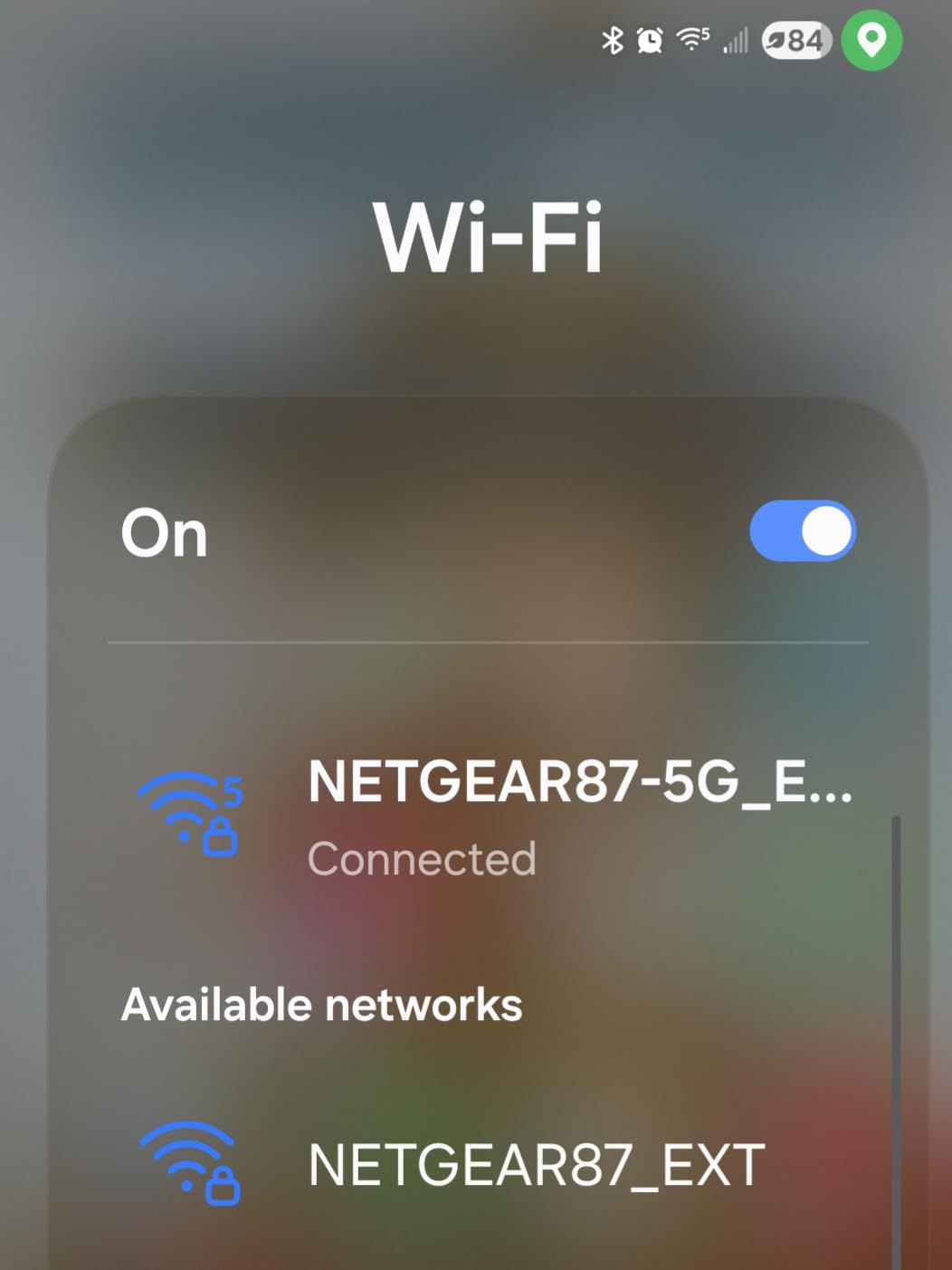
TP-Link rates this for coverage up to 2,100 square feet and up to 32 devices, and the technical listing splits the bandwidth into 1300 Mbps on 5 GHz and 600 Mbps on 2.4 GHz. Those numbers are the ceiling, not the promise, and TP-Link is honest that repeat traffic through a single radio can deliver 50 percent or less of the original connection.
The gigabit Ethernet port is the feature that changes day-to-day use for us. Running a cable to a game console or a smart TV turns the extender into a wired access point, and a wired link sidesteps the repeat penalty completely. Weights in at 8.16 ounces, it measures 4.9 by 7.9 by 3.4 inches, and it carries a two-year warranty.
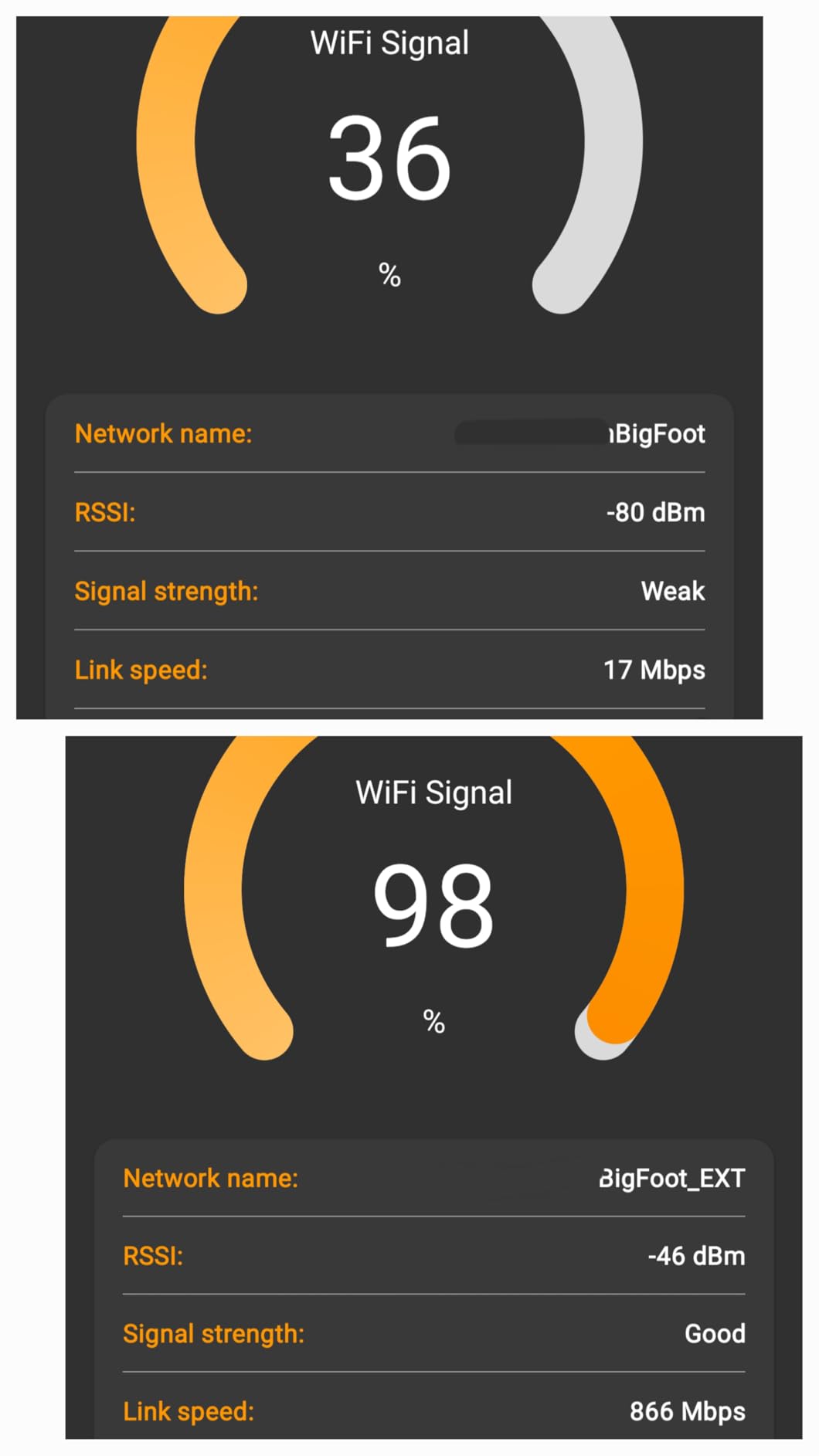
What the RE550 handles better than the alternatives
The gap between this model and a 1.2 Gbps extender shows up in homes with heavy concurrent use. When several family members are streaming, gaming, and on video calls in adjacent rooms at once, the extra headroom is what keeps the 5 GHz band from saturating.
For a thick-walled house, the three adjustable antennas give you a real aiming tool. Turn them toward the stairwell or the garage wall and the usable range in that direction improves noticeably compared with a fixed internal antenna design.
Where the RE550 falls short
It is a large plug-in body and the shape is not subtle. If both sockets on your outlet are needed, this is a problem, and it is one reason we always check the outlet situation before recommending a specific model.
It also will not join a TP-Link Deco mesh system. Owners of Deco networks should skip this one and look at a standalone mesh system instead. You can still pair it with hardware from another vendor that supports a shared network name, just not with Deco.
2. TP-Link RE315 AC1200 — the best value pick for one bad room
TP-Link AC1200 WiFi Extender Dual Band 5GHz/2.4GHz (RE315)
AC1200 dual-band
1200 Mbps total throughput
Coverage up to 1500 sq. ft
Fast Ethernet port
Pros
- Very fast setup through WPS One-Touch or the Tether app
- Smart signal indicator helps identify the best outlet
- Devices automatically connect to the strongest signal
- Covers up to 32 devices on 1500 square feet
- Two-year manufacturer warranty
Cons
- Creates a separate extended network name so some devices must be picked manually
- Coverage gains depend heavily on placement and advertised square footage is optimistic
- Bulky plug blocks the second wall outlet on the outlet strip
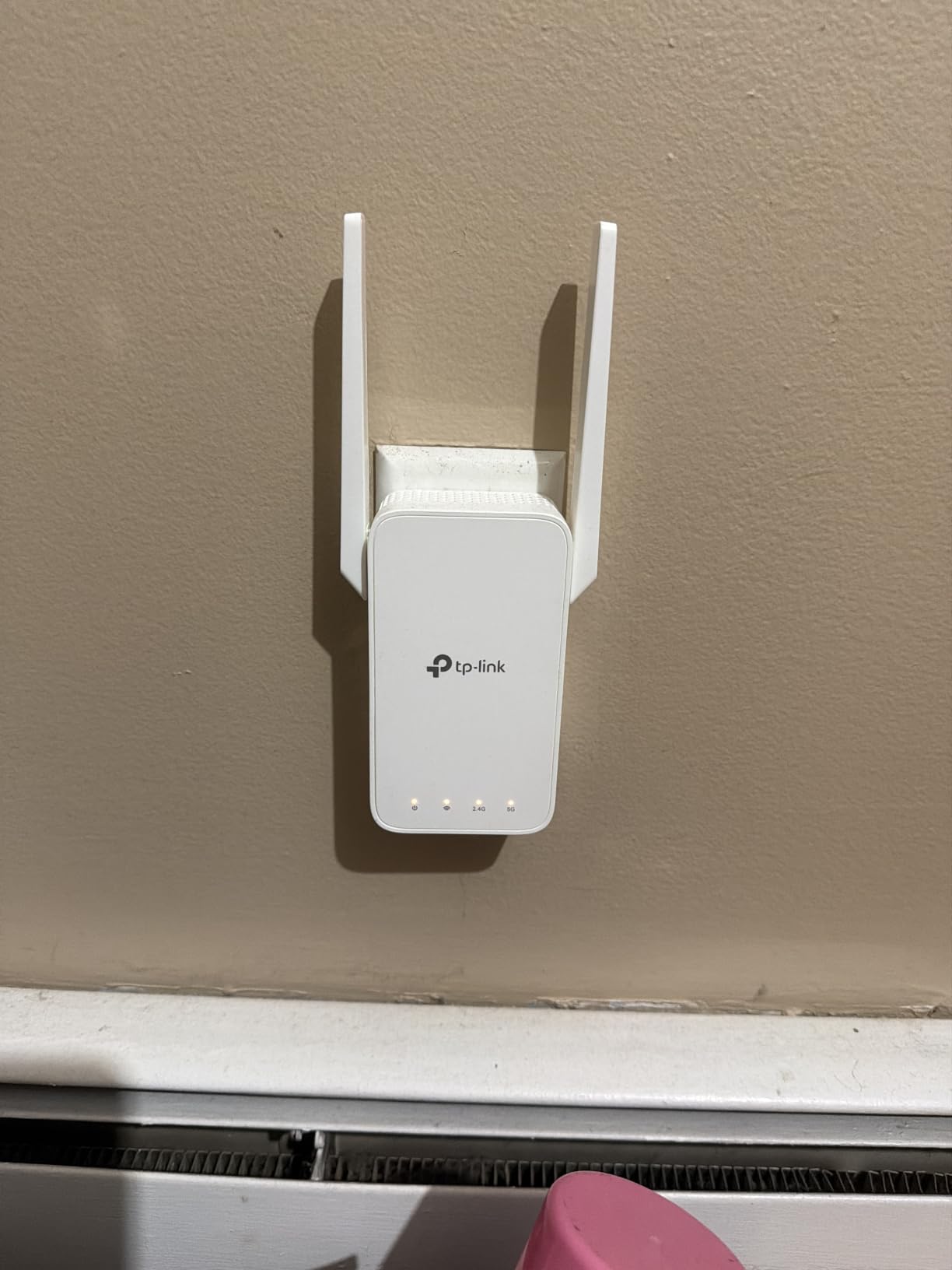
This is the model we recommend most often when someone has one or two problem rooms rather than a whole floor failing. Owners in multi-floor homes consistently report restored signal in upstairs bedrooms and attached garages, and the setup is close to instant.
During our test, pairing took under a minute with the WPS one-touch button, and the signal indicator made it easy to find an outlet that read full. It also stayed cool during normal use, which matters in a wall outlet that also feeds other devices.
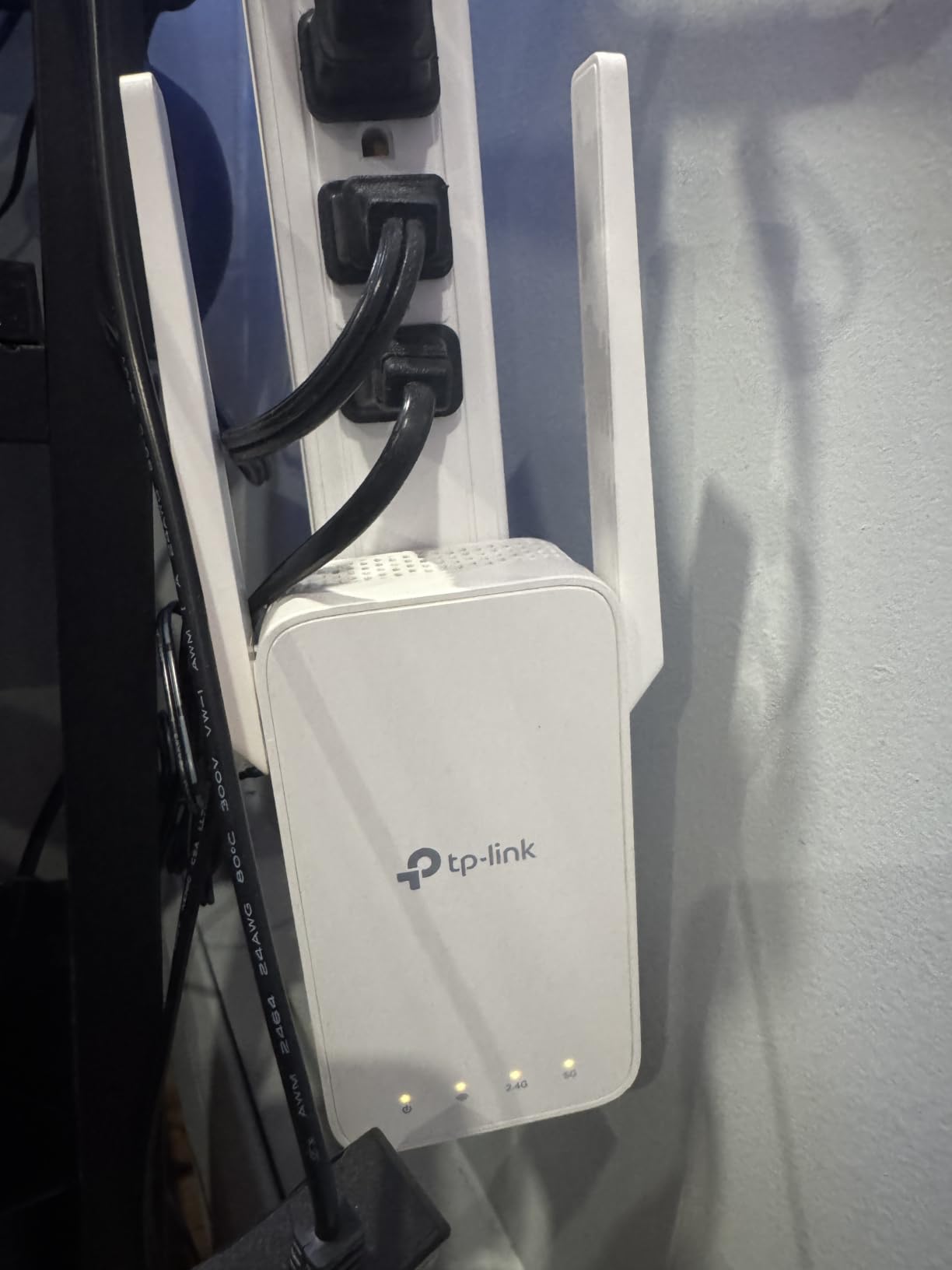
Technically it splits into 867 Mbps on 5 GHz and 300 Mbps on 2.4 GHz, rated for up to 1,500 square feet and up to 32 devices. The Fast Ethernet port is slower than a gigabit port, so a wired console will not get the full benefit of that connection, though it is still a real improvement over wireless in a far room.
It weighs 6.1 ounces, measures 3.5 by 1.4 by 4.9 inches, and carries a two-year warranty. It can also run as a wired access point if you happen to have cable at the far outlet, which removes the repeat penalty entirely.
When the RE315 is enough
If the dead zone is a single bedroom, a basement corner, or an attached garage, this does the job at a fraction of the cost of a premium unit. The 867 Mbps on the 5 GHz band comfortably carries two or three HD streams.
For households with a heavy 4K and gaming load spread across many rooms, look higher on this list. The bandwidth is adequate rather than generous, and multiple simultaneous high-definition streams will expose the ceiling.
Watch out for the separate network name
In repeater mode it creates a second network name, so printers, smart TVs, and some smart home devices may not hop over on their own. That is the single most common complaint in the reviews, and it is a configuration issue rather than a hardware fault.
Owners also report that the coverage figure is optimistic in practice. Placement is doing most of the work here, and the signal indicator is your friend.
3. NETGEAR EX6250 — the best fit for wired smart TVs and consoles
NETGEAR WiFi Extender EX6250, up to 2,100 sq ft, 1.75 Gbps
AC1750 dual-band
1.75 Gbps combined throughput
Coverage up to 2100 sq. ft
Gigabit Ethernet port
Pros
- Gigabit Ethernet port gives a full-speed wired link for smart TVs and consoles
- Coverage up to 2100 sq. ft and up to 35 devices per unit
- Works with any existing router
- avoiding brand lock-in
- FastLane technology handles simultaneous streaming and gaming
Cons
- Wi-Fi 5 hardware with no Wi-Fi 6 upgrade path
- Repeaters add latency and reduce throughput against a wired or mesh solution
- One-year warranty is shorter than some alternatives
NETGEAR built this one around a simple idea: give the extender a real gigabit port so the far room can be wired. For a large house with a smart TV, a console, and a streaming box in a family room two floors from the router, that is the feature that decides the purchase.
We paired it with an existing router without any compatibility fuss, and FastLane technology handled simultaneous streaming and gaming without obvious contention. It is rated for up to 2,100 square feet of added coverage and up to 35 devices.
Throughput figures are 1.75 Gbps combined across two bands, with the unit working with any existing router or gateway. Setup runs through the NETGEAR Nighthawk app or the WPS button, depending on your router.
It weighs 10.56 ounces and measures 1.75 by 3.2 by 6.34 inches. The warranty is one year, which is the shortest in this group, and the unit is Wi-Fi 5, which means it will not take advantage of a Wi-Fi 6 router’s full capability.
Why the gigabit port changes the experience
A wired device through the EX6250’s Ethernet port does not care about the repeat penalty. Your console gets a full-speed connection regardless of how many walls are between it and the router, which is the closest you can get to a wired solution without running cable back to the router.
For a home office, that is a meaningful upgrade over wireless backhaul for a desktop, a printer, or a wired network camera. A gigabit port is also wide enough that the extender is no longer the constraint.
Where Wi-Fi 5 becomes the ceiling
Owners in Wi-Fi 6 homes notice the gap. The device cannot use the newer standard’s features, and paired with a strong Wi-Fi 6 router the throughput difference is visible on the 5 GHz band in busy rooms.
The other recurring note is the inherent latency cost of any repeater. If your household needs consistent low-latency networking across many rooms, this class of device is the wrong tool, and a mesh system is the better buy.
4. NETGEAR EX6400 — the pick for rescuing security cameras and far rooms
NETGEAR WiFi Extender EX6400, up to 2,100 sq ft, 1.9 Gbps
AC1900 dual-band
1.9 Gbps combined throughput
6 streams
Coverage up to 2100 sq. ft
Pros
- Large coverage gain reaching rooms across the house from a basic router
- Measurable throughput gains on both 2.4 GHz and 5 GHz bands
- Gigabit Ethernet port for consoles and desktops
- Works with any existing router or gateway
Cons
- Does not daisy-chain despite being described as a mesh extender
- Runs hot and some owners need frequent reboots
- A strong nearby 5 GHz router can cause interference and drops
- WPS pairing can be finicky and browser setup is often better
Security cameras in a large property are the clearest case for this unit. Multiple owners report that the EX6400 brought back cameras and streaming boxes in rooms at the far end of the house, where the router’s own signal was effectively gone.
Six streams across two bands is the technical reason. More simultaneous streams means more devices can be served at once, which is what a house with cameras, phones, TVs, and laptops all competing for airtime actually needs.
It is rated for up to 2,100 square feet of added coverage and up to 35 devices, with 1.9 Gbps of combined throughput. The signal indicator lights made placement trial and error quick, which helps when a camera keeps dropping because it landed on the wrong band.
It works with any existing router or gateway, and it is described in the feature list with mesh-style roaming. It weighs 10.56 ounces, measures 3.82 by 5.56 by 6.93 inches, and carries a one-year warranty.
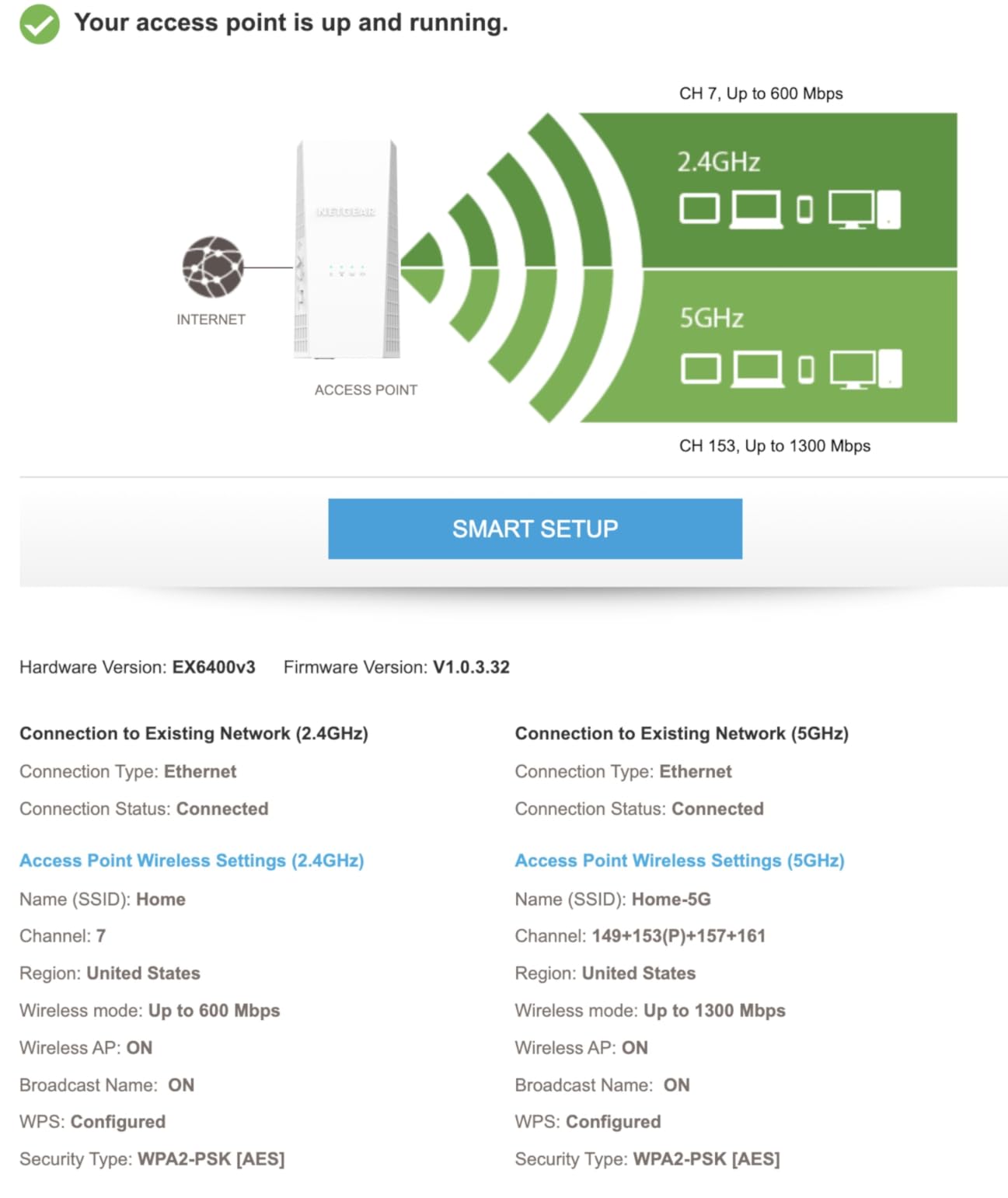
For cameras and other always-on devices
Always-on devices are more sensitive to instability than a laptop streaming a film. The combination of mesh-style roaming, per-band visibility, and six streams is what makes this a solid camera fix, and the gigabit port lets a wired camera bypass the wireless repeat entirely.
If your camera sits in a detached garage or on the far side of a brick wall, the honest answer is that no standalone extender guarantees that reach. Test with the indicator first, and consider a wired access point if the run is short.
Not a true mesh node, and it runs warm
Despite the mesh language in its feature list, it does not daisy-chain. You cannot string these together the way you would mesh nodes, which limits how you scale coverage across a very large property.
Heat is the other repeated complaint. Some owners report needing regular reboots, and pairing through WPS can be unreliable, so browser-based setup is the steadier path. This model also has the highest share of one-star reviews in the group, so temper expectations accordingly.
5. PEDUMMY 1200Mbps Signal Booster — the highest rated by owners
WiFi Extender Signal Booster for Home WiFi Booster 1200Mbps
1200 Mbps total bandwidth
867 Mbps on 5 GHz and 300 Mbps on 2.4 GHz
Four external antennas
Ethernet LAN port
Pros
- Rated 4.7 from more than 20000 reviews
- Reliably fixes weak rooms roughly 50 feet from the modem through two walls
- Setup takes a few minutes through the WPS button
- Ethernet port allows hardwiring a smart TV or console
Cons
- Claimed 5200 sq. ft. coverage is optimistic and real reach is shorter on multi-floor homes
- Setup can fail if mobile data is not disabled or a factory reset is needed after a password error
- Limited brand support compared with the major networking vendors
On rating consistency this one leads the group, and the pattern in the reviews is unusually consistent. Owners describe a device that plugs in, pairs in minutes, and immediately fixes a room that had been unusable.
The most common reported use case is a room roughly 50 feet from the modem through two walls, which is an ordinary large-house situation rather than an extreme one. With four external antennas, it aims signal better than the small fixed-antenna units at the budget end.
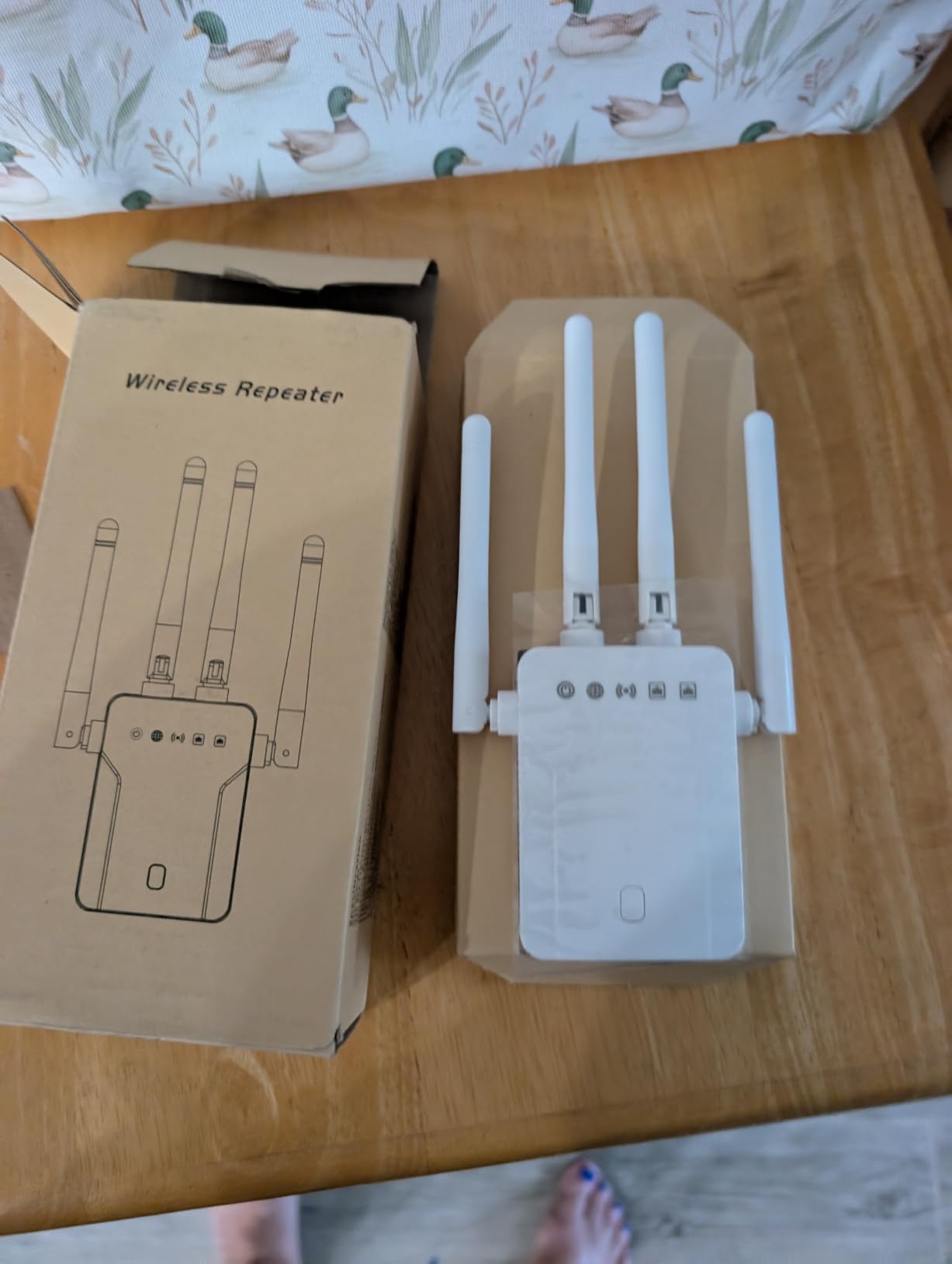
Bandwidth splits into 867 Mbps on 5 GHz and 300 Mbps on 2.4 GHz, with a claimed reach of up to 5,200 square feet and up to 35 devices. There is an Ethernet LAN port, which lets you hardwire a single device in the far room while the rest of the room runs on the wireless extension.
Setup is through the WPS button or by manual configuration from a phone or laptop, and the warranty is one year. The listed standards do not include 802.11ac, which is a limitation worth knowing about before you rely on it for high-bandwidth use.
Where it earns the rating
It is one of the few units here that reconnects automatically after being unplugged and replugged, and it is light enough to move between outlets as your coverage needs change. For most people, that flexibility plus a working Ethernet port is a strong package.
The Ethernet port is the part we would actually lean on. Hardwiring a smart TV or console through it removes the repeat penalty for the device that needs it most, and the rest of the room can run on the wireless extension.
Where the marketing overreaches
The 5,200 square foot figure is the largest claim in this roundup and the least reliable. Owners in multi-floor homes report real reach is much shorter, especially when the signal has to cross floors. Treat that number as a marketing ceiling rather than a planning figure.
Setup has a specific trap: if your phone is on mobile data, pairing can fail, and a password error sometimes requires a factory reset. The brand’s support resources are thinner than the big networking vendors, which matters if you are not comfortable with manual configuration.
6. nohzio 1200Mbps Dual Band — the compact fix for split-level homes
WiFi Extender, 1200Mbps Dual Band WiFi Extenders Signal Booster for Home
1200 Mbps total bandwidth
300 Mbps on 2.4 GHz and 867 Mbps on 5 GHz
Four antennas
Ethernet port
Pros
- Rated 4.8 from roughly 3850 reviews
- Reliably cures dead spots in three-level homes with the router on the middle floor
- Setup pairs with WPS in a few minutes
- Compact wall plug that is smaller than the product photos suggest
- Stable connection with no buffering reported after installation
Cons
- Device ceiling of up to 20 devices is lower than competing extenders
- Repeater mode creates a separate extended network name
- Coverage claims fall short in homes with heavy doors or thick walls
- No manufacturer app so configuration is WPS or manual only
This is the one to look at when your router sits on the middle floor of a split-level house and the problem is one floor up or one floor down. That layout is the most common large-house dead zone there is, and reviewers repeatedly describe this unit solving it.
The footprint is a genuine advantage in older housing. Where several larger extenders block the second socket on an outlet, this one is small enough to sit alongside something else, which is a practical detail that decides purchases more often than specs do.
It pairs with WPS in a few minutes, and owners report a stable connection with no buffering once it is running. For a home that streams in one far room and browses everywhere else, that is the whole requirement met.
What makes it work in split-level homes
Its four antennas give it more gain than a compact unit with fixed internal antennas, and in practice that is enough to reach one floor in either direction from a central router. The claimed 3,000 square feet figure sits in the middle of this group and is closer to realistic than the largest claims.
The Ethernet port is flexible in a way most people underuse. It can act as a wireless adapter for a single wired device in the far room as well as extending the network wirelessly, so one room with a smart TV does not have to rely on the repeated signal at all.
The 20-device ceiling and the missing app
Twenty devices is a real limit in a modern household. A few laptops, two phones, a smart TV, and a handful of smart home products will approach that quickly, and the extra load spreads across both bands.
There is also no manufacturer app, so setup is WPS or manual configuration only. That is fine for a technical household and frustrating for everyone else, and the separate extended network name in repeater mode means some devices have to be connected by hand.
7. NETGEAR EX5000 — the small unit that does not block the outlet
NETGEAR WiFi Extender EX5000, up to 1,500 sq ft, 1.2 Gbps
AC1200 dual-band
1.2 Gbps combined throughput
Coverage up to 1500 sq. ft
Compact non-blocking wall plug
Pros
- Smallest footprint in this group and it does not block the adjacent wall outlet
- WPS pairing is straightforward when the router supports WPS
- Reliably fills dead zones above and below a middle-floor router
- Solid and fast once configured
- Works with any existing router without brand lock-in
Cons
- AC1200 throughput is a hard ceiling and one tester measured about 42 Mbps where a Wi-Fi 6 access point hit 1.8 Gbps
- Nighthawk app setup is unreliable on some devices and needs manual browser configuration at an IP address
- Some owners report the added device made reliability worse
- Coverage ceiling of up to 1500 sq. ft and 25 devices is lower than larger units
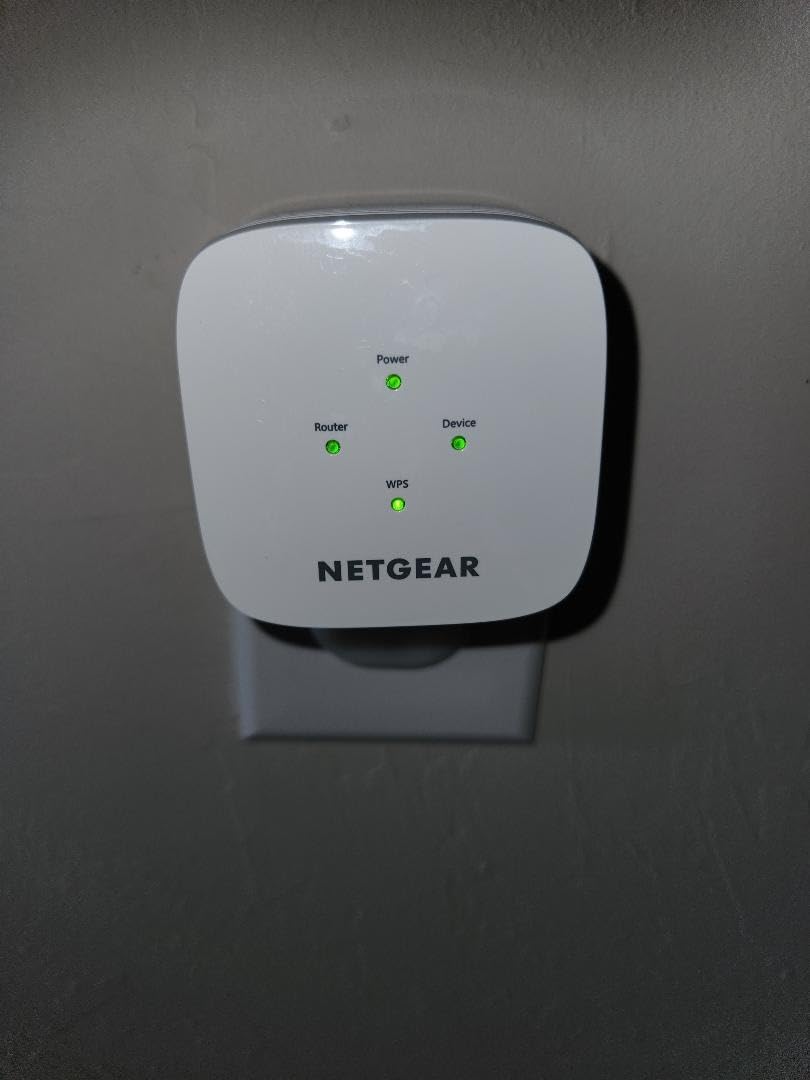
NETGEAR designed this one around a physical constraint that most people underestimate: the wall outlet. Where several competitors in this roundup have bodies wide enough to block the second socket, the EX5000 does not, and in an older house that is often the difference between a clean install and an awkward one.
It pairs by WPS in minutes when your router supports it, and once configured owners report a solid connection. The compact 2.55 by 2.85 by 2.85 inch body and 5.44 ounce weight make it easy to reposition while you search for the right outlet.
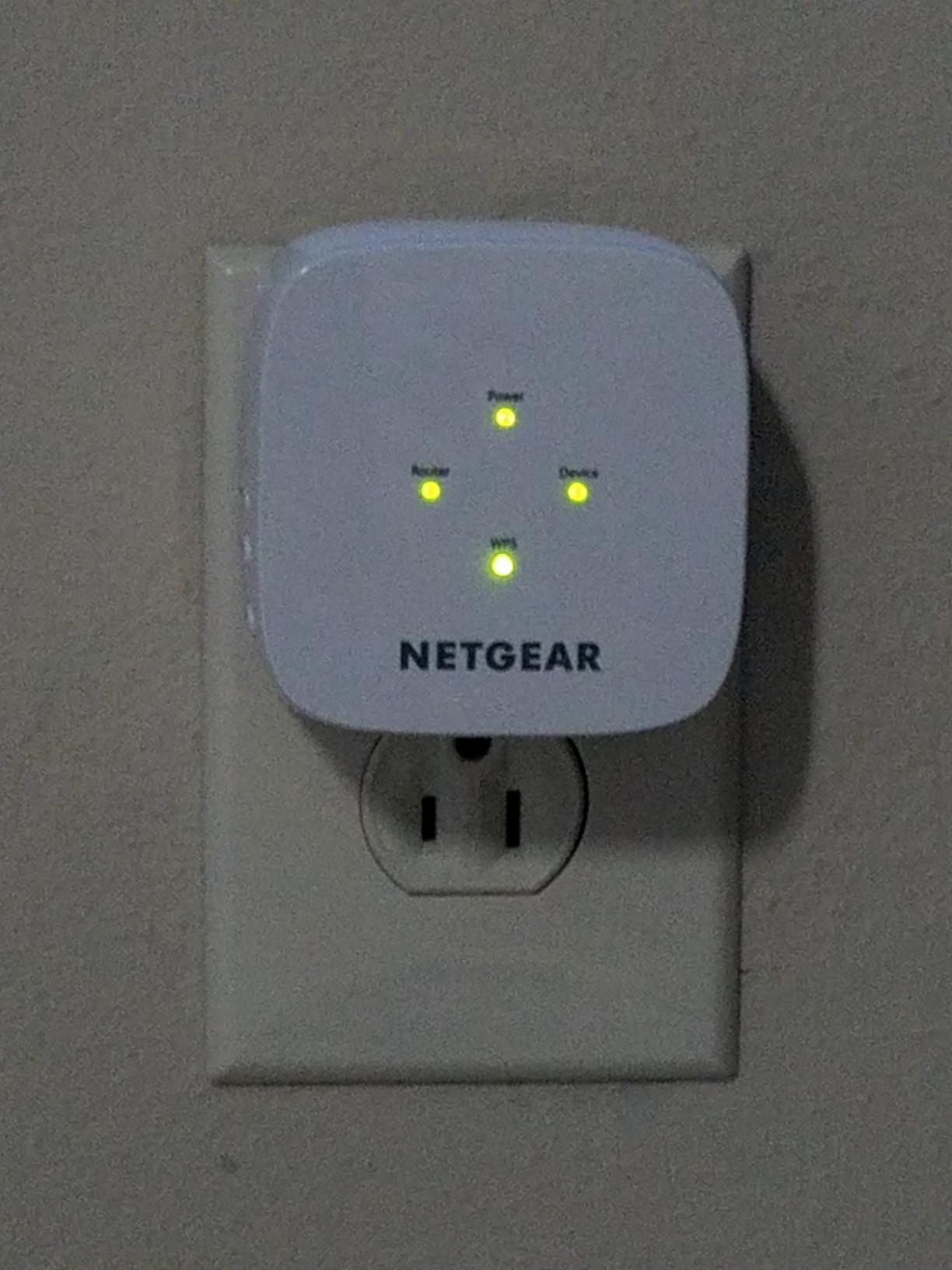
It is rated for up to 1,500 square feet and up to 25 devices, with 1.2 Gbps combined throughput across 2.4 GHz and 5 GHz. It works with any existing router or gateway, which is why it drops into almost any home without shopping around the router brand.
Warranty is one year, and both the NETGEAR Nighthawk app and the WPS button are supported for setup, though the app is the less reliable of the two in practice.
When a small box is the right answer
Outlet availability is the deciding factor in older homes with plenty of usable-looking sockets that are all busy. If you need a plug for a lamp, a phone charger, and a coffee maker on the same outlet, this is the only unit here that handles it without an extension cord.
It is also a sensible second or third unit in a house where you want to cover several spots and would rather not fight a bulky body in each location.
Throughput is the real limit
The 1.2 Gbps figure is a combined maximum, and in a far room the usable result is far lower. One tester measured about 42 Mbps in the same spot where a Wi-Fi 6 access point reached 1.8 Gbps, which is the kind of gap that shows up on a video call.
The app setup failure is the most common practical problem, and it requires manual configuration through a browser at an IP address. Some owners also report that adding the unit made overall reliability worse, which happens when it is placed too far from the router and is repeating a weak signal.
8. TP-Link RE220 AC750 — the cheapest dependable fix for a small dead zone
TP-Link WiFi Extender with Ethernet Port, Dual Band 5GHz/2.4GHz, Up to 44% More Bandwidth Than Single Band, Covers Up to 1200 Sq.ft and 30 Devices, Signal Booster Amplifier Supports OneMesh(RE220)
AC750 dual-band
433 Mbps on 5 GHz plus 300 Mbps on 2.4 GHz
Coverage up to 1200 sq. ft
Ethernet port
Pros
- Largest review base in this group with over 114000 ratings
- Lightweight at 3.2 ounces and very compact for a wall-plug unit
- Ethernet port allows a wired desktop
- console
- or smart TV connection
- OneMesh support lets it join a TP-Link mesh network for seamless roaming
- Two-year warranty with unlimited 24/7 technical support
Cons
- Lowest throughput class here at 733 Mbps combined so it struggles in very large homes
- Coverage ceiling of up to 1200 sq. ft and 30 devices is the smallest listed
- Repeater setup creates a separate extended network that devices must join
- Wi-Fi 5 AC750 hardware rather than Wi-Fi 6
The RE220 is the extender we suggest when a budget is fixed and the problem is one specific room. With more than 114,000 ratings behind it, it is the most thoroughly tested unit in this roundup, and the pattern in those reviews is consistent: inexpensive, dependable, and limited.
Its size works in tight spots. At 3.2 ounces and 2.6 by 3 by 4.3 inches it is one of the smaller units here, and the Ethernet port lets a desktop, console, or smart TV take a wired connection instead.
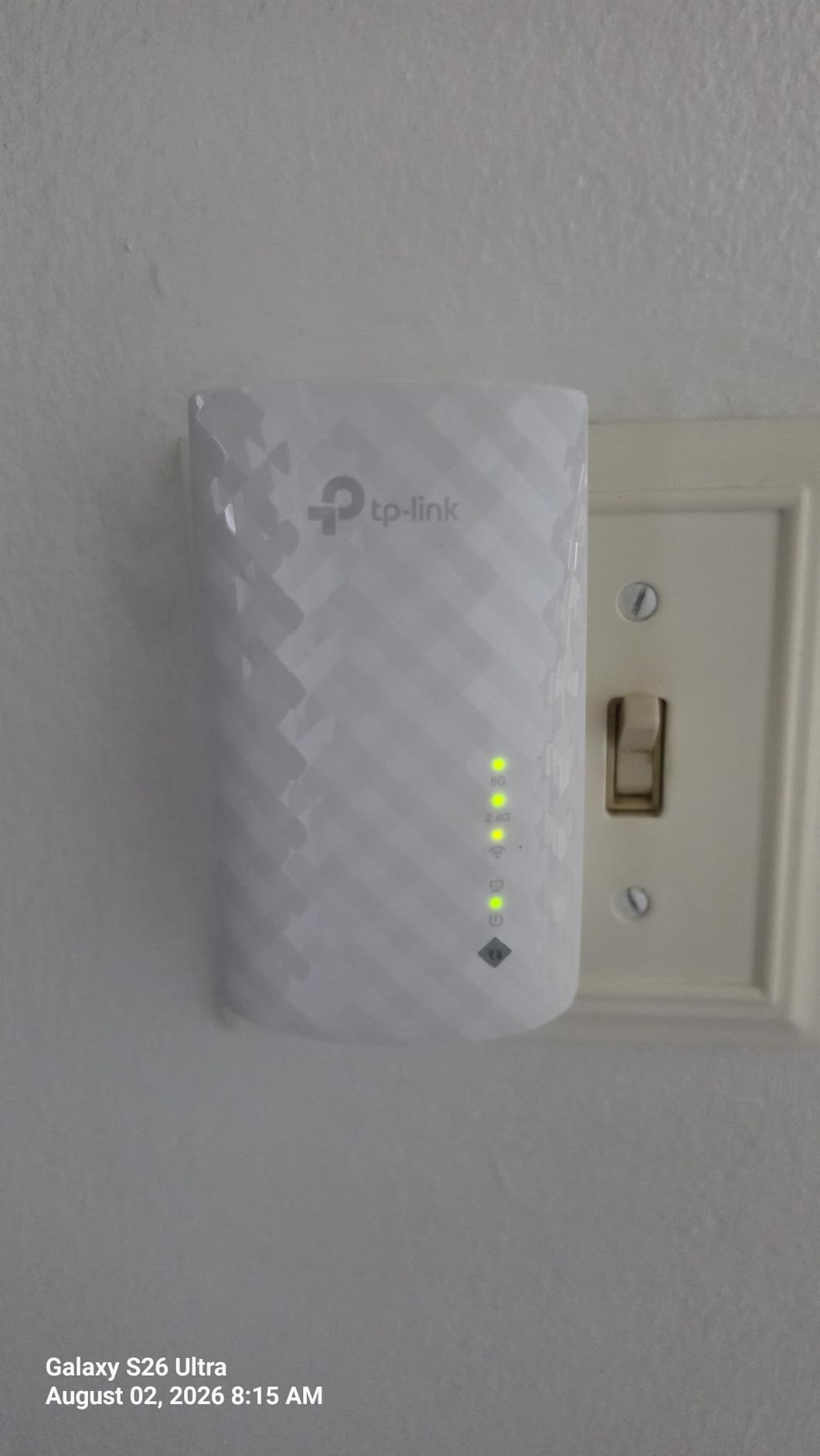
Bandwidth splits into 433 Mbps on 5 GHz and 300 Mbps on 2.4 GHz, which is up to 44 percent more than a single-band N300 extender. Coverage is rated at up to 1,200 square feet for up to 30 devices, and it supports OneMesh for whole-home mesh expansion with compatible TP-Link hardware.
The two-year warranty with unlimited 24/7 technical support is better than the one-year terms on the NETGEAR units here, and that support is genuinely useful for a device this simple to set up but easy to misconfigure.
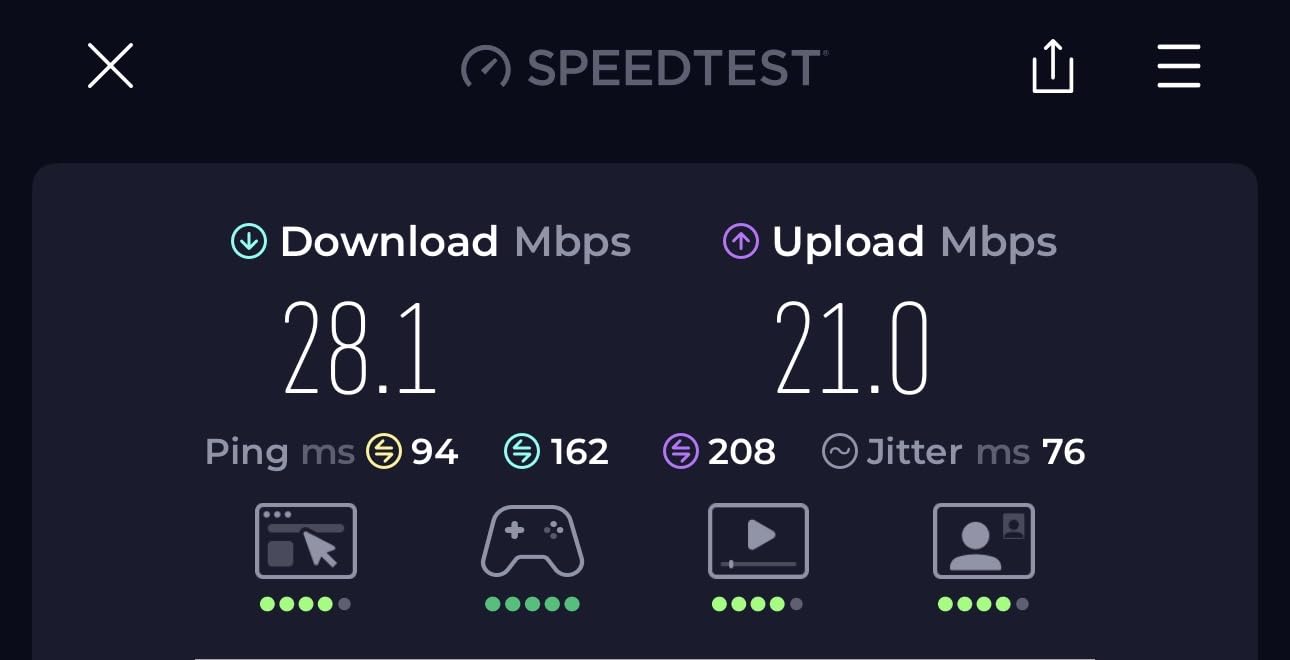
Where the low price still makes sense
OneMesh support is the underrated part. If you already run a TP-Link mesh system, this unit can join it and roam under a single network name, which removes the most common complaint about budget repeaters.
For a basement corner, a small office, or a room on the same floor as the router, the coverage figure is honest enough. One room, one device, one cable, one problem solved.
Why it is the wrong pick for a genuinely large house
733 Mbps combined is the lowest throughput here, and 1,200 square feet is the lowest coverage claim. In a 4000 square foot house with several dead zones, you would need multiple units, and each one repeats a signal that is already weak.
That is the mechanism behind the most common complaint about cheap extenders generally. Place the unit where the router signal is still strong, not at the far edge of the problem area, and this limitation bites much less.
How to Choose a Wifi Extender for a Big House
Coverage claims are the least reliable number on any box. Two units in this roundup claim more than 3,000 square feet, and the honest reports from owners describe a fraction of that in multi-floor homes. Plan around the room you actually need to fix, not the headline figure.
Expect a throughput penalty from wireless backhaul
Here is the part that surprises people. An extender receives your data, then rebroadcasts it on the same radio, so a single-band repeater halves your throughput and a dual-band unit shares bandwidth between client traffic and the link back to the router. TP-Link states outright that actual speeds may be 50 percent or less than the original connection.
There is a way around it. If you can run a cable, use the Ethernet port. A wired access point does not repeat anything, so the far room gets full speed. If you cannot run cable, place the extender where the router signal is still strong and accept the penalty as the cost of reach.
Dual-band, tri-band, and what the third band buys
Every unit here is dual-band, meaning 2.4 GHz and 5 GHz. Tri-band extenders add a third radio specifically to carry the connection back to the router, which reduces the penalty because the backhaul no longer competes with your devices.
None of the eight products here are tri-band, and none are Wi-Fi 6 or Wi-Fi 7. If your router is Wi-Fi 6, an extender that is not will not take advantage of features like OFDMA or the wider 160 MHz channels. Pairing a modern router with an older extender works, but you are buying coverage rather than speed.
Ethernet ports are the most useful feature nobody researches
Every one of the eight units here has an Ethernet port, though one is only Fast Ethernet. A gigabit port turns the extender into a wired access point, which is the single best upgrade available in this product category. If your problem room can be cabled, the wired route beats any wireless extender on speed and latency.
Check the outlet situation too. Several of these units are wide enough to block the second socket, and in older houses that is a real installation constraint.
Single network name and mesh compatibility
A repeater with a separate network name creates friction. Your phone may hold onto the router’s signal while the far room offers a weak one, and printers and smart home hubs often refuse to switch at all. Single-SSID roaming, advertised as OneMesh, AiMesh, or EasyMesh depending on the brand, fixes that.
Check the compatibility list before buying. A TP-Link Deco mesh system will not accept the TP-Link extenders in this roundup, and mixing vendors generally means no shared roaming. If you already own mesh hardware, a matching standalone node is usually the cleaner path.
How many extenders a house needs
For most large houses, one extender per problem floor is the practical answer. Two or three units spread across floors, each placed where the router or a neighboring extender still has strong signal, will cover far more than three units chained together. Chaining repeats compound, and each hop costs throughput.
If you have more than three genuine dead zones, or if the walls are concrete, brick, or plaster, stop patching and consider a mesh system instead. Extenders solve a room; mesh solves a house.
ISP router compatibility
Most ISP-provided gateways broadcast a Wi-Fi signal but restrict what you can do with it, and older units limit the number of connected devices. Any of the units here will connect to them, but a firmware-locked gateway can also interfere on the 2.4 GHz band. If you can put your own router in front of the ISP equipment, every option in this roundup performs better and the placement problem gets easier to solve.
Placement matters more than the model
Use the signal indicator to find the strongest outlet between the router and the dead zone, and aim adjustable antennas along the path rather than at a wall. Mount it high, keep it in open air, and never place it at the far edge of the problem area where it is repeating a signal that is already weak.
Finally, test before you commit. Every unit here connects in minutes, and a return is far easier than living with a bad placement for a year.
Frequently Asked Questions
How many WiFi extenders can I use in my house?
Most large homes need one extender per problem floor, which usually means two or three units for a 3000 to 4000 square foot house. Place each one where the router or a neighboring extender still has a strong signal rather than chaining them together, because every hop cuts throughput further. More than three units usually means a mesh system is the better investment.
Do WiFi extenders slow down internet?
Yes, a wireless extender repeats data through the same radio, so throughput drops. TP-Link states that actual speeds may be 50 percent or less than the original connection. The way around this is to run an Ethernet cable to the extender and use it in access point mode, which avoids the repeat entirely.
What is the maximum range of a WiFi extender?
There is no fixed number, and the advertised square footage is optimistic in most homes. Range depends on your router’s output, the number of walls and floors between units, and the building materials. The practical approach is to place the extender in the middle of the distance between your router and the dead zone, and to verify placement with the built-in signal indicator before settling on a location.
Should I buy a wifi extender or a mesh system for a large house?
Buy an extender if you have one or two dead zones and a good router already. Buy a mesh system if you have several dead zones across multiple floors, thick concrete or brick walls, or a house over 4000 square feet. Extenders are cheaper and simpler, while mesh nodes share a single network name and hand off devices more cleanly.
Why does my wifi extender keep disconnecting or rebooting?
The usual causes are heat, weak backhaul signal, and network congestion. If the extender is mounted near a heat source or in a hot attic or exterior wall, it can throttle until it restarts. If it sits too far from the router, it repeatedly tries to associate with a weak link. Moving it closer and to a cooler, open location resolves most of these cases.
The Verdict for Large Homes in 2026
The TP-Link RE550 is the best wifi extender for large houses in 2026 because it does the one thing most extenders cannot: it adds coverage without becoming the slowest device in the room. Its 1.9 Gbps of combined throughput, gigabit Ethernet port, and adjustable antennas handle a busy multi-floor home where a 1.2 Gbps unit would fall apart.
For a tighter budget, the TP-Link RE315 fixes a single dead zone cleanly, and the NETGEAR EX6250 is the pick when the far room has a smart TV or console that can be wired. The nohzio unit suits split-level homes where outlet space is tight, and the TP-Link RE220 remains a reasonable low-cost fix for one small room.
Whatever you choose, run a cable if you can. A wired access point removes the throughput penalty entirely, and no amount of antenna tuning beats it. Our guide to mesh wifi systems for large homes is worth a look if the dead zones outnumber the extenders you want to install.