
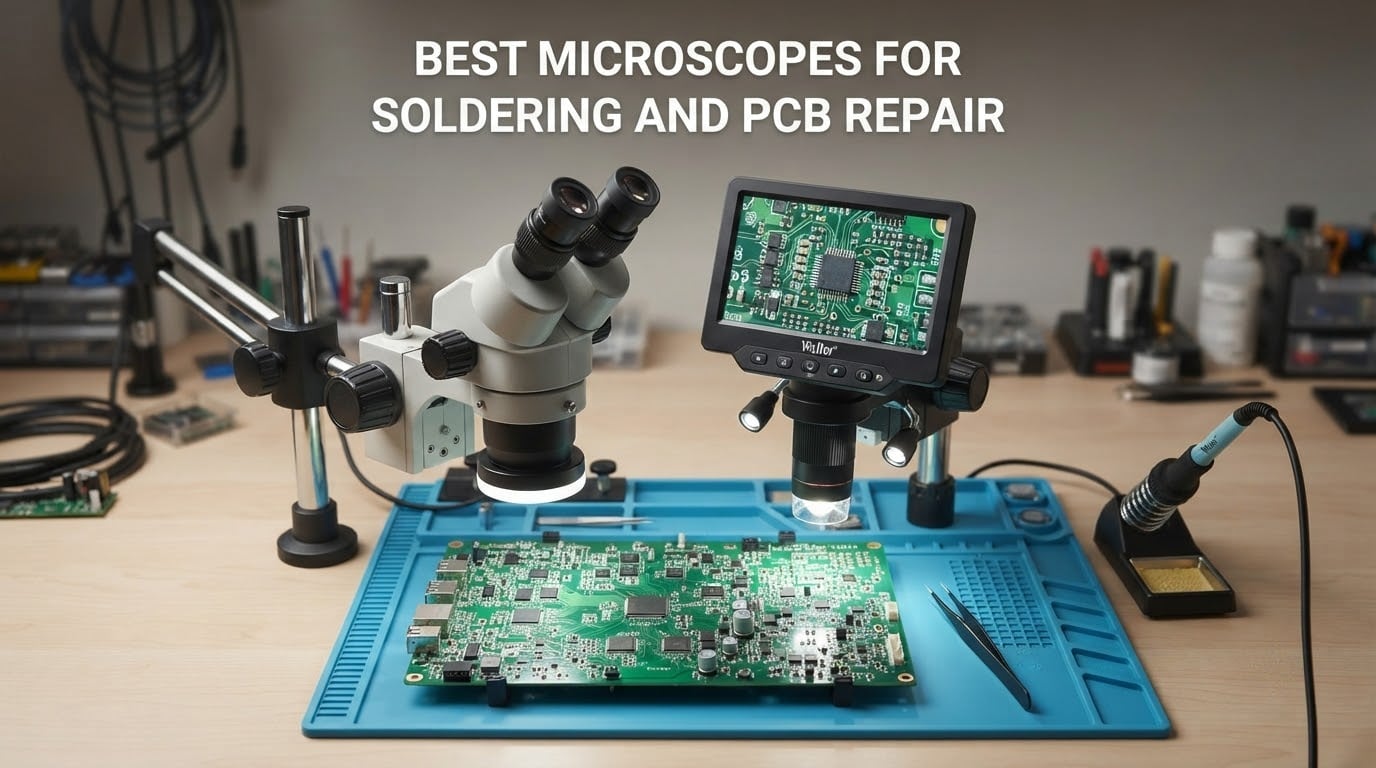
Most solder joints look fine until you put them under magnification. A joint that reads as smooth at arm’s length turns out to be a cold, dull bead with a micro-crack running along it, and a bridge you could not see is the reason a board will not power up. If you work on anything smaller than a through-hole joint, magnification stops being a luxury and becomes part of the tool.
That is what this roundup is for. We spent time with ten microscopes built for the bench, looking at the same things a repair technician looks at: 0201 passives, QFN ground pads, lifted lands on a phone board, and the bright specular glare that an ENIG finish throws back at every light source. We weighed the stands, measured how much room there was under the optic for a hot-air nozzle, and checked whether the image stays still while an iron is in the frame.
The field splits into two families. Optical stereo microscopes give you a true three-dimensional view straight through binocular eyepieces, which feels natural and needs no screen. Digital scopes put a camera image on a built-in display or an external monitor, which is easier on the eyes over a long session and easy to record. Both work. The short version for 2026: most people starting out should buy a digital scope with a large screen, and anyone doing long microsoldering sessions will still prefer optical glass.
If you are also building up the rest of your bench, our guide to the best digital microscopes for electronics repair covers the cheaper end of the market in more depth, and the best soldering stations for electronics hobbyists guide covers the iron and hot-air side of the same workflow.
Table of Contents
Top 3 Microscopes for Soldering and PCB Repair in 2026

TOMLOV DM9 7-inch Digital Microscope
- 7-inch LCD
- Metal base and stand
- 1080P video and 12MP stills
- Gooseneck side lighting

Andonstar AD246S-M 3-Lens HDMI Scope
- Three lenses including a solder lens
- Metal boom arm
- 2160P video with HDMI
- 32GB card included

Andonstar AD210 10.1-inch LCD Scope
- 10.1-inch IPS screen
- 1cm to 26cm working distance
- Top and side LED lighting
- 32GB card included
Quick Overview of All 10 Microscopes in 2026
Every scope below was assessed on the same five things: how much magnification is genuinely usable for solder work, how much clearance there is under the optic for tools, how the lighting behaves on a reflective board, how stable the image stays during hands-on work, and what it costs you in setup time each morning. The table is the fast version. The individual reviews further down explain what each one is actually like to use.
| Product | Specifications | Action |
|---|---|---|
| TOMLOV DM9 7-inch Digital Microscope |
|
Check Latest Price |
| Andonstar AD246S-M 3-Lens HDMI Microscope |
|
Check Latest Price |
| Andonstar AD210 10.1-inch LCD Microscope |
|
Check Latest Price |
 Plugable USB Digital Microscope 250x Plugable USB Digital Microscope 250x |
|
Check Latest Price |
 TOMLOV 4K Autofocus Flex Arm Microscope TOMLOV 4K Autofocus Flex Arm Microscope |
|
Check Latest Price |
 Elikliv 4K Autofocus 10.1-inch Flex Arm Scope Elikliv 4K Autofocus 10.1-inch Flex Arm Scope |
|
Check Latest Price |
 TOMLOV DM10 10.1-inch Soldering Magnifier TOMLOV DM10 10.1-inch Soldering Magnifier |
|
Check Latest Price |
 AmScope SE306R-P Cordless Stereo Microscope AmScope SE306R-P Cordless Stereo Microscope |
|
Check Latest Price |
 Aikokkl 5-inch LCD Scope with C-Clamp Aikokkl 5-inch LCD Scope with C-Clamp |
|
Check Latest Price |
 Teslong USB-C Digital Microscope 10x-200x Teslong USB-C Digital Microscope 10x-200x |
|
Check Latest Price |
1. TOMLOV DM9 7-Inch Digital Microscope — Best Overall for Soldering and PCB Repair
TOMLOV DM9 7″ Digital Microscope: 1080P 1200X Coin Microscope Magnifier, 12MP Ultra-Precise Focusing LCD Soldering Microscopes for Adults, PC View, 16GB
7-inch LCD
1080P video, 12MP stills
Metal base and stand
8 LEDs plus 2 goosenecks
Pros
- Large built-in LCD keeps neck and shoulders relaxed
- Metal base and stand stay steady under an iron
- Gooseneck and adjustable LEDs cut shadows and glare
- PC output for a bigger live view
- 16GB card included for saving records
Cons
- Magnification changes with stand height rather than optical zoom
- Fixed screen-to-camera angle cannot be freely articulated
- Best suited to stationary bench work rather than an overhead arm
The DM9 has been on our bench longest and it is the one we hand to people who are unsure where to start. The 7-inch LCD sits at a comfortable angle, so you look down at the image instead of leaning your head into an eyepiece and locking your neck in one position. That single design choice matters more than the specification sheet ever suggests.
Build quality is where this one earns its place. The body is aluminium alloy with a metal base and an 8.5-inch adjustable stand, and it does not walk across the bench when you touch a board. After a few hundred joints, a scope that shifts every time you lean on it becomes the reason you rush a repair, and this is not that scope.

Lighting is handled with eight built-in LEDs plus two flexible gooseneck arms, and you can dim them. On an ENIG board the ring light alone will bounce straight back at you, so the goosenecks are what you actually use, angling light across the board at a shallow angle so the solder fillet shows its shape instead of a white blob.
Video is 1080P with 12MP stills, and a 16GB microSD card is included so nothing needs buying before you start documenting repairs. The 1200x headline figure is achieved by moving the stand height rather than a real optical zoom, which is fine, but it is worth knowing that the useful range sits far lower.
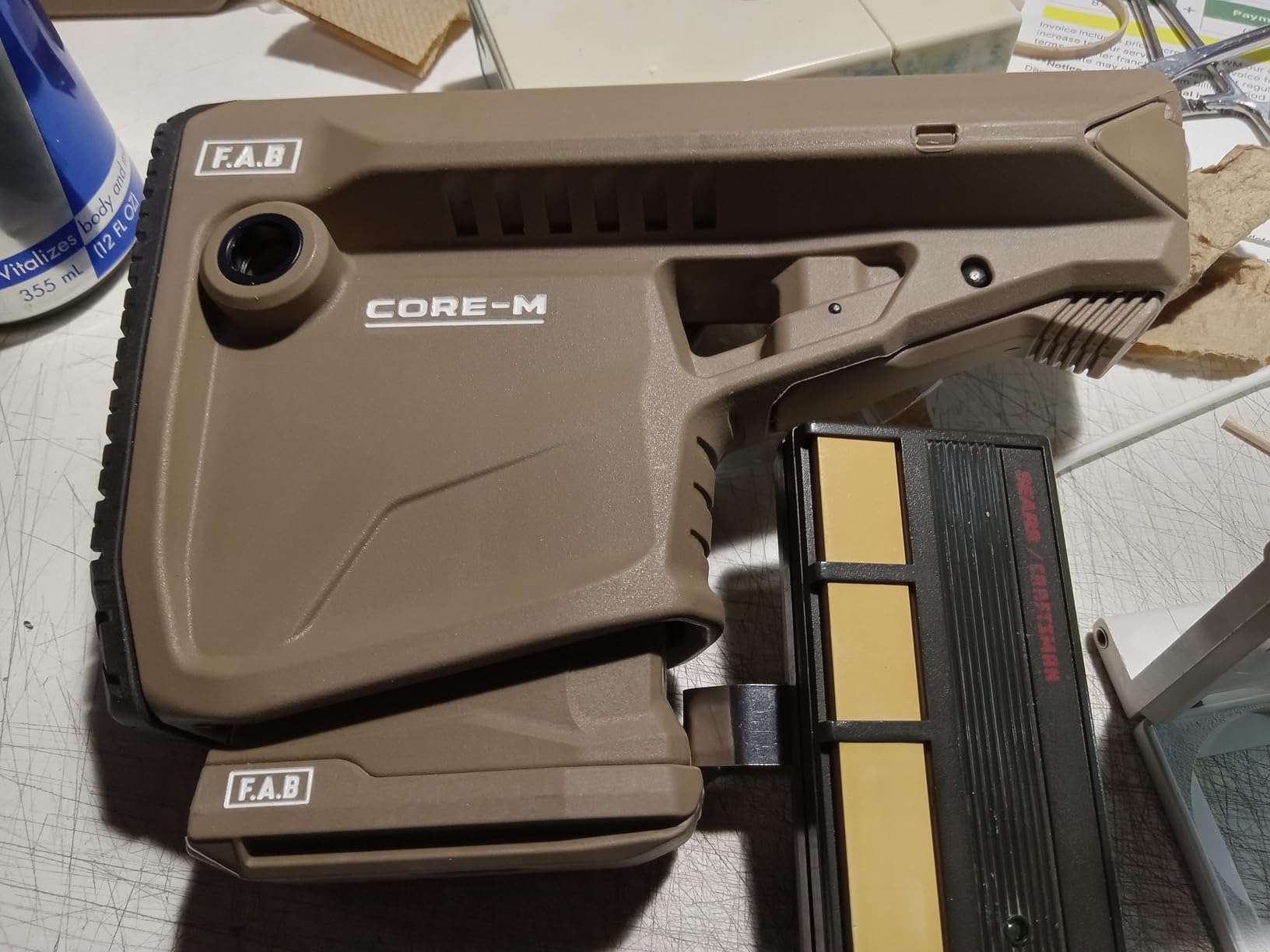
What the DM9 does well at the bench
Inspection speed is the big win. Reading a chip’s top marking to confirm a part number before you order a replacement takes seconds on this screen, and the same check on a smaller panel forces you to squint. For through-hole work and connector replacements the working distance is generous enough to keep an iron tip and a pair of tweezers in frame together.
Because it also outputs to a Windows or Mac machine, you can put the live view on a large second monitor while the built-in screen stays angled at you. Owners use this for training: record a clip, mark it up on the computer, and send it to whoever is learning the board with you.
Where it falls short
The camera and screen are fixed relative to each other, so the viewing angle is whatever the stand gives you. On a tall motherboard or a laptop board propped at an angle you end up moving the whole unit rather than tilting the head. It also has no articulating arm, which means it works best on a flat, horizontal bench.
And there is no HDMI output. If your bench setup already has a monitor on an arm, this scope will not feed it, and you are tied to the 7-inch panel. For most repair work that is a fair trade, but for shared workstations or teaching setups it is the limitation that decides against it.
2. Andonstar AD246S-M 3-Lens HDMI Microscope — Best Rated Multi-Lens Scope for the Bench
Andonstar AD246S-M 3 Lens 2160P HDMI Digital Microscope 2000x for Adults
Lenses A, D and L for soldering
2160P UHD with HDMI
All-metal boom arm
8 LED levels
Pros
- Dedicated long-working-distance Lens L suits solder joints
- Metal boom arm tolerates heat near an iron
- Three lenses cover soldering and coin work
- HDMI drives a large external monitor
- Measurement software and 32GB card included
Cons
- Lens changes require removing and refitting screws
- Bundled measurement software is Windows only
- Corded electric power ties it to a nearby outlet
The AD246S-M ties for the highest average rating in this group at 4.5 stars across 1,271 reviews, and the reason is the lens system. Three interchangeable lenses cover very different jobs: Lens A at 4.5x to 180x, Lens D at 450x to 510x, and Lens L at 15x to 60x with 3x digital zoom. Lens L is the one built for soldering, and its longer working distance is what keeps a board in view while your hands are in the shot.
The stand is an all-metal boom arm that you clamp and position over the bench. Compared with a pillar stand it can be moved out of the way in one motion when you need to carry a board to another station, and compared with a cheap plastic arm it does not vibrate when a fan spins up nearby.
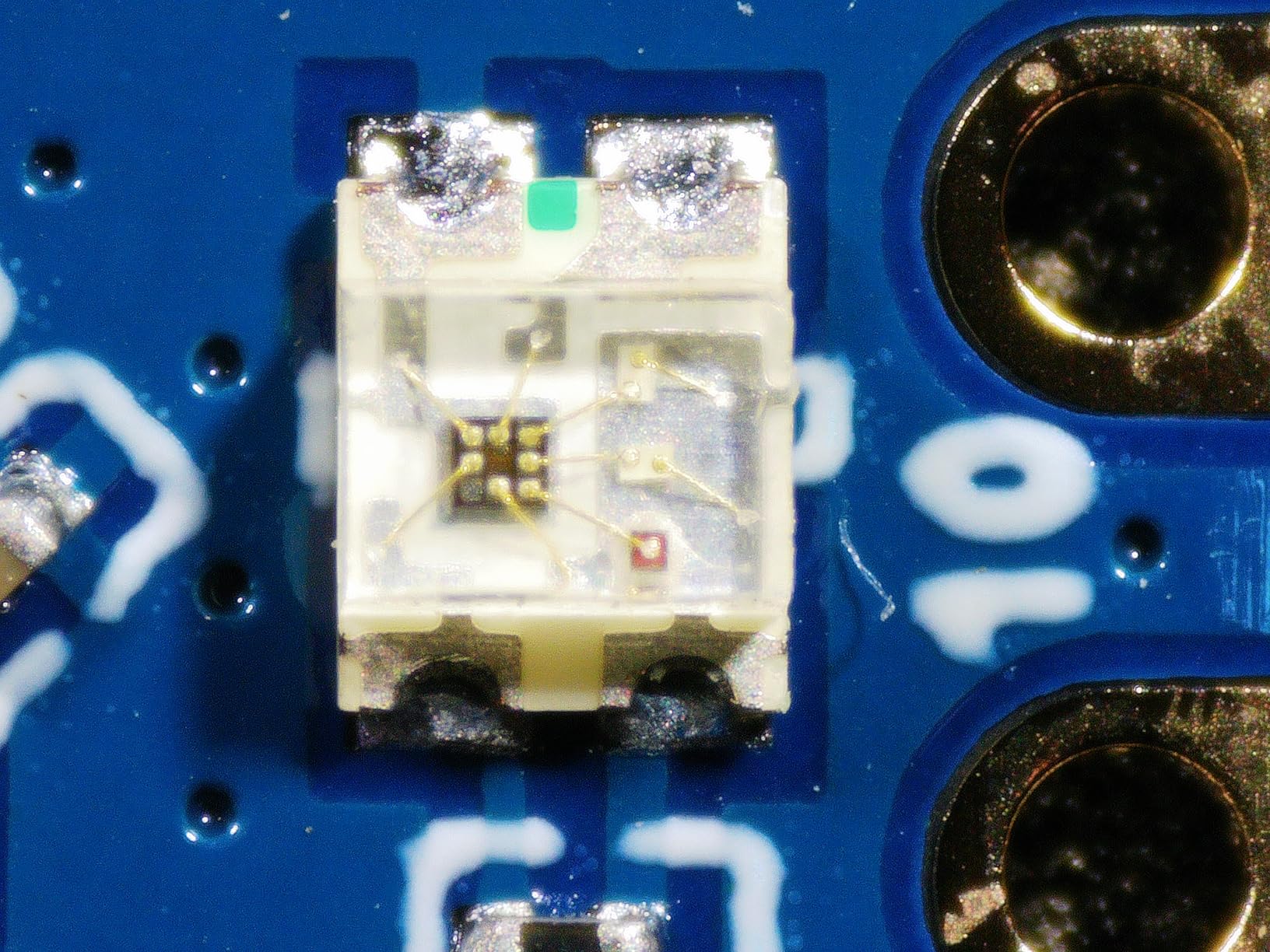
Output is the other reason this scope keeps showing up on serious benches. It records 2160P UHD and drives an HDMI display at up to 2000x effective magnification, so a 27-inch monitor can sit at eye level across the bench, which is how repair businesses keep a large, sharp, shareable image instead of peering at a small panel.
You also get Windows measurement software for length and area, eight LED brightness levels, a wireless remote, a 32GB card, tweezers and slides in the box. Set aside twenty minutes at the start to install the software and set your hotkeys; after that the remote handles capture, zoom and colour without touching the scope.
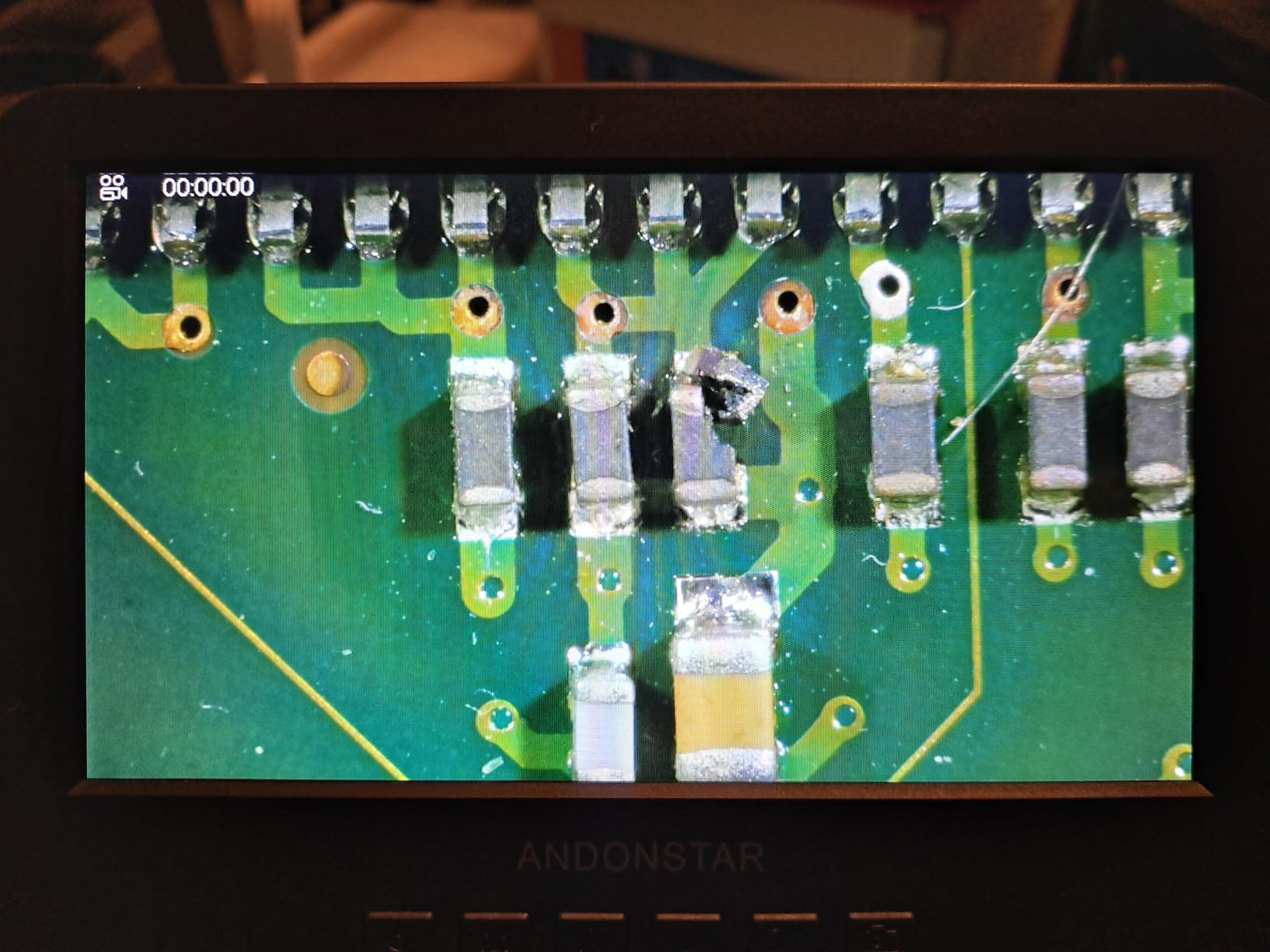
Where the three lenses earn their keep
Most solderers will live in Lens L and ignore the rest. It sits in the range where a fillet, a lead on a 0.4mm pitch IC, and a lifted pad are all legible, and the digital zoom on top of it lets you inspect a joint you have just made without changing optics. Switching to Lens A is for inspecting a larger area of a board or reading a date code, and Lens D is genuinely useful for thin slides and small parts rather than electronics.
Because the boom arm reaches over a tall object rather than sitting beside it, this also covers inspection work that arrives through the same route as coin viewing. For a repair technician the multi-lens approach is the closest thing here to one instrument covering the whole bench.
What you give up for it
Changing lenses is not a quick swap. Screws come out, the lens comes off, and the new one goes back in, so plan for that when you alternate between solder work and something else. It is a deliberate trade and the lenses are the reason many buyers accept it.
The measurement software runs on Windows, and the unit runs on corded electric power, so it needs an outlet within reach. If your bench is a laptop-only setup or you move between rooms, that constrains where this can live. It is a fixed-installation scope rather than a portable one.
3. Andonstar AD210 10.1-Inch LCD Microscope — Best Value for Long Repair Sessions
Andonstar AD210 10.1 Inch LCD Digital Microscope for Soldering, Coin
10.1-inch Super IPS screen
Working distance 1cm to 26cm
1080P video, 12MP stills
Pros
- Large IPS panel is comfortable across a full day
- Working distance range suits hands-on soldering
- Reinforced metal stand with 12.6-inch height range
- Separate top and side lighting plus a bottom stage
- Remote avoids shaking the work during capture
Cons
- 260x ceiling is modest against 1000x-class listings
- No HDMI output so viewing is limited to the panel or PC
- Bottom light stage adds bulk only slide work uses
The AD210 answers a question most roundups skip: how big is the screen, honestly? At 10.1 inches with a Super IPS panel and a 178-degree viewing angle, this is one of the largest displays in the group, and it changes how long you can work before your neck complains. Owners doing full-day board-level repair single this out as the reason they keep the scope on the bench.
Working distance runs from 1cm to 26cm, which gives real room to bring in an iron, a hot-air nozzle and tweezers without knocking the optics. The stand is upgraded metal with a larger base and up to 12.6 inches of height, so it handles both a coin on the mat and a laptop motherboard propped on a stand.
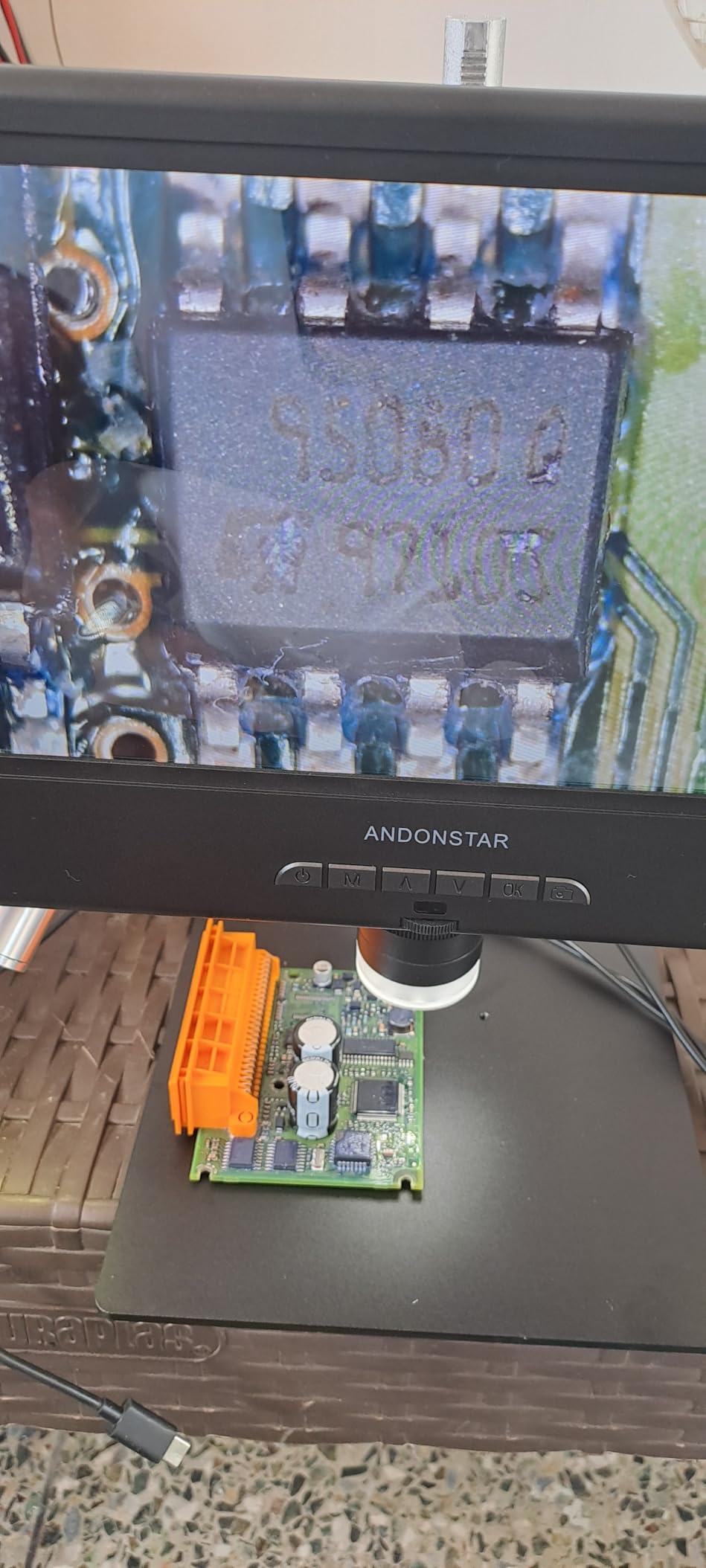
Lighting covers top, side and bottom with adjustable brightness, and there is a bottom light stage for slides. In practice you will use the side illumination for reflective boards and the top light for dark components and connectors. The wireless remote controls photo, video, digital zoom and colour, so you can capture a joint without disturbing the focus you just set.
A 32GB microSD card and reader are included, and capture is 1080P video with 12MP stills. The combination of a large screen, generous clearance and no separate software to install makes this the least fussy scope here to get into service, which is why it slots into the middle of the roundup as the value pick.
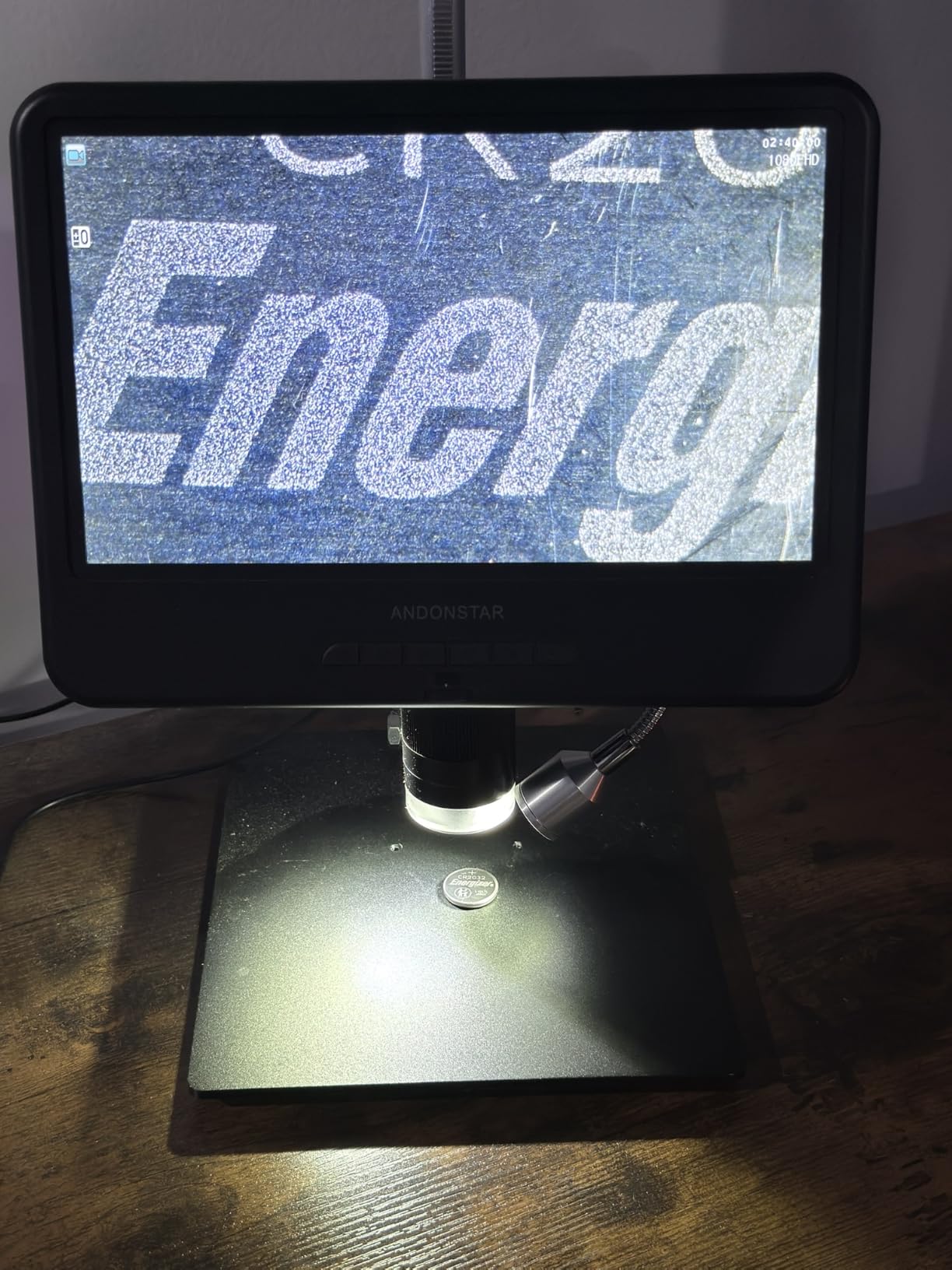
Who benefits most from the large panel
Anyone reading chip markings. On a 10.1-inch display the top code on a memory chip or the label on a small IC is legible at a normal viewing distance, which turns part identification from guesswork into a quick check. For repair businesses where a misidentified part means a return shipment, that alone justifies the choice.
It also suits teaching. Put the scope facing a second person, start recording with the remote, and let them watch the tip approach the pad in real time. The panel’s wide viewing angle means they can see it from across the bench rather than crowding behind you.
Where the AD210 stops
The 260x ceiling is lower than the thousand-times figures on competing listings. You will not be counting individual fibres on a fibre-optic tip with this, and you will not want to. But if you work on hairline flex circuits where you need to trace a track through a solder mask window, the extra headroom on a 4K scope helps.
There is no HDMI output listed, so external viewing is limited to the built-in panel or a PC connection. The bottom light stage for slides is dead weight on a repair bench and does add bulk to the footprint. Neither is a dealbreaker, but both are reasons this is the value pick rather than the last word.
4. Plugable USB Digital Microscope 250x — Best First Microscope for a Shared Computer Bench
Plugable USB Digital Microscope 250x, 2MP Micro Camera, Flexible Arm Stand
2.0 megapixel sensor
60x to 250x magnification
LED halo light with brightness
Flexible arm stand
Pros
- Standard webcam chipset needs no special drivers
- Plug-and-play across Windows Mac Linux and ChromeOS
- Flexible arm keeps the camera steady over a bench
- LED halo handles shiny solder joints
- Weighs 2.9 ounces so it moves between benches
Cons
- 2MP sensor trails modern 4K scopes on fine detail
- No built-in screen so a computer is required
- 250x ceiling is modest for very small components
The Plugable has 6,579 reviews, a deeper pool of real-world feedback than any other unit here, and that consistency is why it appears on so many benches. It behaves like a webcam that happens to magnify. Plug it into a laptop, open any video app, and the image appears. There is no driver to hunt for, no software to configure, and no account to create.
At 2.9 ounces and 3.5 inches long, it is among the easiest scopes here to move around. If you solder at two benches, repair away from the main bench while a board dries, or share a machine with someone else in the house, the flexibility of a handheld body with a flexible arm outweighs a lot of the spec-sheet disadvantages of a fixed unit.
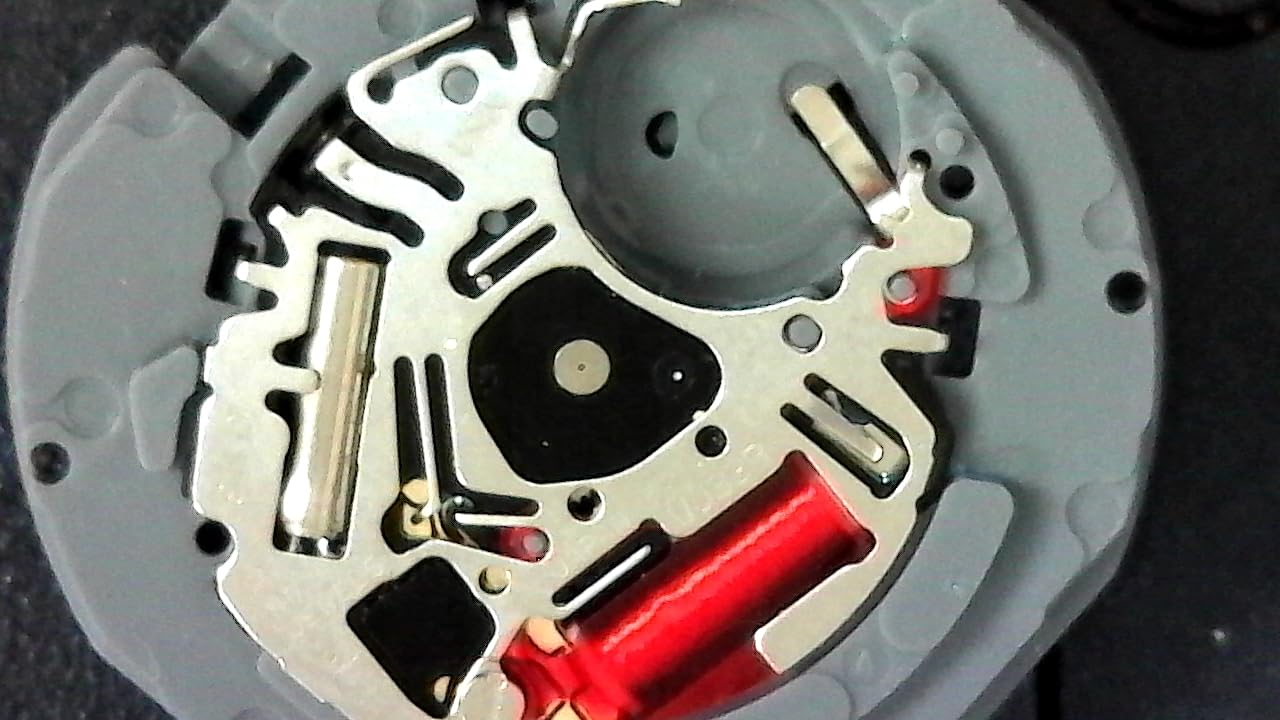
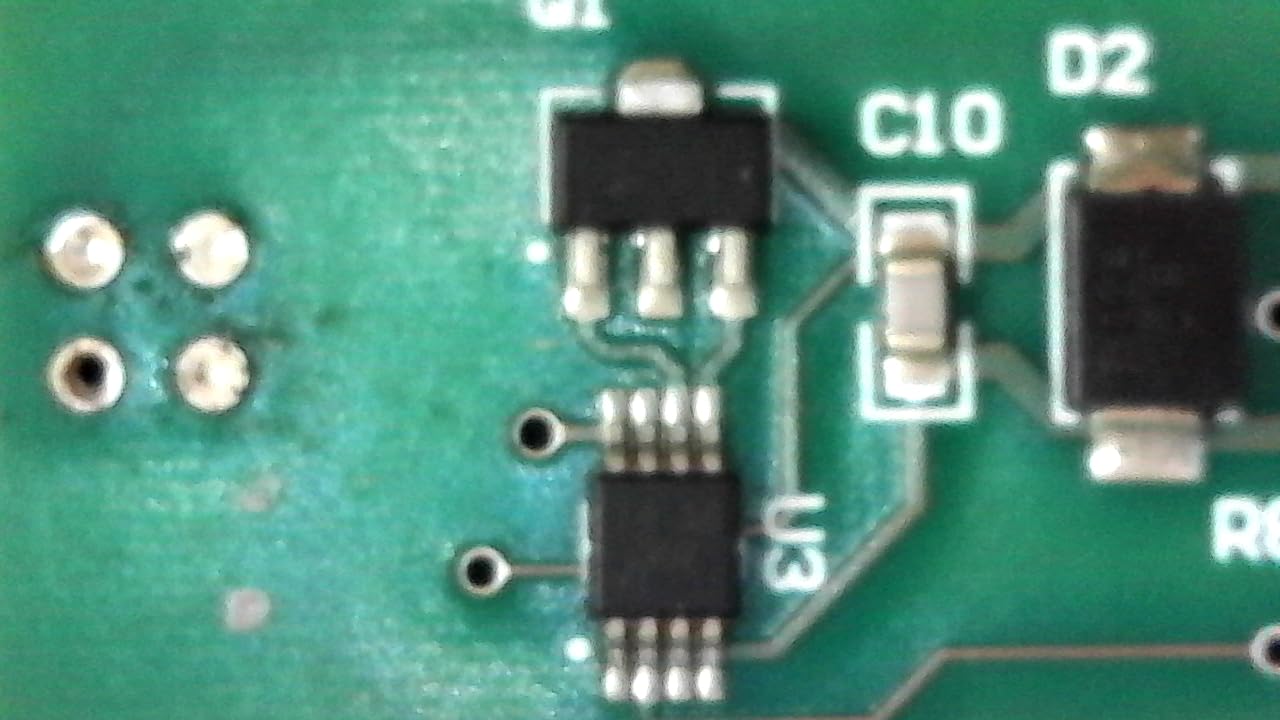
The flexible arm stand and observation pad keep the camera from shifting, which addresses the shakiness complaint that follows most cheap USB scopes. The LED halo light with brightness control sits at 7000K and gives enough output to define a solder fillet without blowing out the highlight on an ENIG surface. Turn brightness down for dark boards and up for matte components.
Magnification runs 60x to 250x with a 45-degree field of view, and connectivity covers USB and USB-C with Thunderbolt machines. It is also the lightest unit among the scopes reviewed here at 2.9 ounces, and the two-year limited parts and labour warranty is one of the longer coverages available at this size.
Where a plug-and-play scope makes sense
It makes sense when the computer is already your display. A laptop on a stand beside the bench gives you a large image, keyboard shortcuts for capture, and the ability to pull up a boardview file or a datasheet in a second window without switching devices. That is a workflow no built-in-screen scope can match, and it is why long-running USB scopes have a loyal following.
It also makes sense as a travel microscope. Reviews from owners who travel between customer sites describe slipping it into a laptop bag, clamping the flexible arm to whatever surface is available, and inspecting a board before deciding whether the job is worth taking.
What you trade away
A 2.0 megapixel sensor is the limiting factor. It is fine for confirming a joint, checking a connector, and reading a large part number. It is not fine for the moment you want to see whether a 0201 passive has a single cracked end, and it will never compete with a 4K sensor for chip-text legibility.
There is no built-in screen, so if you do not want to depend on a computer the experience stops here. And because it runs over a standard webcam pipeline, the image is resized and compressed by the app you view it in. It does not feel laggy the way a poorly implemented USB 2.0 unit does, but it is not uncompressed either.
5. TOMLOV 4K Autofocus Flex Arm Microscope — Most Compact for Microsoldering
TOMLOV Autofocus 4K Digital Microscope, 8″ TM4K-AF Flex Arm for Soldering
TOF autofocus with P1 and P2 presets
4K video, 52MP stills
8-inch IPS screen
Flex arm
Pros
- TOF autofocus locks on fast and holds during soldering
- Preset P1 and P2 points handle uneven boards
- 4K detail resolves fine joints and 52MP stills
- 360-degree arm keeps the view without leaning
- Ring light and goosenecks dim independently
Cons
- Scope housing feels plasticky next to the metal arm
- Base mount can feel stiff or wobble on some samples
- HDMI output drops to 1080P rather than native 4K
This is the scope for someone whose work lives at the edge of what they can see. The 4K UHD video at 3840×2160 and 52MP stills resolve solder fillets, the boundary of a lifted pad, and the text on a small IC in a way that lower-resolution sensors smear. For laptop motherboard work and phone board-level repair, that difference is the whole reason to spend more.
Autofocus is driven by a time-of-flight sensor with AI-assisted refocusing, and two preset focus points called P1 and P2 let you jump between planes. That matters on real work: a laptop board is never flat, and a hard-coded single focus plane is why cheaper scopes struggle with through-hole connectors sitting next to a tall electrolytic capacitor.
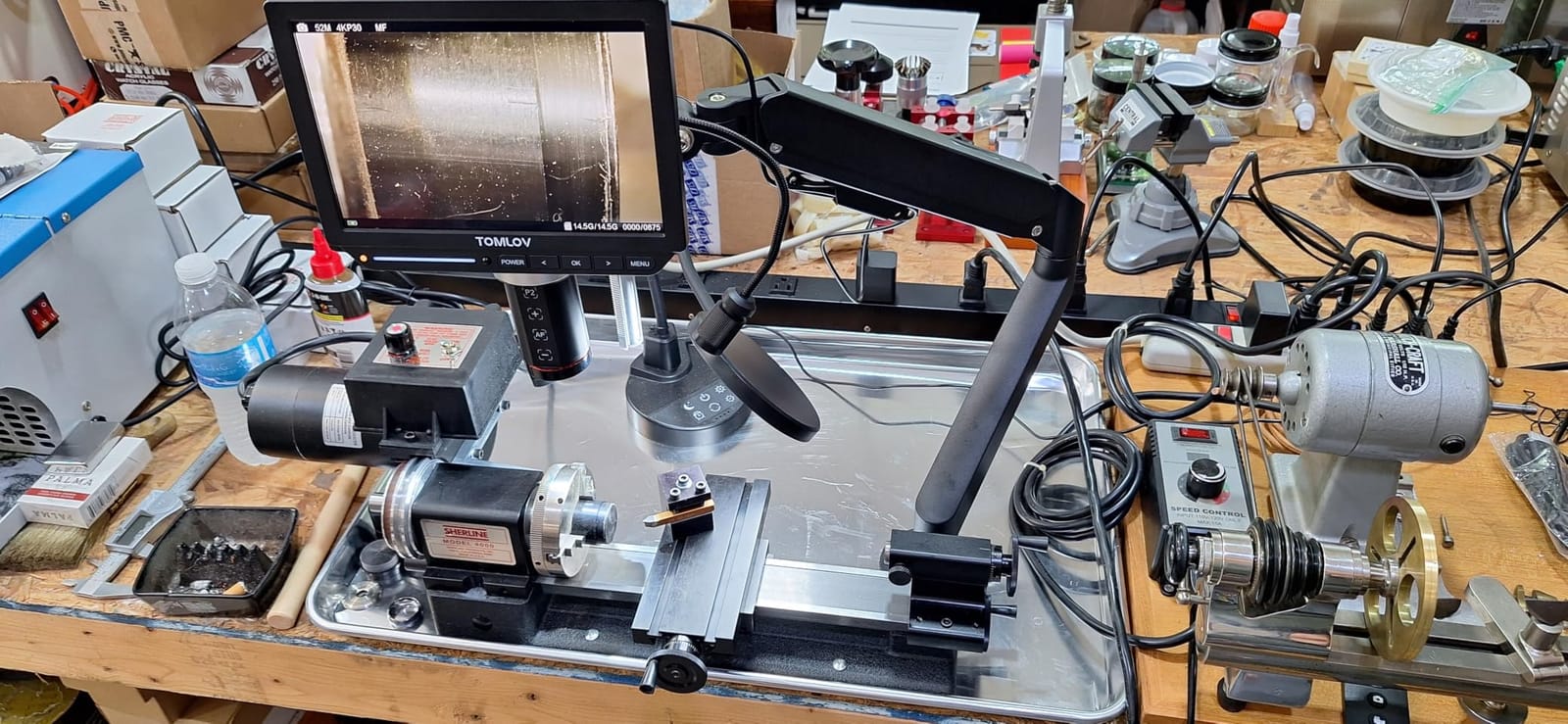
The 360-degree articulating flex arm gives you the freedom to swing the head over a tall board or lay it almost flat for a bottom-side joint, which is the positioning problem that defeats a fixed post. An 8-inch IPS screen at 1280×800 with 100% sRGB coverage makes colour judgements on a board more trustworthy than on a washed-out panel.
For lighting you get a ring light plus two adjustable gooseneck lights, each dimmable on its own. HDMI and USB output means you can push the image to an external monitor, and a soldering mat and remote control are in the box. Owners doing watchmaking and microchip work cite the autofocus as the feature they would not give up.
Why autofocus matters more than resolution
On a moving workpiece, a manual-focus scope becomes a fight. Your hands shift the board by fractions of a millimetre, the focus drifts, and you stop to re-focus mid-joint. A time-of-flight autofocus module refocuses in well under a second, so you keep your eyes on the tip instead of the focus ring.
The preset points matter just as much. Set P1 on a flat region and P2 on a raised component, and a single press moves between them. Reviewers who repair phone boards use this to alternate between a shield plate and the connector underneath it without touching the arm.
Where the build quality lets it down
The scope housing feels cheap and plasticky next to the metal stand, and that mismatch is the most common complaint. A stiff or wobbling base mount and a dented arm collar also show up in reviews, both of which affect how steady the image sits when the arm is extended.
Two more limits are worth planning around. The HDMI output drops to 1080P rather than passing the native 4K to an external display, so a large monitor is convenient but not fully sharp. Manual focus is not on the remote, so when autofocus struggles you have to touch the unit and disturb the image you were trying to inspect.
6. Elikliv 4K Autofocus 10.1-Inch Flex Arm Scope — Best for Phone Repair Shops
Elikliv Autofocus 4K HDMI Digital Microscope, 10.1″ EM4K-AF Flex Arm Scope
TOF autofocus in 2 seconds
4K UHD video, 52MP stills
10.1-inch IPS display
Flex arm, HDMI
Pros
- Fast stable autofocus suits soldering and inspection
- 4K detail holds up for professional board work
- Large 10.1-inch IPS panel is easy on the eyes
- Ring light gives even shadow-free illumination
- Foldable arm plus heat-resistant mat suit a workbench
Cons
- Camera-to-screen joint is loosely designed and wobbles
- Some samples show a white balance or colour cast issue
- Ring light mount is awkward and owners improvise adapters
The Elikliv pairs a 10.1-inch IPS display, 4K UHD video, 52MP stills at 9600×5400, and a cantilever flex arm with vertical, horizontal and 360-degree rotation that folds flat when you are done. Owners running cell phone repair businesses and watchmakers single out the 4K clarity as the reason it stays on the bench through a full day.
Autofocus uses the same time-of-flight approach as the TOMLOV 4K and refocuses within about two seconds as the workpiece moves. Combined with a 2000x ceiling and a ring light for uniform illumination, it covers the range most board-level work actually needs, from identifying a component at low power to inspecting a joint under a shield at high power.
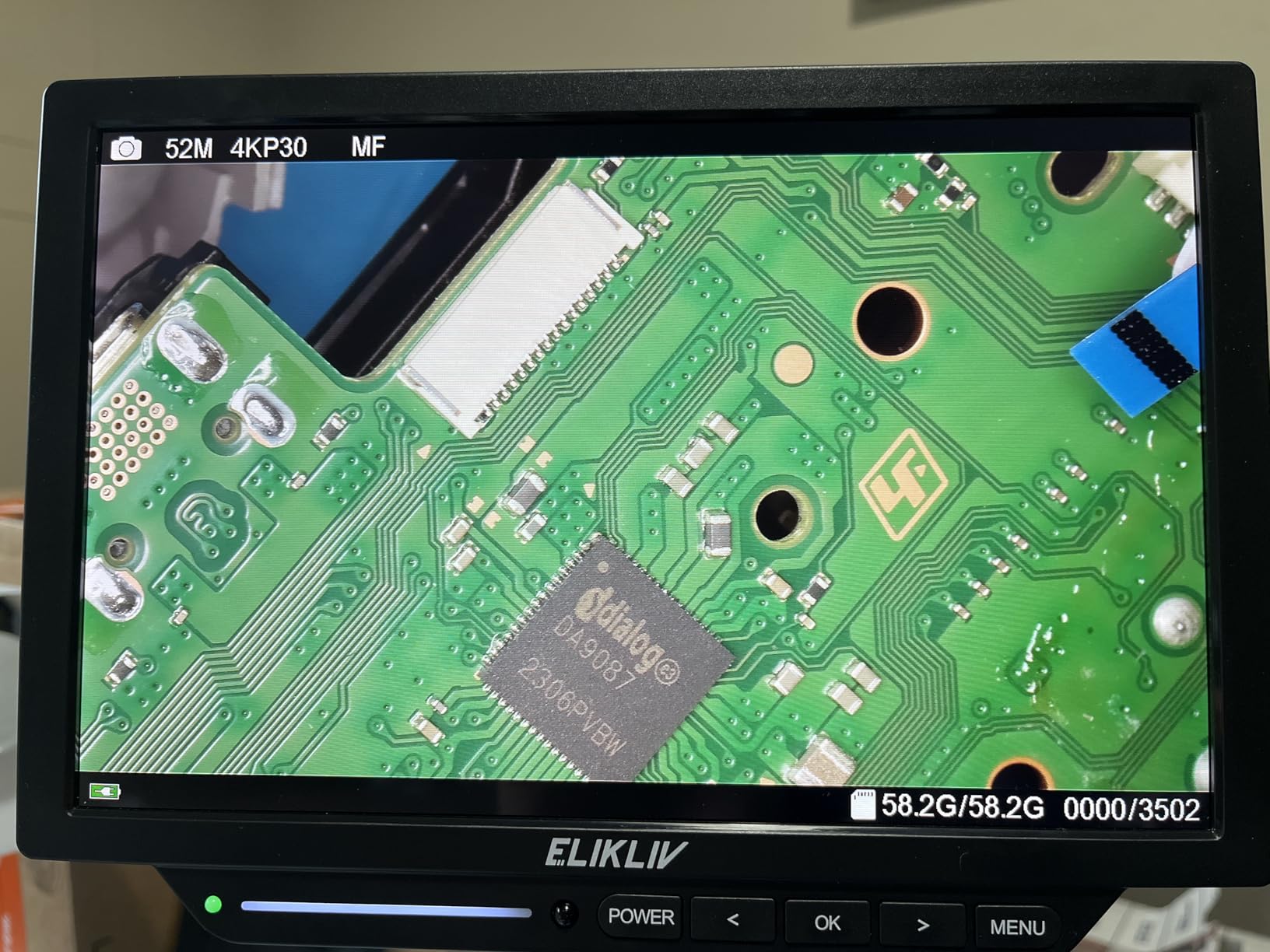
A built-in rechargeable battery means this one can be carried to a customer bench or a second workspace without being tied to a cable. HDMI and USB output both work for external monitors and computers, and a 17.7 by 11.8 inch silicone soldering mat rated to 932F is included, which protects the bench under a hot iron.
The screen at 1280×800 with a 178-degree viewing angle is large enough that a second person can watch a repair in progress from across the room. That is a genuine advantage in a shop where you are training an apprentice rather than working alone.
Where a shop gets real value from it
The combination of a large screen, external output and a battery covers the two situations a repair shop hits that a home bench does not. When a customer waits, you can show them the joint you just made on the panel at eye level. When a board goes to a second station, you fold the arm and carry the whole thing rather than unplugging and rebuilding a setup.
The ring light also removes the shadow problem that slows down work on dark shielded boards. Ring light plus oblique light is the standard lighting answer for reflective surfaces, and having both is better than swapping lenses and repositioning lights for every second board.
What owners report as problems
The most repeated complaint concerns the joint where the camera meets the screen arm, which several owners describe as loosely designed and prone to wobbling. A wobble in the wrong place translates directly into a moving image, so check the tightness after assembly and re-check it periodically.
Some owners have reported a white-balance or colour-cast problem that skews what you see, and the ring light mount design is awkward enough that owners have printed 3D adapters. The screen also generates noticeable heat over long sessions. None of these is fatal, but together they are why this scope does not top the roundup despite its strong specification set.
7. TOMLOV DM10 10.1-Inch Soldering Magnifier — Best for Reading Chip Markings
TOMLOV DM10 Digital Coin Microscope with Light, 10.1″ Soldering Magnifier
10.1-inch IPS screen
5x to 1200x magnification
16MP stills, 1080FHD video
About 3 hours battery
Pros
- Large IPS screen is a real upgrade for reading small markings
- Focus is smooth and holds position well
- Heavy base reduces vibration at high magnification
- Top and side lighting dim independently
- Screen and base detach for battery-powered field use
Cons
- USB PC streaming is heavily compressed and unadjustable
- On-screen menu and zoom are disabled in PC mode
- No HDMI or DisplayPort output
At 10.1 inches with a 178-degree viewing angle, the DM10 matches the Elikliv panel, and reviewers describe the screen as an upgrade that made reading small part markings practical on their bench.
Focus uses a rack-and-pinion control that is smooth enough to make fine adjustments while a joint is still warm, and it holds position once set. That matters more than it sounds: a focus mechanism that creeps means you keep losing the plane you just found, and you end up re-establishing it before every inspection.
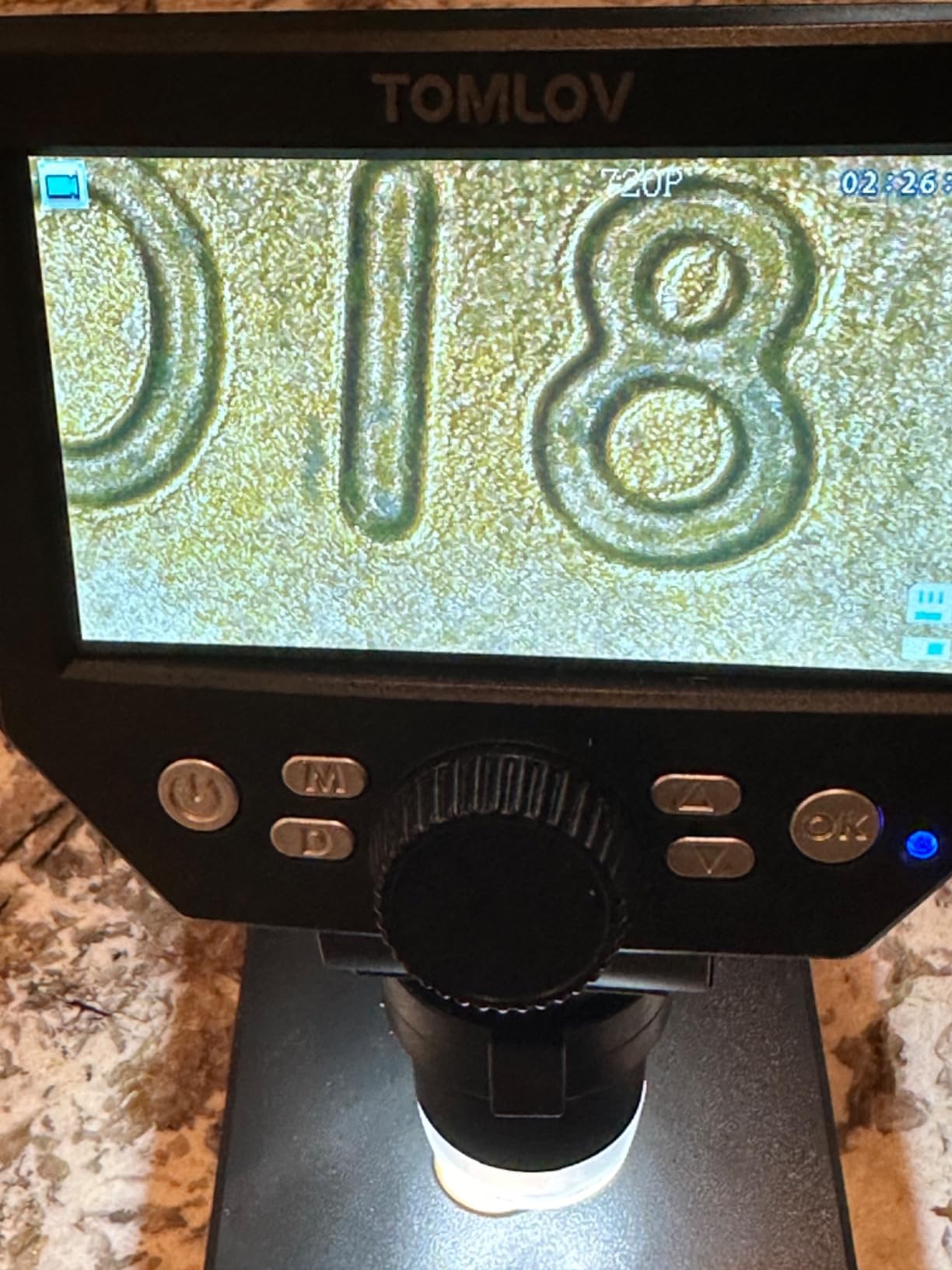
Lighting is eight adjustable LEDs around the lens plus two flexible gooseneck side lights, each independently dimmable. Independent control is what lets you set a low ring level for a dark board and a strong side light for an ENIG surface where the ring would just bounce straight back. Magnification runs 5x to 1200x and capture is 16MP stills with 1080FHD video.
The stand is height adjustable to 12.6 inches over a large metal base, and at 1.5 kilograms it does not shift when you lean on the bench. A pre-installed microSD card is included, and the screen and base detach for battery-powered field use, which is genuinely handy for inspecting a board away from the bench.
Where the DM10 earns its place
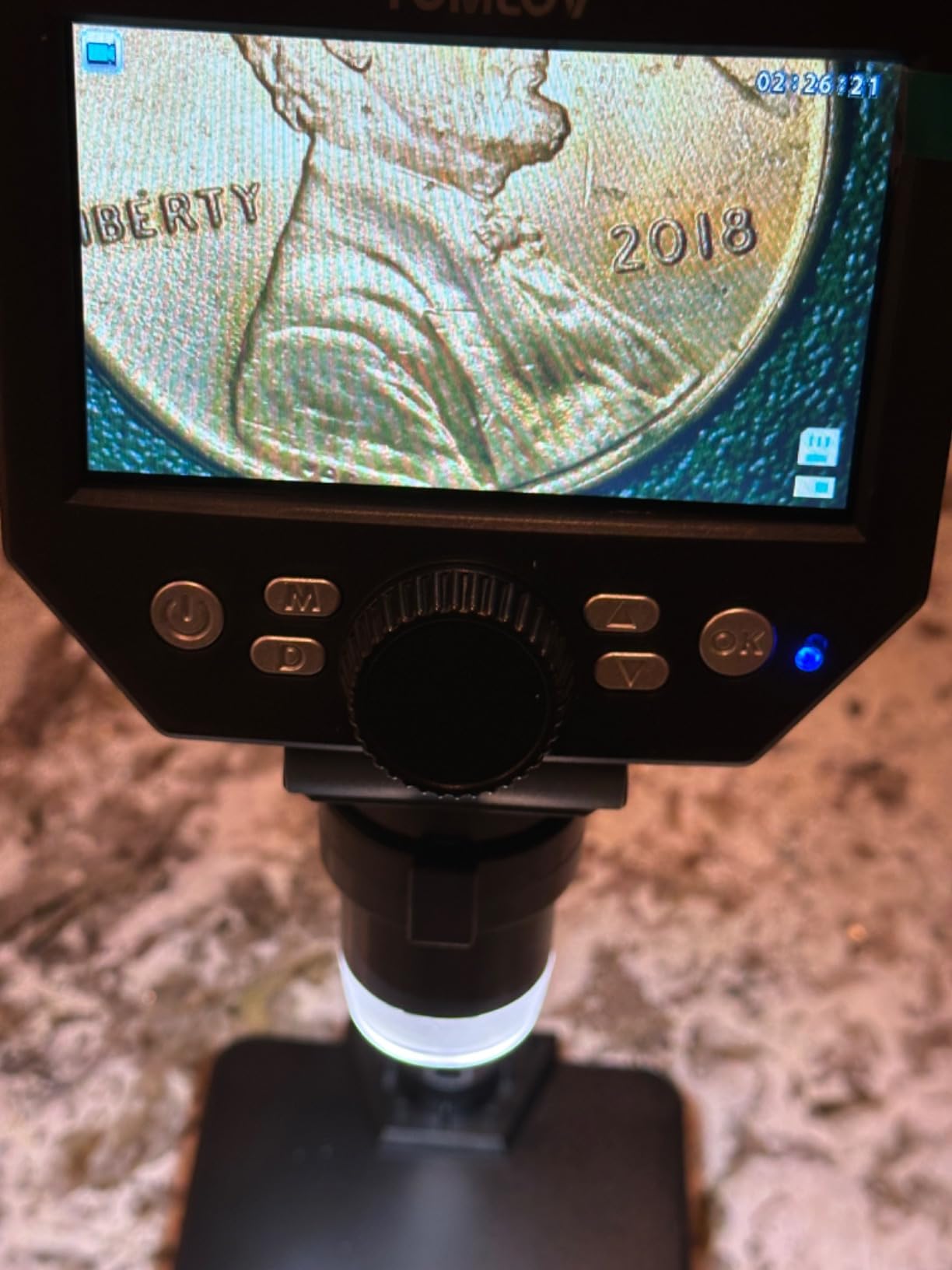
Part identification is where this scope earns its keep. A 16MP still at high magnification captured to the card is often clearer than the live view, and you can zoom into the resulting image on the panel or on a computer afterwards to read a code that was ambiguous in real time.
It is also a good fit for training and inspection workflows. Real-time USB output to a computer means you can put the image on a second screen for a learner, and the wireless remote captures without disturbing focus. Allow roughly three hours of battery between charges if you work away from an outlet.
The USB problem you should know about
Owners are consistent about the weakest feature: USB PC streaming quality is poor because the compression settings are hard-coded. Reviewers describe heavily compressed, unadjustable video and an on-screen menu that is disabled while in PC mode, so you lose zoom and settings exactly when you might want them.
There is also no HDMI or DisplayPort output, which removes the option of driving a large monitor with a clean signal. The battery lasts about three hours and external battery packs are reported not to work with it. Use the built-in screen, which is the reason you would buy this scope, and ignore the PC path.
8. AmScope SE306R-P Cordless Stereo Microscope — Best for True 3D Stereo View
AmScope SE306R-P-LED Cordless LED Stereo Microscope, 20x-40x
20x and 40x stereo magnification
Widefield binocular glass
All-metal pillar stand
Top and bottom LEDs
Pros
- True binocular optics give a natural three-dimensional view
- All-metal pillar stand is stable for hands-on work
- Top and bottom LEDs suit reflective and backlit parts
- Cordless battery operation clears cable clutter
- Five-year warranty and optical glass lenses
Cons
- 20x to 40x is narrow against digital scopes reaching hundreds of times
- No camera
- screen or capture for documenting repairs
- Fixed magnification means swapping objectives instead of zooming
This is the only true optical stereo microscope in the group, and that changes how the work feels. You look through binocular eyepieces and get a real three-dimensional view with genuine depth perception, exactly like holding a loupe but with both hands free and far more magnification. Placing a 0402 part next to a via and having depth cues for both is something a flat camera image cannot give you.
Threads on r/soldering and r/ElectronicsRepair keep naming AmScope as the optical brand worth trusting on a repair bench, and the widefield optical glass lenses here are part of why. On a metal-can component, a shielded connector, or anything with a top and a bottom that must line up, stereo vision lets you judge alignment without stopping to change focus.
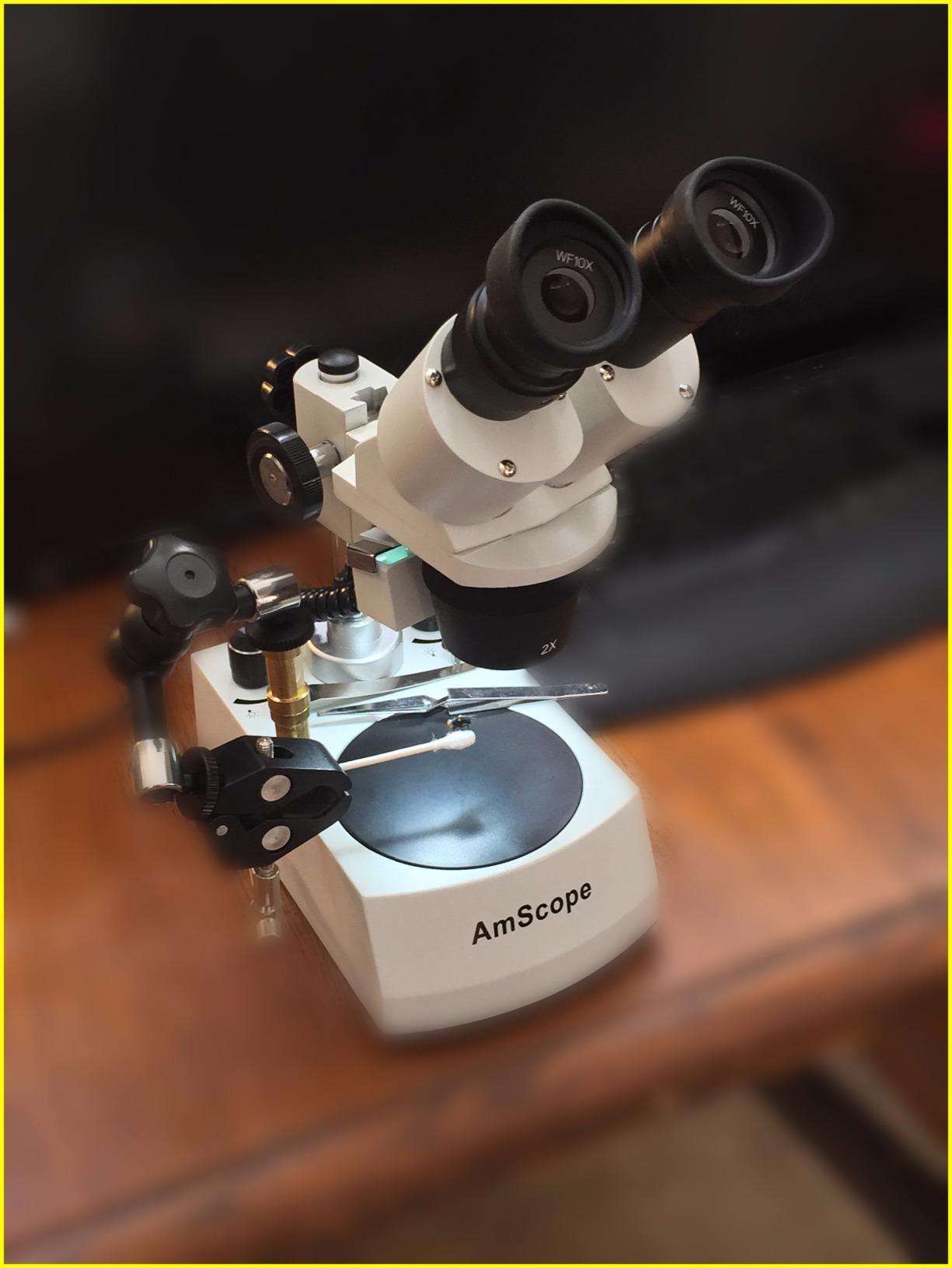
Magnification is 20x and 40x, which sounds low next to a listing advertising 1200x and means far more than that. Real solder work happens between roughly 7x and 45x; above that the field of view collapses, depth of field becomes a sliver, and you cannot get a tool into the frame. The 40x setting resolves a fine-pitch IC lead and a solder fillet comfortably.
Lighting is LED incident from the top and transmitted from the bottom, which covers both reflective boards and backlit parts. The all-metal pillar stand gives a solid base at 3.3 pounds, and cordless battery operation means no cable snagging your hands while you work under the optic.
Who should choose optical glass
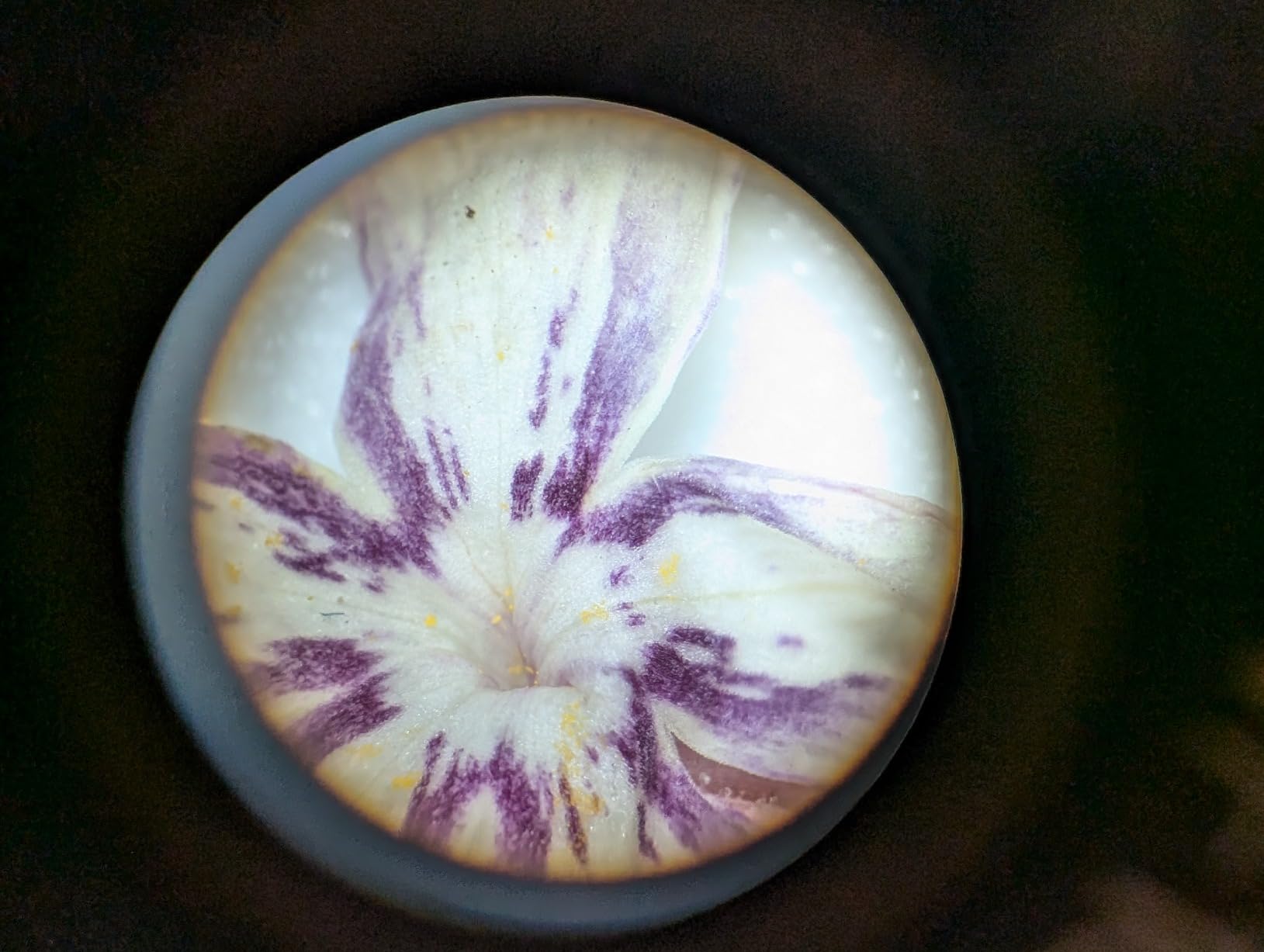
Choose stereo if your work is placing rather than inspecting. Dragging a component into position, aligning a ribbon cable, or checking whether a connector sits flat are all tasks where depth perception is worth more than resolution. There is no lag, no focus hunting, and no screen between you and the board.
It also suits anyone whose eyes are the limiting factor. A long eyepiece session is tiring, and users in electronics communities who have moved to screen-based viewing usually say the reason was neck and eye strain, not image quality. If you already have a digital scope, an optical one complements it well: optical for placing, digital for recording and sharing.
What optical means you cannot do
There is no camera, screen or capture. If you need to document a repair, send a photo to a customer, or teach from recorded footage, this scope will not do it. That is the trade for the natural depth perception, and it is a real one for anyone whose work has to be shown to other people.
Magnification is fixed at two settings, so moving between overview and detail means swapping objectives rather than turning a zoom ring. The range is narrow by digital standards. Neither limits you for soldering, but both would frustrate you if you also wanted to inspect slides or small natural specimens at high power.
9. Aikokkl 5-Inch LCD Scope with C-Clamp — Most Versatile for Hands-Free Soldering
Aikokkl 5″ LCD Digital Soldering Microscope for PCB Repair with C-Clamp
5-inch IPS display
C-clamp base with goose-neck
Manual focus wheel
Up to 1000x
Pros
- C-clamp mount frees both hands for soldering
- 5-inch IPS screen reduces strain in long sessions
- Goose-neck arm adapts to tight benches and odd workpieces
- PC camera mode works without drivers or extra software
- Metal construction and simple manual focus
Cons
- No autofocus so sharpness needs manual adjustment
- MicroSD card is required for saving and is not included
- Field of view is narrow and unsuitable for whole large objects
The C-clamp is the whole idea here. Instead of a base that takes up bench space, the arm clamps to the edge of your desk or a shelf and reaches over the work, leaving the surface clear for a board, a mat and an iron. For someone with a small bench, that physical freedom is worth more than a bigger screen.
With both hands on the tool and the camera held in place by a clamp rather than by a stand, there is nothing to bump and nothing to reposition. At 4.5 stars across 191 reviews, this is one of the better-rated scopes here, and the listing is unusually honest about the manual focus and the memory card.
The 5-inch IPS display is small enough that you will not lean in, and bright enough for close inspection of a joint. Magnification is advertised up to 1000x, achieved by adjusting the physical distance between lens and workpiece, so the practical range is set by how close the goose-neck will let you get with an iron in the way.
PC camera mode is genuinely plug-and-play: it uses the built-in Camera app on Windows or Photo Booth on Mac with no drivers and no third-party software. Photo and 1080P video capture go to a microSD card of up to 32GB, and at 1.2 pounds the whole assembly is light enough to move between benches without thinking about it.
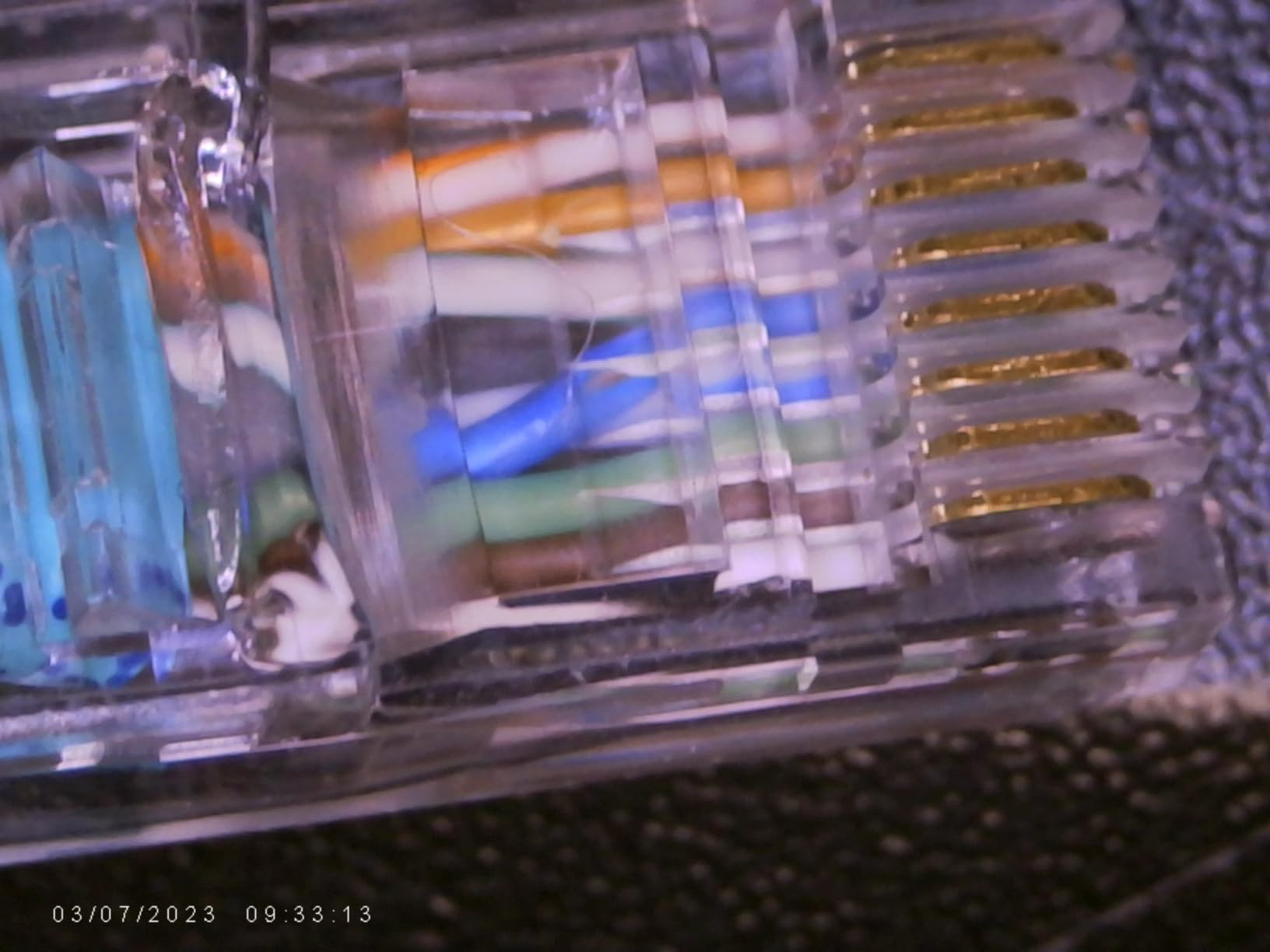
Why the clamp changes the workflow
Fixed-base digital scopes force you to bring the board to the scope. A clamped arm lets you bring the scope to the board, which on a crowded bench is the difference between working and rearranging your workspace every time. Owners who solder on laptops, in cases, or on boards held in a vice report this as the feature they would keep.
The flexible multi-angle goose-neck also handles awkward subjects: a board propped vertically, a connector on the side of a chassis, or a joint facing downward. A rigid post simply cannot reach those positions without being moved.
The two compromises to plan around
Focus is manual via a silver focus wheel, with no autofocus at all. That is manageable because the arm stays put, but on a moving workpiece or a tall component you will be adjusting focus constantly. It is a manual-instrument workflow rather than a camera workflow.
A microSD card is required to save anything and is not included, so buy one before you need it. The field of view is also narrow and unsuited to viewing a whole large object, which means this is a tool for inspecting a joint, not for orienting yourself on a large board. For that, look at a scope with a wider frame.
10. Teslong USB-C Digital Microscope 10x-200x — Best for On-the-Go Inspection
Teslong USB-C Digital Microscope 10X-200X for Coin & Electronics Inspection
10x-200x, manual focus wheel
8 LEDs, 3 brightness levels
USB-C to phones and PCs
Pros
- Compact pen shape does not block tool access to the workpiece
- Connects directly to a phone without a battery or separate screen
- Brightness dial sits on the cable where you can reach it
- Weighted metal stand rotates 360 degrees for any orientation
- Deep depth of field helps on three-dimensional subjects
Cons
- Focus ring can feel gritty or jump between points on some samples
- Lens flare at closest focus with the ring light on
- Handheld use is shaky so the stand is effectively required
The Teslong is the most compact tool here, and its pen-shaped body is the reason. Because it is a narrow cylinder rather than a box on a stand, it does not sit between you and the workpiece. You can work around it, with the body of the scope to one side of the joint instead of hovering over it, which is a real ergonomic difference on a cramped bench.
It connects over USB-C straight into a phone, tablet or computer with no battery and no separate screen, so it works in a bag with nothing else. Basic viewing needs no app at all on a recent phone, and the weighted metal stand with 360-degree rotation handles flat, curved and vertical subjects when you need something steadier than a hand.

Magnification runs 10x to 200x through a manual focus wheel, with eight LEDs and three brightness levels controlled from a dial on the cable. Putting brightness control on the cable is a small decision that pays off mid-inspection, because you can dim it without shifting the microscope and losing your framing.
The 70-degree field of view is generous for a pen-style body, and the deep depth of field helps when focusing on a three-dimensional subject such as a raised component or a wire end. Side-viewing mirrors, ear specula and protective covers are included for adjacent inspection work.
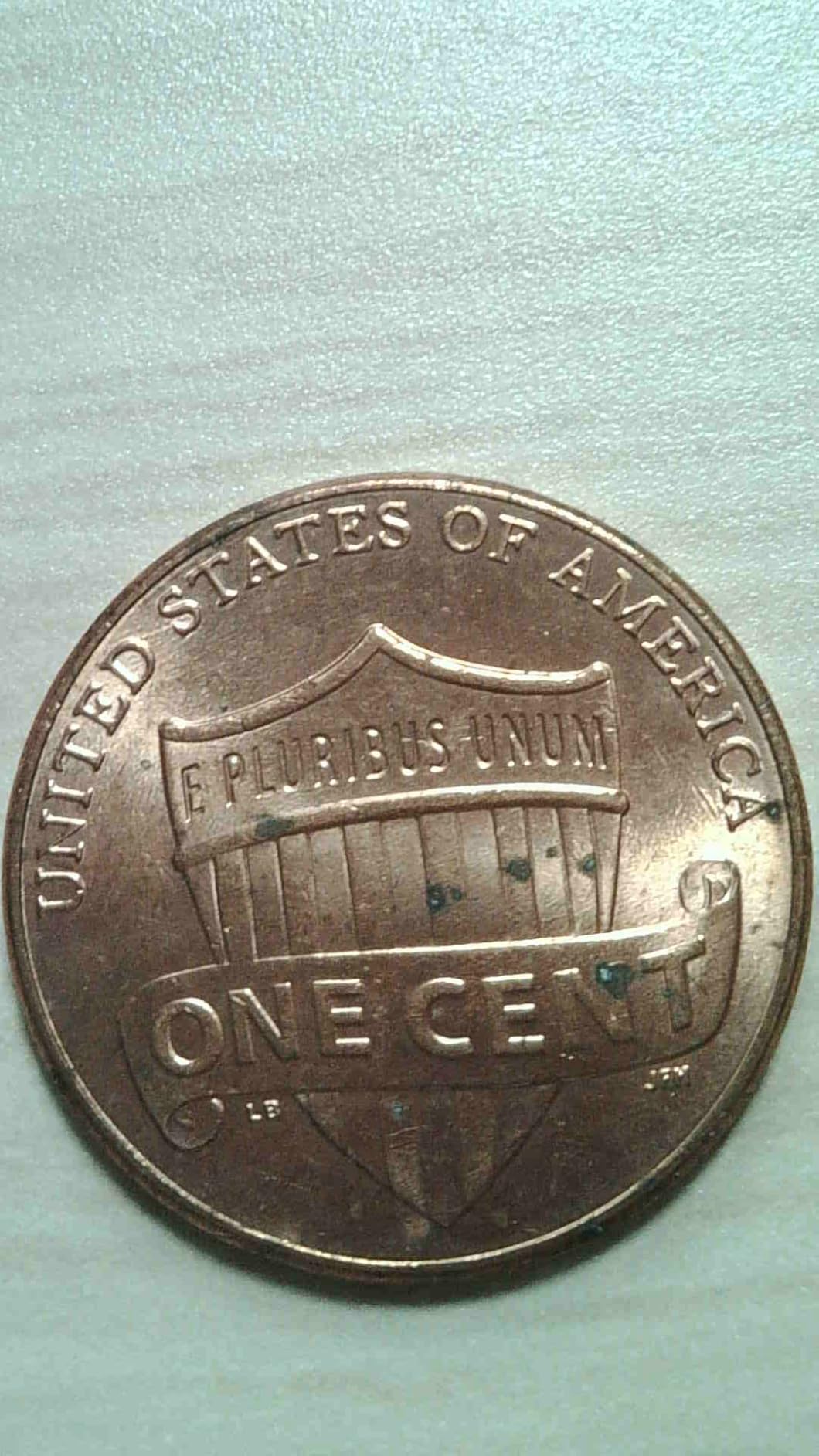
Where a pen-style scope beats a stand
It wins on small workpieces and awkward access. Phone ports, connectors recessed in a housing, and boards mounted vertically are all cases where a fixed base cannot get a straight line of sight but a narrow pen body can. Owners doing field service work cite exactly this as the reason they carry one.
It is also a low-cost way to check a board before committing to a full repair. Plug it into a phone, confirm a fault, and decide whether the job is worth taking. That low-risk check is a good use of a small tool, and it is a task a more expensive scope performs no better.
Where it is the weakest unit here
This is the lowest-rated scope in the roundup at 4.0 stars across 205 reviews, with the widest spread of low feedback. Owners report the focus ring feeling gritty or jumping between focus points, and lens flare appearing at the closest settings with the ring light on, which is exactly where you work when inspecting a joint.
The companion Android app is limited and the connection is not always reliable. A 200x ceiling and a small image size limit fine component detail, and handheld use produces shaky images, so the stand is effectively required rather than optional. It is a capable inspection pen, not a soldering microscope, and the gap between those two things is where the price difference shows.
Stereo vs Digital Microscope: Which Should You Buy?
A stereo microscope is better for soldering because it gives you true three-dimensional depth perception directly through binocular eyepieces, with no screen and no lag between your hand and the image. A digital microscope is better when you want a large screen, image recording, easy sharing, and less neck strain over long sessions. Most repair benches end up wanting one of each eventually.
The stereo side wins on placement tasks. When you are dragging a component into position, aligning a ribbon connector, or checking whether a part sits flat, depth cues are worth more than pixel count. There is no focus hunting on a moving workpiece and no digital zoom that crops away the surrounding context you need to orient yourself.
The digital side wins on everything to do with output. Recording a repair, sending a photo to a customer, teaching from footage, measuring a pad, or working without eyepiece fatigue are all digital advantages. Any scope with HDMI output lets you drive a large monitor at eye level, which is the arrangement many professional shops settle on.
Magnification also reads differently between the two. A stereo scope topping out at 40x may look weak next to a listing claiming 1200x, but the digital figure is produced by interpolation and by lifting the camera away from the board. Useful solder work happens in a much narrower band than those numbers suggest, and the stereo scope is not short of anything inside it.
One practical note from electronics communities: buyers who have moved from a head-mounted loupe to eyepiece work often report eye and neck strain within a few months, and moving to a screen-based scope is the most common fix people report. If you know you are heading that way, buying digital first saves you buying both within a year.
How to Choose a Soldering Microscope
Work through these six criteria in order. Most people get the first two right and then overpay for a headline magnification number that adds nothing to the work.
1. Useful magnification, not advertised magnification
Roughly 7x to 45x covers essentially all solder work: inspecting a fillet, aligning leads on a fine-pitch IC, and reading a part code. Magnifications advertised as 1000x or 2000x on digital scopes are almost always digital interpolation of a smaller optical image, and they are unusable for working because the field of view and depth of field collapse. Judge a scope on the quality of its image at 20x to 40x, not on the number on the box.
2. Working distance and tool clearance
This is the criterion people skip and then regret. Your iron tip, hot-air nozzle, tweezers and probes all have to fit under the optic at the same time as the board. Scopes with a stated range such as 1cm to 26cm give you room; a short-focus design will make you bump the optics on every access. Threads on electronics forums describe working distance too short for hot-air rework as one of the most common reasons a cheap microscope ends up unused.
3. Lighting that handles reflective surfaces
A solder mask board, a bare aluminium heat sink and an ENIG finish all throw light straight back at the lens. Look for adjustable LED intensity plus independently dimmable side or gooseneck lights, because oblique side lighting is what reveals the shape of a fillet that a ring light turns into a white blob. A single fixed ring light will produce glare on reflective work no matter how bright it is.
4. Stability of the image
Digital scopes show every vibration, so the stand matters more than most spec sheets admit. A metal base and stand, a rigid arm, and enough weight to resist a bench bump all contribute. Reviews of budget units repeatedly describe a shaky image when the bench is touched, which is not a fault in the camera but in the mount holding it. Check that the camera-to-arm joint is tight after assembly.
5. Output, and whether you need documentation
HDMI output to an external monitor is the quality threshold for screen-based scopes, because it passes an uncompressed signal. USB PC output is convenient but frequently compressed by hard-coded settings, and the compression settings are often not adjustable. Decide early whether you need recording and sharing, because that choice rules in or out several of the picks above.
6. Ergonomics over a whole session
Look at where your neck and shoulders end up after two hours, not after five minutes. A large screen or an arm that lets you keep your head upright beats a small panel that tempts you to lean in. For long sessions, also consider screen glare from overhead bench lighting, since a matte screen surface and a lamp positioned to the side make more difference than any specification.
Frequently Asked Questions
What is the best type of microscope for soldering?
A stereo microscope is best for soldering because it gives you true three-dimensional depth perception directly through binocular eyepieces, with no screen between you and the board. A digital microscope is the better choice when you want a large screen, video recording, easy sharing, and less eye strain over long sessions.
What magnification is good for soldering?
Useful solder work happens between roughly 7x and 45x. That range lets you inspect a fillet, align leads on a fine-pitch IC, and read a part code. Advertised figures such as 1000x or 2000x on digital scopes are usually digital interpolation with a collapsed field of view, so they add nothing to the work itself.
What are the best digital microscopes for soldering?
The TOMLOV DM9 is the best all-round digital scope here, with a 7-inch LCD, a metal base and gooseneck lighting. The Andonstar AD210 offers the largest screen for long sessions, the Andonstar AD246S-M covers three lenses and HDMI output for documentation, and the Aikokkl C-clamp model is the simplest option that keeps both hands free.
Do you need a microscope to solder?
You do not need one for through-hole joints on a large board. You need one as soon as you work with SMD components, fine-pitch ICs, or phone and laptop boards, where joints are too small to judge by eye and mistakes lead to solder bridges, lifted pads and failed repairs.
Is a USB microscope good enough for soldering?
It can be, if it is a proven model with a flexible arm and LED control. Budget USB scopes from marketplace sellers are the ones that lag and compress video, which makes the gap between the iron and the screen feel unusable. A two-year warranty and a standard webcam chipset are reasonable signs of a build that will last.
How do I reduce glare on a PCB under a microscope?
Use oblique side lighting rather than relying on a ring light alone. Angle two gooseneck lights across the board so the solder fillet shows its shape instead of a white reflection, keep the ring light dim, and use adjustable brightness to match the surface: low for ENIG finishes and bare metal, higher for matte solder mask.
What is the best thermal camera for electronic repairs?
A thermal camera is a different tool from a soldering microscope. It shows heat rather than optical detail, and it is used to find shorted components and failing power stages. A microscope here is for visual inspection of joints, pads and components, and the two are complementary on a serious repair bench.
Conclusion: The Best Microscopes for Soldering and PCB Repair in 2026
After working through all ten, the TOMLOV DM9 is the best microscope for soldering and PCB repair for most people in 2026. Its 7-inch LCD, aluminium body and metal base handle the three things that actually decide whether a scope gets used daily: a comfortable viewing angle, a stand that does not walk, and lighting you can angle to kill glare. Its review history is the deepest of the LCD models here, with 3,360 reviews behind it.
Buy the Andonstar AD246S-M instead if you need to record and share your work or want a rigid boom arm and three lenses. Pick the Andonstar AD210 if your priority is the largest possible screen. Choose an AmScope SE306R-P if you want true optical stereo depth perception and do not need any images, and go with the Aikokkl C-clamp model if your bench is small enough that a fixed base would be in the way.
Whatever you choose, check the working distance against your hot-air nozzle before you buy, and treat any advertised magnification above roughly 50x with suspicion. Those two checks prevent most of the disappointment people report. Once it is set up, pair it with the right station from our guide to the best soldering stations for electronics hobbyists, and your inspection and rework work will improve more than any single tool change can deliver.