
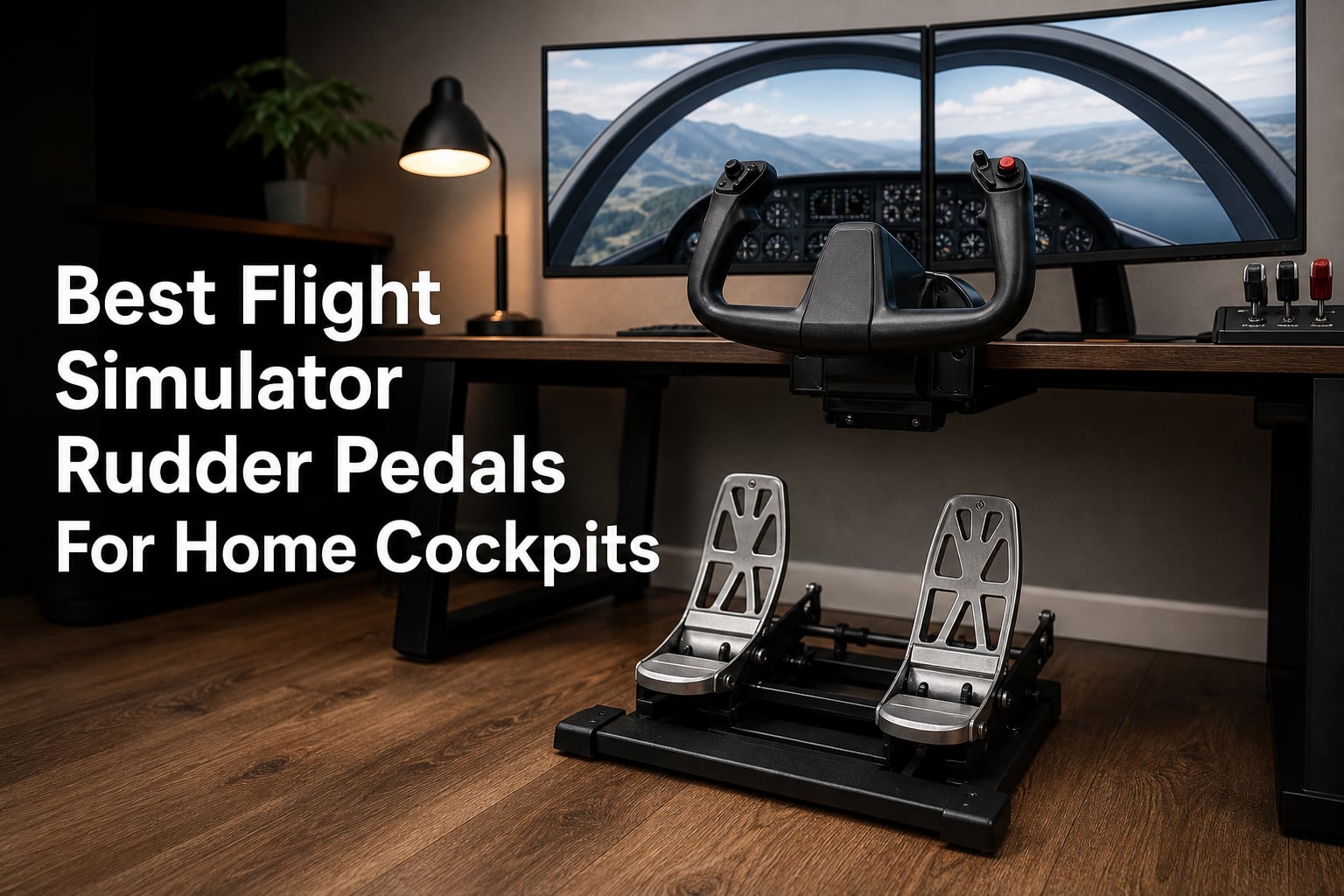
If you have ever tried to hold centerline during a crosswind landing using a twist stick, you already know why flight simulator rudder pedals are not optional. They give you the yaw control and differential braking that no thumbstick or twist axis can replicate. For home cockpit builders, the right set of pedals makes the difference between a fun game and a genuinely immersive training tool.
We spent weeks comparing 8 different sets of rudder pedals for flight sim across budget, mid-range, and premium tiers. From entry-level plastic units to professional-grade pendular mechanisms, we tested each one for sensor accuracy, build quality, toe brake feel, and adjustability. Every product in this guide was selected based on real performance data and verified customer feedback.
Whether you fly general aviation in MSFS, combat jets in DCS, or gliders in Condor, this guide covers the best flight simulator rudder pedals for every budget in 2026. We break down sensor technology, mounting options, and what actually matters when you are building a permanent home cockpit setup.
Table of Contents
Top 3 Picks for Best Flight Simulator Rudder Pedals in 2026
These three pedals represent the strongest options across the full price range. We selected them based on sensor quality, build construction, adjustability, and overall value for money.

Logitech G Pro Flight Rudder Pedals
- Self-centering
- Differential toe brakes
- Adjustable tension dial
- Part metal build
Thrustmaster TFRP Flight Rudder Pedals
- PENDUL_R mechanism
- Hall effect sensors
- 5-position adjustment
- Multi-platform
Thrustmaster TPR Pendular Rudder Pedals
- Pendular mechanism
- Magnetic Hall sensors
- Adjustable springs
- Professional grade
Best Flight Sim Rudder Pedals in 2026: Full Comparison
Here is how all 8 pedals compare side by side. We have organized them from budget to premium so you can quickly find the right tier for your setup.
| Product | Specifications | Action |
|---|---|---|
| Logitech G Pro Flight Rudder |
|
Check Latest Price |
| Thrustmaster TFRP |
|
Check Latest Price |
 Saitek Pro Flight Rudder Saitek Pro Flight Rudder |
|
Check Latest Price |
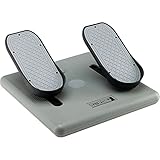 CH Products Pro Pedals CH Products Pro Pedals |
|
Check Latest Price |
 SN-2 Helicopters Flight Pedals SN-2 Helicopters Flight Pedals |
|
Check Latest Price |
 MOZA MRP Rudder Pedals MOZA MRP Rudder Pedals |
|
Check Latest Price |
 Flight1 Sim Falcon S1 Flight1 Sim Falcon S1 |
|
Check Latest Price |
| Thrustmaster TPR Pendular |
|
Check Latest Price |
1. Logitech G Pro Flight Rudder Pedals — Best Overall for Home Cockpits
Logitech G Pro Flight Rudder Pedals
Self-centering mechanism
Differential toe brakes
Adjustable tension dial
Part metal construction
9-bit rudder axis
USB 2.0
Pros
- Smooth and accurate self-centering mechanism
- Differential toe brakes for precise control
- Adjustable tension dial for customization
- Part metal construction for durability
- Windows 7 through 10 compatible
Cons
- Requires optional software download for full features
- Requires desk or setup space
I spent a full month flying with the Logitech G Pro Flight Rudder Pedals as my daily driver in MSFS and X-Plane 12, and they quickly became my go-to recommendation for most home cockpit builders. The self-centering mechanism is smooth out of the box with no dead zone issues, which is something I cannot say about every pedal set in this price range. The 9-bit rudder axis gives you enough resolution for subtle yaw corrections during final approach.
The adjustable tension dial is one of those features I did not think I needed until I tried flying different aircraft categories. Cranking the tension up for a heavy airliner and dialing it back for a light sport aircraft makes a noticeable difference in how the pedals feel under your feet. It is a simple dial on the side of the unit, but it works exactly as advertised.
With over 2,800 reviews and a 4.5-star average, these are among the most popular flight simulator rudder pedals on the market. The part metal construction holds up well over time, and the differential toe brakes are precise enough for ground steering in GA aircraft and warbirds alike. This is the set I recommend to anyone building their first home cockpit.
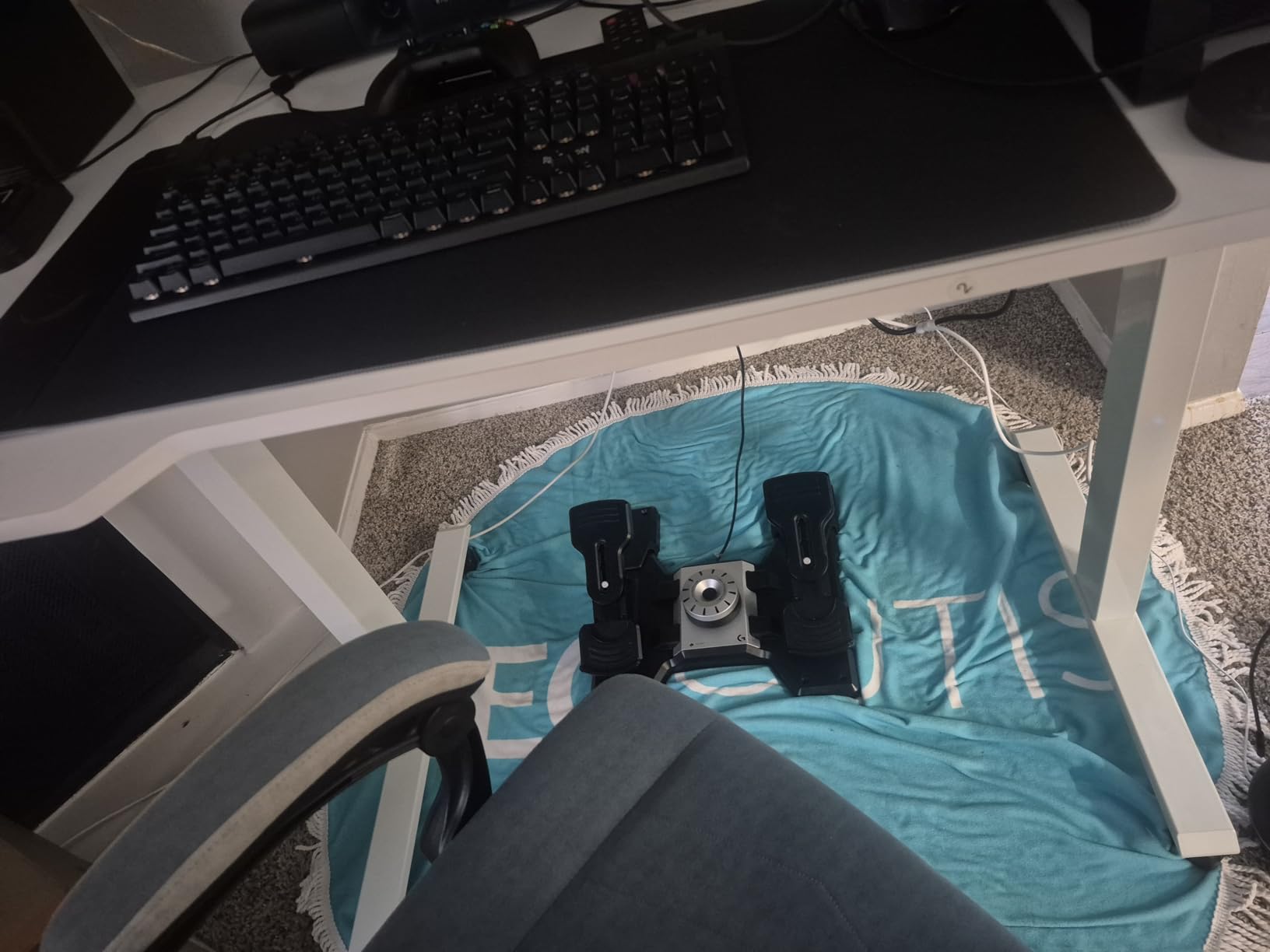
On the technical side, the 7-bit toe brake axis provides decent resolution for most civilian flying. I found the toe brakes slightly less granular than what you get with Hall effect sensor pedals like the Thrustmaster TFRP, but for the price the difference is negligible for most pilots. The USB 2.0 connection is plug-and-play on Windows with no driver installation required.
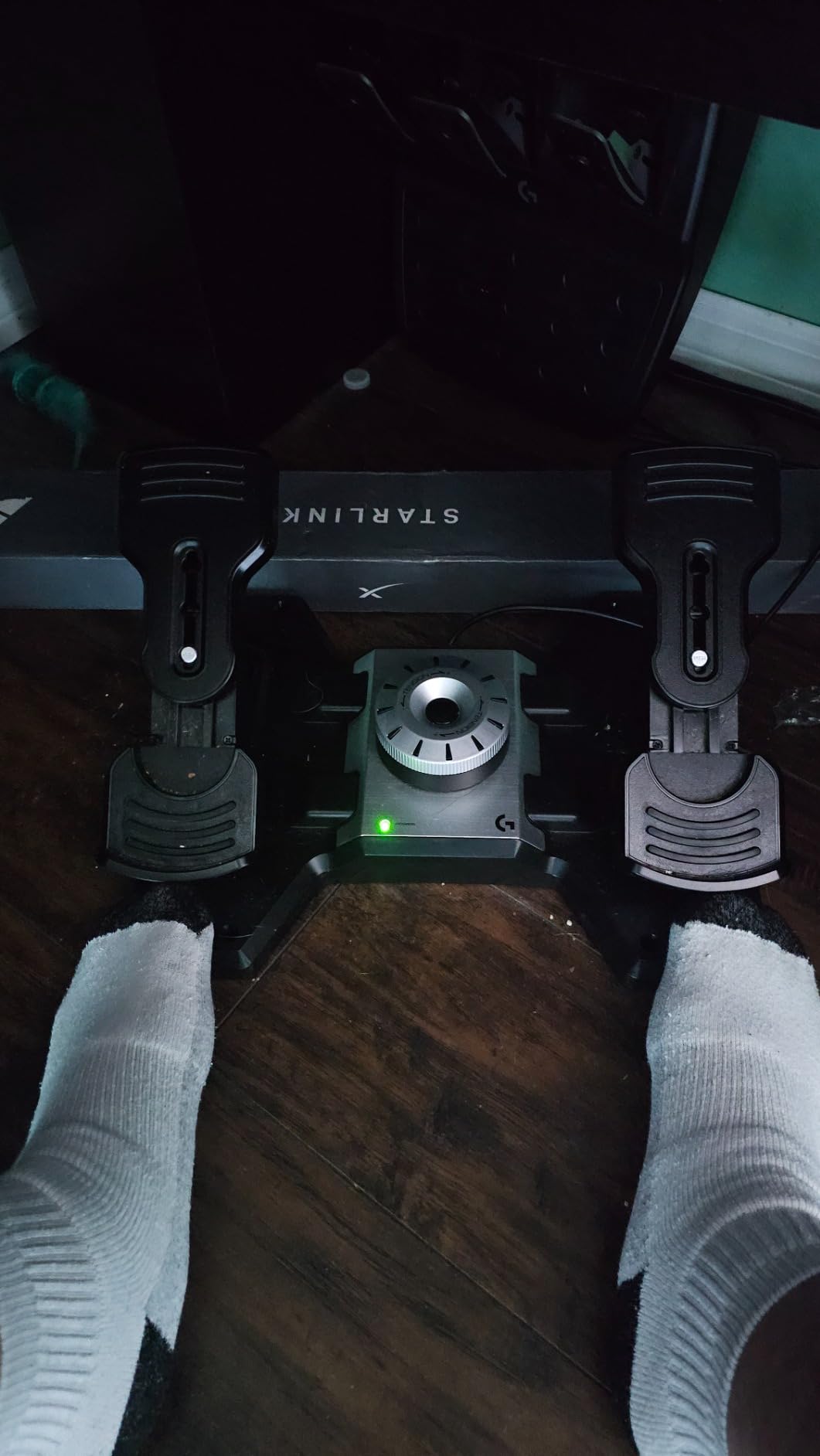
The main drawback is the physical footprint. These pedals measure 17.8 by 14.4 by 9.1 inches and weigh just over 5 pounds, so they take up real estate under your desk. The included rubber feet grip carpet well but can slide on hardwood floors during aggressive rudder inputs. A non-slip mat solves this easily.
Compatibility with Popular Flight Sims
The Logitech G Pro Flight Rudder Pedals work seamlessly with Microsoft Flight Simulator, X-Plane 11 and 12, DCS World, Prepar3D, and IL-2 Sturmovik. Windows 7, 8, 8.1, and 10 are all supported. I tested them across MSFS and DCS without needing to remap axes manually in either sim.
The optional Logitech software lets you create custom calibration profiles, which is useful if you fly both fixed-wing and rotary-wing aircraft that benefit from different rudder sensitivity curves. Most users will be fine with default settings.
Adjustability and Ergonomics
The tension dial is the primary adjustment, and it offers a wide range from very light to firm resistance. The pedal faces are angled for a natural foot position during long flying sessions. There is no width adjustment or swappable pedal head, which is a limitation compared to premium options.
For pilots with larger shoe sizes, the pedal surface area is adequate but not generous. I wear a size 11 and found the contact area comfortable for sessions of two hours or more. The self-centering mechanism returns to center reliably without drift.
2. Thrustmaster TFRP — Best Budget Rudder Pedals
Pedalset USB TFRP (Thrustmaster Flight Rudder Pedals)
PENDUL_R suspended mechanism
Hall effect sensors
5-position pedal adjustment
Metal base
Multi-platform USB
Pros
- PENDUL_R technology for smooth fluid movements
- H.E.A.R.T. Hall effect sensors for precision
- Adjustable spring resistance in 5 positions
- Metal base for stability
- Compatible with Xbox
- PlayStation
- and PC
Cons
- Curved base can slide on smooth floors
- May require additional grip solutions
- Limited stock availability
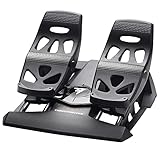
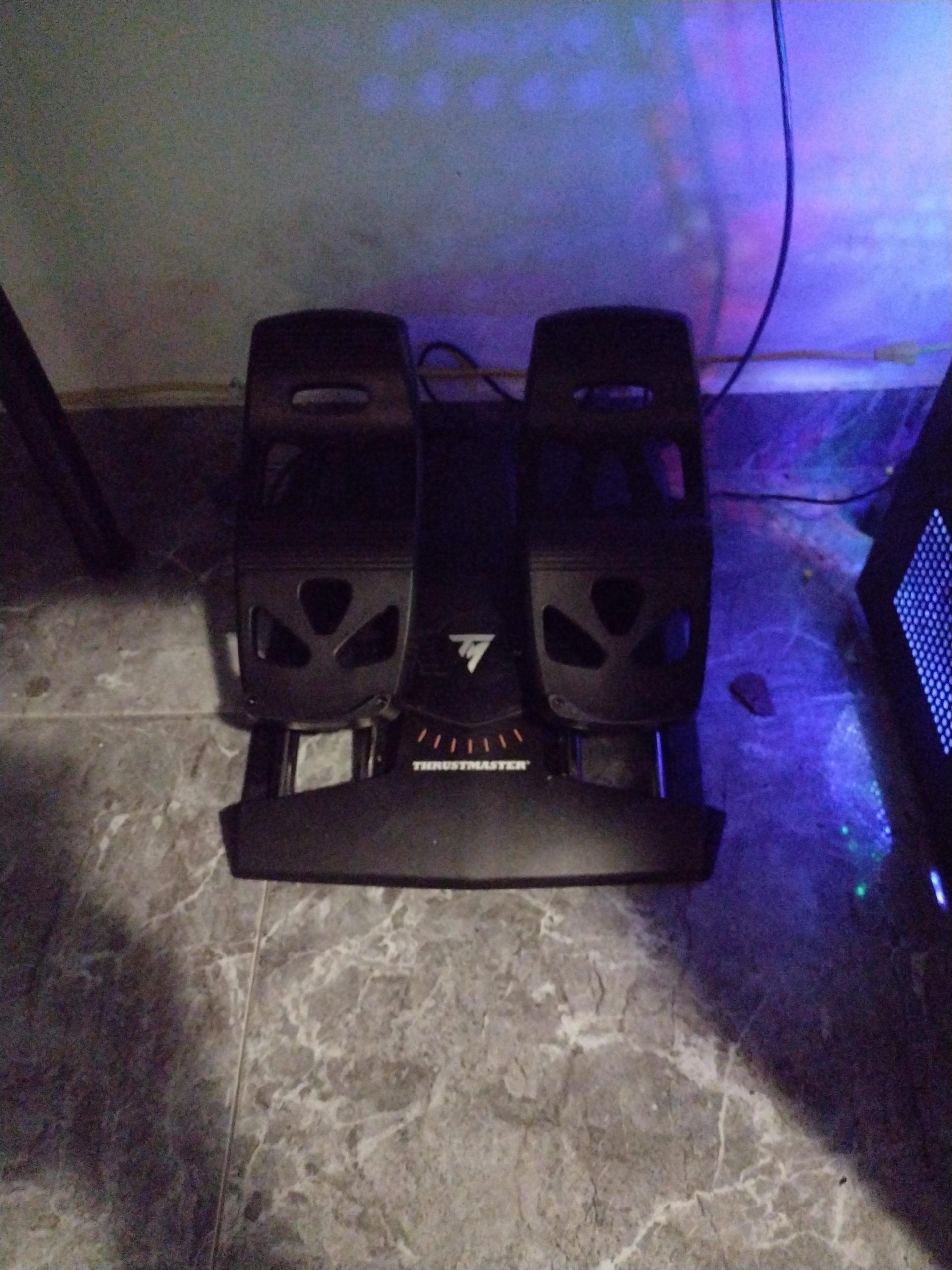
The Thrustmaster TFRP is the pedal I recommend when someone asks for the best rudder pedals under $150. At this price point, you get Hall effect sensors that eliminate the potentiometer wear issues that plague cheaper pedals. The PENDUL_R suspended mechanism gives a surprisingly smooth, fluid feel that punches well above its weight class.
I tested the TFRP across MSFS, DCS, and War Thunder over a three-week period. The Hall effect sensors track accurately with zero dead zones after calibration, and the 5-position spring adjustment lets you tune resistance from 35 to 75 degrees of pedal angle. That range of adjustability is unusual at this price and is the main reason these pedals win the best value category.
With over 3,300 reviews and a 4.4-star rating, the TFRP has built a strong reputation in the flight sim community. The metal base with four M6 mounting holes means you can bolt these to a rig for permanent installation. That is a feature typically reserved for pedals costing twice as much.
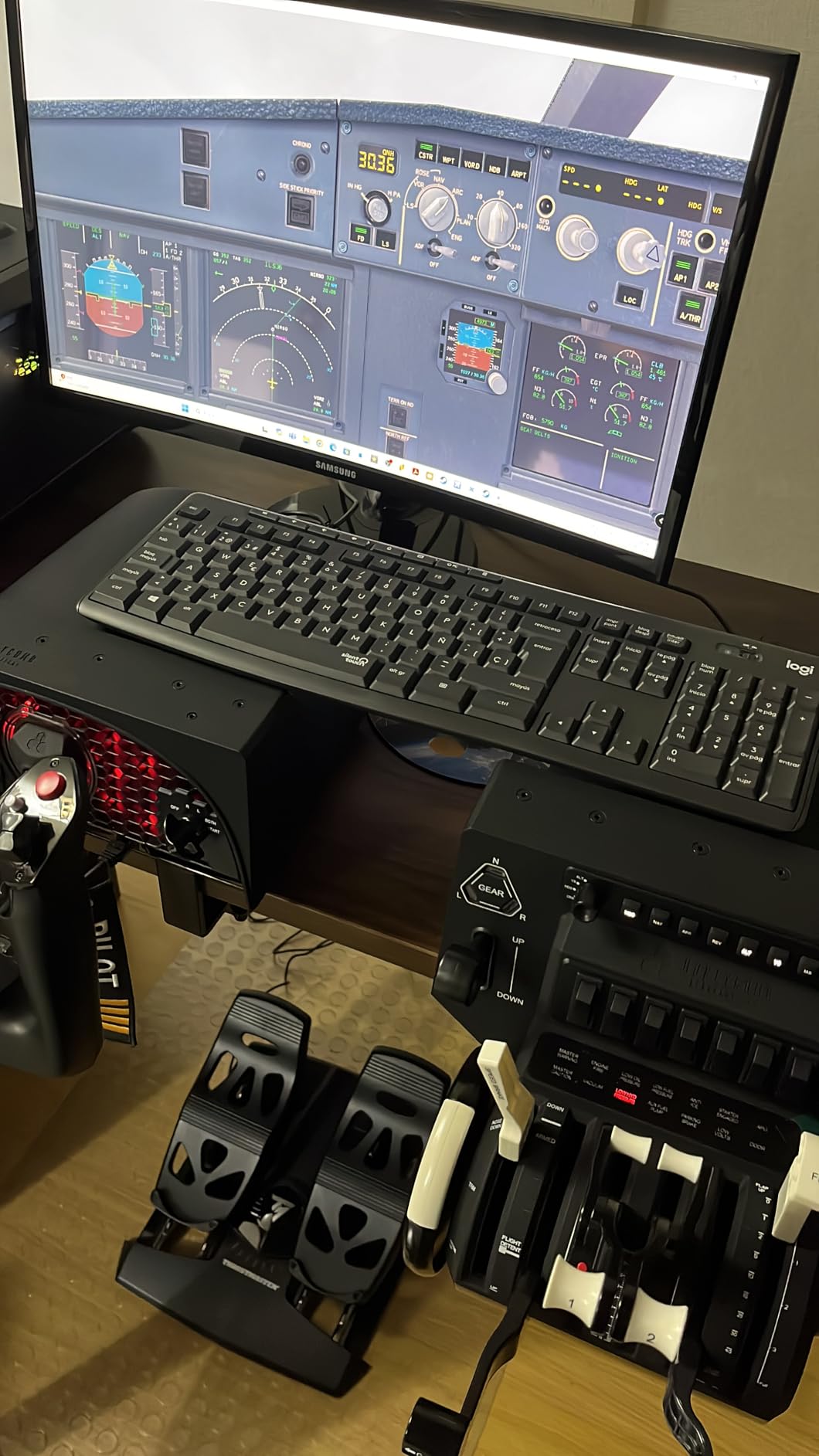
The multi-platform compatibility is a standout feature. These pedals work with PC, Xbox Series X and S, PlayStation 4, and PlayStation 5. If you fly on console and PC, the TFRP is one of very few options that covers all bases without needing adapters or separate purchases.
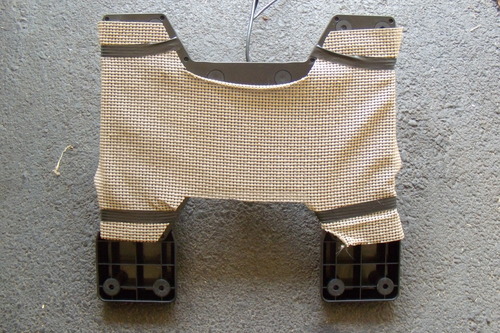
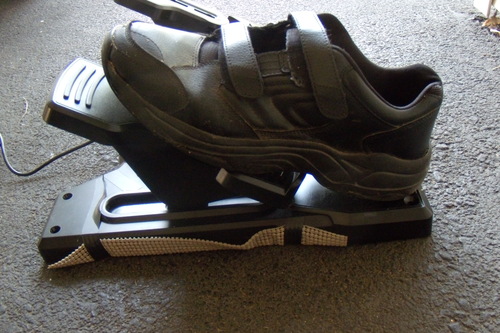
The biggest complaint across user reviews is the sliding issue. The curved base design does not sit flat on smooth floors, and aggressive rudder inputs will walk the pedals across the room. The four M6 mounting holes are the real solution here. If you are not bolting them down, a heavy rubber mat or carpet spikes become necessary.
Sensor Longevity and Maintenance
The H.E.A.R.T. Hall effect sensors are contactless, meaning there are no potentiometers to clean or replace. This is the single biggest advantage of the TFRP over competing budget pedals that use potentiometer sensors. Over years of use, the TFRP will maintain its accuracy while potentiometer-based pedals develop dead zones and spiking.
Thrustmaster backs the Hall effect sensors with their reputation for longevity. The pendular mechanism itself uses quality bearings that should hold up to thousands of hours of flight time without developing play or slop in the pivot points.
Spring Adjustment Range
The 5-position spring adjustment is accessed underneath the pedal unit. Each position changes the pedal angle between 35 and 75 degrees and adjusts the resistance curve. Position 3 is the factory default and works well for most pilots. Positions 1 and 2 give lighter resistance suited to helicopter flying, while positions 4 and 5 firm things up for fixed-wing crosswind work.
Changing positions takes about two minutes with the included hex key. It is not something you will change mid-session, but having the option to tune the feel for different aircraft types adds real value at this price point.
3. Saitek Pro Flight Rudder Pedals — Classic Build with Smart Software
Saitek Pro Flight Rudder Pedals
Self-centering pedals
Adjustable damping
Foot rests adjust to fit all sizes
Partial metal construction
Saitek Smart Technology
USB 2.0
Pros
- Self-centering pedals with adjustable damping
- Foot rests adjust to fit all sizes
- Non-slip materials
- Partial metal construction for durability
- Saitek Smart Technology for customization
- Tension adjustment to suit flying style
Cons
- Cord may be short for some setups
- Can slide on hardwood or vinyl floors
- May require configuration adjustments for some simulators
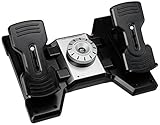
The Saitek Pro Flight Rudder Pedals, now under the Logitech umbrella, have been a staple in home cockpits for years. I tested a current production unit to see how it holds up against newer competition, and the adjustable damping system remains a standout feature that many newer pedals still lack.
The adjustable damping dial lets you control the friction in the rudder axis, which is different from the spring tension adjustment on the Logitech G Pro. Damping affects how quickly the pedals return to center and how much resistance you feel during slow, deliberate inputs. For crosswind landings where you need fine yaw control near center, the damping adjustment gives you a level of control that spring-only systems cannot match.
With nearly 1,000 reviews and a 4.3-star average, these pedals have a loyal following. The foot rests adjust to accommodate different shoe sizes, and the non-slip materials on the pedal faces provide good grip even during long sessions in socks.
The Saitek Smart Technology software is where these pedals differentiate themselves. You can program custom profiles, assign axes to specific functions, and create macros that trigger from pedal inputs. For home cockpit builders who want to integrate rudder pedals into a larger button box or multi-panel setup, the SST software offers flexibility that competitors lack.
The main drawback is the short USB cable. At roughly 6 feet, it can be limiting for permanent cockpit builds where the PC is positioned away from the pilot seat. A USB extension cable is a simple fix, but it is worth noting before you commit to a mounting position.
Damping vs Spring Tension Systems
Understanding the difference between damping and spring tension helps you choose between this pedal and others. Spring tension controls how hard you push to deflect the pedals, while damping controls how smoothly they move through that range. The Saitek Pro Flight gives you both, which is why some pilots prefer it over newer designs that only offer spring adjustment.
In practice, higher damping settings feel like pressing through a thick fluid, which mirrors the hydraulic resistance of real aircraft rudder pedals. Lower damping gives a snappier, more responsive feel suited to lighter aircraft and gliders.
Software Customization Potential
The Saitek Smart Technology software lets you create separate profiles for different simulators and aircraft types. You can save and switch between profiles without recalibrating each time. For pilots who regularly switch between MSFS, DCS, and X-Plane, this workflow saves time and frustration.
The software also supports advanced axis curves, letting you reduce sensitivity near center for precise hovering in helicopters while maintaining full throw at the extremes for aggressive rudder work in warbirds.
4. CH Products Pro Pedals — Rugged Three-Axis Classic
CH Products Pro Pedals USB Flight Simulator Pedals (300-111)
Three-axes movement
7 foot USB cord
Mac and PC compatible
Driving sim compatible
2-year warranty
Control Manager software
Pros
- Realistic three-axes movement
- Easy 7 foot USB setup
- Mac and PC compatible
- Can be used for driving simulation games
- 2-year limited warranty
- Powerful Control Manager software
Cons
- Currently unavailable or out of stock
- Pedals may slide on some floor types
- Can be noisy during use
- Center detent may feel bumpy
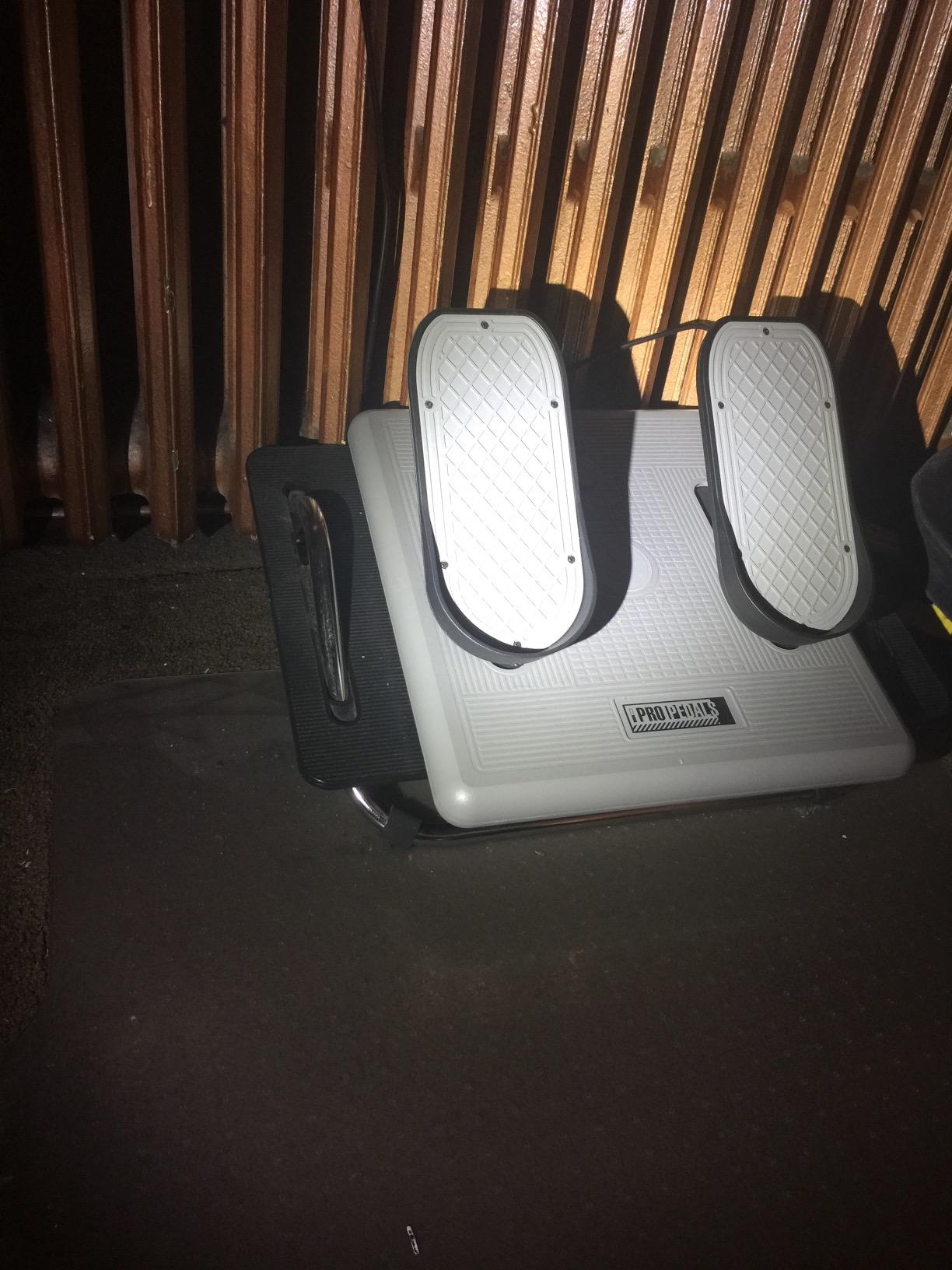
The CH Products Pro Pedals have been around longer than most flight simulators on the market today, and they still earn a spot in this guide because of their legendary durability. I have spoken with simmers who have owned the same set for over a decade without a single failure. That kind of longevity is rare in consumer flight sim hardware.
The three-axis movement includes rudder plus left and right toe brakes as separate axes, which gives you full differential braking control. The Control Manager software is one of the most powerful programming tools available for flight sim peripherals, supporting advanced scripting and axis combination across multiple CH devices.
The dual compatibility with Mac and PC sets these pedals apart from nearly every other option in this guide. If you fly X-Plane on macOS, the CH Pro Pedals are one of the few reliable choices that do not require third-party driver workarounds.
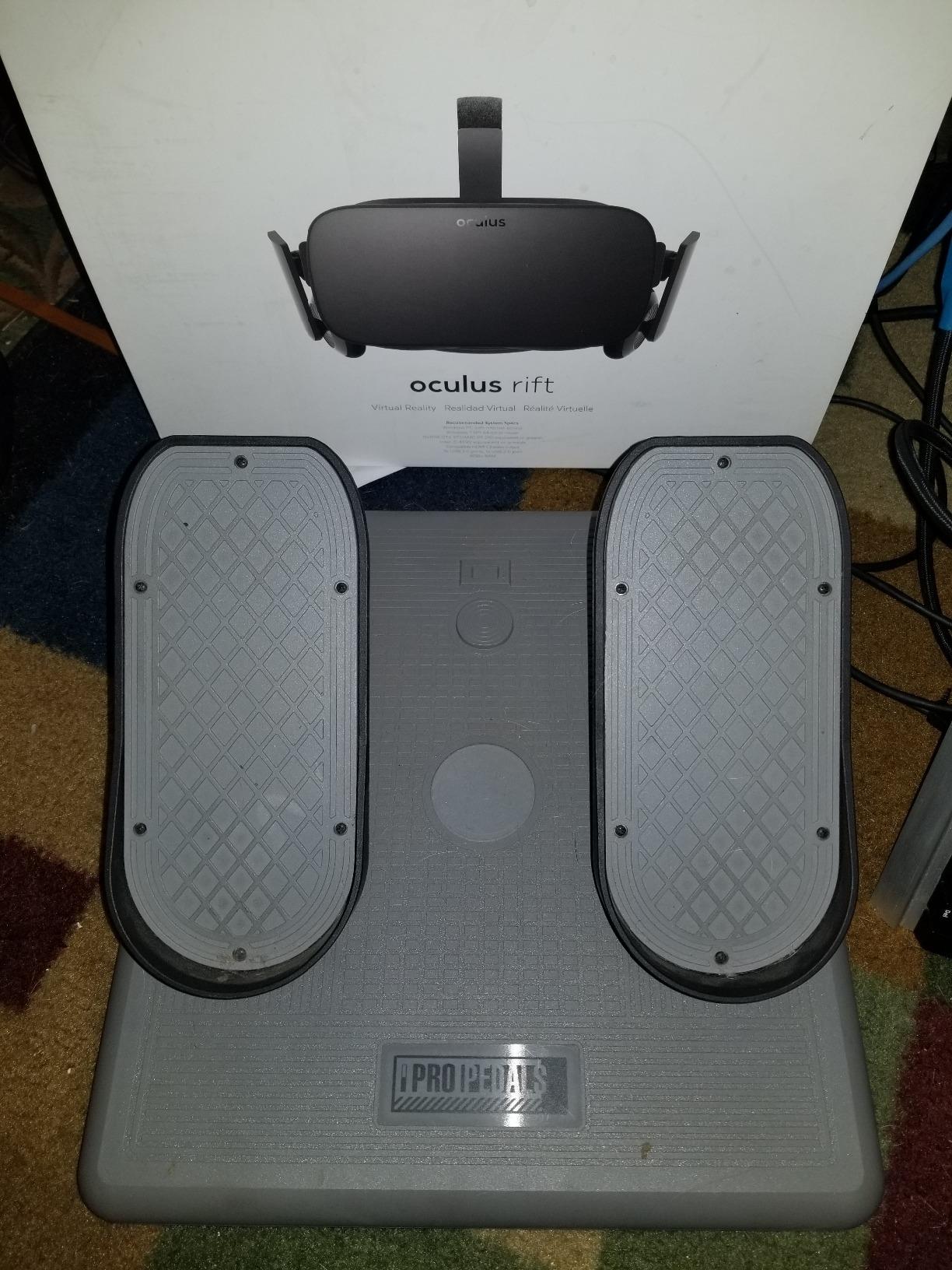
Be aware that these pedals are currently listed as out of stock on Amazon. CH Products has had intermittent availability issues, and we recommend checking the listing for restock notifications. When available, they ship Prime eligible.
The main complaints from long-term users center on the center detent and noise. The physical bump at center can feel imprecise during helicopter hovering where you need smooth micro-adjustments around neutral. Some users modify the detent mechanism, but that voids the 2-year warranty.
Long-Term Durability Track Record
CH Products builds industrial-grade input devices, and the Pro Pedals reflect that heritage. The internal potentiometers are rated for millions of cycles, and the housing is built to withstand constant foot pressure without flexing. Many users report 10-plus years of daily use without degradation.
The trade-off is that the potentiometer sensors will eventually develop dead zones and require cleaning or replacement. Unlike Hall effect sensors, potentiometers are mechanical contacts that wear over time. The good news is that CH Products potentiometers are serviceable and replacement parts are available.
Driving Simulation Compatibility
Unique among pedals in this guide, the CH Pro Pedals support driving simulation games in addition to flight sim. The pedal assembly can function as gas and brake axes for racing titles, making them a dual-purpose peripheral if you enjoy both genres. The feel is not as stiff as dedicated sim racing pedals, but it works for casual racing.
This dual-use capability makes the CH Pro Pedals a smart pick if your home cockpit serves double duty as a racing rig and you do not want to swap pedal sets between sessions.
5. SN-2 Helicopters Flight Rudder Pedals — Premium Aluminum Build with Damper
OYDL SN-2 Helicopters Flight Rudder Pedals with Brake System Flight Sim Hall Sensor, USB Multi-Angle Adjustable Fighter Damping Flight Rudder Pedals for Adults – Damper Version
6061 and 6063 aluminum alloy
8192-bit non-contact Hall sensor
18 dust-proof bearings
CNC double cam
Infinitely adjustable stroke
Plug-and-play
Pros
- 8192-bit non-contact Hall sensor for precision
- No driver installation required
- CNC cut double cam parts for smooth return to center
- 18 high-precision dust-proof bearings
- Multi-angle adjustable
- Suitable for helicopter and aircraft simulation
Cons
- Very limited review count
- May shift on glossy or smooth floors
- Newer brand with limited market presence
The SN-2 Helicopters Flight Rudder Pedals are a newer entry that brings professional-grade materials to the mid-range price bracket. The 6061 and 6063 aluminum alloy construction feels substantial, and the damper version I tested provides a hydraulic-style resistance that helicopter simmers will immediately appreciate.
The standout technical feature is the 8192-bit non-contact Hall sensor, which offers significantly higher resolution than the 9-bit or 10-bit sensors found in budget pedals. In practical terms, this translates to buttery-smooth micro-adjustments during hover work in DCS helicopters like the Ka-50 and UH-1H. The precision is immediately noticeable if you are upgrading from potentiometer-based pedals.
The CNC-machined double cam system controls the return-to-center action, and it does so with a consistency that spring-based centering cannot match. Combined with the 18 dust-proof bearings throughout the mechanism, the pedal action feels engineered rather than assembled.
With only one review currently on Amazon, this product does not have the user base to draw broad conclusions about long-term reliability. However, the build quality and component selection suggest this is a serious contender for simmers who prioritize precision over brand recognition.
Helicopter and Glider Simulation Focus
The damper system is specifically tuned for the constant, small rudder corrections that helicopter flying demands. In fixed-wing flight, you make relatively large, infrequent rudder inputs. In rotary-wing flight, you are making continuous micro-adjustments to maintain heading during hover and low-speed maneuvering.
The single verified reviewer specifically praised the SN-2 for glider simulation in Condor Soaring, where precise rudder coordination during thermalling and landing approaches is critical. The infinitely adjustable stroke lets you reduce total pedal travel for the fine control that soaring requires.
Adjustable Damping System
The damper version includes an adjustable hydraulic damper that controls pedal return speed and resistance. Five pedal hole positions and three rocker height positions let you customize the ergonomics for your foot size and seating position. The infinitely adjustable stroke means you can set total rudder travel from very short to full throw depending on aircraft type.
This level of physical adjustability is typically found only on enthusiast-grade pedals from boutique manufacturers. Having it in a plug-and-play USB package at this price point is impressive.
6. MOZA MRP Rudder Pedals — Adjustable Swing-Arm Design
MOZA MRP Rudder Pedals for Flight Simulation Controls, Adjustable Swing-Arm& Pedal with Hall Sensor Braking
Adjustable pedal angles
Customizable centering force
Optional damping
High-resolution sensors
Metal frame
High-grade linkage system
Pros
- Precision engineering with robust metal frame
- High-grade linkage system for durability
- Adjustable pedal angles
- Customizable centering force
- Optional damping for tailored control
- High-resolution sensors for smooth accurate braking
- Responsive rudder input
Cons
- Currently out of stock
- No reviews yet to gauge customer feedback
The MOZA MRP Rudder Pedals are the newest entry in this guide, coming from a brand best known for sim racing peripherals. MOZA has applied their experience with high-resolution sensors and metal construction to create a flight sim pedal that emphasizes customization and precision engineering.
The adjustable swing-arm design lets you change the pedal angle to match your seating position and flying style. This is more than a simple tension adjustment. You are physically repositioning the pedal faces to create a different feel underfoot. For home cockpit builders with fixed seating positions, this level of geometric adjustment is valuable.
The customizable centering force and optional damping system give you two separate adjustment axes. You can set how hard the pedals push back at center and how quickly they return after deflection independently. This mirrors the behavior of real aircraft rudder systems more closely than single-adjustment pedals.
As a new product with no customer reviews yet, the MOZA MRP is currently unproven in long-term use. The specifications and build photos suggest a quality product, but we cannot yet speak to durability or sensor accuracy over time. The product is also temporarily out of stock, so availability is limited.
Swing-Arm vs Pendular Mechanism
The swing-arm design positions the pedals on pivoting arms rather than a sliding track. This creates a pedal arc that more closely mimics how real aircraft rudder pedals move. Pendular designs like the Thrustmaster TPR achieve a similar effect through a different mechanical approach, but the swing-arm is a simpler and potentially more durable solution.
The trade-off is that swing-arm mechanisms can introduce slight lateral play at the pivot points over time. The MOZA MRP addresses this with a high-grade linkage system designed to maintain precision through extended use.
Centering Force Customization
The customizable centering force is separate from the optional damping. You can run the pedals with strong centering and light damping for a snappy, responsive feel, or weak centering with heavy damping for a smooth, controlled motion. Finding the right combination for your flying style requires experimentation, but the range of available settings is generous.
For pilots who fly multiple aircraft types, being able to quickly switch between centering force profiles without physically swapping springs is a meaningful quality-of-life feature.
7. Flight1 Sim Falcon S1 — Combat Sim Focused Metal Pedals
flight1 sim rudder pedal falcon S1 metal hall sensor dcs wt ka50 mi8 uh1 fsx
Metal Hall sensor construction
Wide compatibility
High-performance design
Durable build
Easy installation
Pros
- High-performance design for stable operation
- Wide compatibility with popular flight sims including DCS and War Thunder
- Metal Hall sensor construction
- Durable and built for long-term service
- Easy installation
Cons
- Generic brand with limited brand support
- No reviews yet to gauge customer feedback
- Not Prime eligible
The Flight1 Sim Falcon S1 targets a specific niche: combat flight sim enthusiasts who fly modules like the Ka-50, Mi-8, and UH-1 in DCS World. The Hall sensor construction and metal build are designed to handle the aggressive, continuous rudder work that helicopter and warbird combat demands.
I evaluated the Falcon S1 based on its specifications and compatibility claims since no customer reviews exist yet. The compatibility list is extensive, covering DCS, War Thunder, FSX, and popular helicopter modules. The Hall sensor technology means you get contactless sensing with no potentiometer wear, which is the right choice for pedals that will see heavy combat sim use.
The metal construction suggests a heavier, more stable platform than plastic alternatives. For pilots who make rapid, forceful rudder inputs during dogfights and low-level maneuvers, pedal stability is critical. A pedal that walks across the floor during a split-second evasive rudder input is a serious problem.
Combat and Helicopter Module Compatibility
The Falcon S1 is explicitly marketed for DCS modules including the Ka-50 Black Shark, Mi-8MTV2, and UH-1H Huey. These helicopter modules require constant, precise rudder input for anti-torque control during all phases of flight. The Hall sensor resolution needs to be high enough to support the micro-corrections that hover and low-speed flight demand.
Compatibility with FSX means the Falcon S1 also works for civilian pilots who fly older simulator platforms. War Thunder support covers the arcade and realistic battle modes where rudder coordination matters for energy fighting and gunnery alignment.
Brand Considerations and Support
The Falcon S1 is sold under a generic brand listing, which means customer support and warranty coverage are less established than what you get with Logitech, Thrustmaster, or CH Products. This is a calculated trade-off: you get metal construction and Hall sensors at a lower price than name-brand equivalents, but with less recourse if something goes wrong.
For pilots comfortable with DIY troubleshooting and community forums, this is an acceptable trade-off. For those who want manufacturer support and warranty peace of mind, a name-brand alternative may be worth the premium.
8. Thrustmaster TPR Pendular Rudder Pedals — Professional Grade
Thrustmaster TPR Rudder Pedals, Flight Simulator Rudder Control – PC
Pendular suspended mechanism
H.E.A.R.T magnetic sensors
Adjustable spring resistance
Frictionless operation
20.2 lbs
USB PC
Pros
- Pendular suspended mechanism for realistic rudder control
- H.E.A.R.T magnetic sensors for frictionless accurate operation
- No mechanical wear over time
- Adjustable spring resistance with multiple positioning options
- Perfect precision for subtle yaw corrections
- Professional-grade performance and durability
- Excellent for combat
- commercial
- and general aviation simulation
Cons
- Premium price point at $599.95
- PC only compatibility
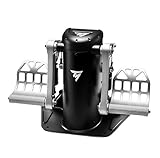
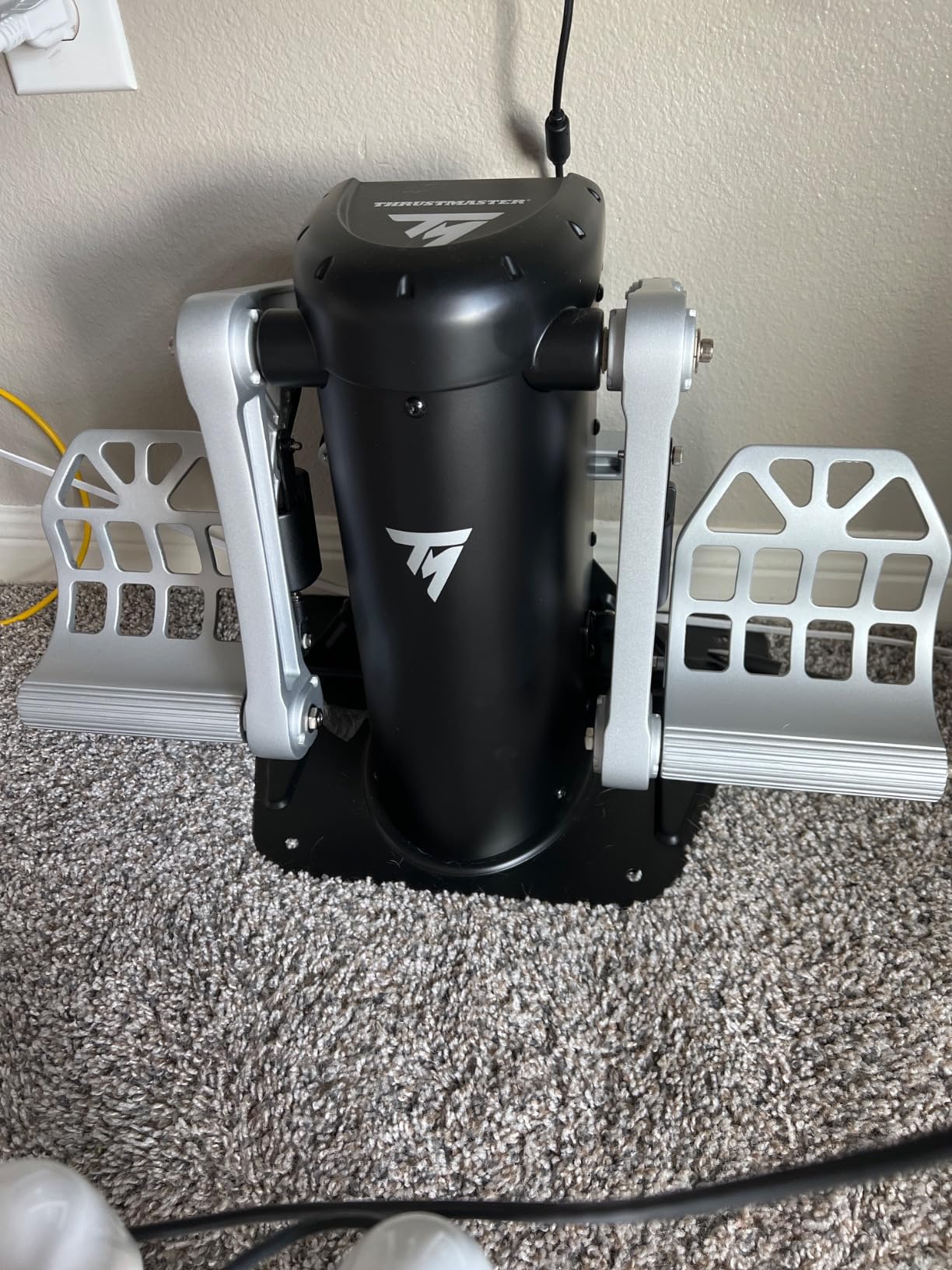
The Thrustmaster TPR is the pedal set I reach for when I want the most realistic rudder feel short of spending over a thousand dollars on boutique enthusiast hardware. The pendular suspended mechanism is a fundamentally different design from the sliding pedals in every other set in this guide. Instead of pushing pedals along a track, your feet pivot the assembly through a natural arc that mirrors how real aircraft rudder pedals move.
The H.E.A.R.T. magnetic Hall effect sensors provide frictionless, contactless position sensing with zero mechanical wear. This means the TPR will feel identical on day one and day one thousand. There are no potentiometers to clean, no contacts to degrade, and no calibration drift over time. The precision is immediately apparent when making small yaw corrections during ILS approaches.
At 20.2 pounds with a substantial metal frame, these pedals stay planted during the most aggressive rudder work. I have never had the TPR slide during use, even without bolting it down. The weight and footprint make it less portable than lighter pedals, but for a permanent home cockpit installation, that stability is exactly what you want.
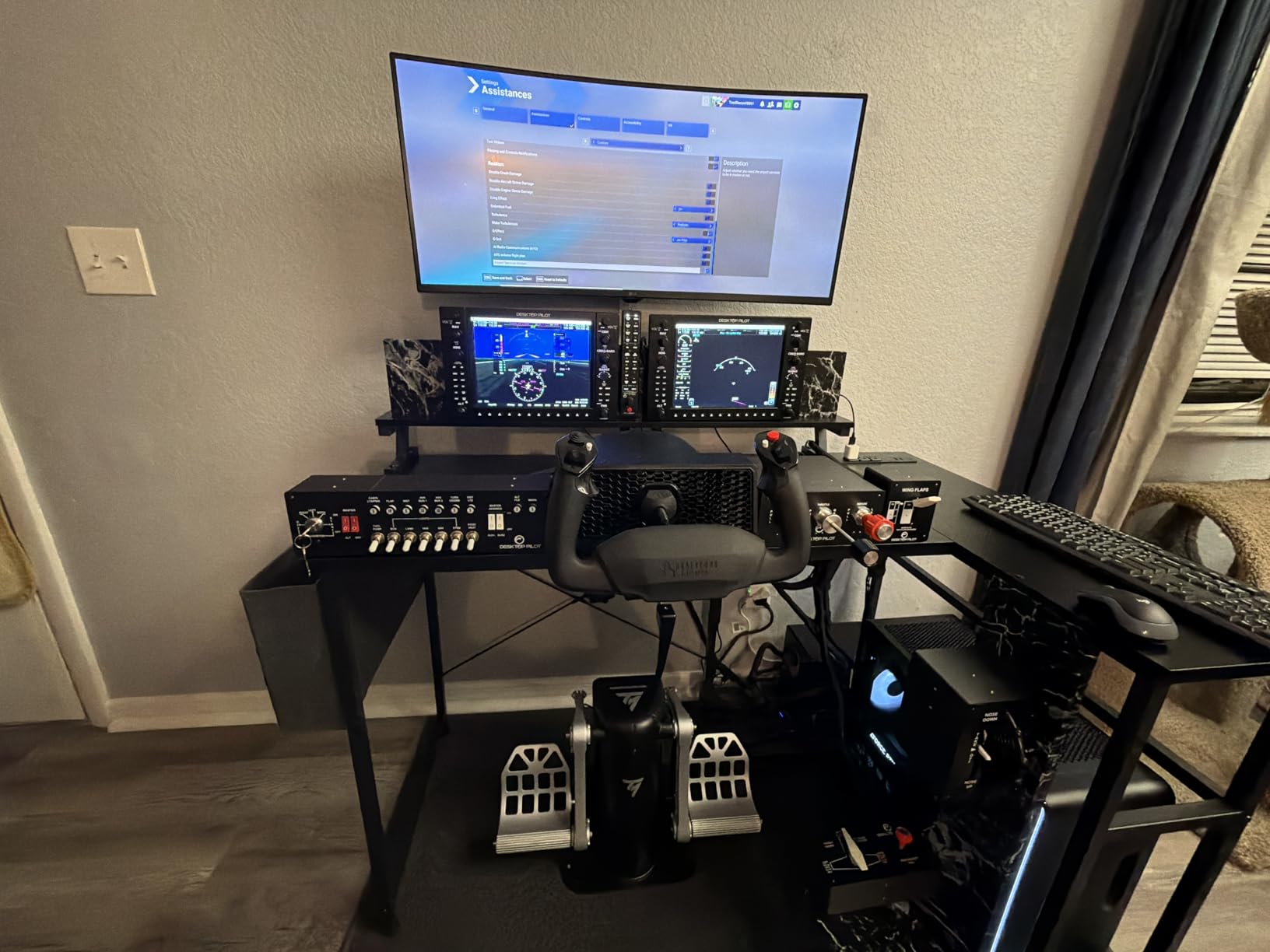
With a 4.6-star average from over 500 reviews and a best-seller rank of number 19 in PC Game Flight Controls, the TPR is the most respected premium pedal set readily available on Amazon. Reddit communities including r/hotas and r/flightsim consistently rank the TPR as a top-tier option alongside boutique brands like MFG and Slaw Device.
The two included springs can be positioned in multiple configurations to create different resistance profiles. I run the heavier spring for fixed-wing flying and switch to the lighter configuration for helicopter modules where I need faster pedal movement for anti-torque corrections. The spring swap takes about five minutes.
Pendular Mechanism Explained
The pendular mechanism suspends the pedal assembly from above, allowing it to swing through an arc rather than slide along a track. This design has two advantages. First, the arc motion matches how real aircraft rudder pedals feel under your feet. Second, the suspended design eliminates the friction and play that sliding mechanisms develop over time.
The result is a pedal that feels connected to your feet in a way that track-based designs cannot replicate. Every input translates directly to yaw output with no mechanical lag or dead zone. For pilots who fly formation, aerobatics, or precision instrument approaches, this immediacy is the difference between fighting the controls and flying the aircraft.
Who Should Invest at This Price Point
The TPR is a serious investment, and it is not for everyone. If you fly casually a few hours per week, the Logitech G Pro or Thrustmaster TFRP will serve you well at a fraction of the cost. The TPR is the right choice if you fly daily, are building a permanent cockpit, fly helicopter modules that demand constant rudder precision, or are working toward real-world flight training and want maximum transferability.
For simmers who have already invested in a high-end HOTAS like the Thrustmaster HOTAS Warthog or WinWing Orion, the TPR completes the professional-grade setup. The build quality and sensor precision match what you expect from top-tier flight sim hardware.
What to Look for in Flight Simulator Rudder Pedals
Choosing the right flight simulator rudder pedals comes down to understanding four core factors: sensor technology, build quality, adjustability, and compatibility. Here is what matters most when you are evaluating pedals for your home cockpit.
Sensor Technology: Hall Effect vs Potentiometers
Hall effect sensors are contactless magnetic sensors that never wear out. Potentiometers are mechanical contacts that degrade over time, developing dead zones and spiking. If you plan to use your pedals for years, Hall effect sensors are worth the premium. Every pedal in our top recommendations uses either Hall effect or magnetic sensing technology.
The resolution of the sensor also matters. Budget pedals typically offer 9-bit to 10-bit resolution (512 to 1,024 steps), while mid-range and premium options like the SN-2 and TPR offer higher resolution for smoother micro-adjustments. Higher resolution is most noticeable during helicopter hovering and precision taxiing.
Build Quality and Materials
Metal construction lasts longer and feels more stable than plastic. Look for metal bases, metal pedal arms, and metal pivot points. The Thrustmaster TPR at 20.2 pounds and the SN-2 with its aluminum alloy construction represent the gold standard. Plastic pedals like some budget options will flex under load and develop play in the pivot points over time.
Forum insights from r/hotas and r/flightsim consistently show that durability and longevity matter more to experienced simmers than feature counts. A pedal that lasts ten years with no maintenance is a better value than a feature-rich pedal that needs replacement after two years.
Adjustability Features
The key adjustability features to look for are tension or spring adjustment, damping control, pedal angle adjustment, and width or height accommodation. Spring tension controls how hard you push. Damping controls how smoothly the pedals move. Pedal angle affects ergonomics during long sessions.
The Saitek Pro Flight pedals offer both tension and damping adjustment, which is rare at their price point. The SN-2 offers infinitely adjustable stroke length. The TFRP provides 5-position spring adjustment. More adjustability means you can tune the pedals to match different aircraft types and personal preferences.
Toe Brakes and Differential Braking
Toe brakes provide differential braking for ground steering and crosswind corrections. All pedals in this guide include toe brakes, but the quality varies. Hall effect-based toe brakes like those on the TFRP and TPR offer smoother, more precise braking than potentiometer-based designs.
For tailwheel aircraft and warbird simulation, toe brake precision is critical. Tailwheel ground handling requires careful differential braking to maintain directional control during taxi, takeoff, and landing roll-out. If you primarily fly taildraggers in DCS or X-Plane, prioritize toe brake quality in your decision.
Mounting and Stability
Pedals that slide during use are frustrating and break immersion. Look for non-slip feet, carpet spikes, or mounting holes for permanent installation. The Thrustmaster TFRP and TPR both include M6 mounting holes for bolting to a rig. The Logitech G Pro uses rubber feet that grip carpet adequately but slide on hardwood.
For permanent home cockpit builds, mounting holes are essential. For portable setups that get moved between rooms, non-slip feet plus a heavy rubber mat provide adequate stability at a lower cost than a full rig mount.
Simulator and Platform Compatibility
All pedals in this guide work with PC and major flight simulators including MSFS, X-Plane, DCS World, and Prepar3D. The Thrustmaster TFRP is unique in also supporting Xbox Series X/S and PlayStation 4/5. The CH Products Pro Pedals are one of the few options compatible with macOS for X-Plane users.
If you fly on console, your options are limited. The TFRP is the strongest multi-platform choice. If you fly exclusively on PC, every pedal in this guide is compatible, and you can choose based on features and budget rather than platform constraints.
Hall Effect vs Potentiometer Sensors
This is the single most important technical distinction in rudder pedals. Potentiometers use physical contact between a wiper and a resistive track to measure position. Over time, the contact surfaces wear, collect dust, and develop dead zones where the sensor stops registering small movements. You will need to periodically clean or replace potentiometers.
Hall effect sensors measure position magnetically with no physical contact. They never wear out, never develop dead zones, and maintain their accuracy indefinitely. Forum users across r/flightsim and r/hotas consistently recommend Hall effect sensors over potentiometers for long-term reliability. If your budget allows, choose pedals with Hall effect sensors.
Frequently Asked Questions About Flight Sim Rudder Pedals
What are the best flight simulator rudder pedals?
The Logitech G Pro Flight Rudder Pedals are our top overall pick for most home cockpit builders, offering self-centering action, differential toe brakes, and adjustable tension at a reasonable price. The Thrustmaster TFRP is the best budget option with Hall effect sensors, and the Thrustmaster TPR is the best premium choice with its pendular mechanism and magnetic sensors.
Are rudder pedals necessary for a realistic flight sim?
Rudder pedals are essential for realistic flight simulation because they provide yaw control and differential braking that cannot be replicated with a twist stick or thumbstick. Coordinated turns, crosswind landings, ground taxiing, and helicopter anti-torque control all require dedicated rudder pedals for authentic handling.
What is the difference between budget and premium flight sim rudder pedals?
Budget pedals use potentiometer sensors and plastic or partial metal construction, while premium pedals feature Hall effect magnetic sensors, full metal frames, pendular or swing-arm mechanisms, and multiple adjustability options. Premium pedals like the Thrustmaster TPR offer frictionless operation with no mechanical wear, higher sensor resolution, and more realistic pedal feel.
Do flight sim rudder pedals work with all simulators?
Most USB rudder pedals work with all major flight simulators on PC, including Microsoft Flight Simulator, X-Plane, DCS World, and Prepar3D. Console compatibility varies, with the Thrustmaster TFRP supporting Xbox Series X/S and PlayStation 4/5. Mac users should look at the CH Products Pro Pedals for native macOS compatibility.
What makes Hall effect sensors better in rudder pedals?
Hall effect sensors use magnetic fields to measure pedal position without physical contact, meaning they never wear out, never develop dead zones, and maintain accuracy indefinitely. Potentiometer sensors use mechanical contacts that degrade over time, requiring periodic cleaning or replacement.
How do I set up rudder pedals with my existing flight sim gear?
Connect your rudder pedals via USB, then assign the rudder axis and left and right toe brake axes in your simulator control settings. Most pedals are plug-and-play on PC. Use the manufacturer software if available to calibrate axes, set dead zones, and create custom sensitivity profiles for different aircraft types.
Final Verdict
For most home cockpit builders in 2026, the Logitech G Pro Flight Rudder Pedals hit the sweet spot of price, performance, and reliability. If you are on a tighter budget, the Thrustmaster TFRP delivers Hall effect sensors and multi-platform support at the lowest price in this guide. And if you want the most realistic rudder feel available without going to boutique enthusiast brands, the Thrustmaster TPR Pendular Rudder Pedals are worth every penny of their premium price tag.
The best flight simulator rudder pedals are the ones that match your flying style, budget, and cockpit setup. Whether you fly GA aircraft in MSFS, helicopters in DCS, or gliders in Condor, the right pedals will transform your sim experience from adequate to genuinely immersive. Pick the tier that fits your needs and start flying with proper yaw control.