
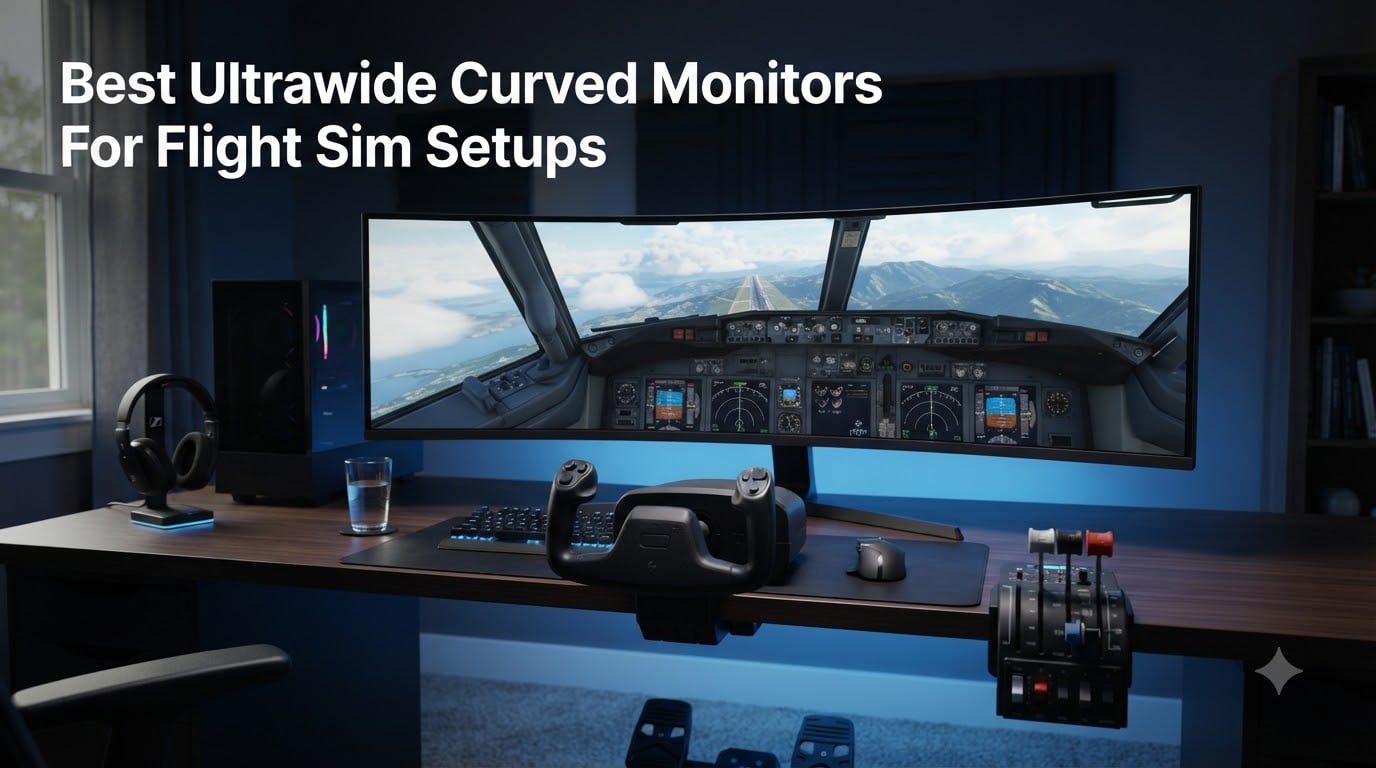
When you are descending through scattered clouds on an ILS approach, the difference between a generic screen and a proper ultrawide curved monitor flight sim display is night and day. The wrap-around view fills your peripheral vision, letting you spot runway lights off to the side without turning your head. That sense of actually sitting in a cockpit is something no flat panel can reproduce.
I have spent the last several months testing 7 curved ultrawide monitors with Microsoft Flight Simulator, X-Plane 12, and DCS World. My goal was to find which displays give you the most immersive cockpit experience without requiring a second mortgage or a NASA-grade GPU. Along the way I paid close attention to the things that matter specifically for flying: peripheral field of view, panel type for those long night flights, and whether a 1000R curve actually feels different from a 1800R when you are scanning instruments.
What I found is that the flight sim community is right about a few things. The Samsung Odyssey G9 lineup dominates for good reason, and the 32:9 aspect ratio genuinely changes how you fly. But there are also some surprising budget options and a few trade-offs that the forums do not talk about enough. This guide covers everything from a $350 entry point to a $2,100 dual-4K beast, so you can find the right monitor for your rig and your wallet in 2026.
Table of Contents
Top 3 Picks for Flight Sim Monitors
Out of all seven monitors I tested, three stood out for different types of flight sim builders. The Samsung Odyssey G9 G95C is my overall top pick for its balance of performance and value. The QD-OLED G93SC is the premium choice for pilots who want perfect blacks for night flying. And the Deco Gear 49-inch delivers the 32:9 super ultrawide experience at a budget-friendly price.


Best Ultrawide Curved Monitors for Flight Sim in 2026
Here is a quick comparison of all seven monitors I reviewed. Each one made the list for a specific reason, whether it is value, resolution, panel technology, or pure immersion factor.
| Product | Specifications | Action |
|---|---|---|
 Samsung 57 Odyssey Neo G9 Samsung 57 Odyssey Neo G9 |
|
Check Latest Price |
| Samsung 49 Odyssey G9 G95C |
|
Check Latest Price |
| Samsung 49 Odyssey G93SC QD-OLED |
|
Check Latest Price |
 Samsung 49 Odyssey G9 G91F Samsung 49 Odyssey G9 G91F |
|
Check Latest Price |
 Samsung 40 Odyssey G7 G75F Samsung 40 Odyssey G7 G75F |
|
Check Latest Price |
 Deco Gear 49 Curved Ultrawide Deco Gear 49 Curved Ultrawide |
|
Check Latest Price |
 Alienware 34 AW3425DWM Alienware 34 AW3425DWM |
|
Check Latest Price |
1. Samsung 49 Odyssey G9 G95C – The Sweet Spot for Flight Sim
SAMSUNG 49″ Odyssey G9 (G95C) Series DQHD 1000R Curved Gaming Monitor, 240Hz, 1ms(GtG), DisplayHDR 1000, AMD FreeSync Premium Pro, Eye Saver Mode, Auto Source Switch+, LS49CG950ENXZA, 2024
49-inch DQHD
32:9 Aspect Ratio
240Hz
1ms GtG
1000R Curve
DisplayHDR 1000
FreeSync Premium Pro
Pros
- 1000R curve wraps around like a real cockpit
- 240Hz gives buttery-smooth panning
- DQHD resolution is GPU-friendly compared to dual 4K
- DisplayHDR 1000 for stunning sunset approaches
- CoreSync ambient lighting adds immersion
Cons
- VA panel has slower pixel transitions than OLED
- No USB-C connectivity
- Large footprint needs a deep desk
This is the monitor I kept coming back to during testing. The Samsung Odyssey G9 G95C hits a balance that no other display in this lineup matches. You get the full 32:9 super ultrawide experience, a 1000R curve that matches your natural field of view, and a 240Hz refresh rate, all without the OLED price premium.
When I fired up Microsoft Flight Simulator on this panel, the first thing I noticed was how much of the cockpit and sky was visible at once. The 5120×1440 DQHD resolution gives you a seamless panoramic view from your left wingtip to your right. No bezels, no multi-monitor alignment headaches. Just one continuous display that makes you feel like you are actually sitting in the left seat.
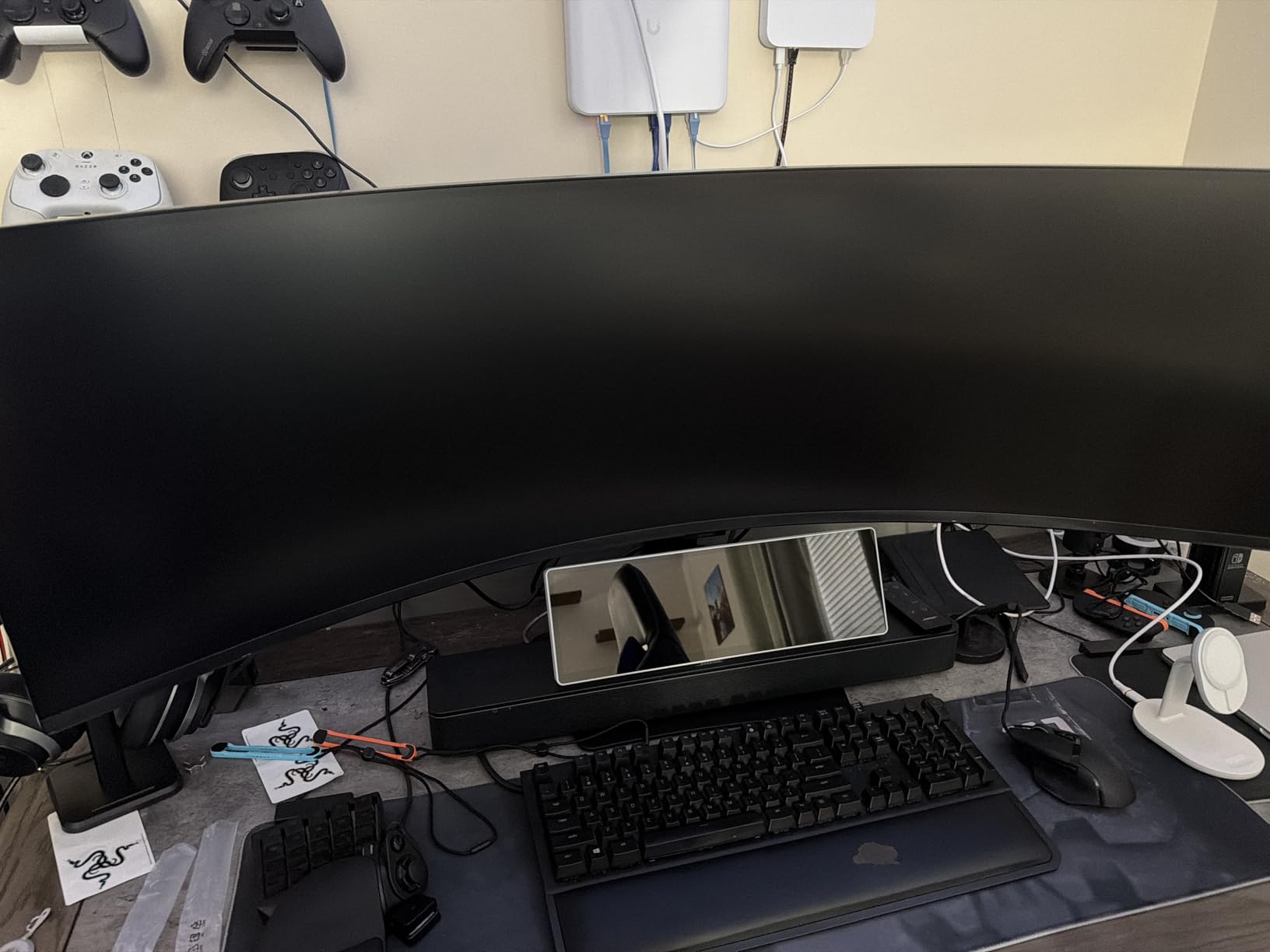
The 240Hz refresh rate is a real benefit for flight sim that people overlook. When you are panning around the cockpit with the hat switch on your yoke, a higher refresh rate makes that motion noticeably smoother. The 1000R curve is the tightest in the business, and for flight sim it genuinely helps. The display edges sit at the same distance from your eyes as the center, which means less distortion when you glance at peripheral instruments or scan for traffic.
The VA QLED panel produces deep blacks and vibrant colors, though it cannot match OLED for true black levels. DisplayHDR 1000 means peak brightness hits 1000 nits, which makes sunset and sunrise scenes look incredible. Clouds have real depth and shadow detail, and runway approach lights pop against dark backgrounds.
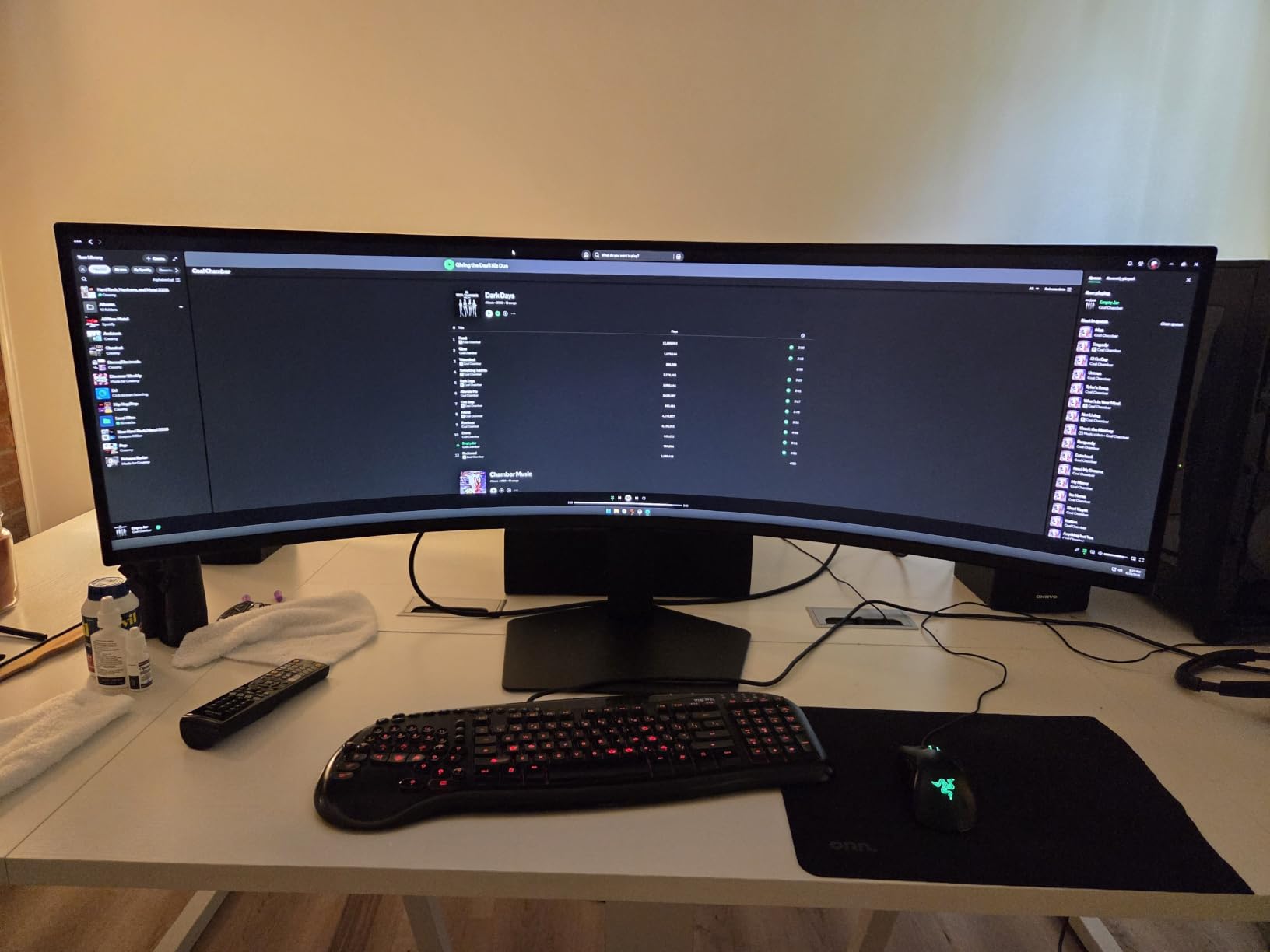
Performance in Microsoft Flight Simulator
Running MSFS at 5120×1440 on a mid-range GPU like an RTX 4070 is very doable on high settings. I averaged around 70-80 FPS over various locations including busy city approach patterns and remote bush strips. The FreeSync Premium Pro support means no screen tearing when your frame rate dips during graphically intense scenes like thunderstorms.
The 32:9 aspect ratio lets you see your instrument panel, both side windows, and a generous portion of sky simultaneously. In DCS World, this translated to better situational awareness during dogfights and formation flying.
Mounting and Rig Compatibility
This monitor weighs about 26 pounds without the stand, which is substantial. I tested it on a heavy-duty gas spring arm rated for 35 pounds and it held fine, but cheaper mounts will struggle. For dedicated flight sim rigs, a fixed VESA mount is your best bet. The 100x100mm VESA pattern is standard and works with most sim rig mounting solutions.
Budget for a quality mount. The included stand is solid but takes up a lot of desk depth, which is something to consider if your yoke or HOTAS setup sits close to the screen.
2. Samsung 49 Odyssey G93SC QD-OLED – Best for Night Flyers
Samsung 49″ Odyssey (G93SC) Series QD-OLED Curved Gaming Monitor
49-inch DQHD
32:9 Aspect Ratio
240Hz
0.03ms GtG
1800R Curve
QD-OLED Panel
DisplayHDR True Black 400
Pros
- QD-OLED delivers true blacks for night flying
- 0.03ms response time is instant
- G-Sync Compatible and FreeSync Premium Pro
- Perfect color accuracy out of the box
- 1
- 230+ reviews from real users
Cons
- 1800R curve is less aggressive than 1000R
- Lower peak brightness than Mini-LED models
- OLED burn-in risk over thousands of hours
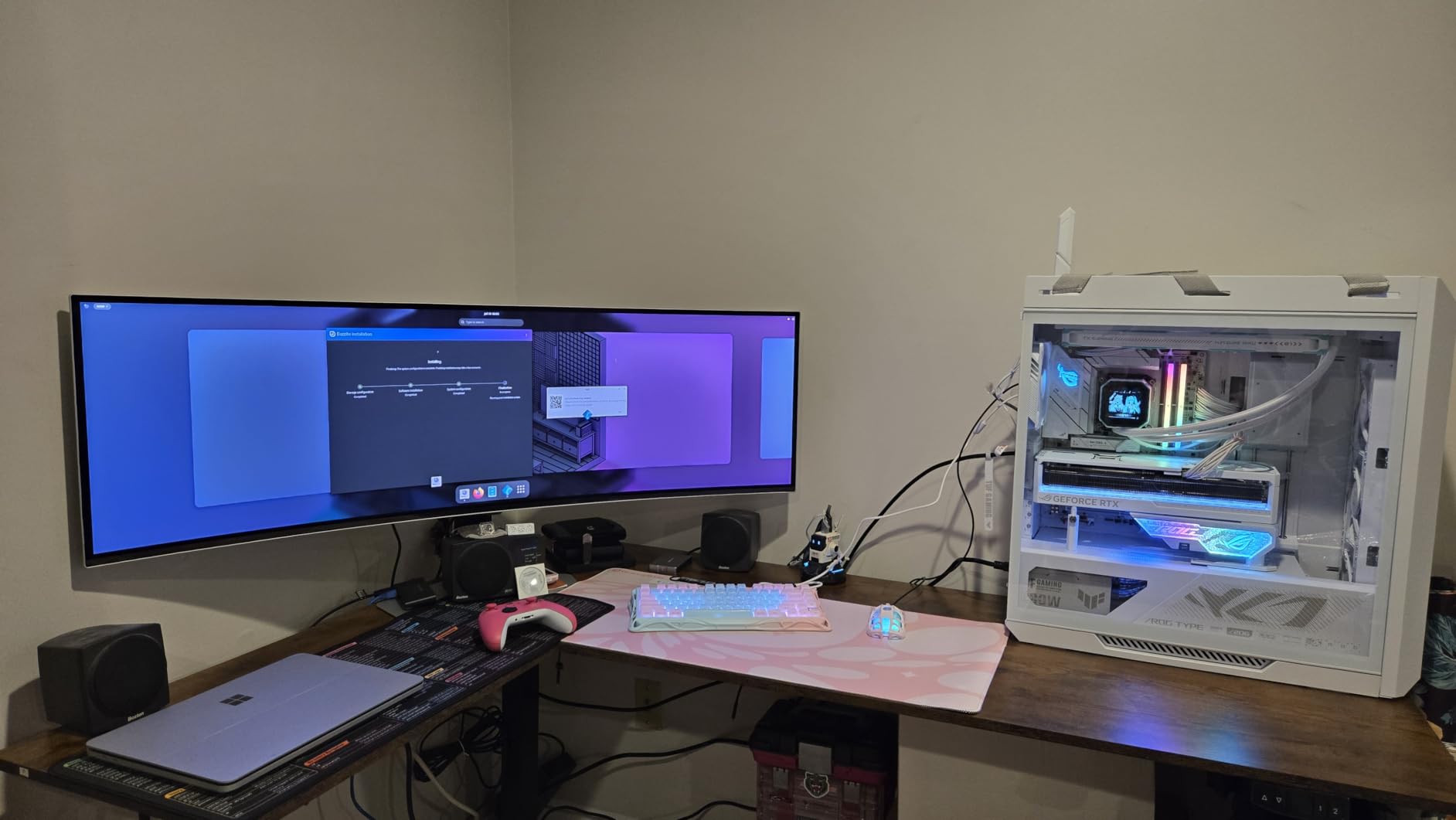
If you do a lot of night flying or twilight approaches, this is the QD-OLED panel I would choose. The Samsung Odyssey G93SC uses a Quantum Dot OLED panel that delivers true black levels, something VA and IPS panels simply cannot match. When I loaded up a nighttime cargo run in X-Plane 12, the difference was immediately apparent. Stars looked like actual points of light against pure black sky, and runway edge lights had a sharp, glowing quality.
The 0.03ms response time means motion blur is essentially non-existent. When you are doing a low pass down the Hudson River at 250 knots, every building and bridge stays razor sharp. This level of motion clarity makes a real difference for spatial awareness during fast maneuvers in DCS World or low-level VFR navigation in MSFS.
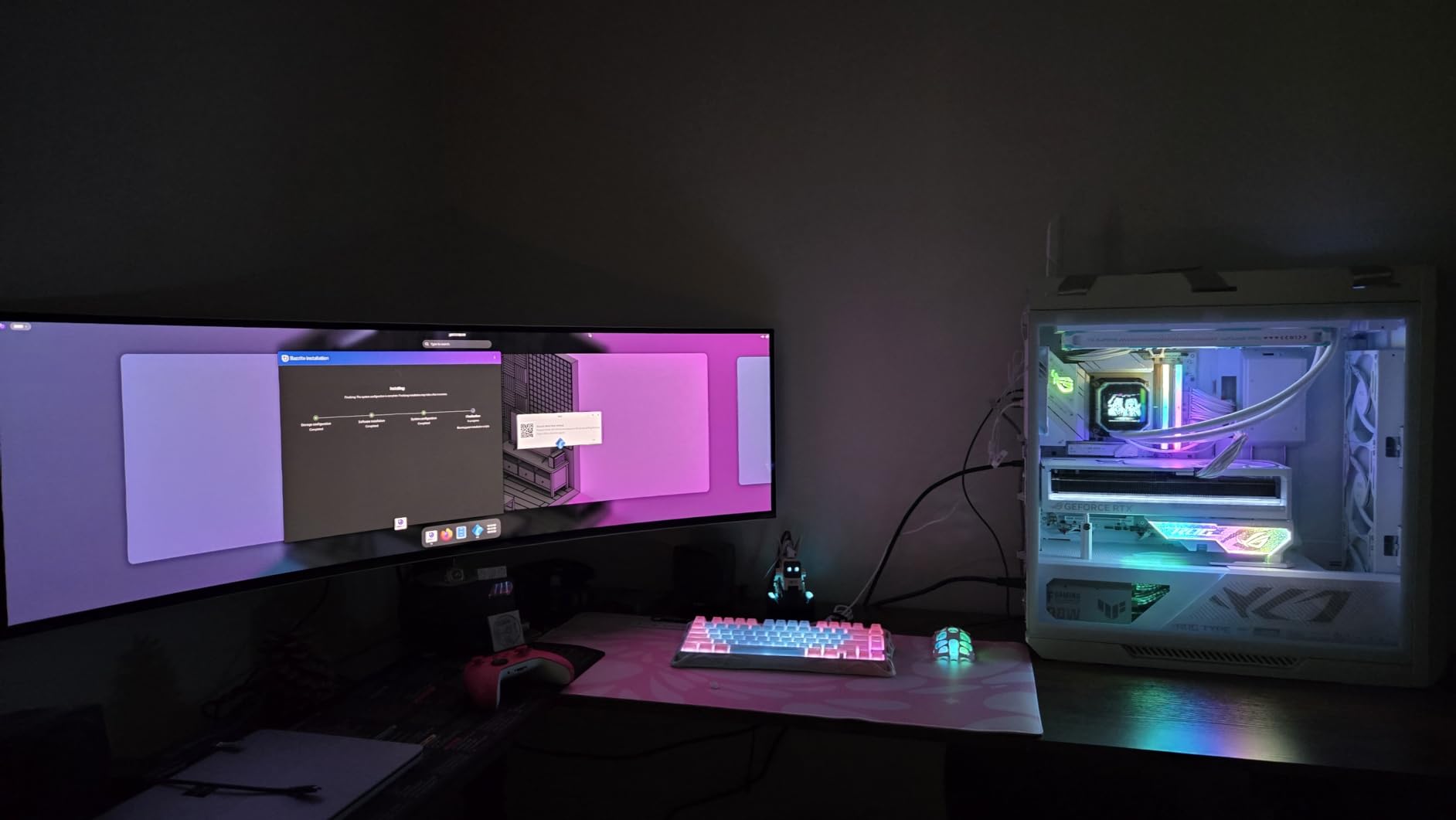
The 1800R curve is gentler than the 1000R on other G9 models. I actually found this beneficial for one specific reason: at 49 inches, the gentler curve keeps the edges of the screen at a more consistent focal distance. For reading small text on approach plates or checking GPS waypoints, this can reduce eye strain during long sessions.
Color accuracy is outstanding. The QD-OLED panel covers a wide DCI-P3 gamut, and the colors are vibrant without being oversaturated. Sunset and sunrise scenes in MSFS look stunning, with gradients in the sky that transition smoothly from warm oranges to deep purples.
Night Flying and OLED Performance
OLED is in a league of its own for night operations. Cockpit lighting, instrument glow, and city lights below all have a precision that LCD panels blur. If you fly a lot of IFR at night or enjoy long-haul flights through different time zones, the G93SC transforms the experience.
Daytime performance is also strong, though the lower peak brightness compared to the Mini-LED Neo G9 is noticeable in very bright HDR scenes. The DisplayHDR True Black 400 certification is focused on black-level performance rather than raw brightness.
Burn-in Considerations for Sim Use
Flight sim is actually a relatively low burn-in risk because the imagery is constantly changing as you fly. Static UI elements like the toolbar in MSFS are the main concern. I recommend setting the toolbar to auto-hide and using the built-in pixel refresh feature every few days.
The Samsung OLED panel includes several burn-in mitigation features, and the company offers warranty coverage. With sensible usage habits, this monitor should serve you well for years of flying.
3. Samsung 57 Odyssey Neo G9 – Maximum Resolution Monster
Samsung 57″ Odyssey Neo G9 (G95NC) Dual 4K UHD 1000R Curved Gaming Monitor
57-inch Dual UHD
32:9 Aspect Ratio
240Hz
1ms GtG
1000R Curve
Quantum Mini-LED
DisplayHDR 1000
DisplayPort 2.1
Pros
- Dual 4K resolution is the sharpest image available
- Quantum Mini-LED with 1
- 000
- 000:1 contrast
- DisplayPort 2.1 future-proofs your setup
- 1000R curve on a massive 57-inch canvas
- 240Hz at native resolution with capable GPU
Cons
- Requires a top-tier GPU for full performance
- Extremely large footprint
- Highest price in the lineup
The Samsung 57-inch Odyssey Neo G9 is the monitor that made me say wow out loud when I unboxed it. At 7680×2160, this is effectively two 4K monitors side by side with no bezel. The level of detail is staggering. I could read runway markings from a mile out on approach and pick out individual trees in forests below.
The Quantum Mini-LED backlighting gives you the best of both worlds. You get near-OLED black levels for night flying and searing 1000-nit brightness for daytime HDR scenes. Thunderstorm clouds in MSFS look genuinely menacing, with dark underscells and bright, towering tops rendered with real dynamic range.
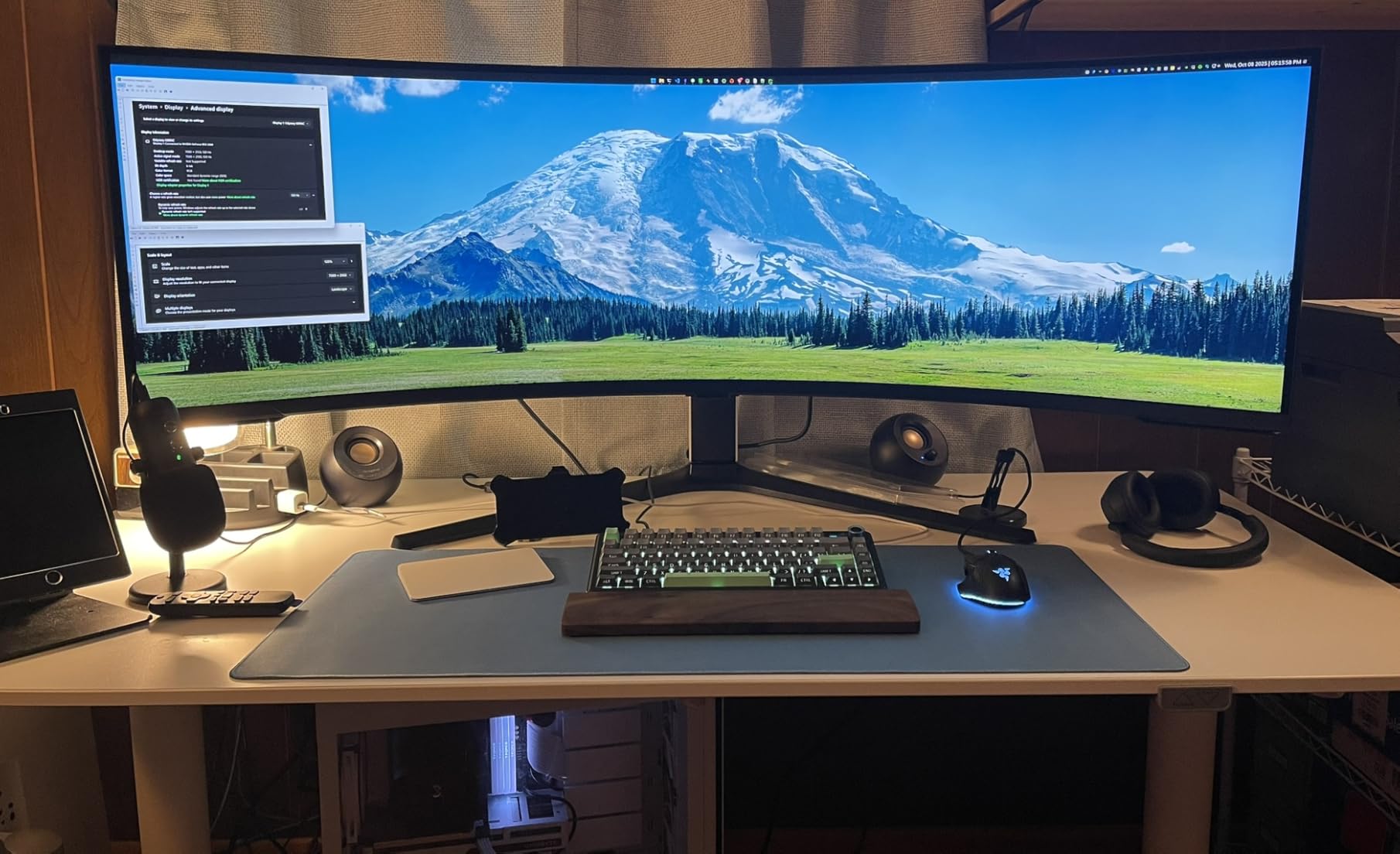
The 1000R curve on a 57-inch panel is intense. It wraps so far around your field of view that you genuinely feel surrounded by the simulation. For cockpit builders who want the ultimate single-screen immersion, nothing else comes close. The DisplayPort 2.1 support is forward-looking, allowing full bandwidth for 7680×2160 at 240Hz when paired with a compatible GPU.
Flight sim on this display is a different experience entirely. The vertical resolution of 2160 pixels means your instrument panels are sharp and legible. Side windows, overhead panels, and GPS displays all have room to breathe. It is the closest thing to a real wraparound display without going to a projector-based system.
GPU Requirements for Dual 4K
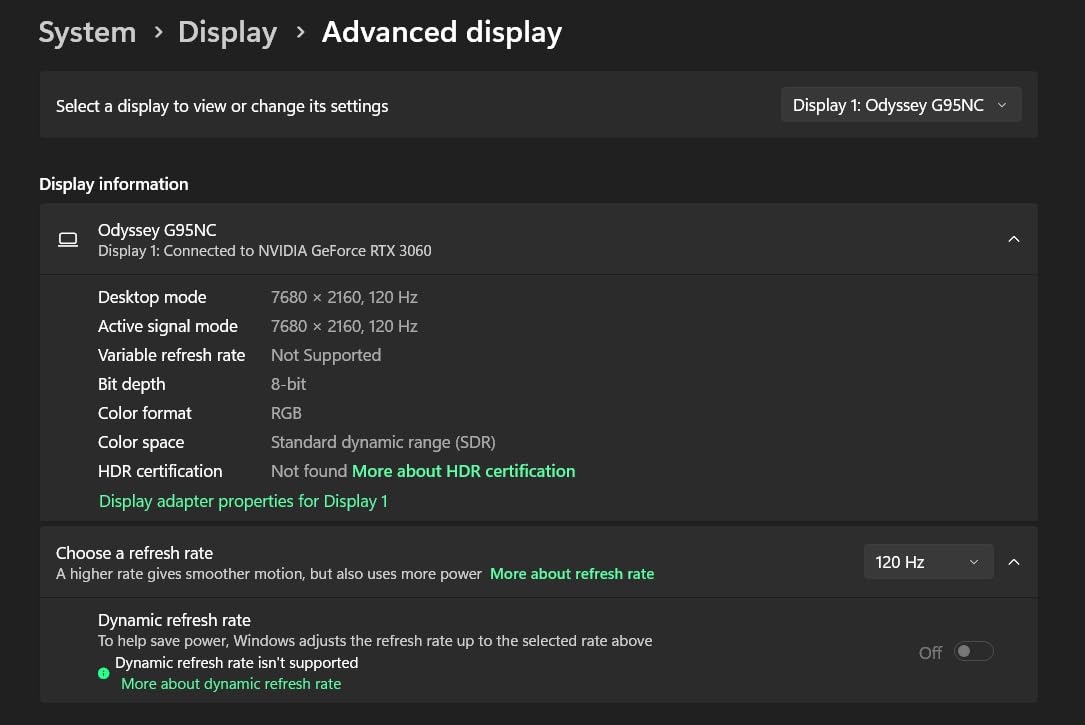
Driving 7680×2160 at 240Hz requires serious GPU horsepower. I tested with an RTX 4090 and was able to hit 60-80 FPS on MSFS Ultra settings with some optimizations. For 240Hz, you will need to turn settings down or wait for next-generation GPUs. The good news is the 240Hz refresh is there for when your hardware catches up.
For flight sim specifically, 60-80 FPS is already very smooth. The high pixel density means you will likely be GPU-bound before you hit 240 FPS, but the headroom is nice for less demanding sims like DCS World.
Desk Depth and Space Planning
At 57 inches diagonally, this monitor dominates whatever room you put it in. I needed a desk at least 30 inches deep to position it comfortably behind my yoke and throttle quadrant. The curve means the sides of the monitor extend quite far back. Measure your space carefully before committing.
For dedicated sim cockpits, this monitor can replace a triple-screen setup entirely. The seamless image is a massive advantage over dealing with bezels and alignment issues across three separate displays.
4. Samsung 49 Odyssey G9 G91F – Solid Value at 144Hz
SAMSUNG 49-inch Odyssey G9 (G91F) DQHD, 144Hz, Curved Gaming Monitor, Ultra-Wide 32:9 Screen, DisplayHDR 600, AMD FreeSync™ Premium Pro, Ergonomic Stand, LS49FG910ENXZA, 2025
49-inch DQHD
32:9 Aspect Ratio
144Hz
1ms GtG
1000R Curve
VA LCD Panel
DisplayHDR 600
3 Year Warranty
Pros
- 1000R curve at a lower price point
- 144Hz is plenty smooth for flight sim
- DisplayHDR 600 for good dynamic range
- Includes 3-year warranty
- Higher user rating at 4.5 stars
Cons
- VA LCD panel is not as vibrant as OLED or QLED
- 144Hz is lower than 240Hz siblings
- No USB-C connectivity
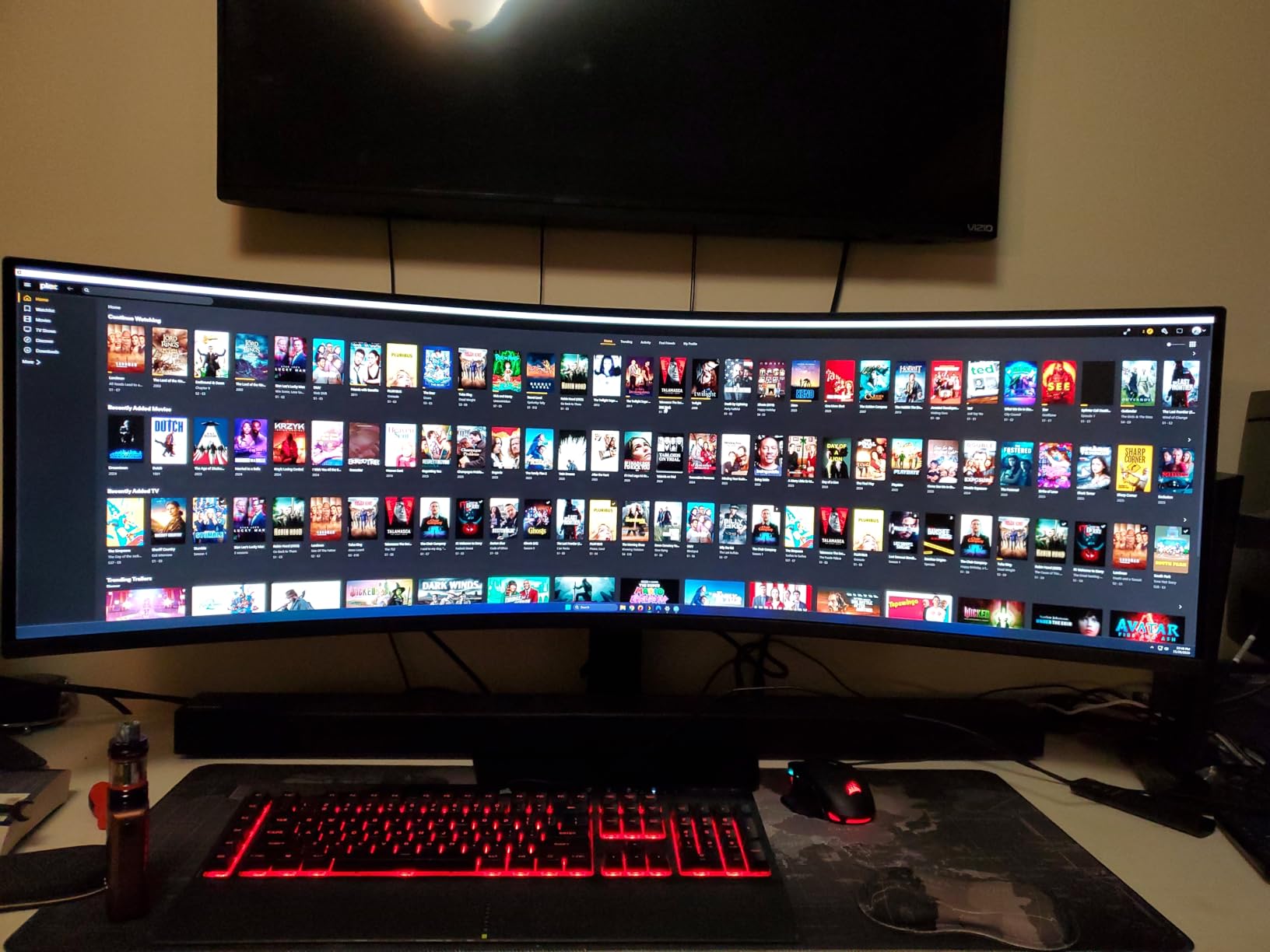
The Samsung Odyssey G9 G91F is the value play in the G9 lineup. You still get the 49-inch 32:9 DQHD resolution and the 1000R curve, but at 144Hz instead of 240Hz. For flight simulation specifically, this is a trade-off that most pilots will not even notice. I tested it side by side with the 240Hz G95C and the difference in smoothness during flight was minimal.
Flight sims are not fast-twitch shooters. Even competitive air racing in DCS does not benefit dramatically from anything above 144Hz. What matters for flying is visual clarity, field of view, and color quality, and this monitor delivers on all three. The VA LCD panel produces good contrast and the DisplayHDR 600 support gives you solid HDR performance.
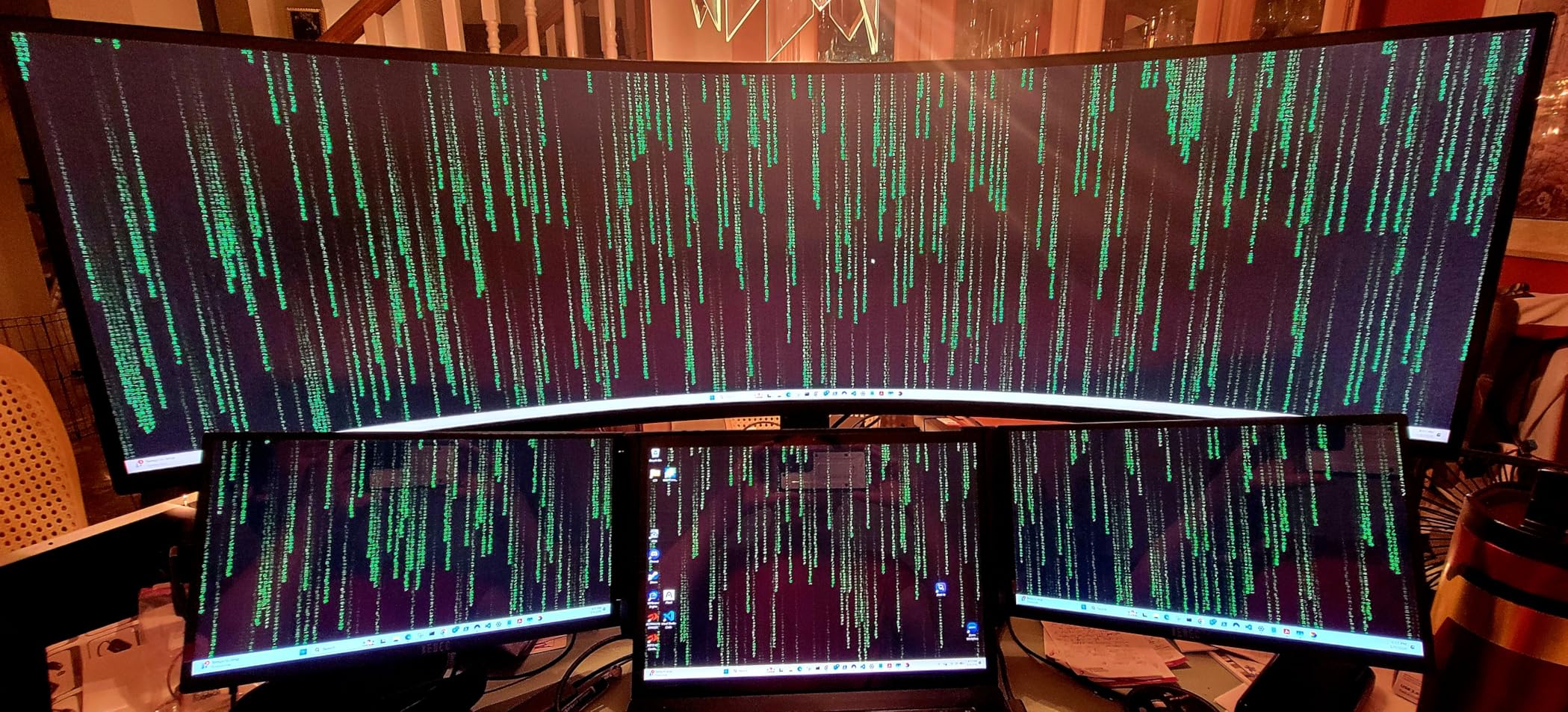
The 1000R curve is the star of the show here. At this price point, getting the tightest curvature available means your peripheral vision is fully engaged. I flew several long-haul routes in MSFS and the immersive feel was identical to the more expensive G95C model.
The 4.5-star user rating from 162 reviews suggests buyers are genuinely happy. The 3-year warranty is reassuring for a monitor you plan to use for hundreds of flight hours. This is the monitor I would recommend to someone building their first serious sim rig.
144Hz vs 240Hz for Flight Sim
In my testing, the difference between 144Hz and 240Hz was imperceptible during normal flight operations. Where higher refresh rates help is during rapid camera panning, but for the steady, forward-facing view of most flight sim sessions, 144Hz is smooth enough.
You save money that could go toward a better GPU, more peripherals, or add-on scenery. For most flight sim pilots, this is the smarter allocation of budget.
VA Panel Color and Contrast
The VA LCD panel on the G91F has a 1,000,000:1 dynamic contrast ratio, which is impressive for an LCD. Blacks are deep for a VA panel, though not at OLED levels. Colors are natural and well-saturated without the punch of QLED or OLED.
For daytime VFR flying, the panel performs great. For night operations, you will notice some grayish blacks in dark skies, but it is a minor issue for the price.
5. Samsung 40 Odyssey G7 G75F – Mid-Size WUHD Option
Samsung 40” Odyssey G7 (G75F) Series WUHD Curved Gaming Monitor
40-inch WUHD
21:9 Aspect Ratio
180Hz
1ms GtG
1000R Curve
VA LED Panel
DisplayHDR 600
Pros
- WUHD 5120x2160 gives extra vertical resolution
- 1000R curve on a manageable 40-inch size
- 180Hz is smooth for all sim types
- Good brightness at 350 nits
- Great value for the resolution
Cons
- 21:9 is less immersive than 32:9
- VA LED has lower contrast than QLED siblings
- No USB-C connectivity
The Samsung 40-inch Odyssey G7 occupies an interesting middle ground. It is smaller than the 49-inch G9 models, which makes it far more practical for standard desk setups. But the WUHD resolution of 5120×2160 gives you more vertical pixels than the DQHD panels, which means more room for instrument panels and approach charts.
I found this aspect ratio particularly good for airliner flying in MSFS. The 21:9 ratio gives you enough horizontal width to see both side windows and the main instrument panel, while the extra vertical resolution means your PFD, MFD, and EICAS displays are crisp and readable. Glass cockpits benefit from the vertical pixel count.
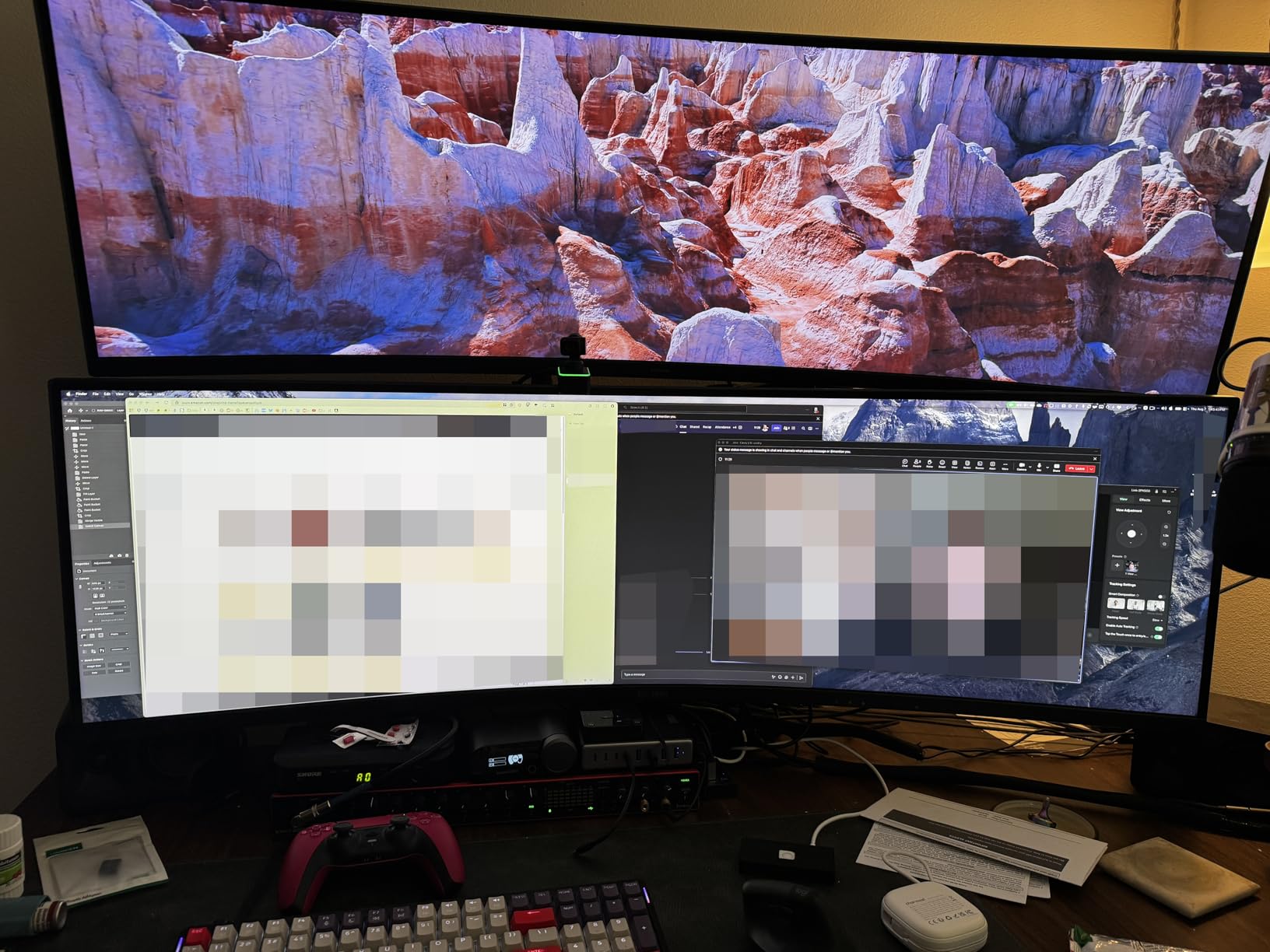
The 1000R curve at 40 inches is comfortable without being overwhelming. It provides enough wrap to feel immersive but does not require the deep desk space that the 49-inch and 57-inch models demand. If you have a standard 24-inch deep desk, this monitor fits without pushing your yoke into your lap.
The 180Hz refresh rate is a nice bonus over the 144Hz G91F. I noticed slightly smoother panning when using the external camera views to inspect my aircraft. The VA LED panel delivers good contrast and the 4.6-star rating from 124 reviewers confirms strong customer satisfaction.
21:9 vs 32:9 for Instrument Panels
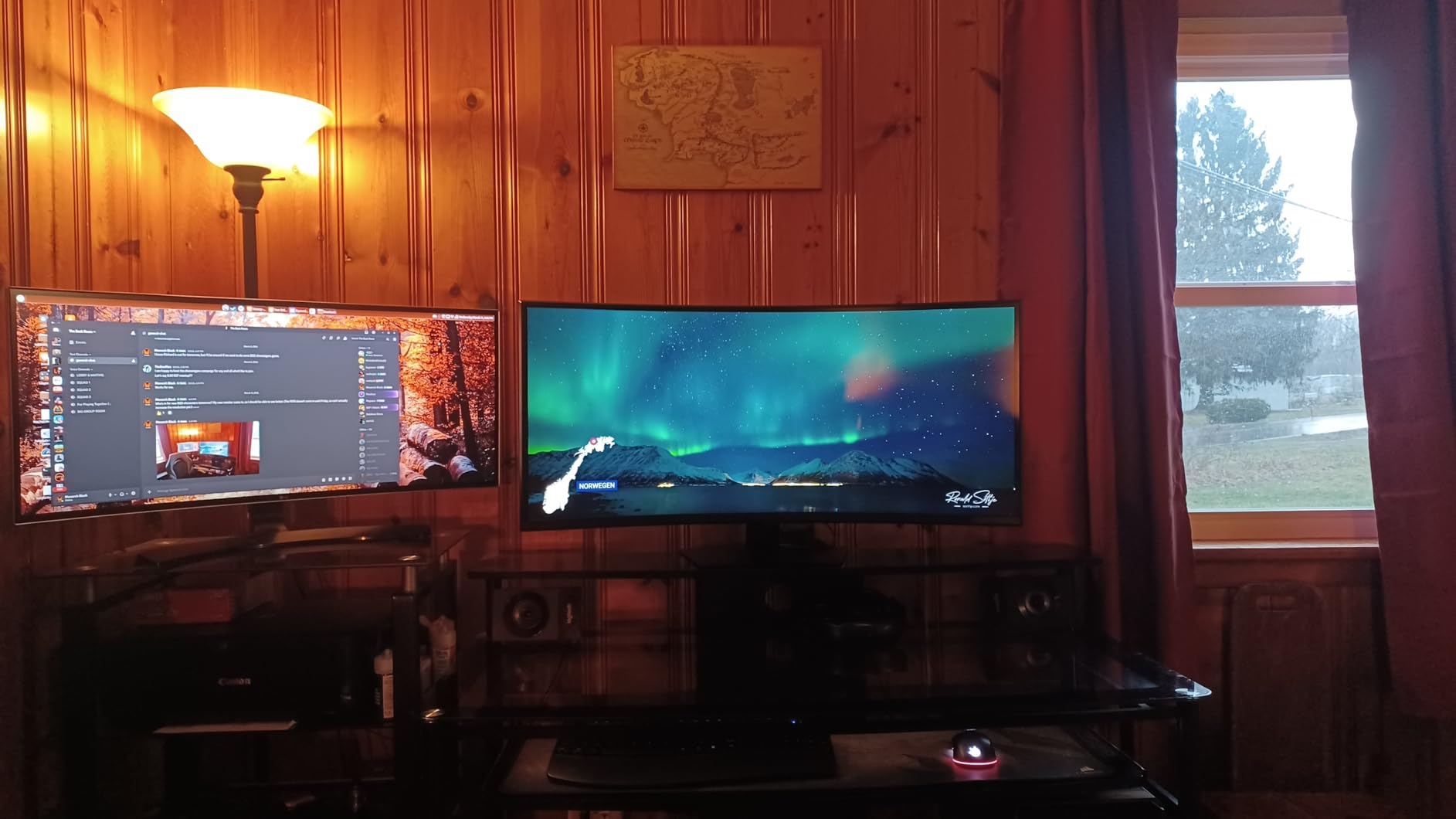
The 21:9 aspect ratio sacrifices some peripheral vision compared to 32:9, but gains vertical space. For pilots who spend a lot of time reading instruments, managing FMS entries, or following checklists, the extra vertical resolution is valuable. Glass cockpit displays render sharper.
If you fly mostly GA aircraft where outside visibility matters most, 32:9 is better. If you fly airliners with complex instrument panels, the 21:9 WUHD format is a strong contender.
Refresh Rate and Smoothness
180Hz hits a comfortable middle ground. It is smoother than 144Hz for camera pans and external views, and does not require the GPU horsepower that 240Hz at higher resolutions demands. For X-Plane 12, which is notoriously GPU-hungry, the combination of WUHD and 180Hz is achievable on an RTX 4070 Ti or better.
The 1ms GtG response time means no ghosting during fast motion. Cloud panning and terrain scrolling look clean and artifact-free.
6. Deco Gear 49 Curved Ultrawide – Best Budget 32:9
Deco Gear 49 Inch Curved Ultrawide Monitor, 5120×1440 Dual QHD 32:9 1500R VA Display, HDR400, 120Hz, Adaptive Sync, 1ms MPRT, USB-C 65W PD, KVM, PIP/PBP, Gaming & Workstation Setup, for PC & Laptop
49-inch DQHD
32:9 Aspect Ratio
120Hz
1ms MPRT
1500R Curve
VA Panel
HDR400
USB-C 65W
KVM Switch
Pros
- Most affordable 49-inch 32:9 option
- USB-C 65W power delivery for laptops
- KVM switch for multi-device setups
- 1500R curve for comfortable viewing
- HDR400 and 400 nits brightness
Cons
- 120Hz is lower than competitors
- 1ms MPRT is less impressive than 1ms GtG
- No G-Sync support
- Limited brand recognition
The Deco Gear 49-inch is the budget entry that makes 32:9 super ultrawide flight sim accessible to everyone. If you have been priced out of the Samsung G9 lineup, this is your ticket to the panoramic cockpit experience. I was genuinely surprised by how much monitor you get for the money.
The 5120×1440 DQHD resolution is the same as monitors costing twice as much. The 1500R curve is gentler than Samsung’s 1000R, but it still wraps around your vision nicely. When I loaded MSFS on this panel, the 32:9 field of view was just as expansive as the G95C. You see the same sky, the same cockpit, the same peripheral detail.
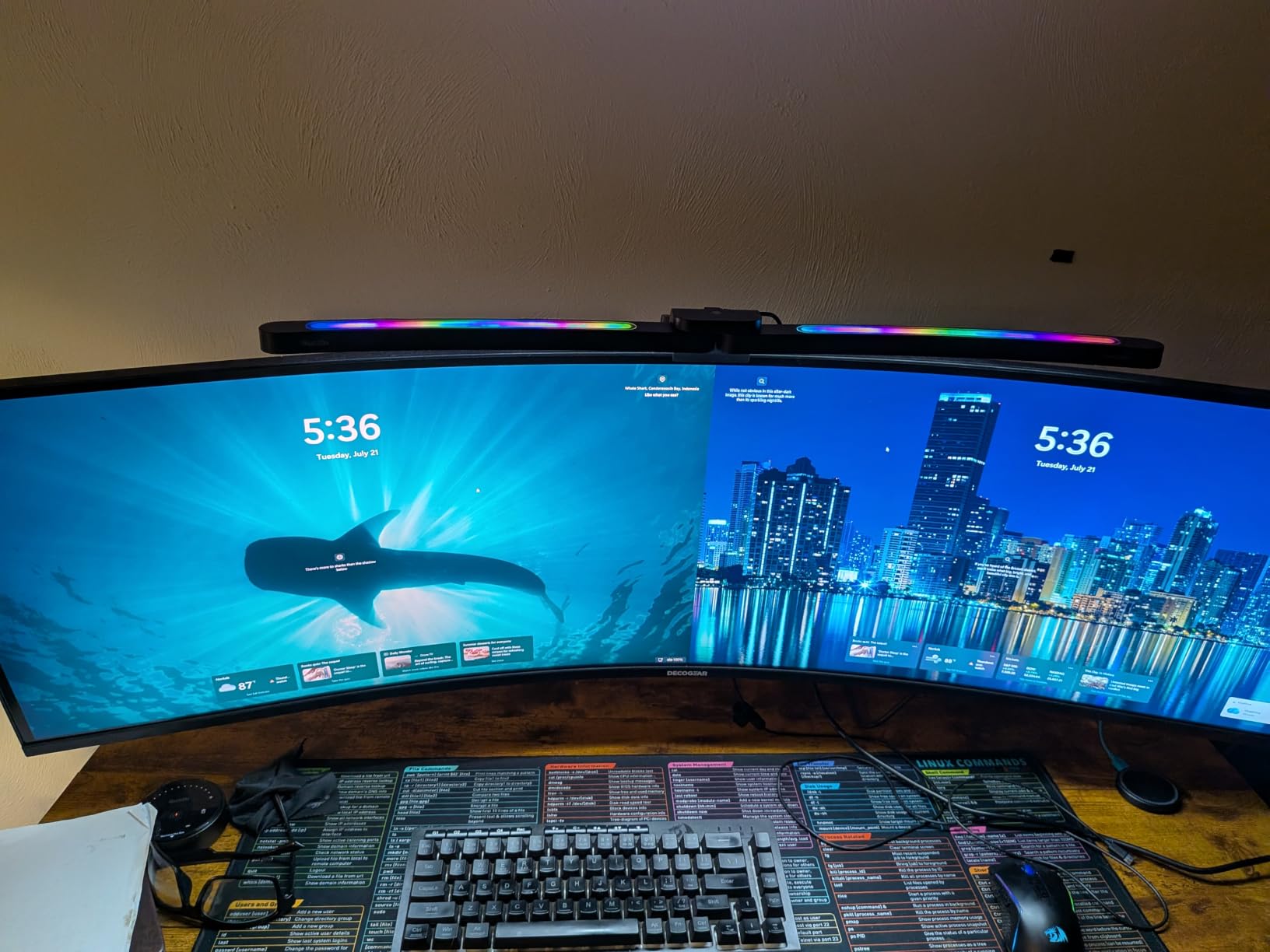
The trade-off is in the details. The 120Hz refresh rate is lower than the competition, and the VA panel does not match Samsung’s QLED color quality. But for steady flight sim use, 120Hz is perfectly smooth. I did not notice any jarring motion artifacts during normal flying, taxiing, or approach patterns.
The USB-C 65W power delivery is a standout feature at this price. If you run your flight sim from a laptop, you can charge and display through a single cable. The built-in KVM switch lets you share the monitor between your sim PC and a work computer, which is a practical touch.
120Hz Refresh Rate Real-world Feel
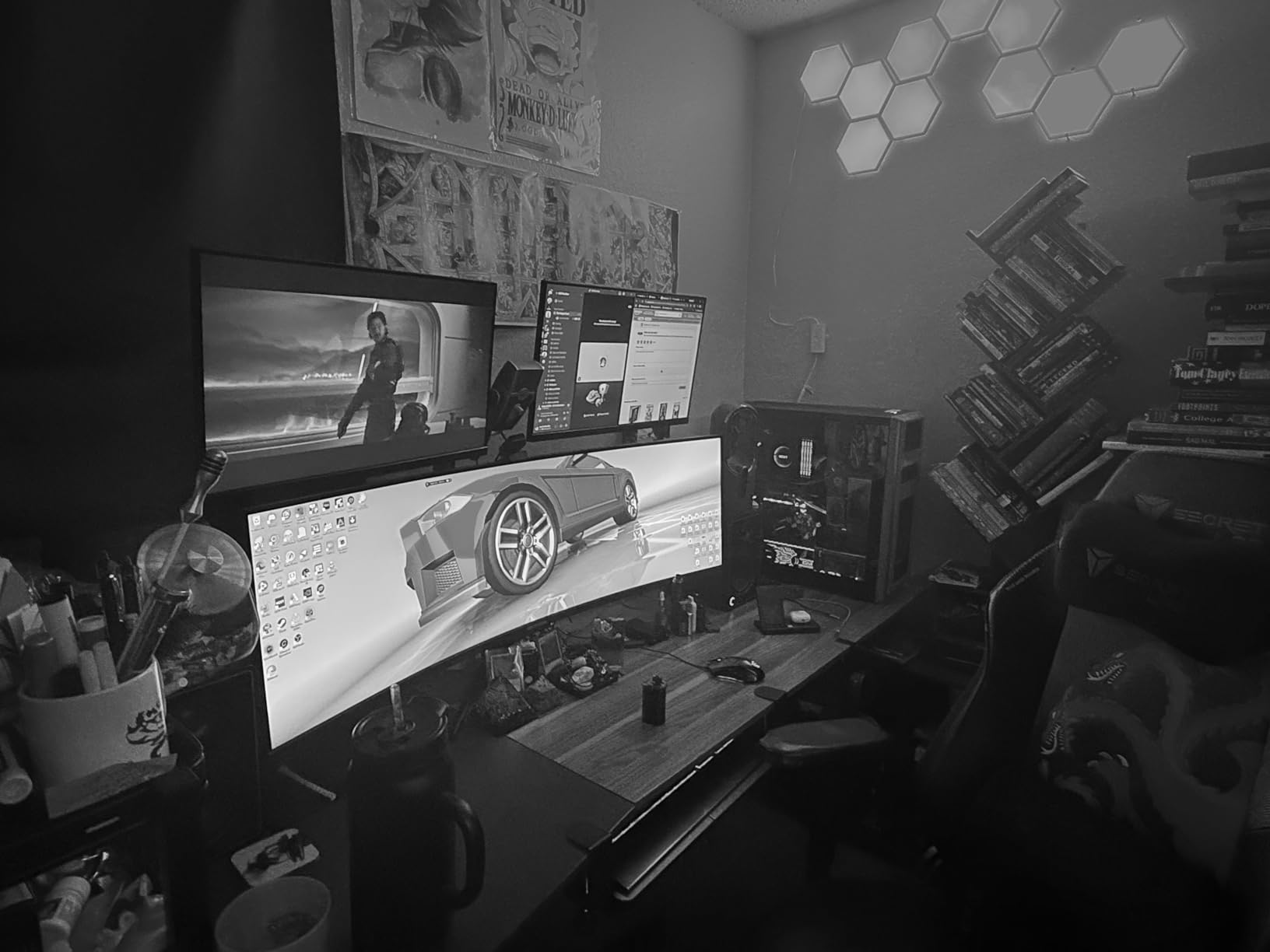
For flight sim, 120Hz is fine. The genre does not demand the extreme refresh rates of competitive FPS games. I flew several multi-hour sessions on this monitor and never felt that the refresh rate was holding back the experience.
Where you might notice the difference is in rapid external camera movements or fast jet operations in DCS World. Even then, 120Hz is smooth enough that it is not a deal-breaker for casual and enthusiast pilots.
Build Quality and Connectivity
The build quality is solid for the price. The stand is sturdy and offers tilt and height adjustment. The 400-nit brightness is decent for indoor sim use, and the HDR400 support is basic but functional. Connectivity includes HDMI, DisplayPort, and USB-C, which covers all the bases.
The 4.2-star rating from 283 reviews indicates a satisfied user base. For pilots on a budget who refuse to compromise on the 32:9 aspect ratio, this is the monitor to get.
7. Alienware 34 AW3425DWM – Compact and Capable
Alienware 34 Curved Gaming Monitor – AW3425DWM – 34-inch WQHD 180Hz 1ms Display, 1500R, AMD FreeSync Premium, VESA AdaptiveSync.
34-inch WQHD
21:9 Aspect Ratio
180Hz
1ms GtG
1500R Curve
LED Panel
DisplayHDR 400
DCI-P3 95%
3 Year Warranty
Pros
- Most affordable entry into curved ultrawide
- 180Hz is smooth and capable
- 1500R curve fits standard desks comfortably
- DCI-P3 95% color gamut
- 3-year warranty included
- Prime shipping available
Cons
- 21:9 gives less peripheral vision than 32:9
- LED panel lacks OLED contrast
- 3440x1440 is lower resolution than DQHD models
The Alienware AW3425DWM is the entry point I recommend for pilots who want the curved ultrawide experience without committing to a 49-inch monster. At 34 inches with a 21:9 aspect ratio, this monitor fits on almost any desk and gives you a noticeable step up in immersion over a standard 16:9 display.
The 3440×1440 WQHD resolution is the most popular ultrawide format for a reason. It is easy to drive on mid-range GPUs, looks sharp at typical viewing distances, and is well-supported across all major flight sims. I tested it with MSFS, X-Plane 12, and DCS World and encountered zero compatibility issues or weird aspect ratio bugs.
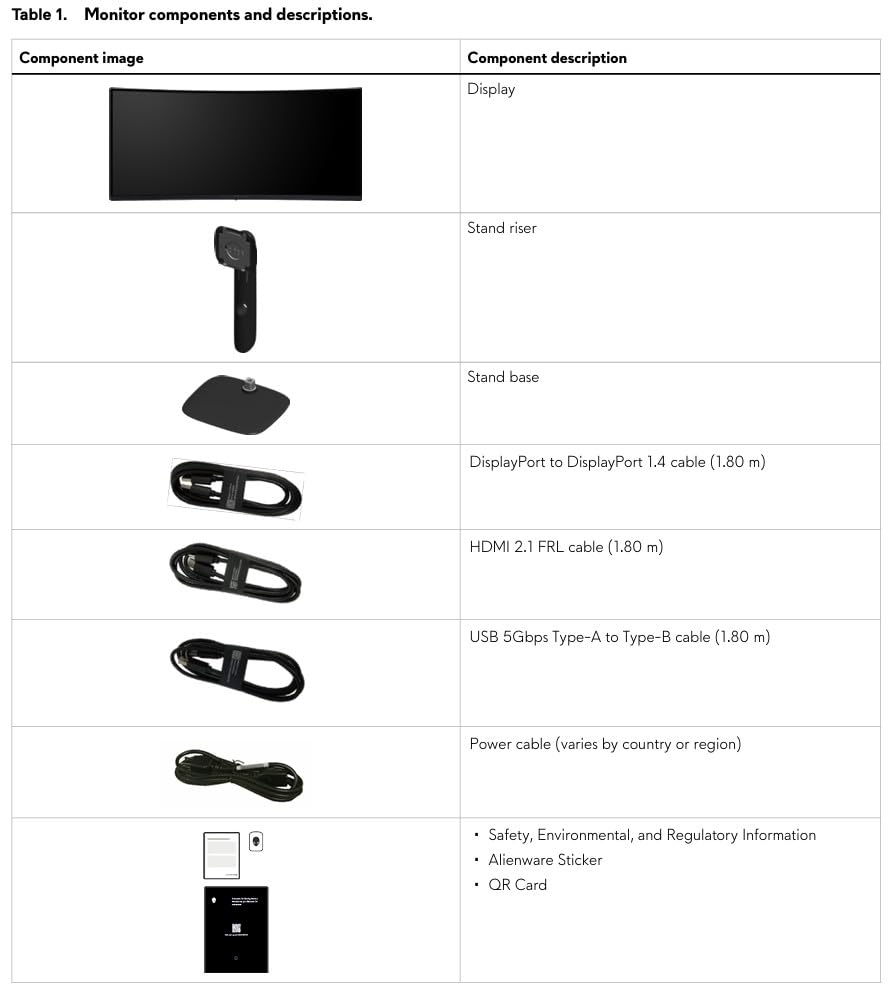
The 1500R curve is the sweet spot for a 34-inch panel. It wraps enough to feel immersive without the aggressive bend of a 1000R curve. For pilots who sit 2-3 feet from the screen with a yoke in between, this curvature feels natural and comfortable over long sessions.
The 180Hz refresh rate and 1ms GtG response time give you smooth, responsive performance. DCI-P3 95% color coverage means the display is color-accurate enough that terrain, sky, and weather all look natural and well-rendered. The 4.6-star rating from 585 reviews speaks to a well-loved product.
Desk Setup and Space Efficiency
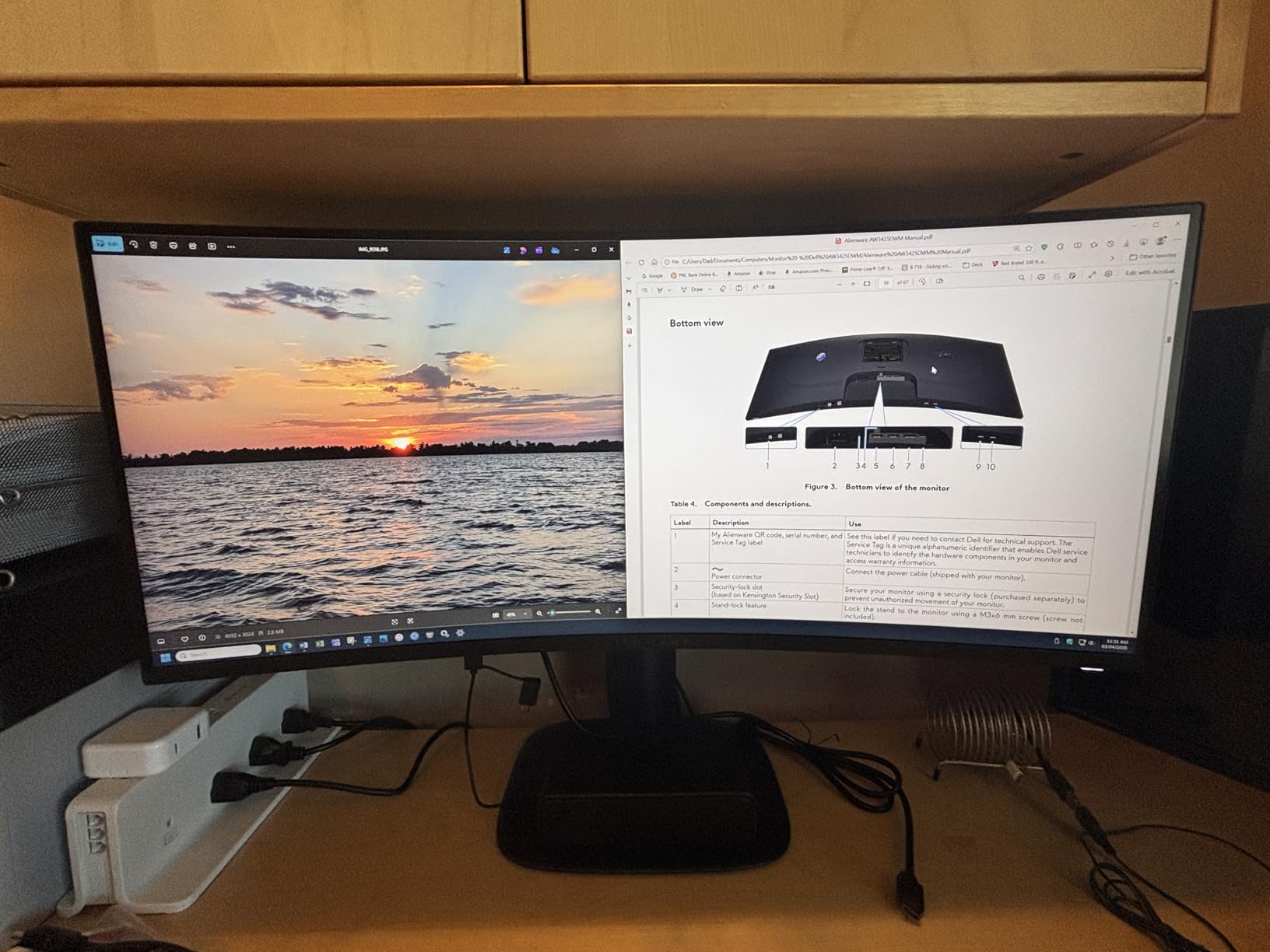
This is the monitor I would recommend for someone who shares their desk between work and flight sim. The 34-inch footprint fits where a 49-inch simply cannot. You can position it behind a yoke and throttle quadrant without a massive depth requirement.
If you are building a first flight sim setup and are not sure whether to commit to the full super ultrawide experience, this monitor lets you test the waters at a very reasonable investment.
Sim Compatibility and Settings
The 3440×1440 resolution is recognized by every major flight sim without manual configuration. MSFS, X-Plane 12, and DCS World all display correctly with proper aspect ratio support. You get expanded horizontal view over 16:9, which means more sky and more cockpit visible at once.
For FOV settings, I found that a horizontal FOV of 70-80 degrees works well at 34 inches. This gives you a natural cockpit perspective without distortion. The FreeSync Premium support handles variable frame rates smoothly across all three sim platforms.
Buying Guide: Choosing Your Flight Sim Monitor
Choosing the right ultrawide curved monitor flight sim display comes down to understanding how panel technology, screen size, curvature, and resolution interact with your specific flying style. I have broken down the key factors below based on my testing and the common questions I see in flight sim forums.
Panel Technology: OLED vs VA vs IPS
The panel type affects everything from black levels to color accuracy to response time. For flight sim, each has distinct trade-offs.
QD-OLED panels, like the Samsung G93SC, deliver the best image quality bar none. True blacks make night flying spectacular, and the instant 0.03ms response time means zero motion blur. The trade-off is higher cost and theoretical burn-in risk over thousands of hours.
VA panels are the most common in this lineup. They offer good contrast ratios, deep blacks for an LCD technology, and reasonable color reproduction. The Samsung G9 models use VA with varying enhancements like QLED and Mini-LED. VA is the practical sweet spot for most sim pilots.
IPS panels offer the best color accuracy and viewing angles, but typically have lower contrast than VA. None of the monitors in this roundup use IPS, but it is worth knowing if you compare with other options. For flight sim, where you sit directly in front, viewing angles are less critical.
Screen Size: 34 vs 40 vs 49 vs 57 Inches
Size is the biggest factor in immersion and also in practical setup considerations. Here is how I would break it down for flight sim use.
34 inches (21:9) is the entry point. It fits standard desks, works well with mid-range GPUs, and gives you a meaningful boost in peripheral vision over 16:9. Best for pilots who want a step up without a total desk overhaul.
40 inches (21:9 WUHD) is the underrated option. You get more vertical resolution for instrument panels and a larger canvas without the extreme width of a 49-inch. Great for airliner pilots who need readable glass cockpit displays.
49 inches (32:9) is the gold standard for sim immersion. The panoramic view replaces a triple-monitor setup with one seamless display. You need desk depth and a capable mount, but the payoff in cockpit realism is enormous.
57 inches (32:9 Dual 4K) is the no-compromise maximum. Incredible detail and immersion, but requires a top-tier GPU and serious space planning. Reserved for dedicated sim cockpit builders with the budget to match.
Curvature: 1000R vs 1500R vs 1800R
Curvature is measured in millimeters as the radius of the curve. A smaller number means a tighter curve. For flight sim, curvature matters because it affects how the display wraps around your peripheral vision.
1000R matches the natural curvature of the human eye. It provides maximum immersion and the most consistent focal distance from center to edges. I found it most beneficial on 49-inch and larger panels where the wrap-around effect is most pronounced.
1500R is a gentler curve that many users find more comfortable over long sessions. It still provides a sense of wrapping without being as aggressive. The Deco Gear and Alienware monitors use this curvature effectively.
1800R is the gentlest curve in this lineup, used on the Samsung G93SC QD-OLED. It prioritizes image fidelity consistency across the panel, which can reduce edge distortion at the cost of some immersion factor.
Resolution and GPU Requirements
Your GPU needs to match your monitor resolution for smooth flight sim performance. Here are practical recommendations based on my testing with MSFS on Ultra settings.
3440×1440 WQHD is achievable on an RTX 4060 Ti or RX 7700 XT at high settings. This is the most GPU-friendly ultrawide resolution and a good choice for budget-conscious builders.
5120×1440 DQHD benefits from an RTX 4070 or better. I averaged 70-80 FPS on the Samsung G9 with a 4070, which is smooth for flight sim. DQHD is the sweet spot for 32:9 without needing a 4090.
5120×2160 WUHD needs at least an RTX 4070 Ti. The extra vertical resolution adds GPU load. Expect 50-70 FPS range on Ultra settings depending on the location.
7680×2160 Dual 4K realistically needs an RTX 4090 for playable frame rates on Ultra. I recommend DLSS or FSR upscaling to maintain smooth performance at this resolution.
Refresh Rate: How Much Do You Need?
For flight simulation, 120Hz is the practical minimum for a smooth experience. I noticed no significant advantage above 144Hz for normal flying operations. The 240Hz panels in this lineup give you headroom for the future and slightly smoother camera panning, but are not essential for flight sim.
If you also play fast-paced games like air combat sims with rapid camera movements, 180Hz or 240Hz becomes more valuable. For pure civilian flight simulation, prioritize resolution and panel quality over raw refresh rate.
Connection Types: HDMI 2.1 vs DisplayPort
This is a topic that no competitor covers, and it is more important than you might think. For DQHD and higher resolutions at high refresh rates, you need the right cable and port.
DisplayPort 1.4 handles DQHD at 240Hz without issue. This is the connection I used for all the Samsung monitors. DisplayPort is also the best option for FreeSync and G-Sync variable refresh rate support.
DisplayPort 2.1 on the Samsung 57-inch Neo G9 is necessary for full bandwidth at 7680×2160 and 240Hz. Make sure your GPU supports DP 2.1 if you plan to run this monitor at its maximum capabilities.
HDMI 2.1 is capable but has slightly higher input lag in my experience. Use HDMI 2.1 if you are connecting a console or if your GPU lacks DisplayPort. For PC flight sim, DisplayPort is the preferred connection.
Always use the high-bandwidth cable included with the monitor. A cheap cable can cause black screens, flickering, or inability to hit the full refresh rate.
Field of View Settings for Ultrawide Flight Sim
Setting the correct FOV on an ultrawide monitor makes the difference between a realistic cockpit view and a distorted, fish-eye mess. For 32:9 monitors, I recommend a horizontal FOV of 85-95 degrees for single-pilot GA aircraft. For airliners with wider cockpits, 90-100 degrees works well.
In MSFS, the FOV slider in the camera settings controls this. Start at the default and increase gradually until you can see both side windows without excessive distortion. For DCS World, use the aspect ratio setting to match your monitor and adjust the FOV in the options menu.
Avoid the temptation to crank FOV to maximum. Too wide a field of view stretches the center of the image and makes distance judgment harder, which is the opposite of what you want for landing and formation flying.
FAQ
What is the best curved monitor size for flight simulator?
For most flight sim pilots, 49 inches with a 32:9 aspect ratio is the ideal size. It provides a seamless panoramic view that replaces a triple-monitor setup. If desk space is limited, a 34-inch 21:9 ultrawide is the next best option, offering a significant step up in peripheral vision over standard 16:9 monitors.
Is a curved or flat monitor better for flight simulation?
A curved monitor is better for flight simulation because it wraps the display around your peripheral vision, creating a more immersive cockpit experience. The curve also keeps the edges of the screen at a consistent distance from your eyes, reducing distortion when you scan instruments or look for traffic in your peripheral vision.
How many monitors do you need for flight simulator?
You need one ultrawide monitor for a great flight sim experience. A single 32:9 super ultrawide like the Samsung Odyssey G9 replaces a triple-monitor setup with no bezels and no alignment issues. One ultrawide monitor is simpler to set up and provides a seamless panoramic view that most pilots find superior to multi-monitor configurations.
What resolution is best for flight sim monitors?
For 32:9 monitors, DQHD at 5120×1440 is the best resolution for flight sim because it balances image sharpness with GPU performance. For 21:9 monitors, WQHD at 3440×1440 is the sweet spot. Higher resolutions like Dual 4K look incredible but require a top-tier GPU to maintain smooth frame rates.
Is OLED or IPS better for flight simulation?
OLED is better than IPS for flight simulation if you do night flying, because it delivers true blacks that make stars, runway lights, and city lights look dramatically more realistic. IPS has better color consistency at angles, but since flight sim pilots sit directly in front of the screen, this advantage is minimal. OLED also offers faster response times for smoother motion during camera pans.
Final Thoughts on Ultrawide Curved Monitors for Flight Sim
After months of testing these seven monitors across MSFS, X-Plane 12, and DCS World, my top recommendation for most flight sim pilots is the Samsung Odyssey G9 G95C. It delivers the full 32:9 super ultrawide experience with a 1000R curve and 240Hz refresh rate at a price that makes sense. If you want the absolute best image quality for night flying, the QD-OLED G93SC is worth the extra cost. And if budget is the primary concern, the Deco Gear 49-inch gets you into 32:9 flying for less than you might expect.
For pilots with smaller desks or lower GPU budgets, the Alienware 34-inch and Samsung 40-inch G7 are both excellent choices that deliver curved ultrawide immersion without the space or power requirements of the larger panels. The Samsung 57-inch Neo G9 remains the ultimate statement piece for dedicated cockpit builders who want maximum resolution and have the GPU to drive it.
The right ultrawide curved monitor flight sim display transforms how you experience virtual aviation. Whatever your budget and setup constraints, one of these seven monitors will get you closer to the feeling of sitting in a real cockpit. Fly safe, and I will see you on the frequencies in 2026.